MOD INFORMATION (EXCERPTS)

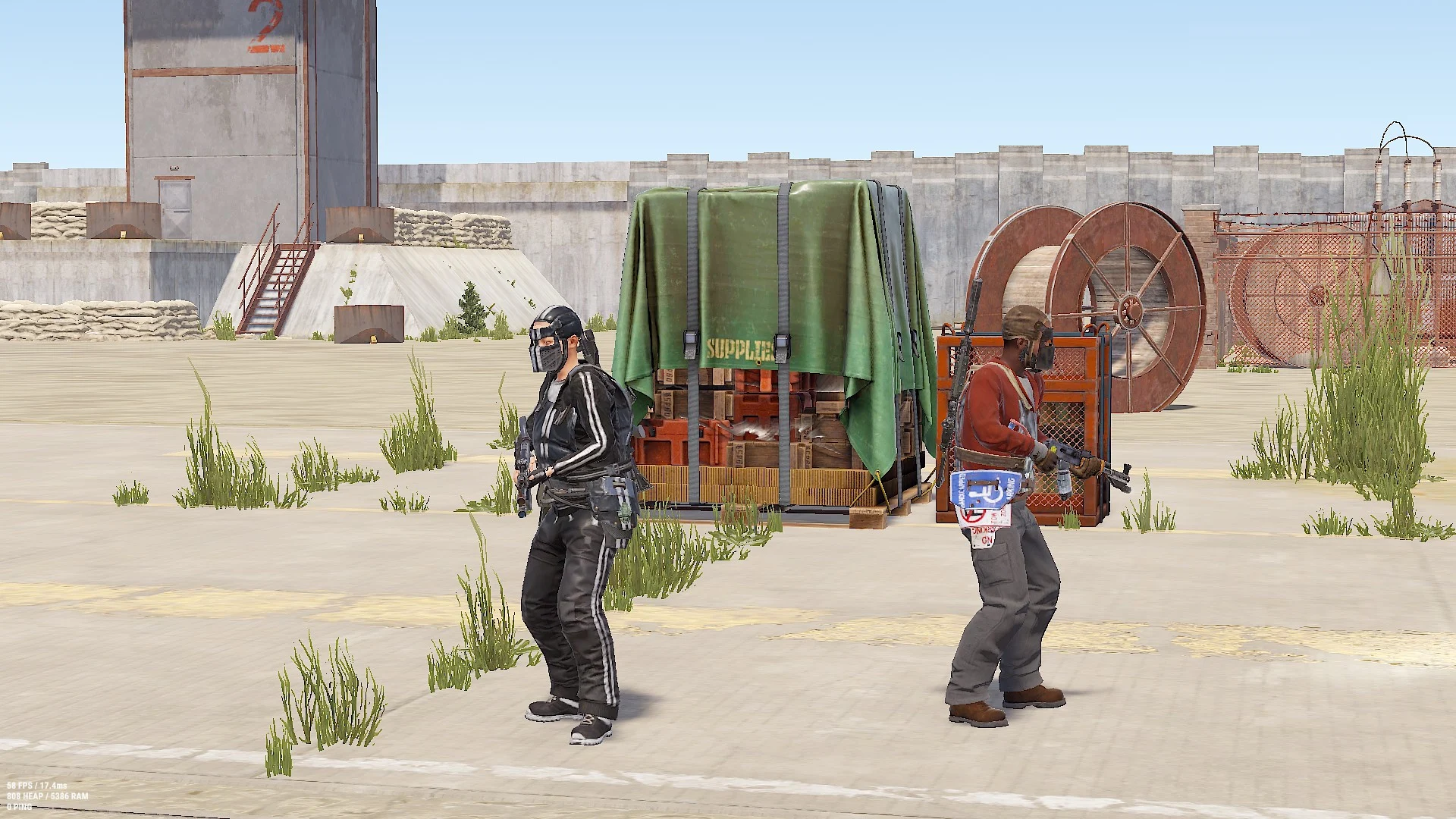
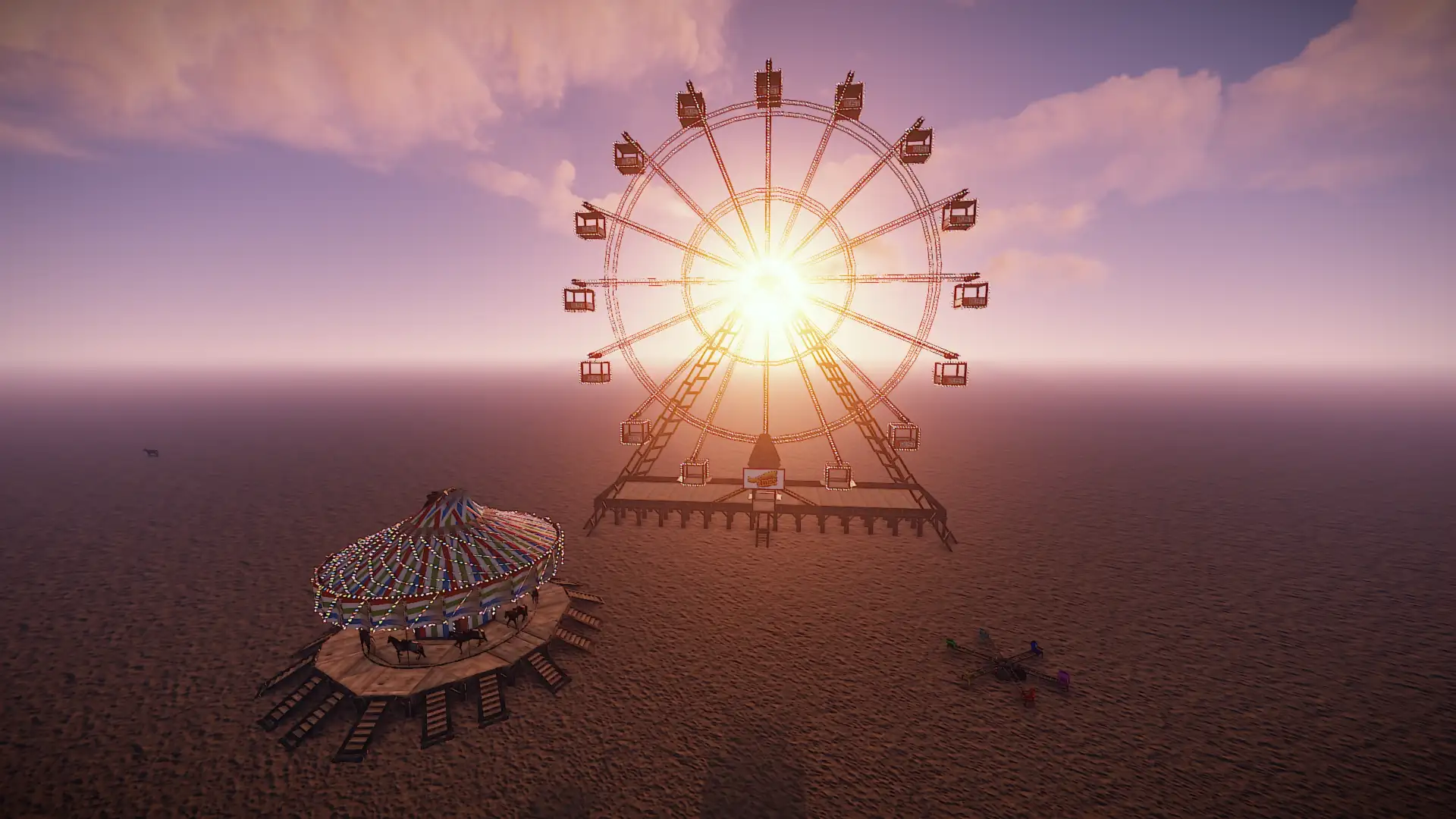
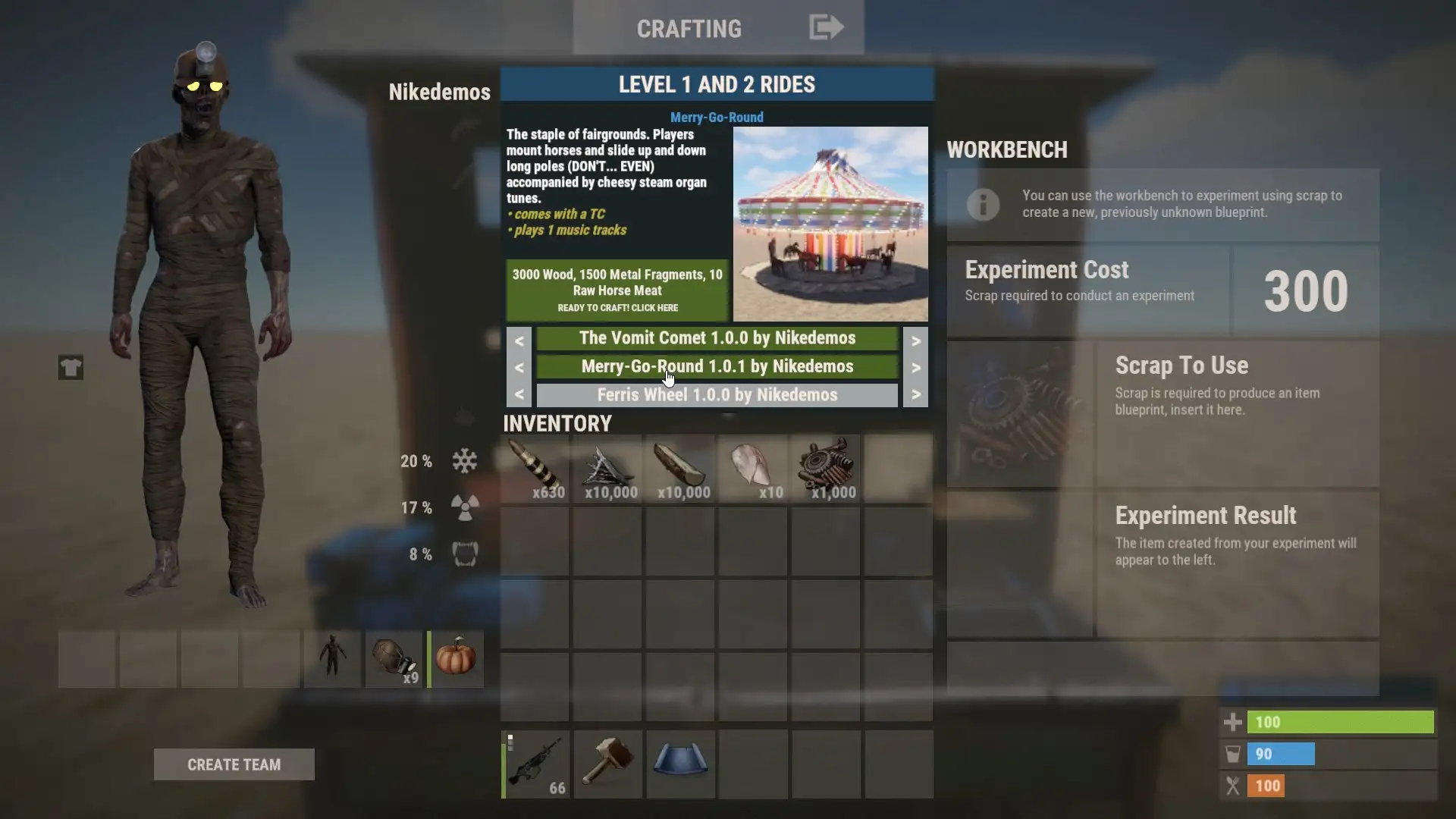
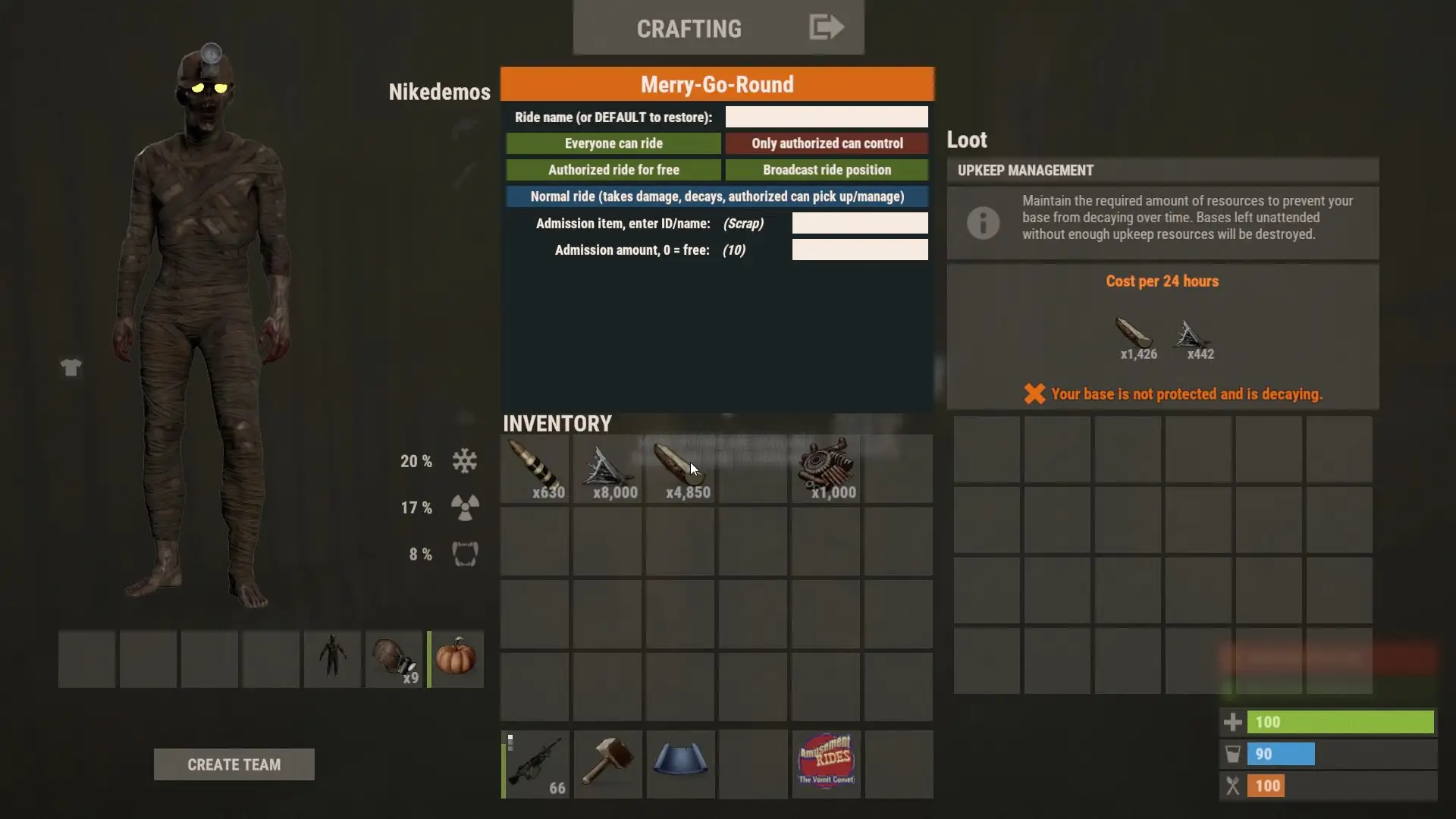
- Create Your Attractions: Craft, deploy, and maintain various carnival, fairground, and theme park rides in Rust.
- Fun for Everyone: Invite other players to enjoy the thrilling experience of your amusement rides.
- Charge for Pleasure: Earn wealth by setting a price for the ride experience.
- Musical Rides: Some amusement rides come with music, enhancing the immersive experience.
- Deadly Challenges: Encounter rides that pose a dangerous challenge, adding excitement and risk.
- Manual Operation: Operate certain rides manually, allowing for interactive gameplay.
- Tactical Advantage: Discover rides that provide strategic benefits in addition to entertainment.
- Early Access Content: Enjoy four attractions with more rides in development.
- Fun Physics: Experience entertaining physics interactions within the amusement rides.
The innovative "AutoDungCollector"
The innovative "AutoDungCollector" revolutionizes the way you deal with horse dung. This plugin has been specifically designed for horse enthusiasts and stable owners to simplify the laborious task of manually collecting horse manure.
Features of the AutoDungCollector:
- Automatic dung collection within a specific radius
- Utilizes state-of-the-art sensor technology and advanced algorithms
- Accurately detects the position and quantity of horse dung
- Powerful suction technology handles even the largest clumps
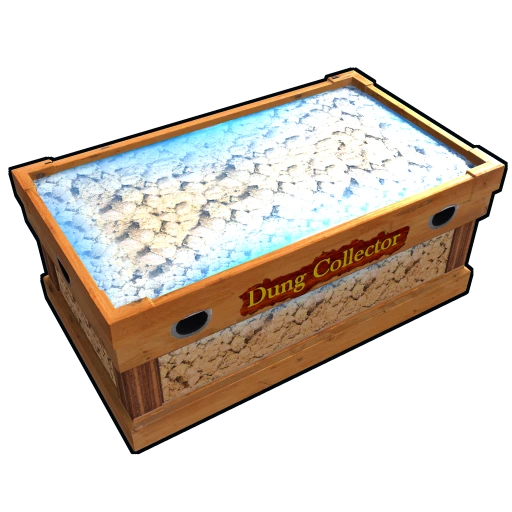
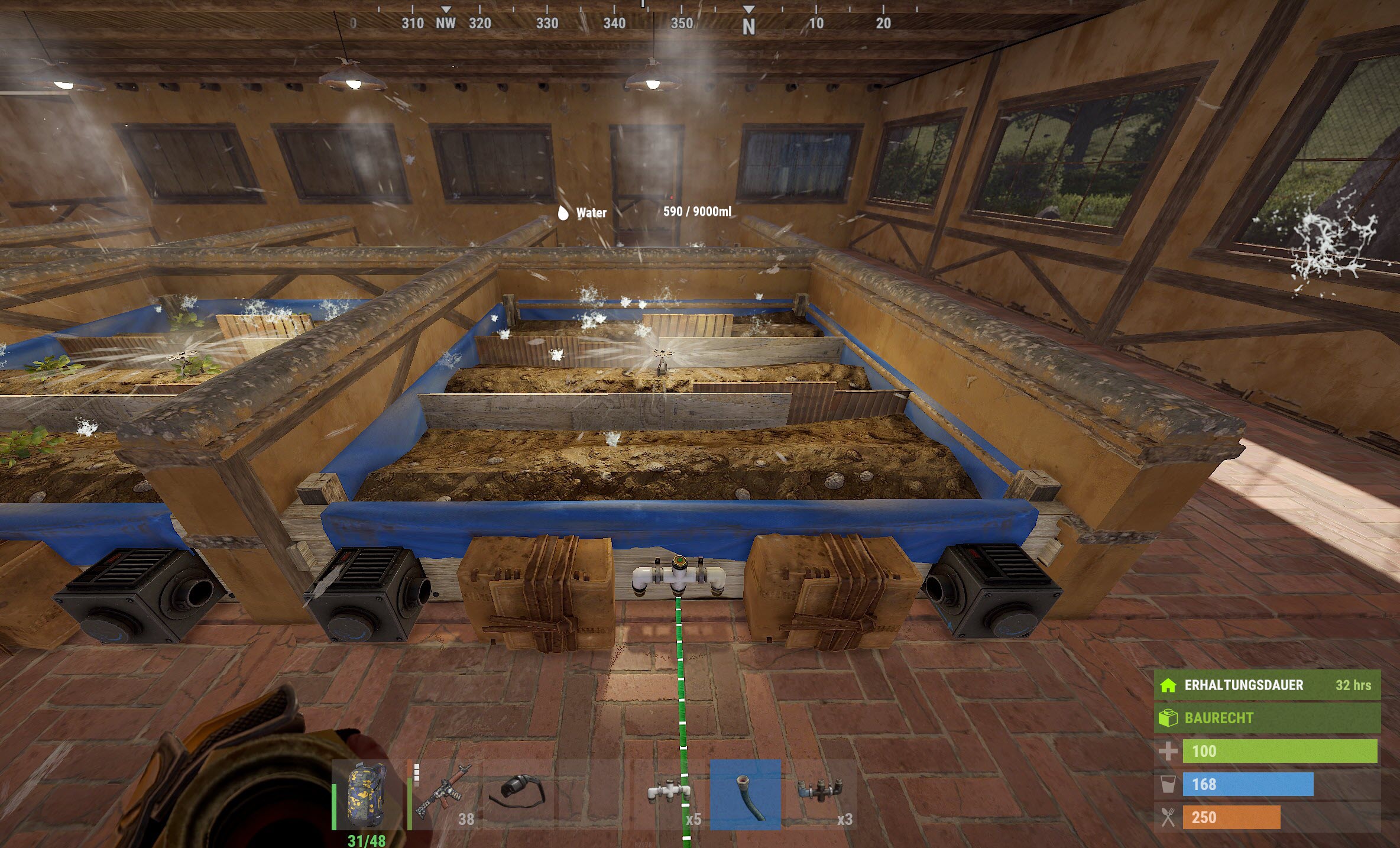
Auto plant and pick crops in planter. Also auto water or require a water hookup to water. When crops become ripe, it will auto pick them. If they have seeds in the box, it will replant them in the open space. The plant and the checks are on timers. It can take anywhere from 1 to 10 min before it gets picked / planted. There are 2 small stashes mounted to the box:
- One stash will not accept items and that is where the picked items will go.
- The other stash is for placing your seeds in.
- You can also attach pipes for automation.
Automatic add all your teammates/friends/clanmates to all tool cupboard / auto turret / lock authorization list. Shared your all code lock, but they are not added to the whitelist in the code lock, which means they cannot change the password.
Chat Command: /autoauth – View status of automatic authorization
Subcommands:
/autoauth <friend | f>– Enable/Disable automatic authorization for your friends/autoauth <friend | f> <cupboard | c>– Sharing cupboard with your friends/autoauth <friend | f> <turret | t>– Sharing turret with your friends/autoauth <friend | f> <keylock | kl> [door / box / other]– Sharing key lock with your friends/autoauth <friend | f> <codelock | cl> [door / box / other]– Sharing code lock with your friends/autoauth <clan | c>– Enable/Disable automatic authorization for your clan members/autoauth <clan | c> <cupboard | c>– Sharing cupboard with your clan members/autoauth <clan | c> <turret | t>– Sharing turret with your clan members/autoauth <clan | c> <keylock | kl> [door / box / other]– Sharing key lock with your clan members/autoauth <clan | c> <codelock | cl> [door / box / other]– Sharing code lock with your clan members/autoauth <team | t>– Enable/Disable automatic authorization for your team members/autoauth <team | t> <cupboard | c>– Sharing cupboard with your team members/autoauth <team | t> <turret | t>– Sharing turret with your team members/autoauth <team | t> <keylock | kl> [door / box / other]– Sharing key lock with your team members/autoauth <team | t> <codelock | cl> [door / box / other]– Sharing code lock with your team members/autoauth <team | h>– View help/autoauthui– Open Automatic Authorization UI
- Conveniently open your backpack with a customizable belt button.
- Choose from a variety of button positions to suit your preference.
- Option to hide the button if desired.
- Visual bar indicating the fill level of your backpack.
- Show the number of occupied and total slots in your backpack.
Chat Command: /backpackui
Subcommands:
/backpackui <position> (Left | Right | Off)– Changes your preferred backpack button position. Set to Off to hide the backpack button./backpackgui <position>– Toggles whether you can see the backpack GUI button.

The Better NPC mod enhances the behavior of NPCs and introduces more dynamic actions during events and at monuments. It significantly increases the variety and difficulty of NPC encounters, providing a more immersive gameplay experience.
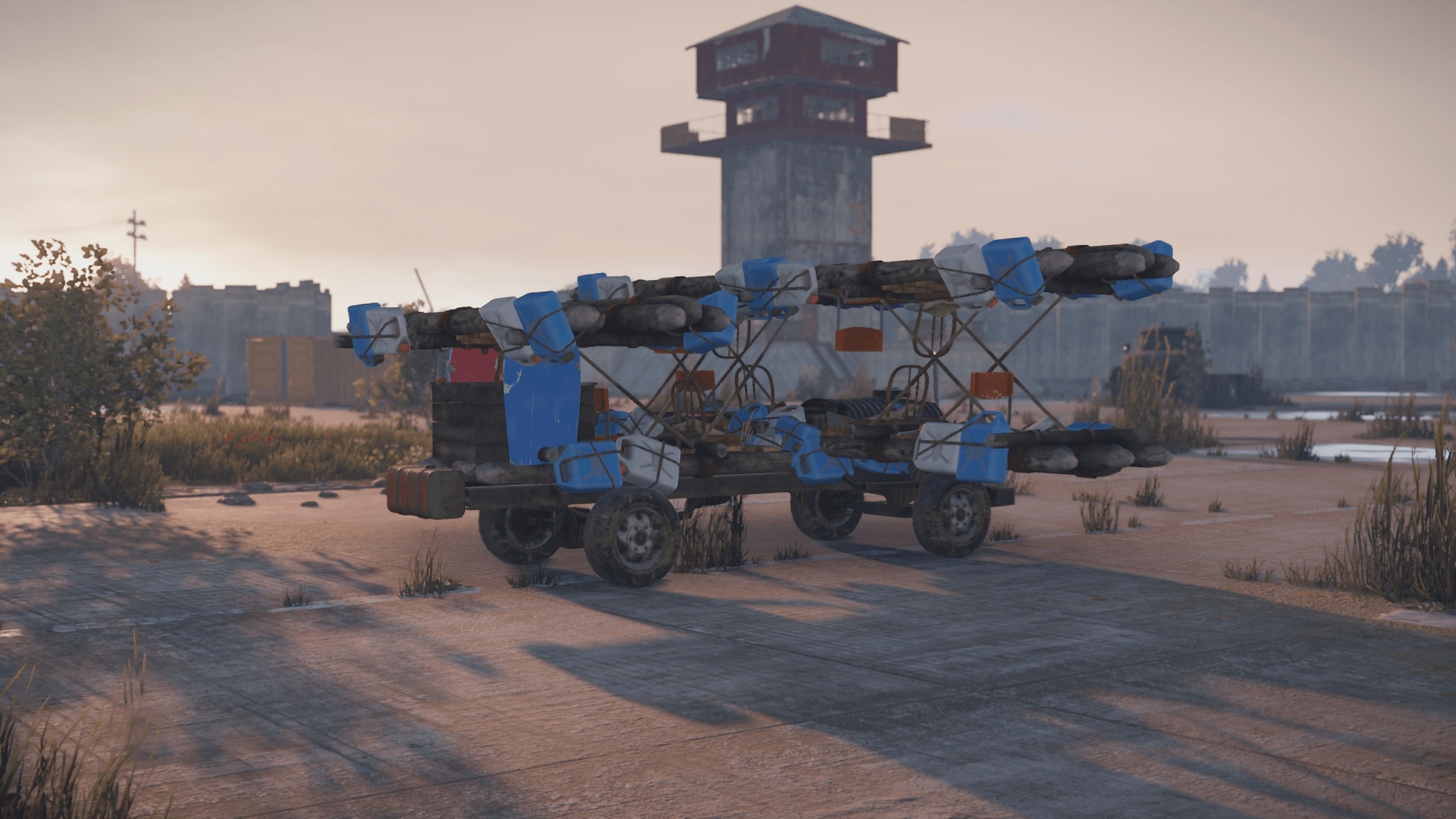
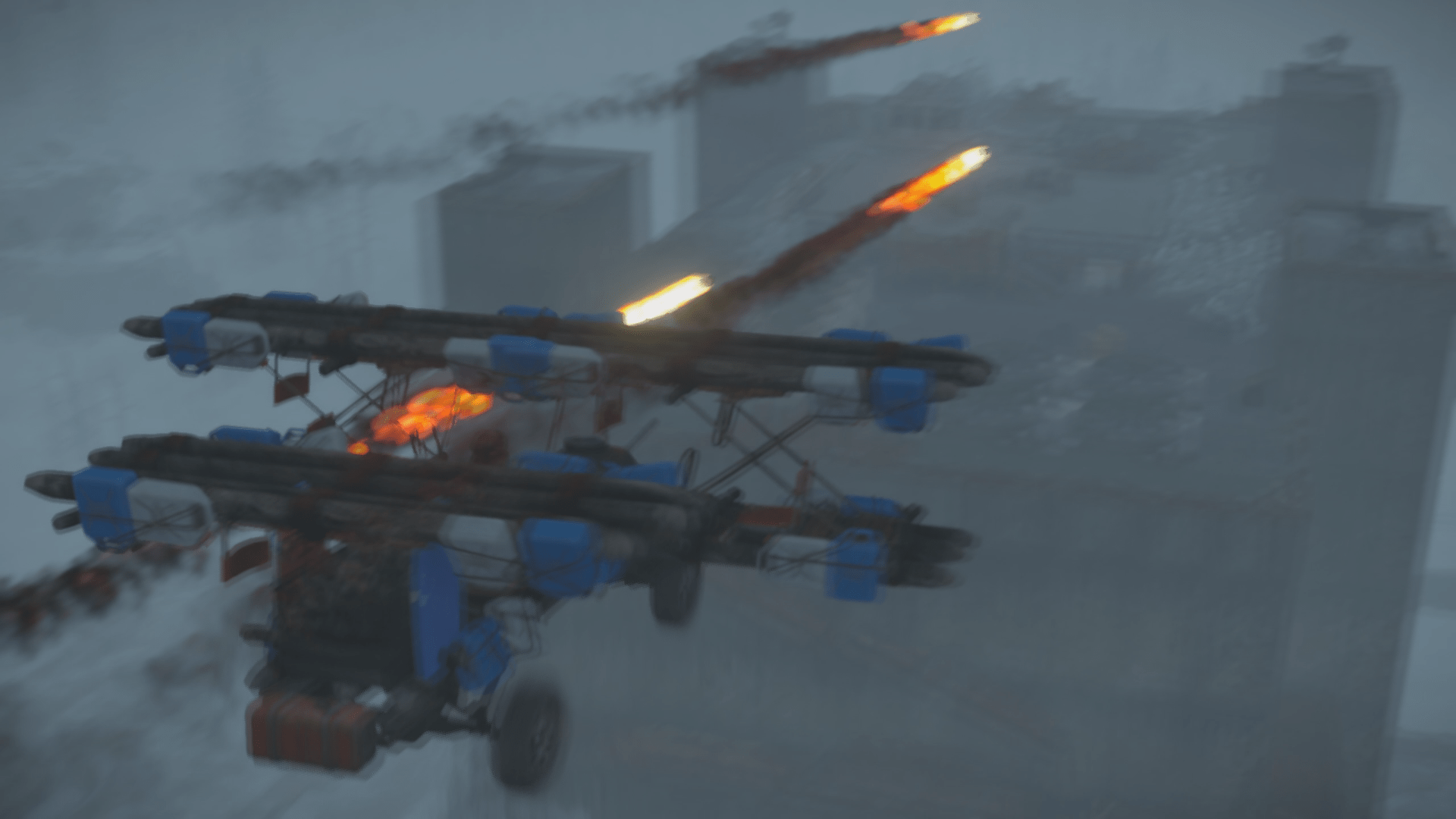
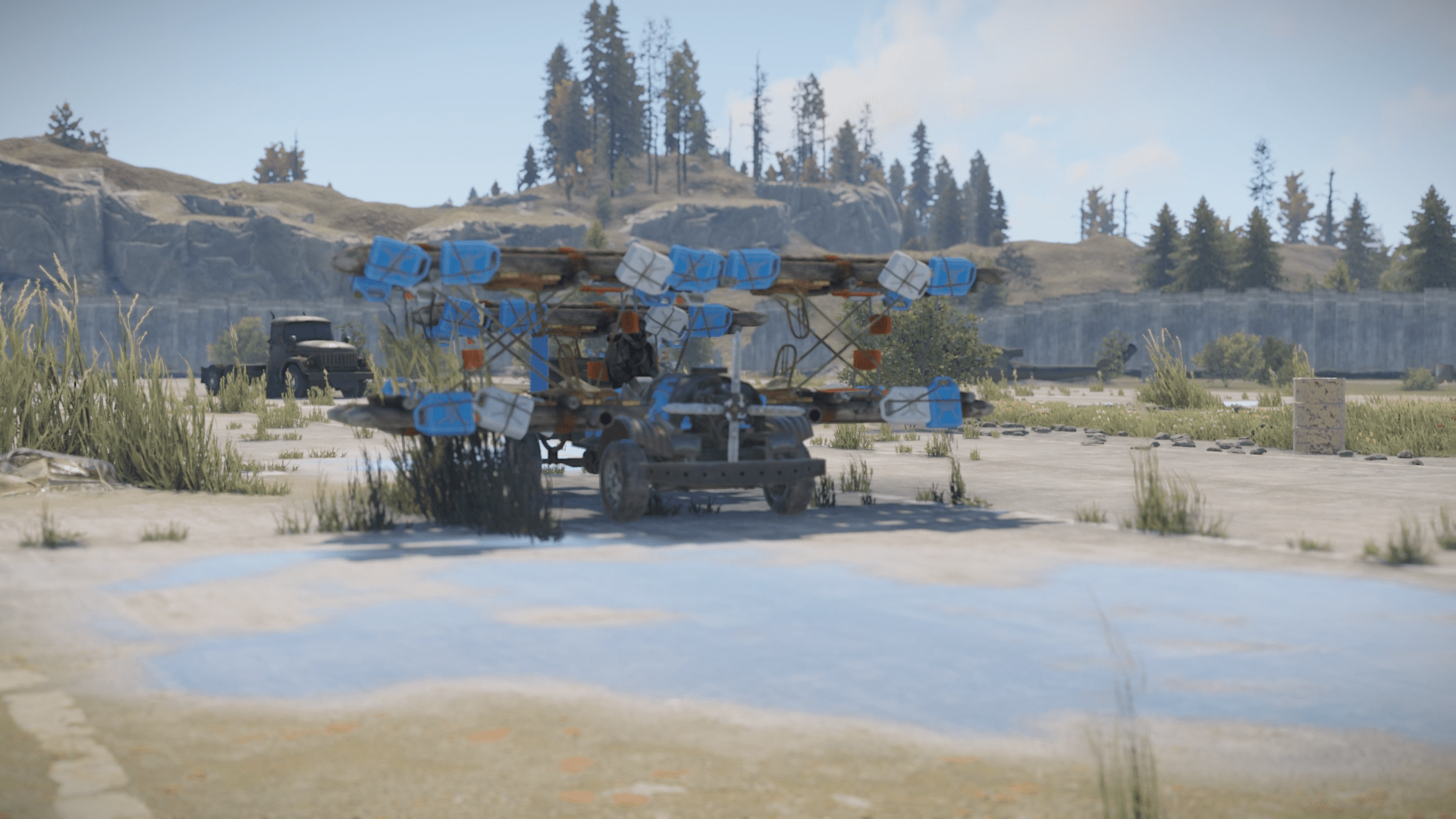
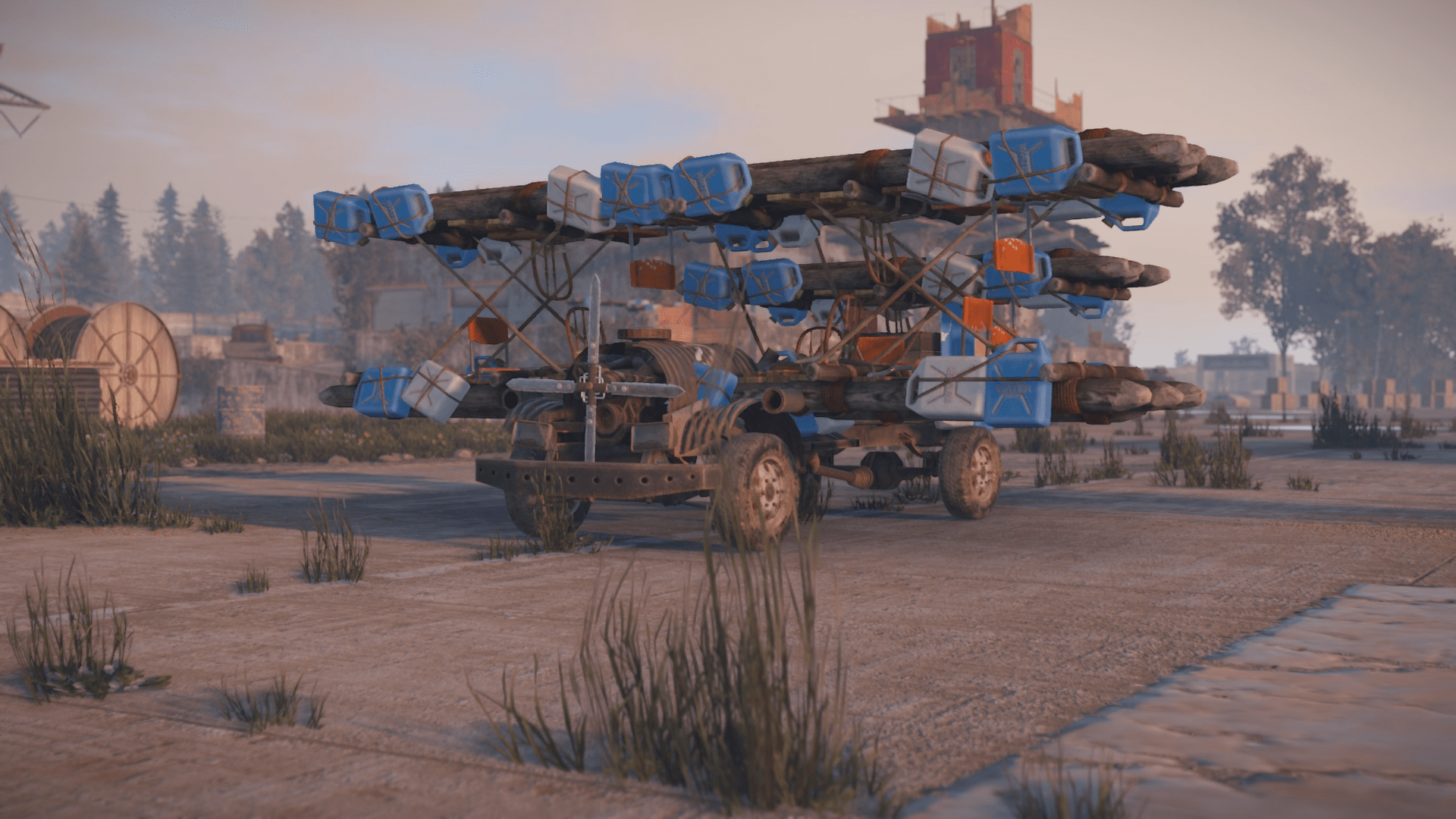
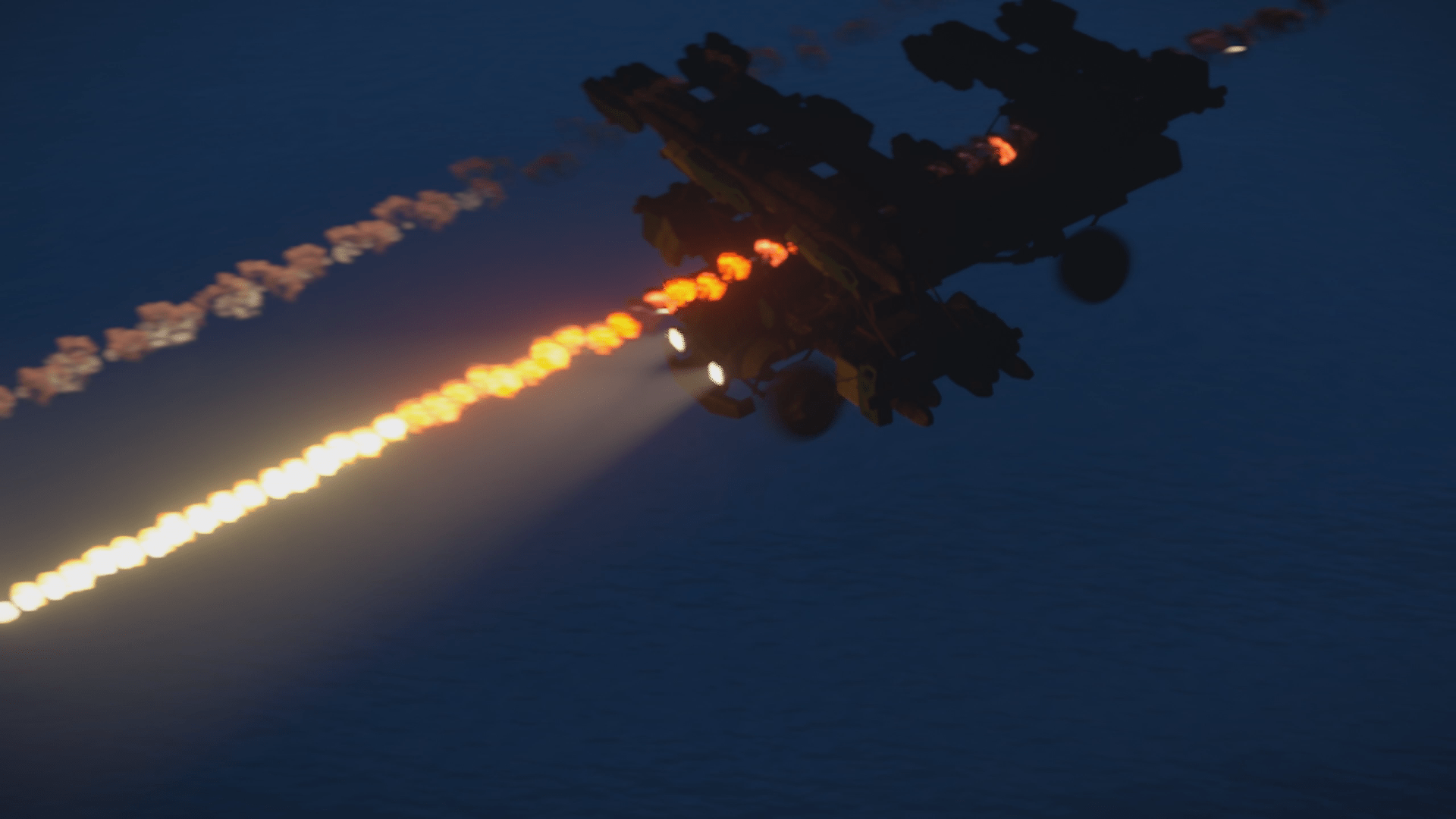
The Biplane mod adds an exciting aircraft! The biplane is equipped with rocket launchers and bomb drop capabilities, adding a new dimension to your combat strategies.
To control the biplane, use the following keys and mouse commands:
W- ThrustMouse- DirectionA/D- Cren axisLeft Mouse Button- Rocket ShotRight Mouse Button- Bomb Drop


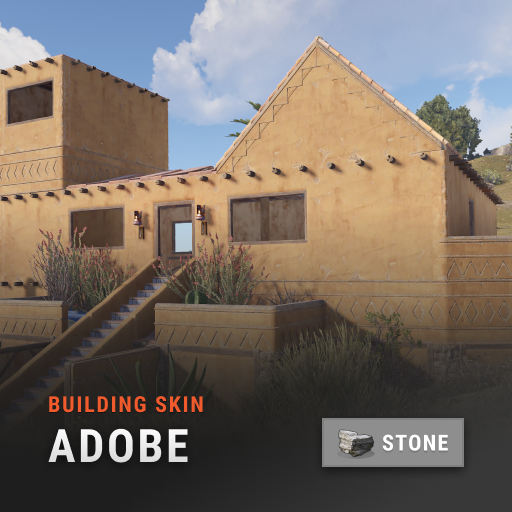
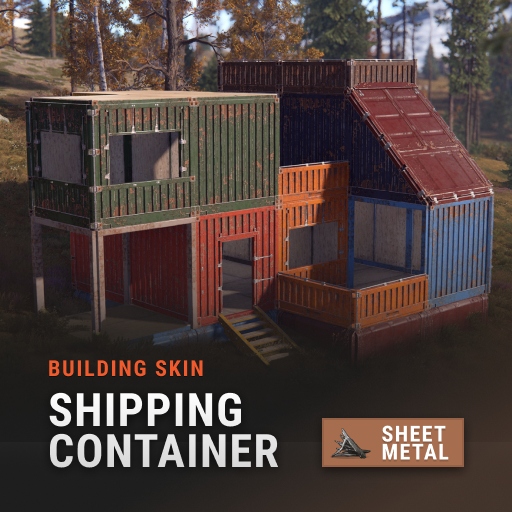
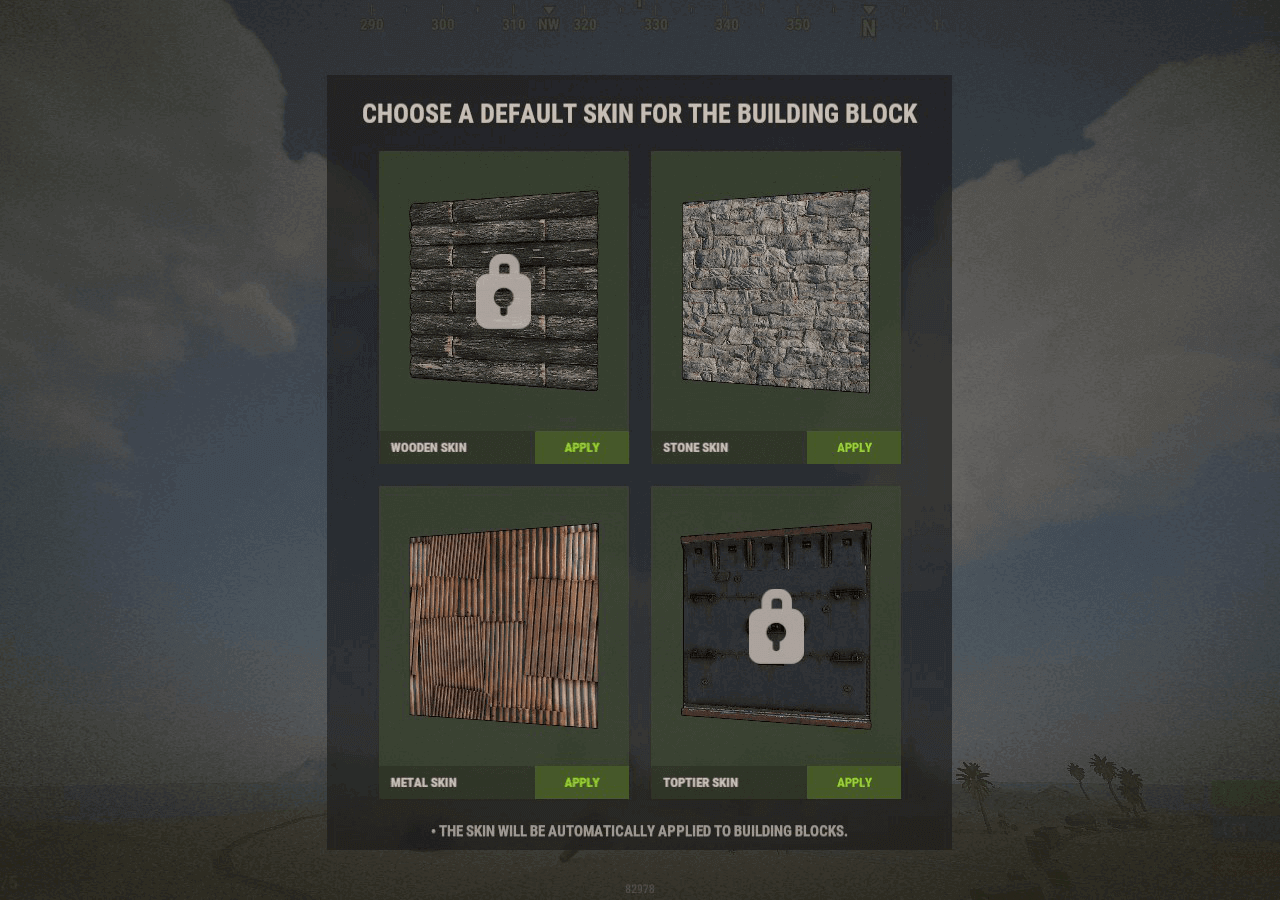
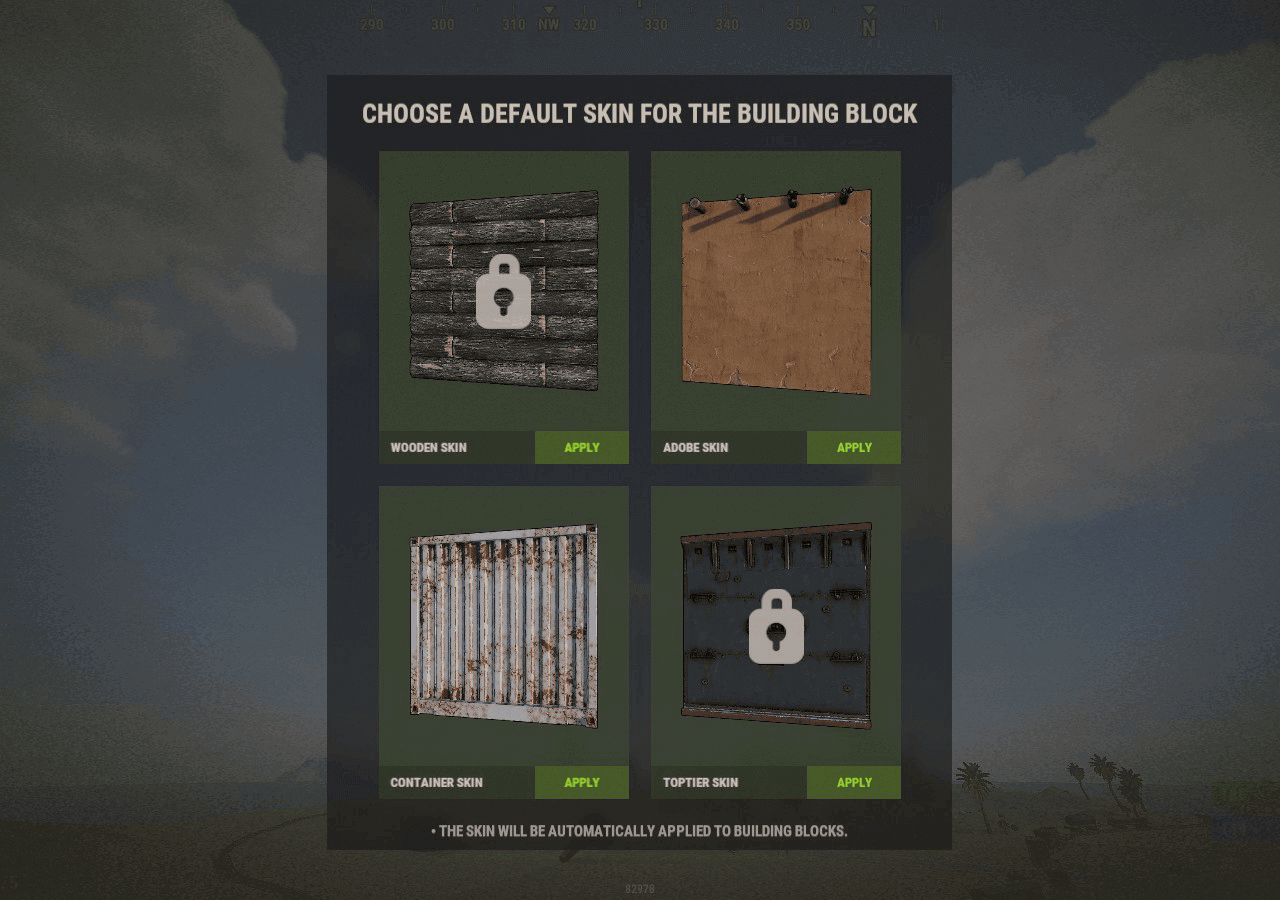
Automatic application of DLC skins for building blocks.
Chat Commands:
/bskin- activates both for the stone adobe skin and the sheet metal container skin. It's a toggle so until you type /bskin again it will automatically use these skins for the correct wall type.
Frequently Asked Questions:
- How do I change color of e.g. Shipping Container building skin?
- Use the spraycan (like in vanilla Rust)
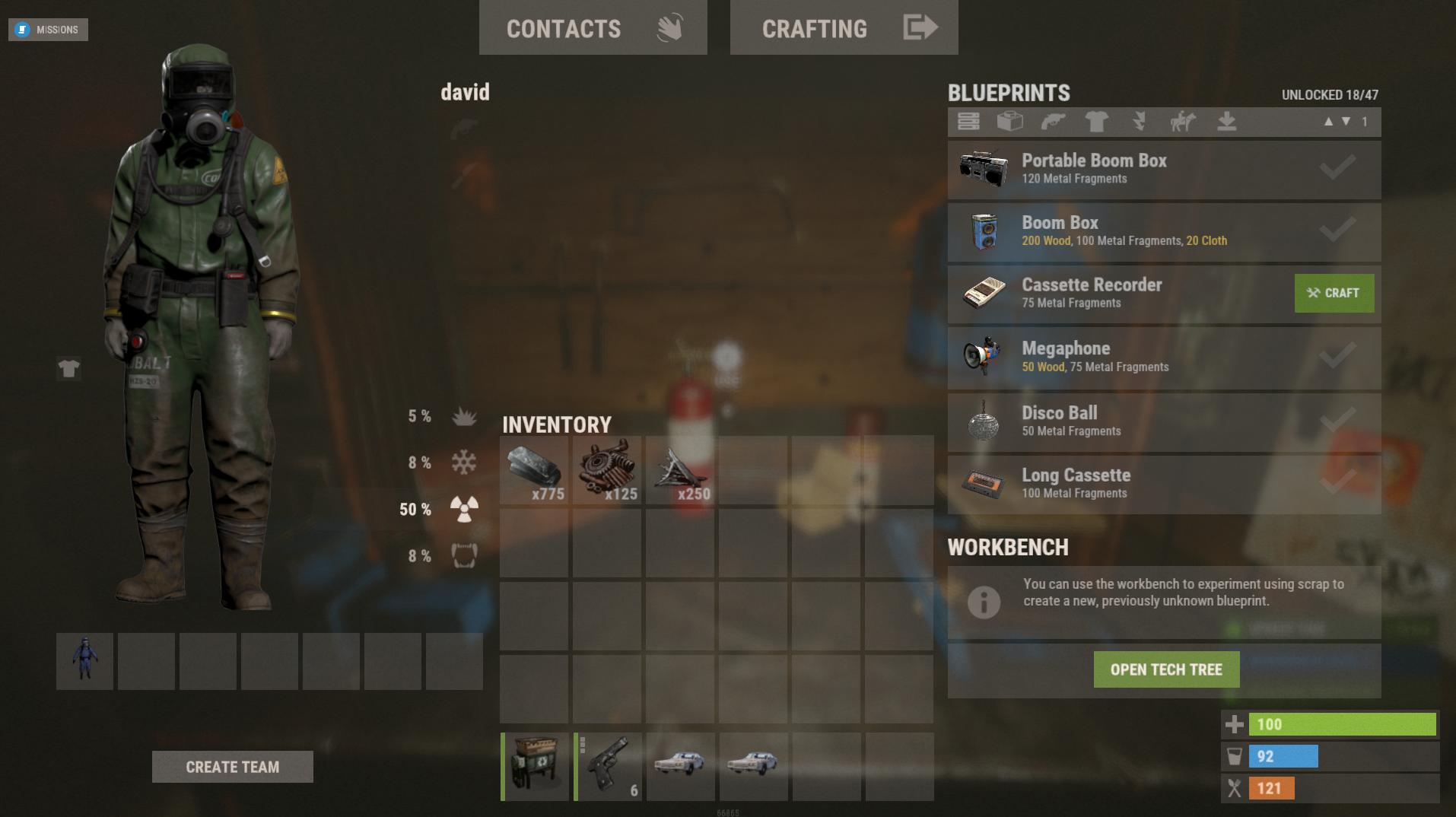
Craft Menu provides a custom crafting panel at the player's workbenches. You can craft custom or non-craftable items and even create your own blueprints. The best part is that no chat commands are required!
Craftable Items (excerpt):
- Automobiles
- Mini Helicopters
- Slot Machines
- And much more!
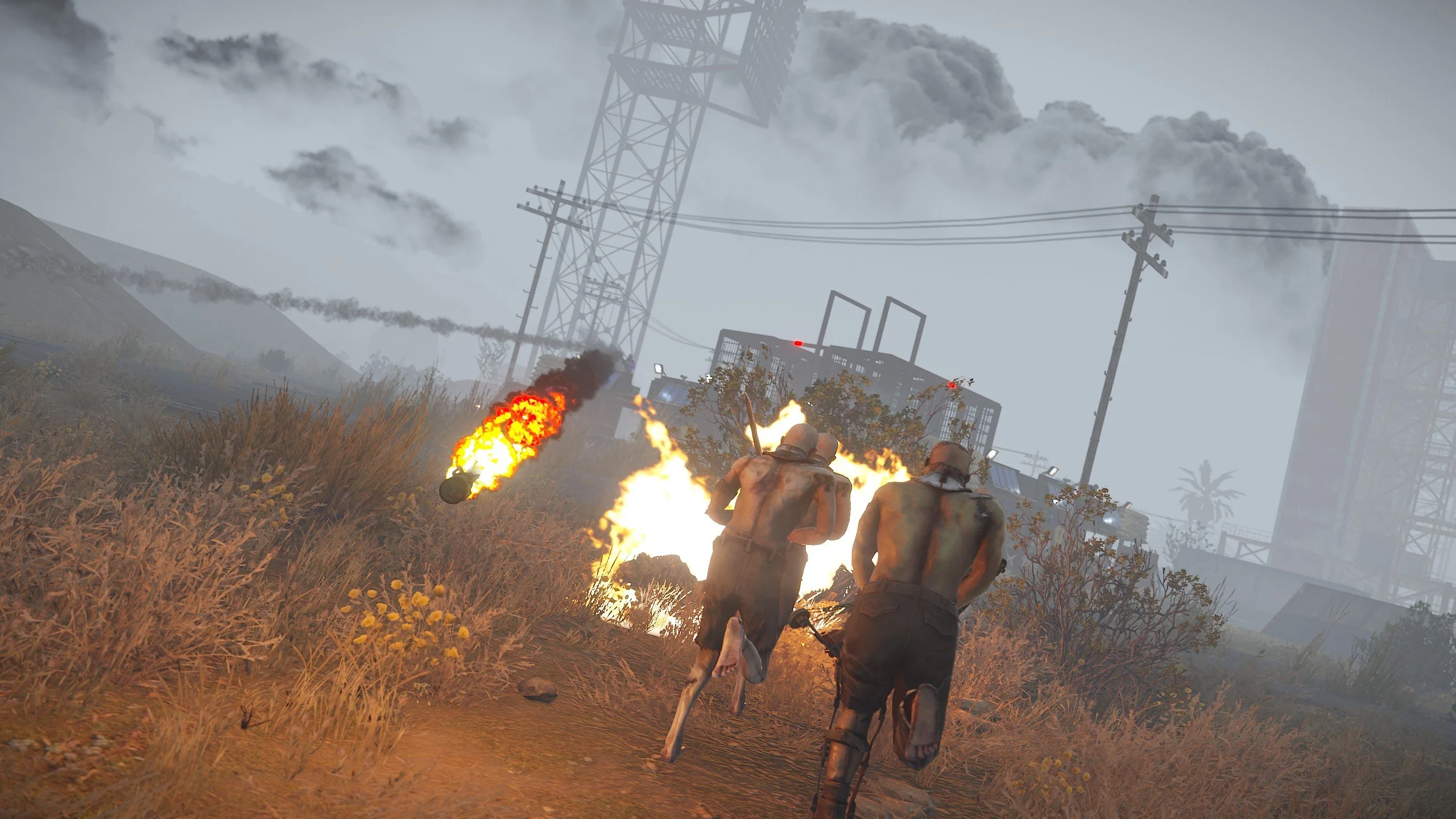
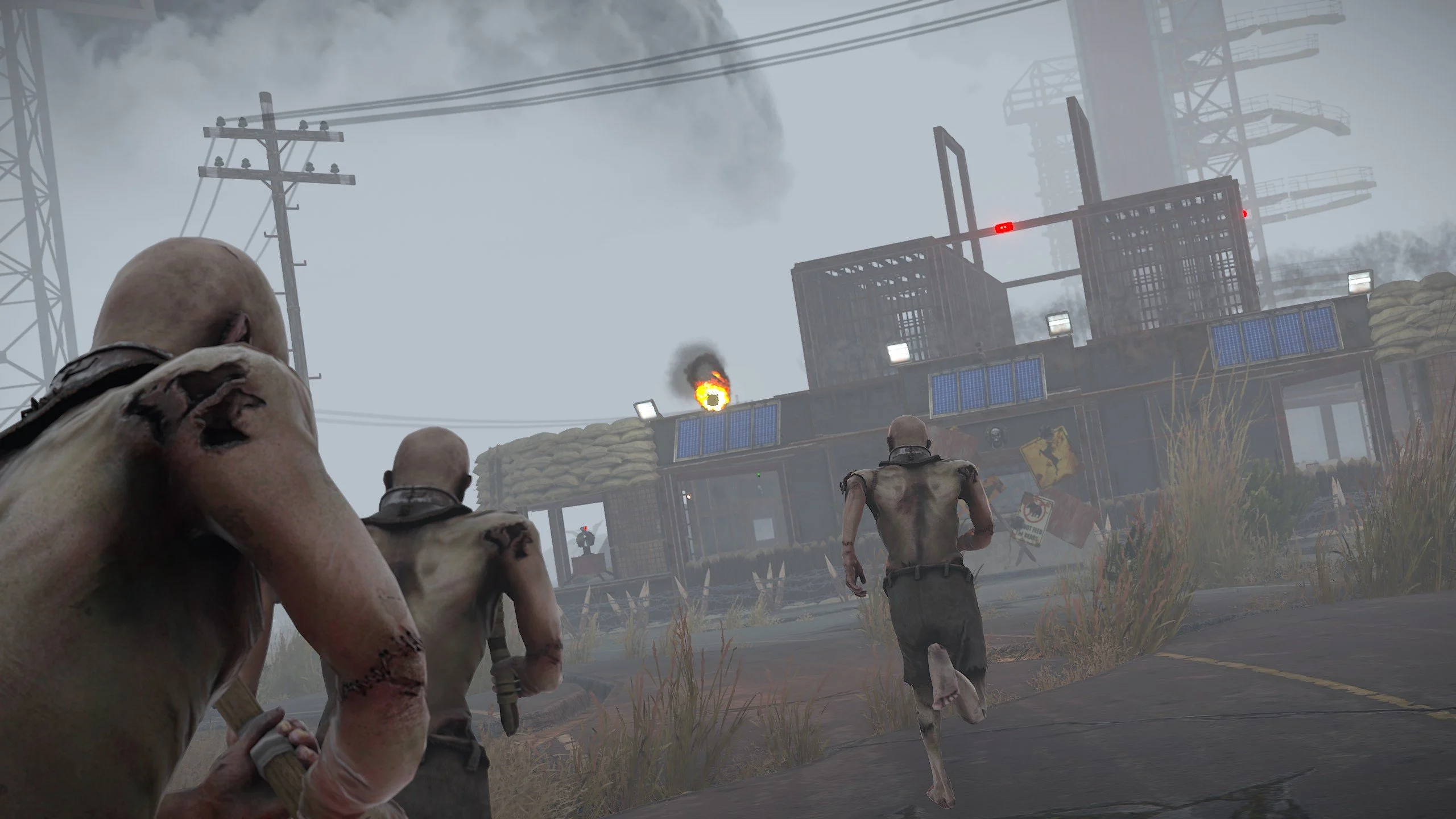
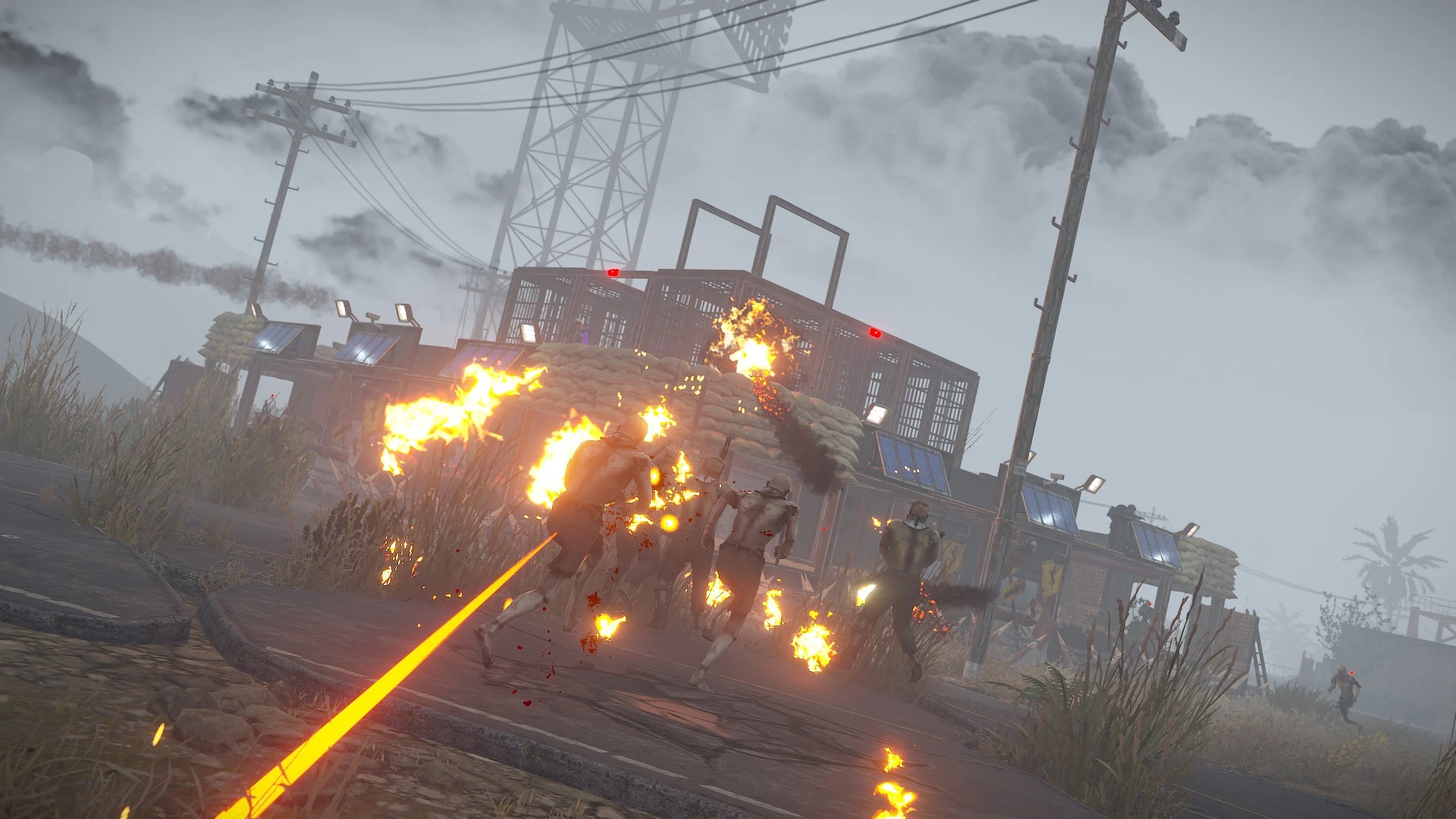
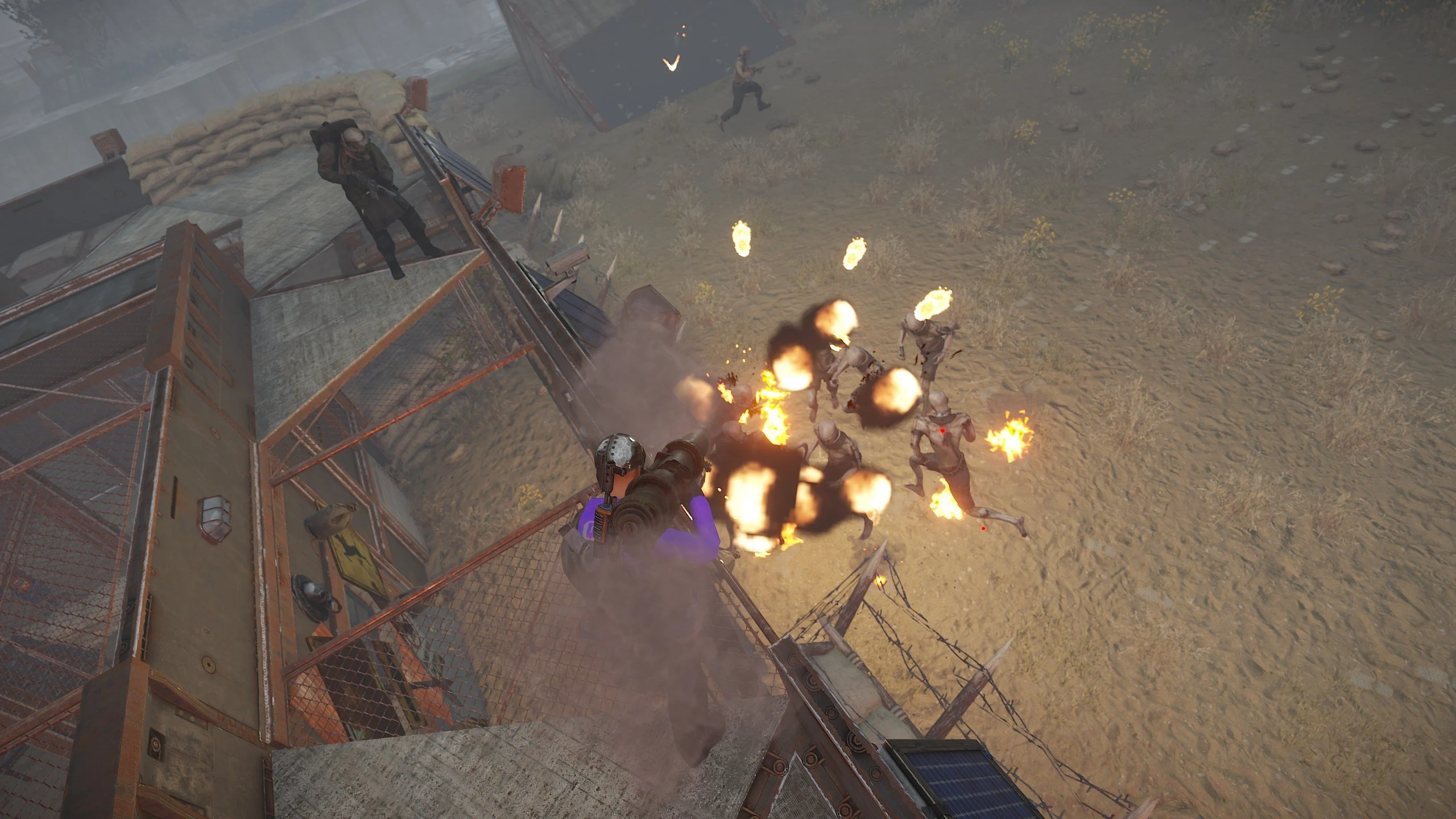
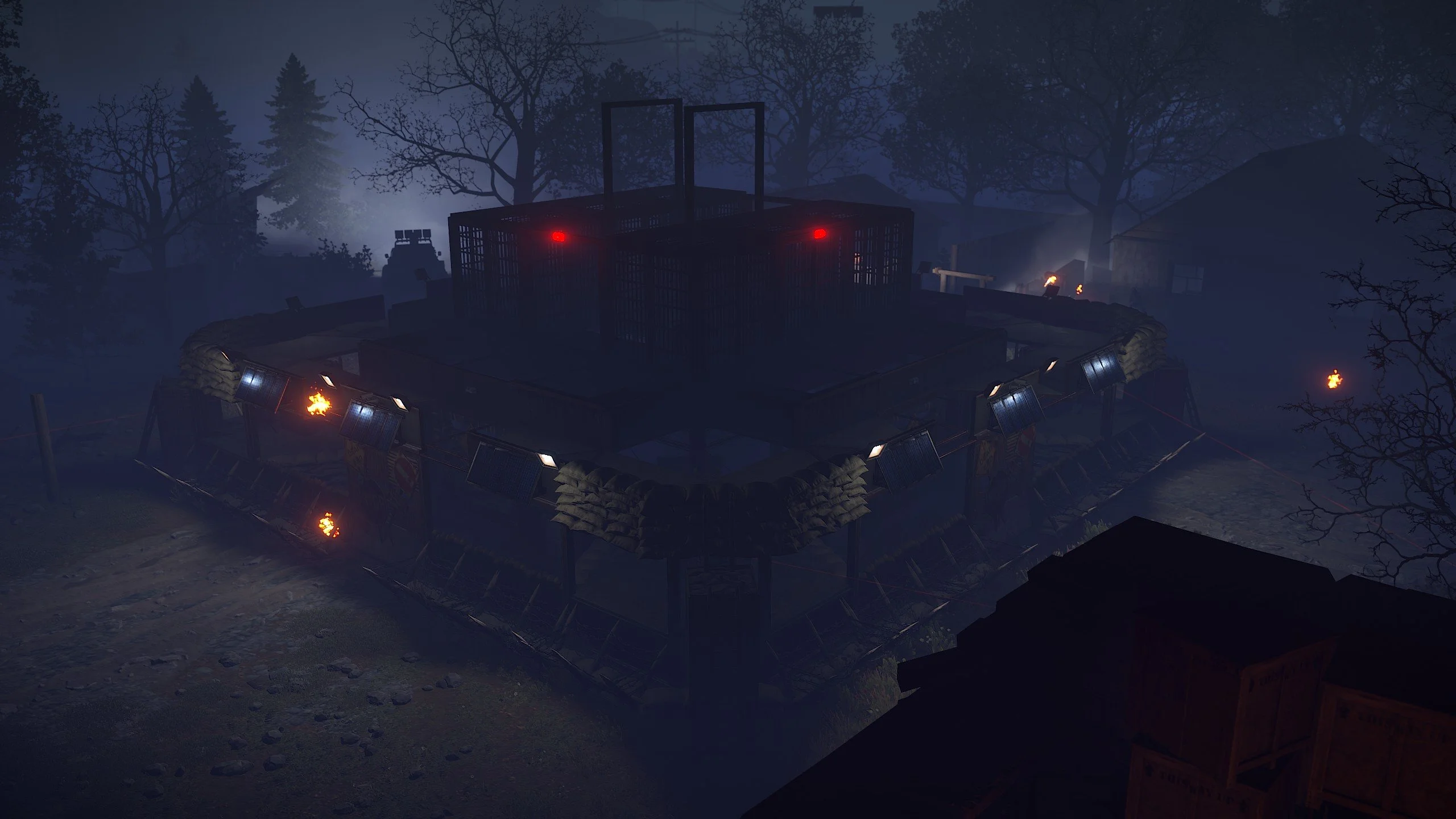
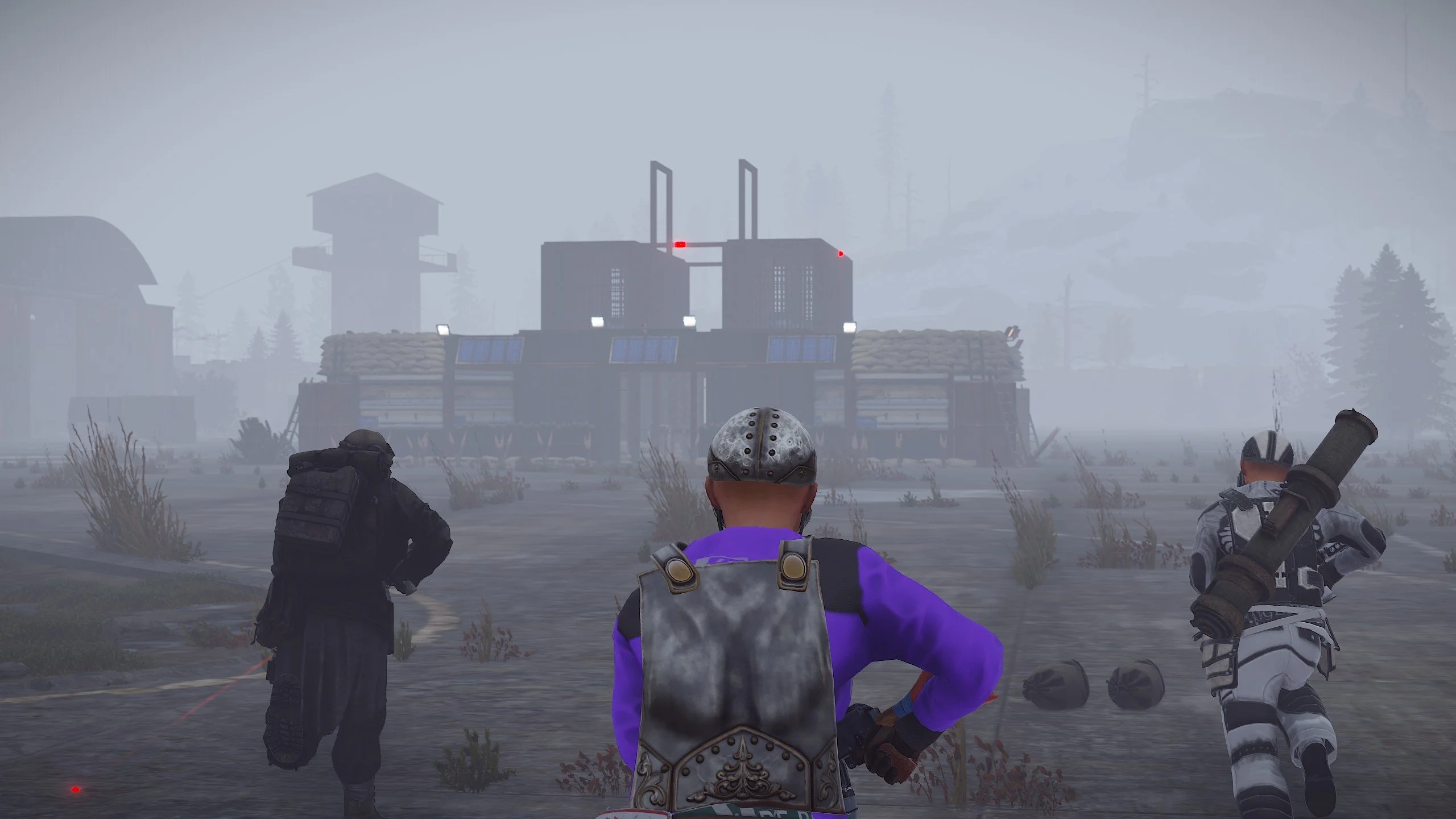
- The event begins with a message in the chat indicating the imminent evacuation of the general from the island.
- In the chat, it is announced that the general's guard has been killed and the general is seriously wounded.
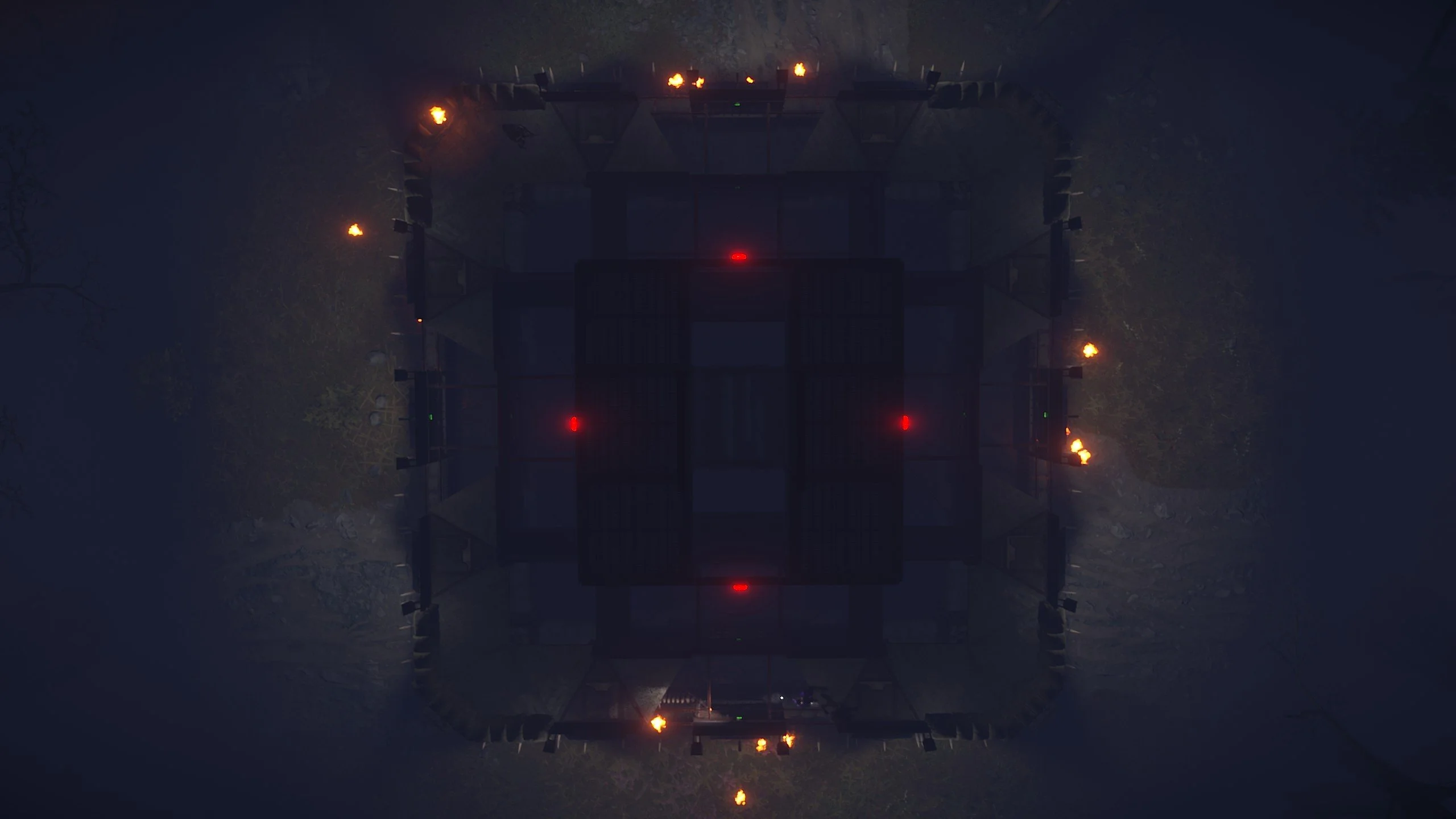
- The player and their friends need to reach the military checkpoint and use the laptop at the checkpoint control center to call for help for the general.
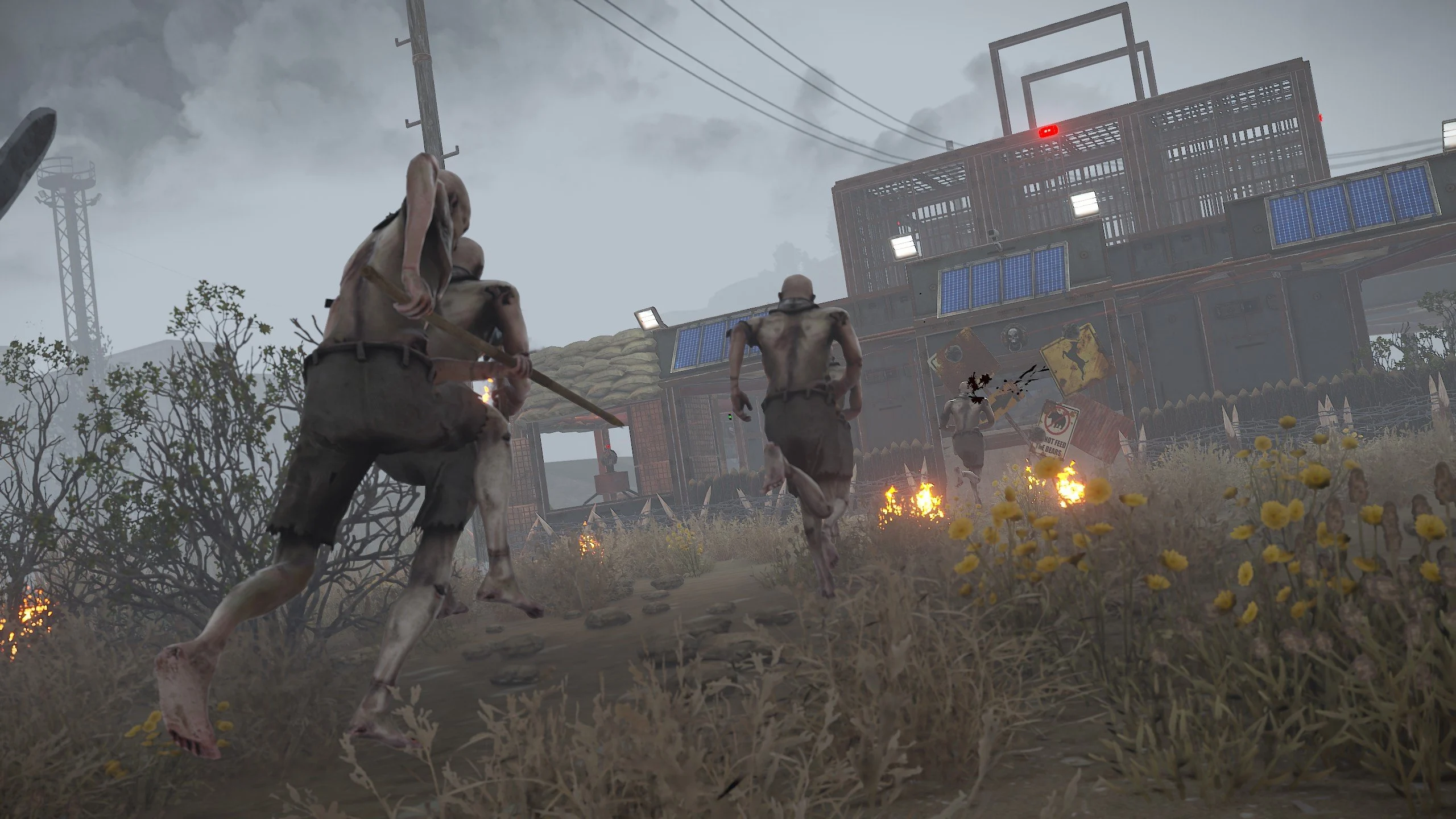
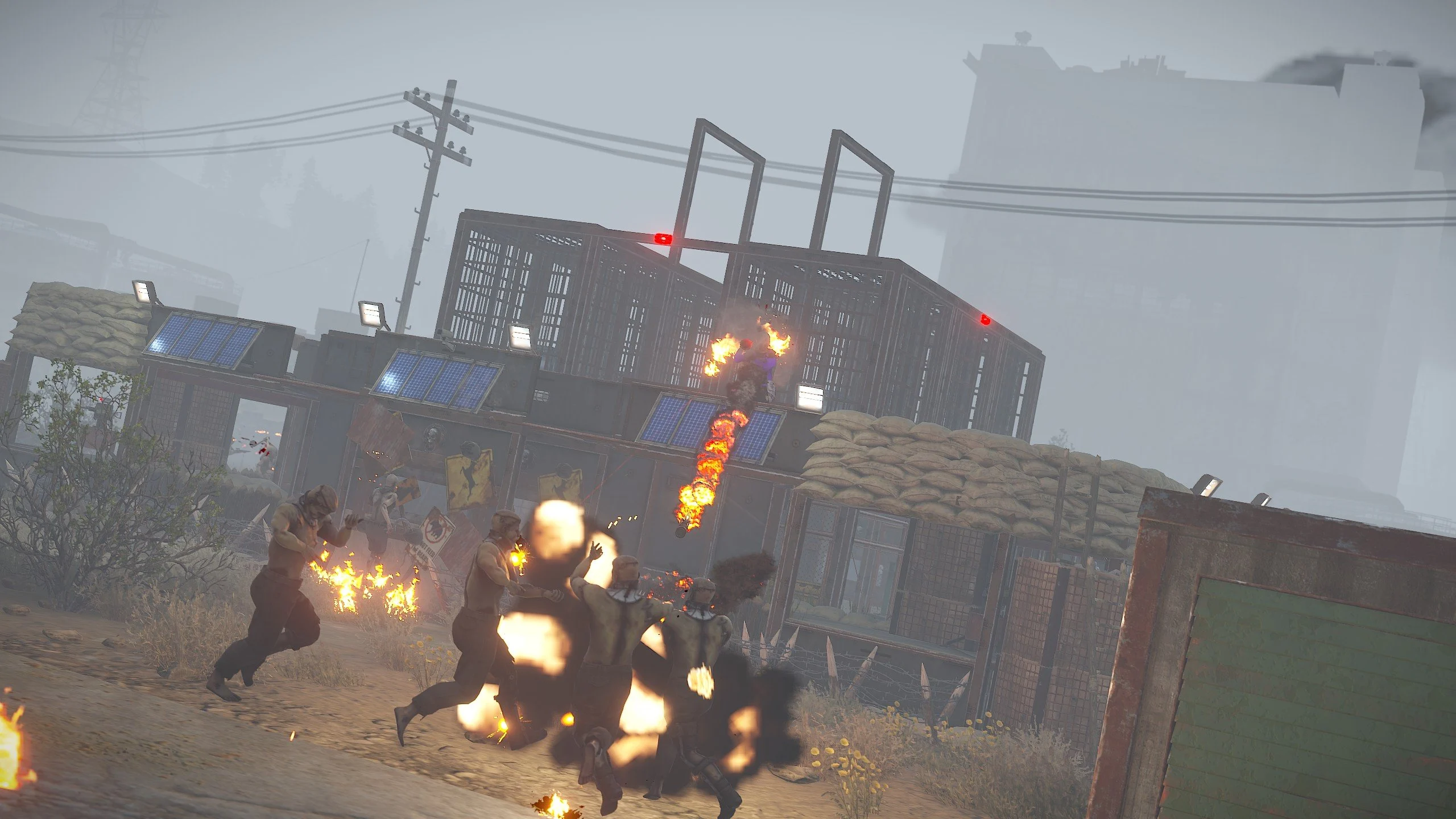
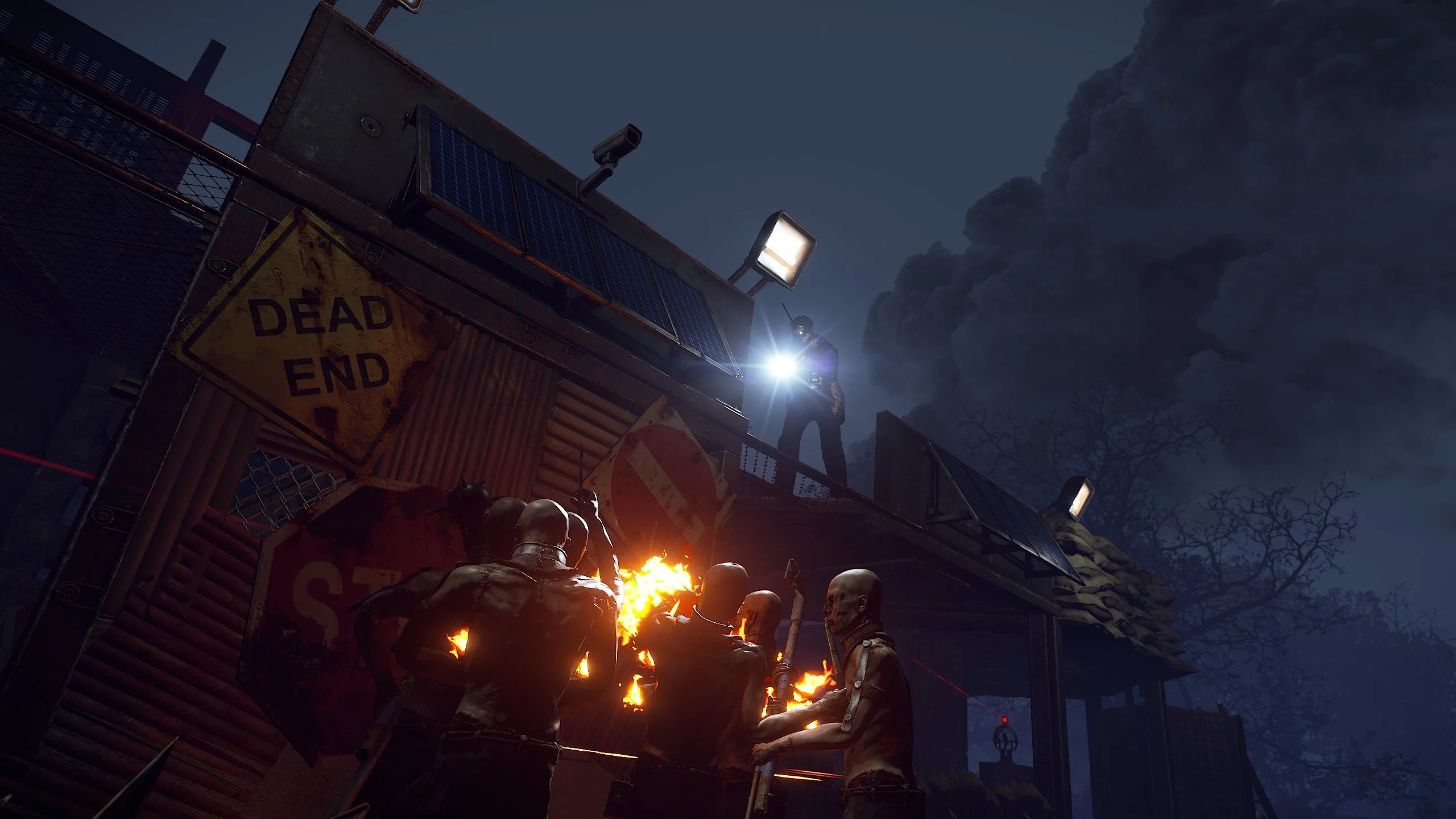
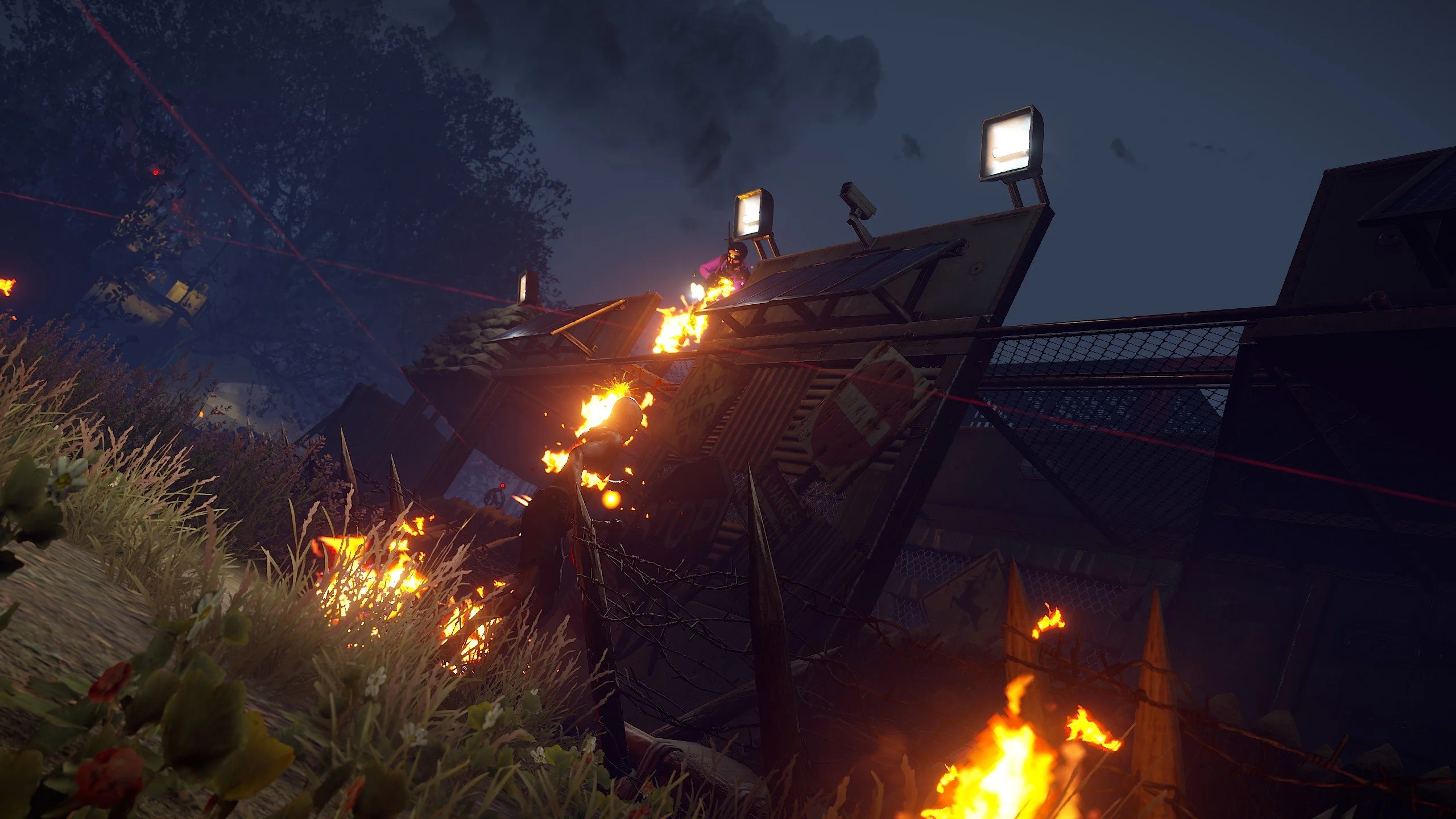
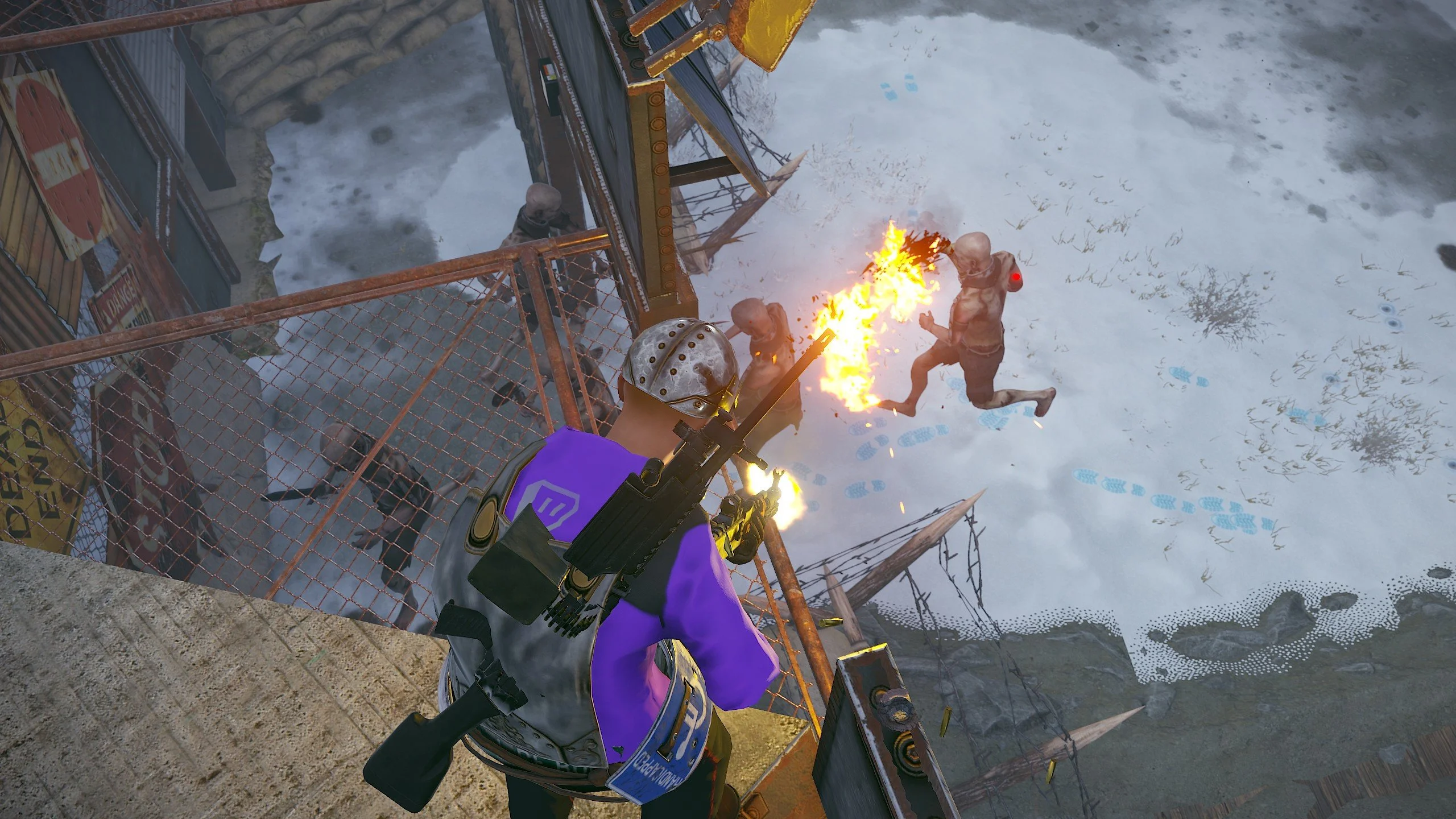
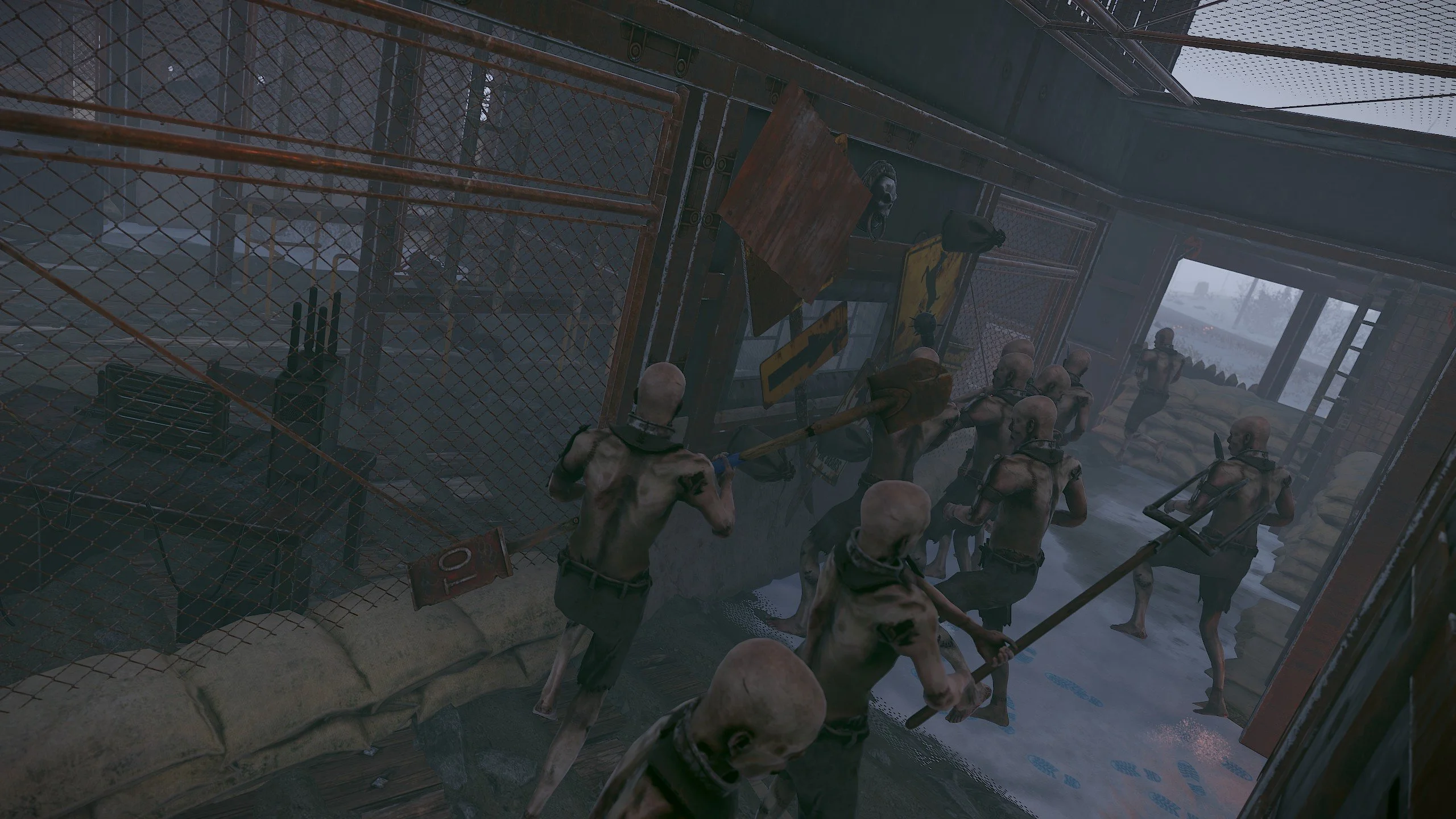
- Once the call for help is made, waves of zombies will attack the base.
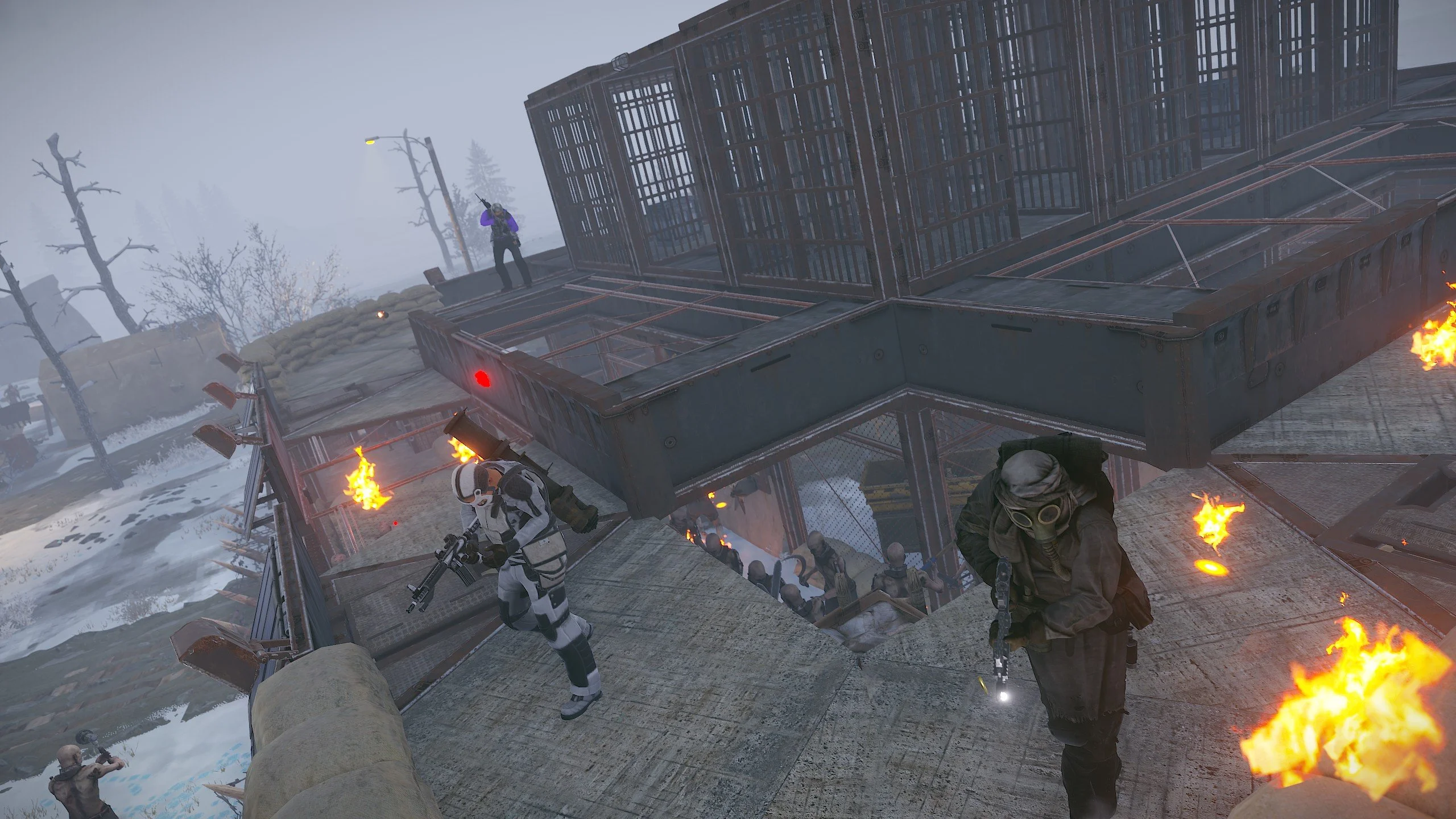
- During the preparation phase, players can upgrade the base with turrets, purchase ammunition, or place it from their inventory via the checkpoint control center.
- Players can install barricades of different types at the doorways to hold back the incoming waves of zombies (5 types available, differing in hit points).
- The player can use a hammer to repair the barricades.
- During the attack phase, waves of zombies will be directed at the player. The player must protect the general and prevent the zombies from killing him.
- There are several types of zombies, each with their own unique abilities.
- At the end of each wave, a room with crates opens, rewarding the player.
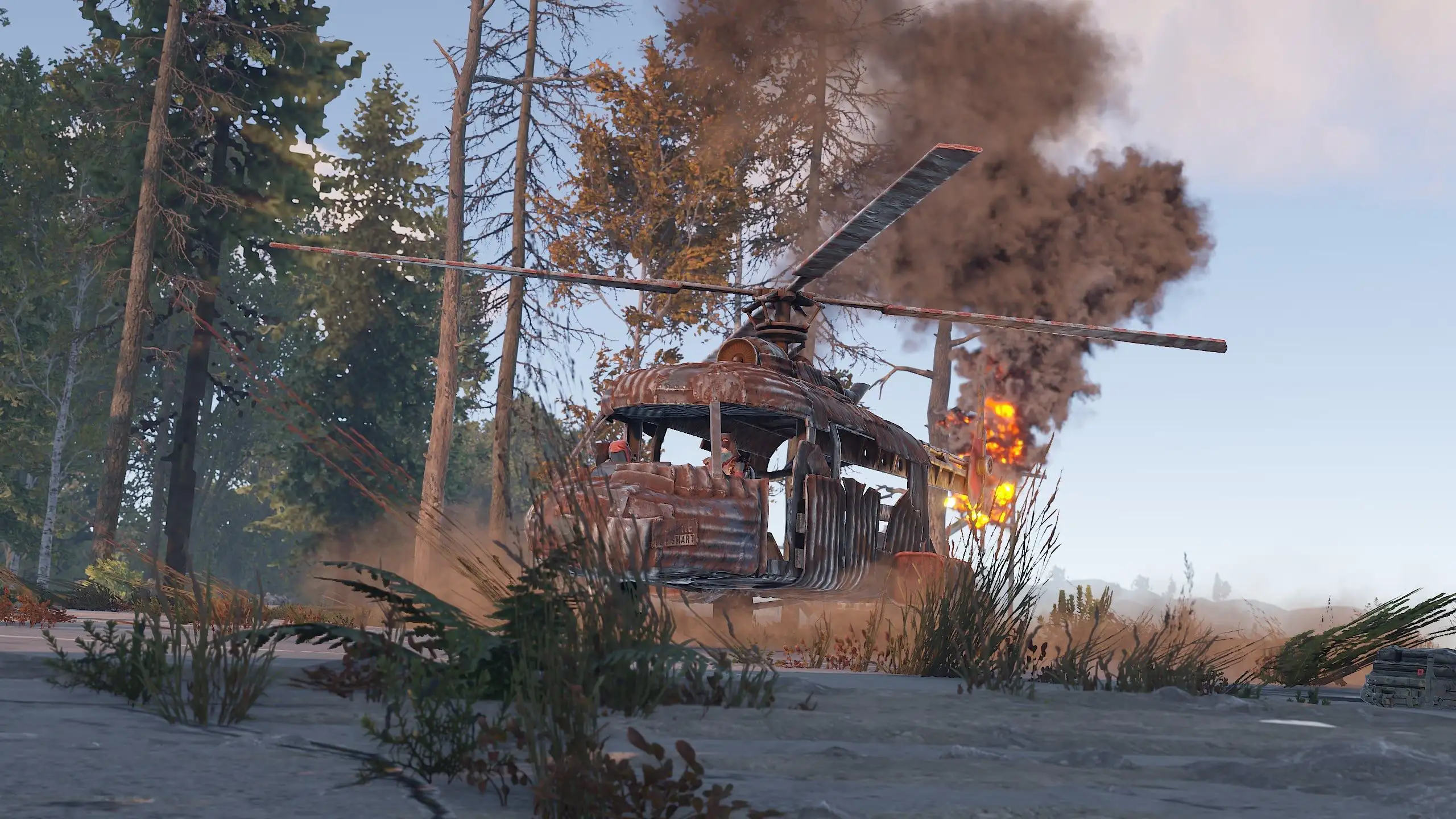
- Once the event is successfully completed, a helicopter arrives to evacuate the general, and a notification is displayed in the chat.
- If the general dies, the event ends, along with the attack wave, resulting in failure.
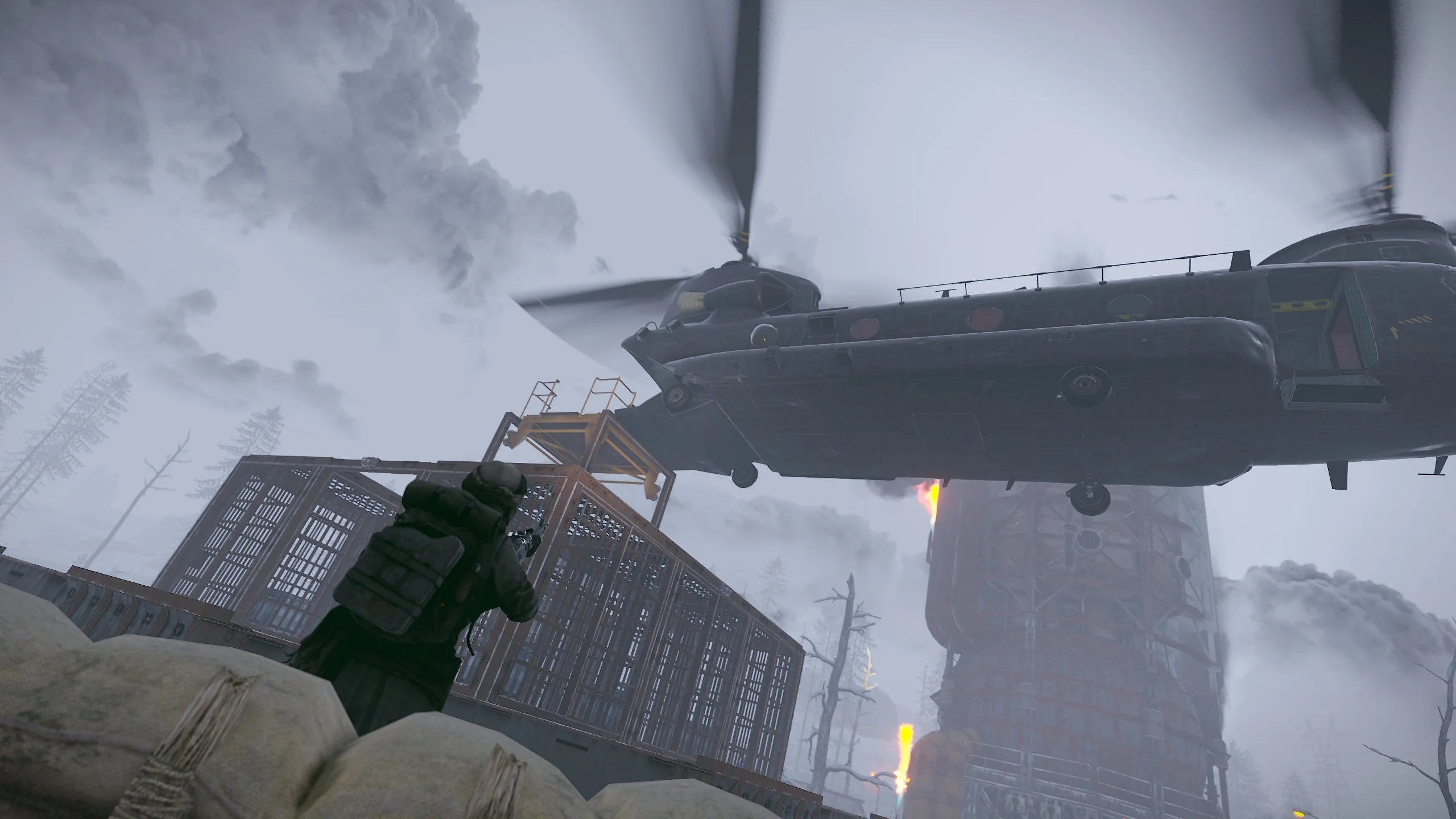
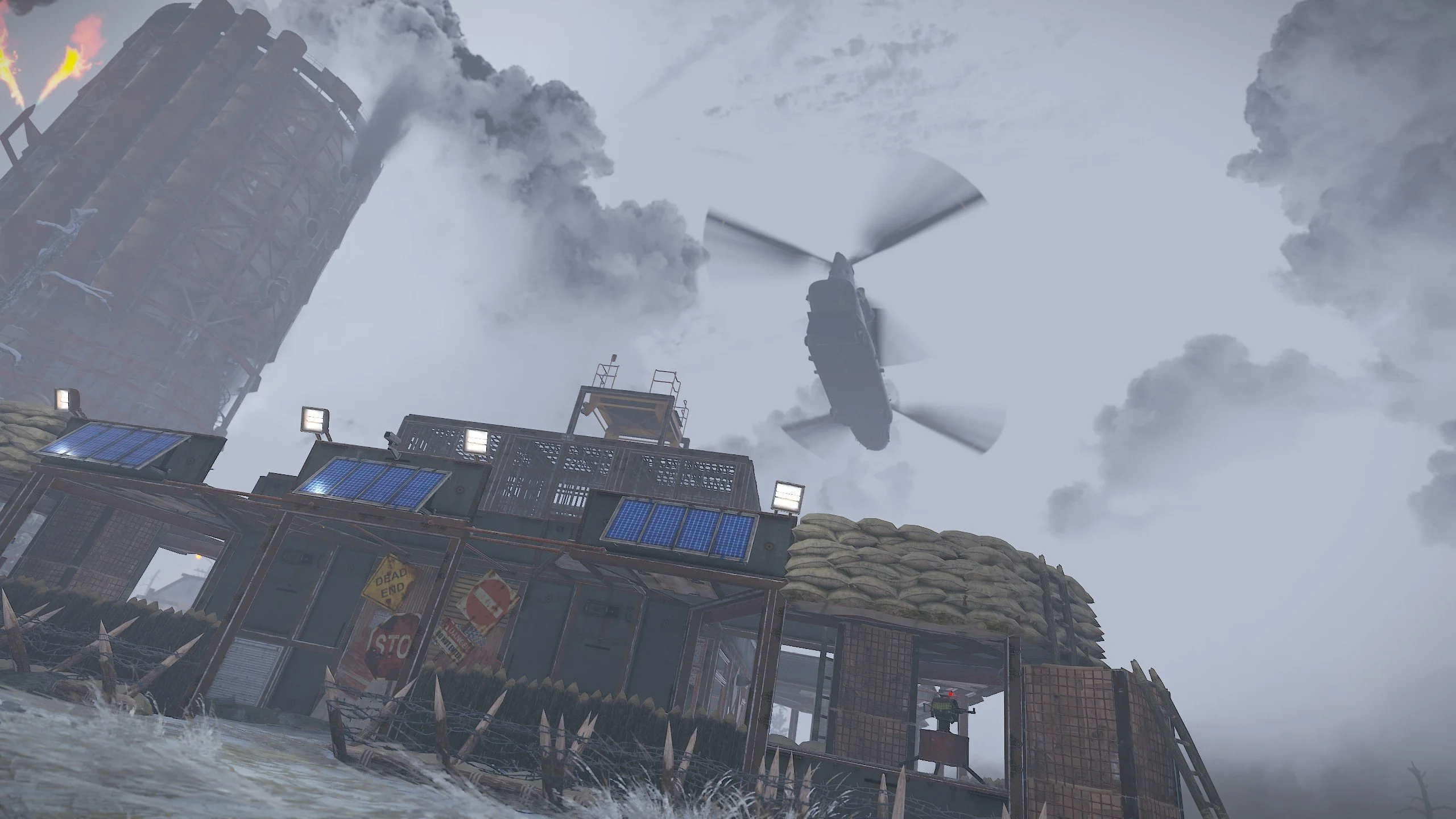
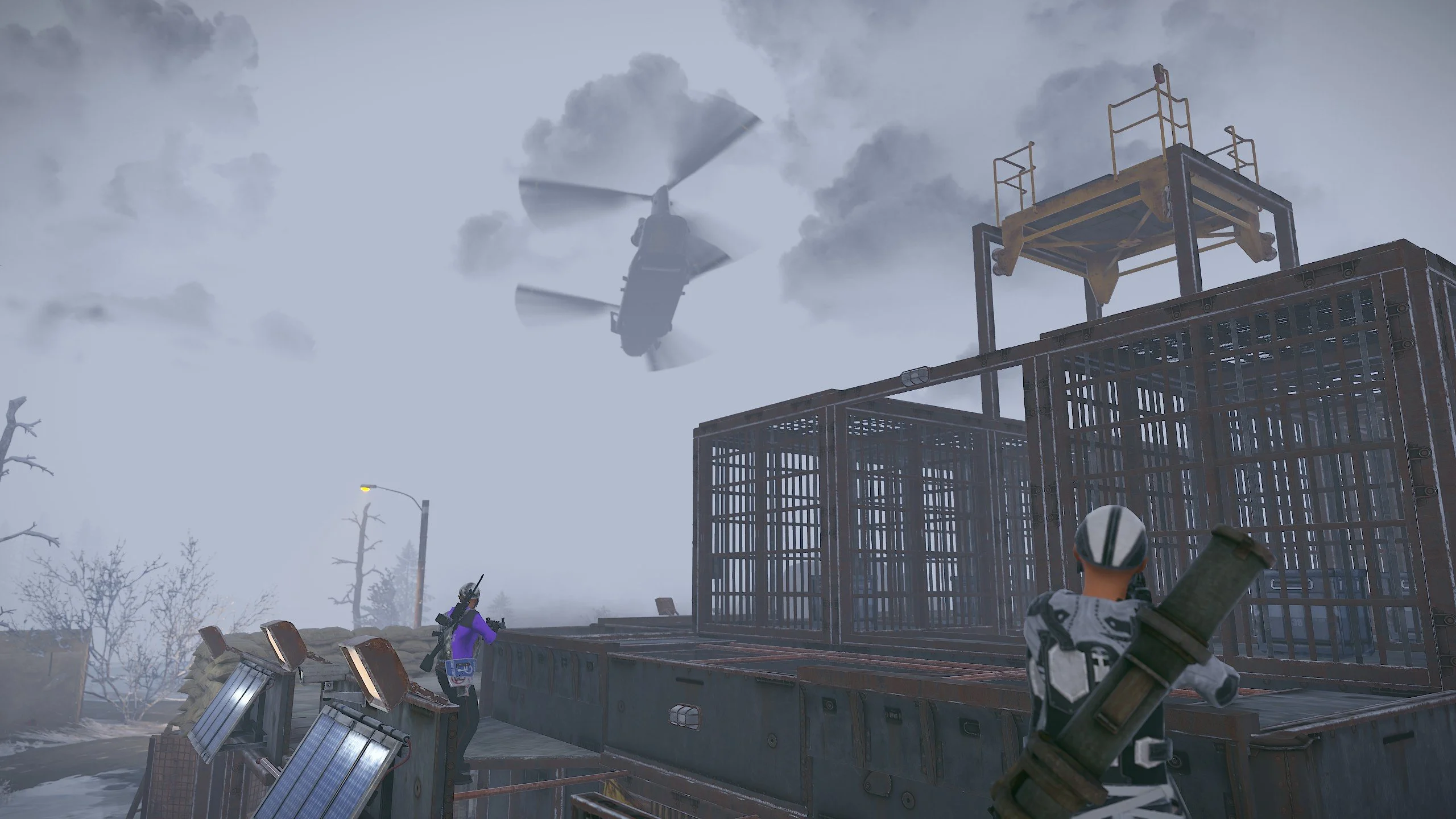
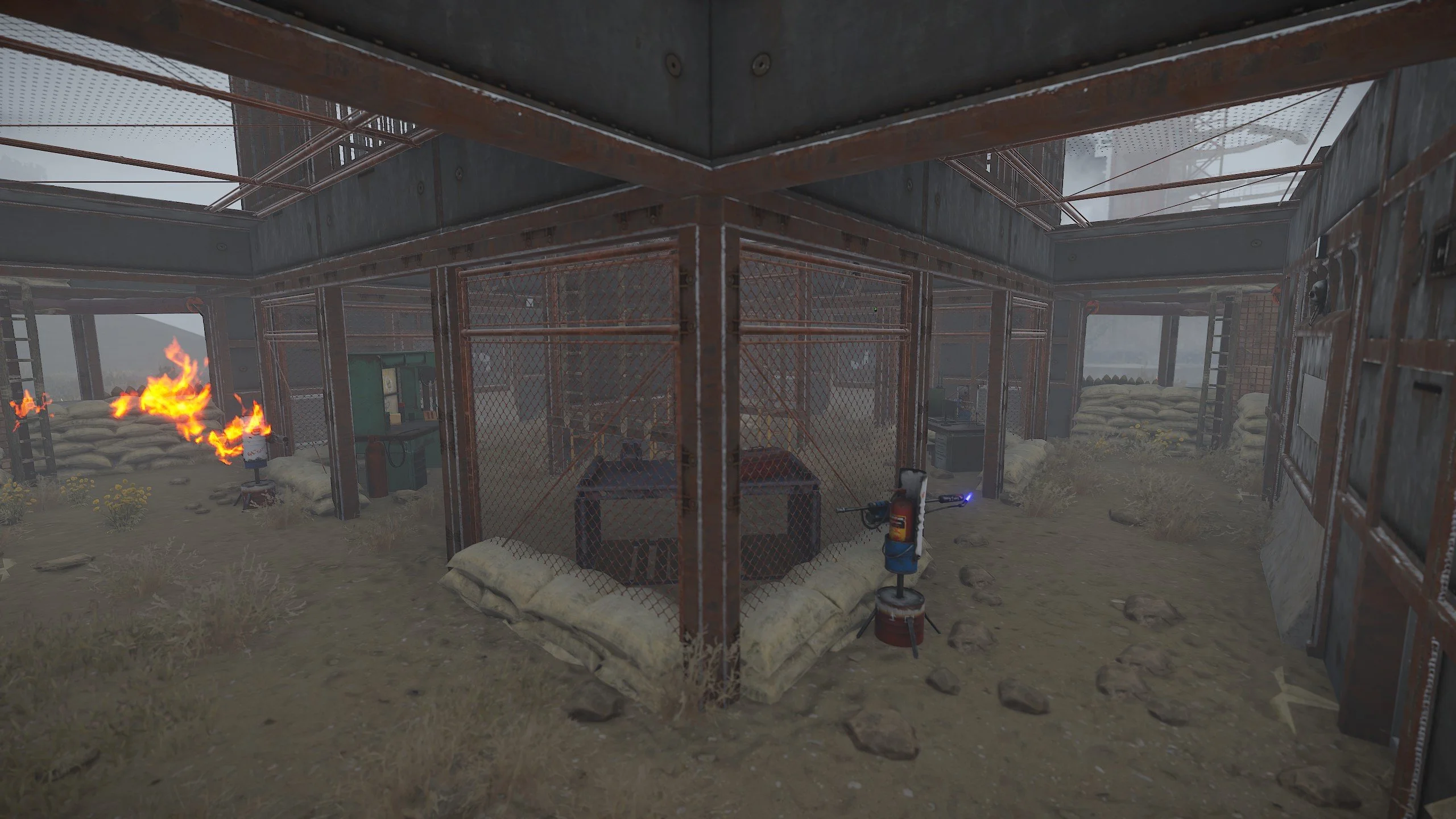
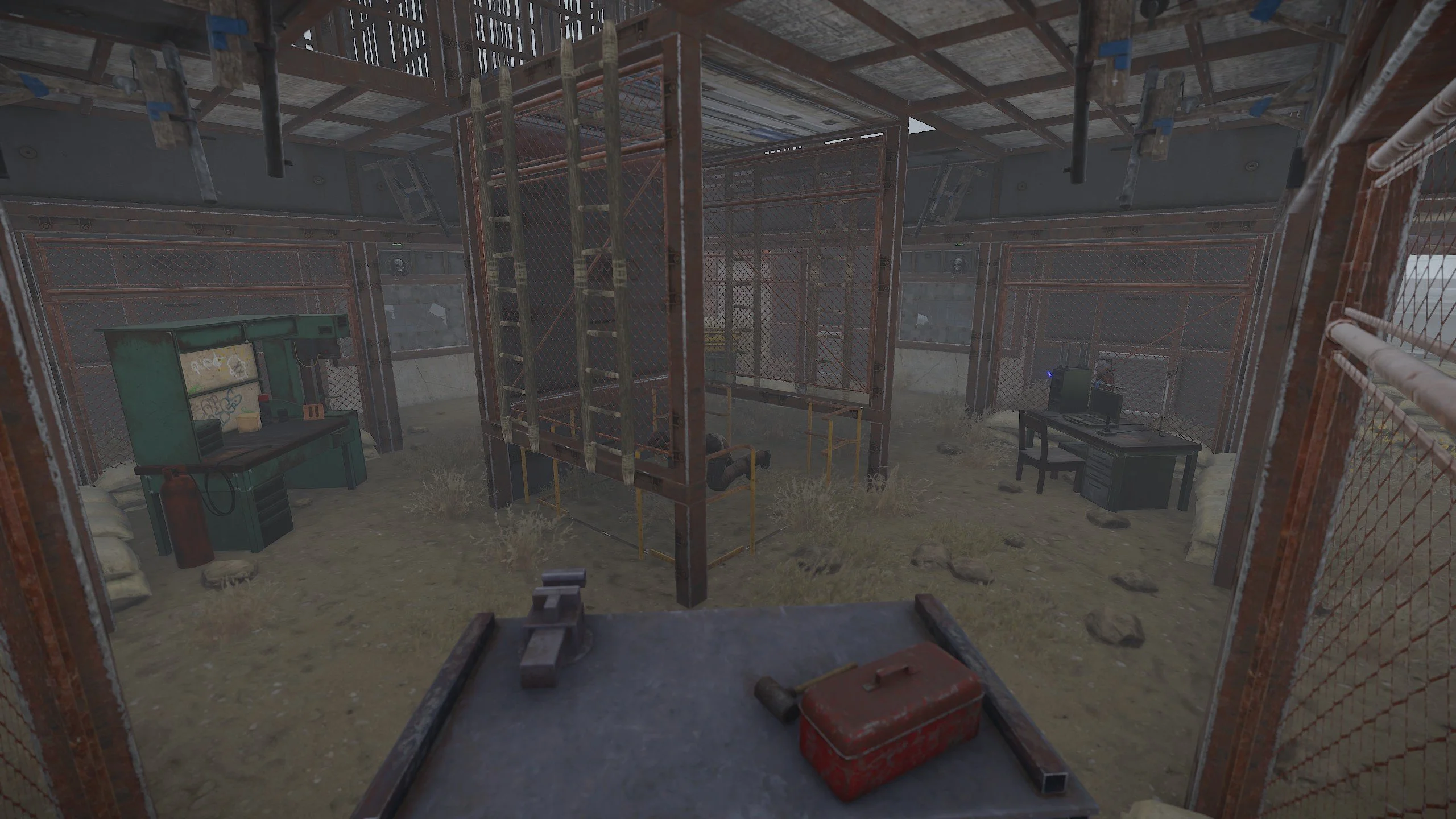
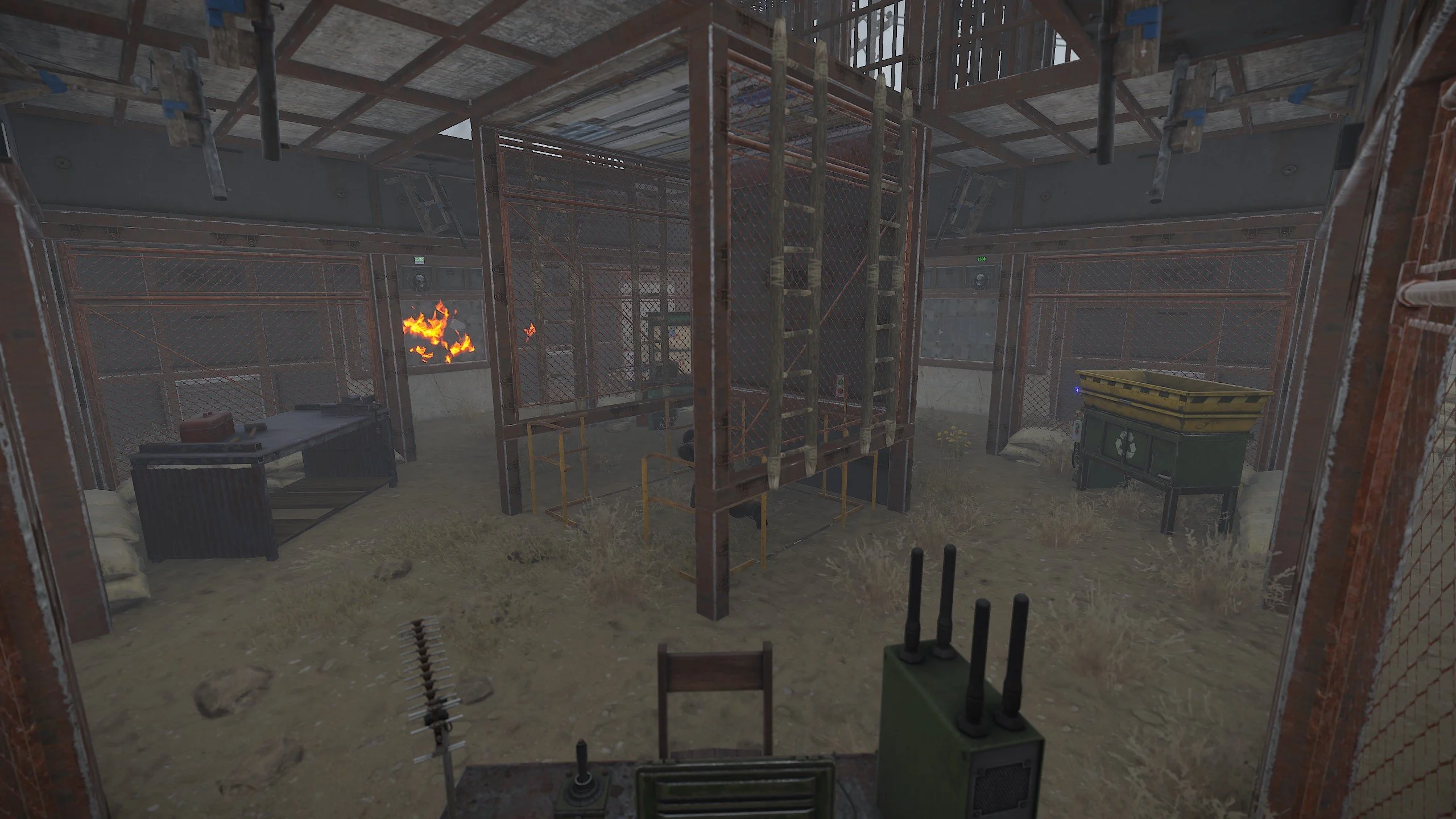
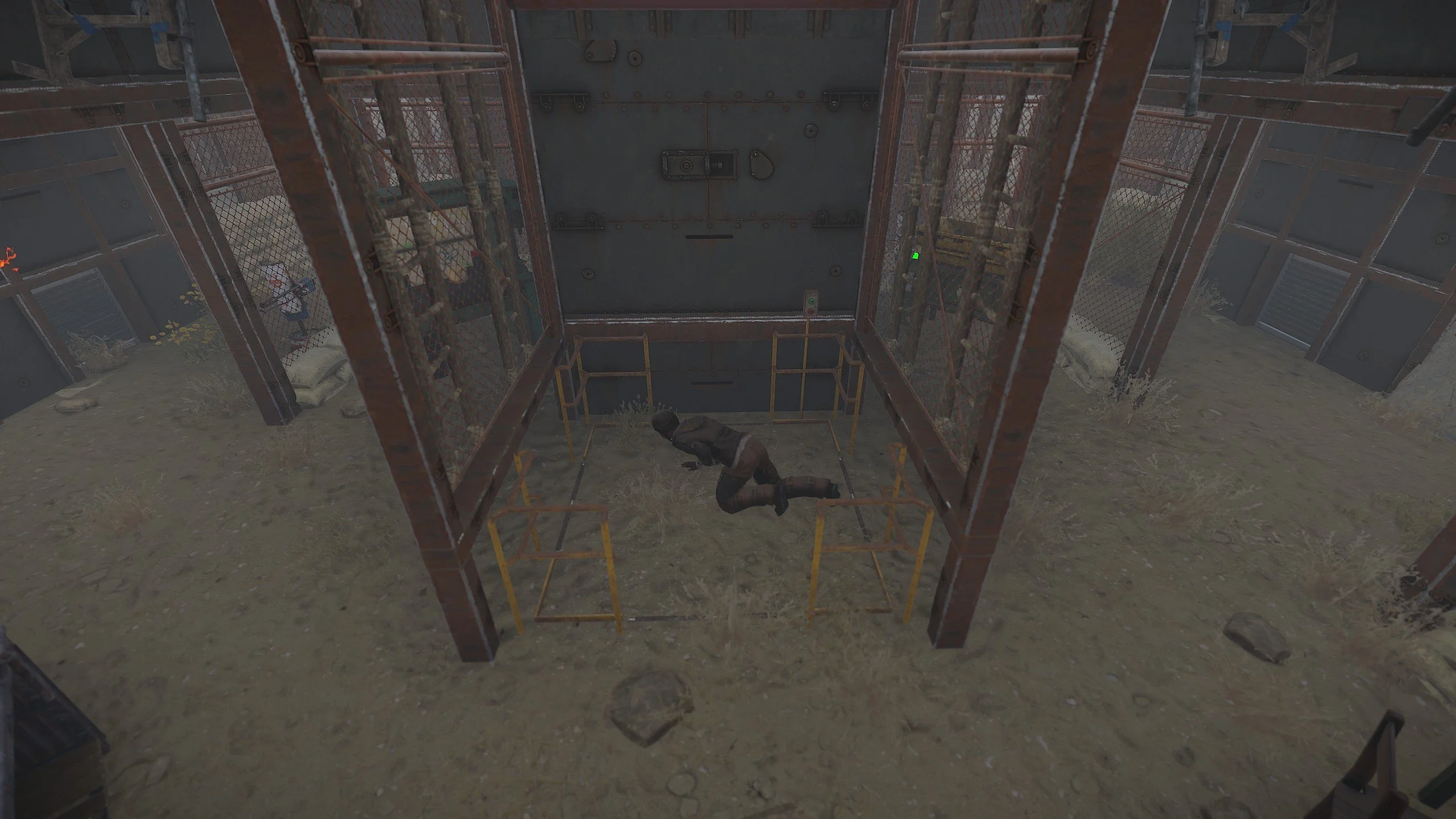
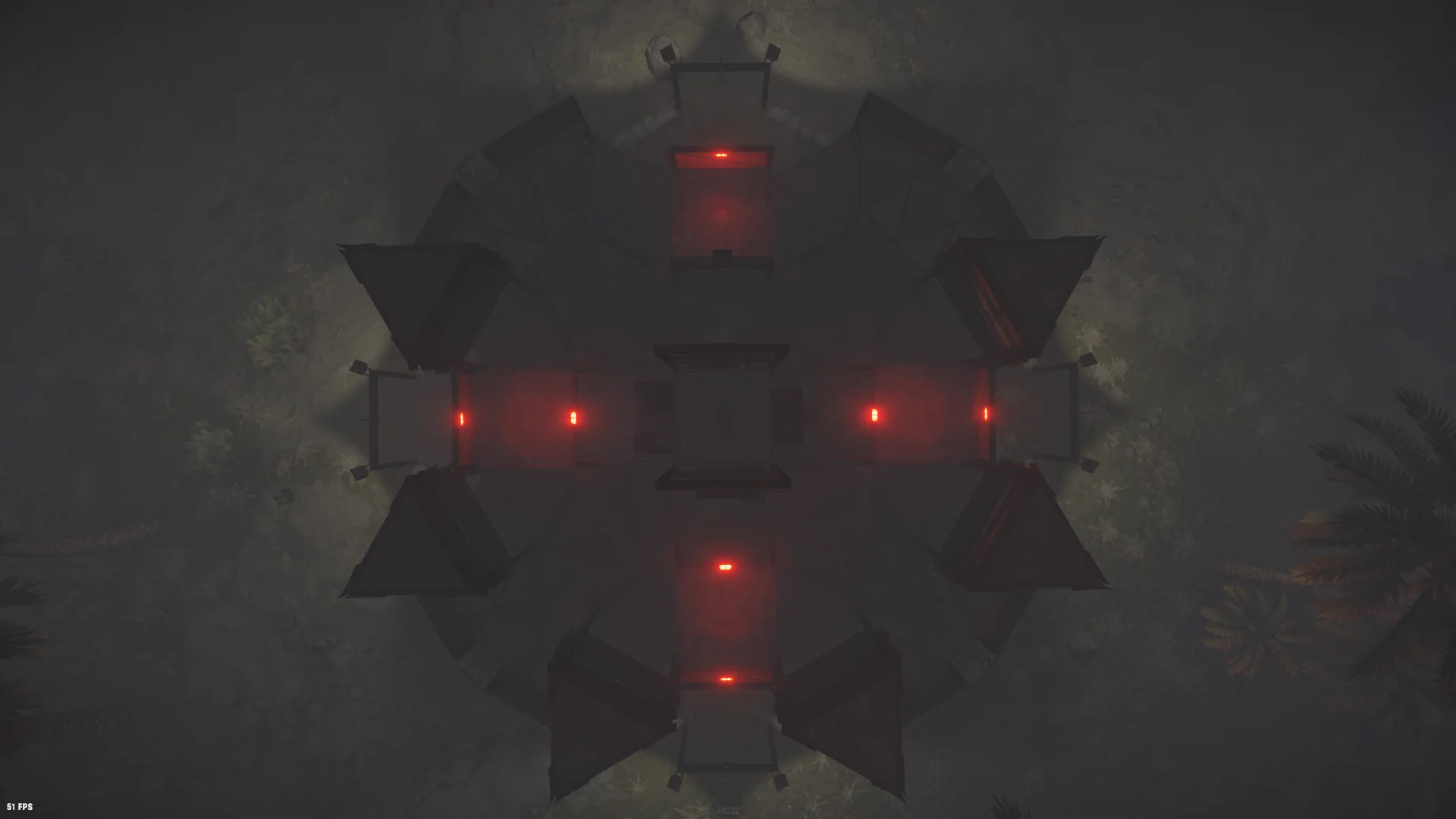

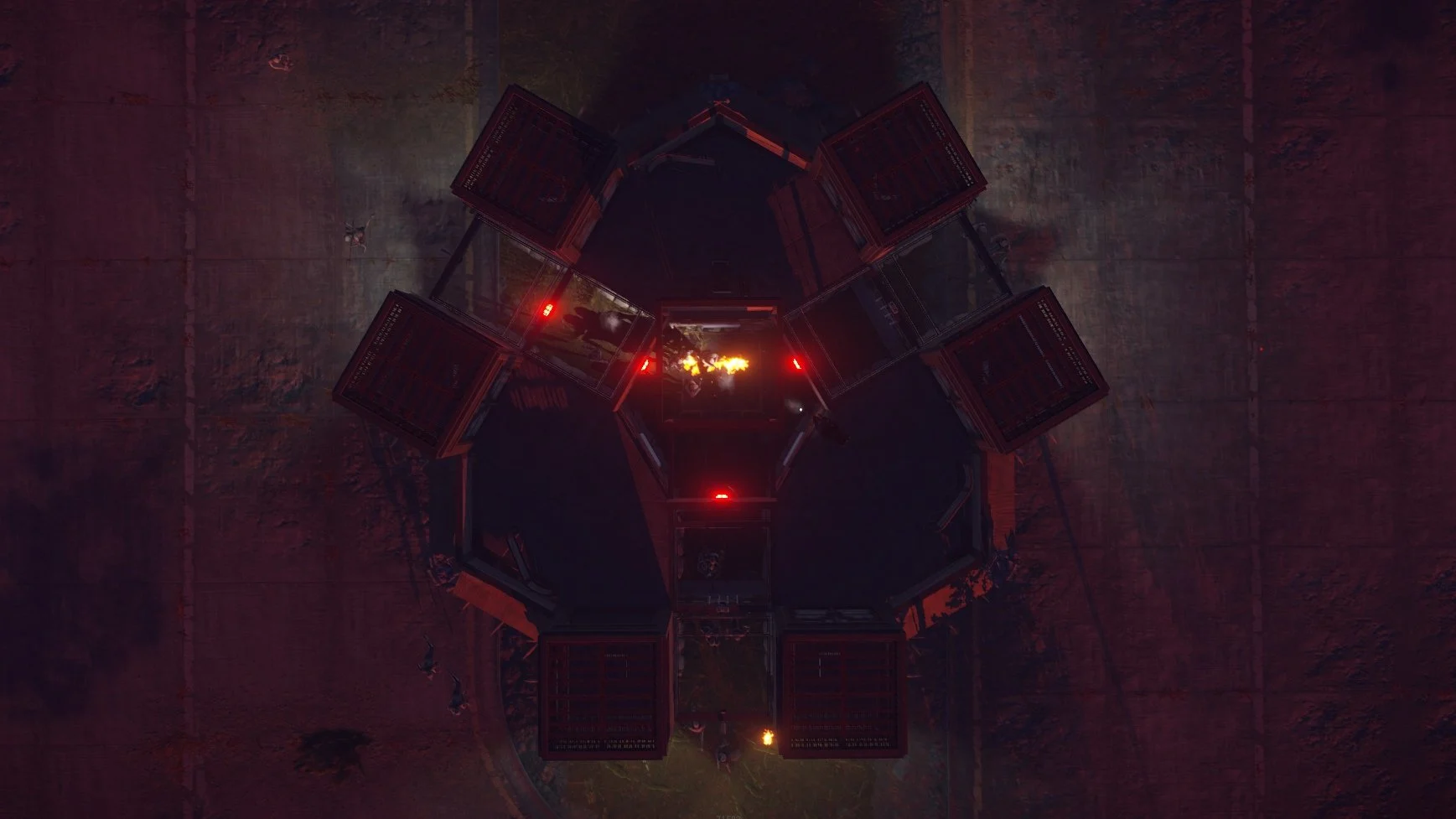

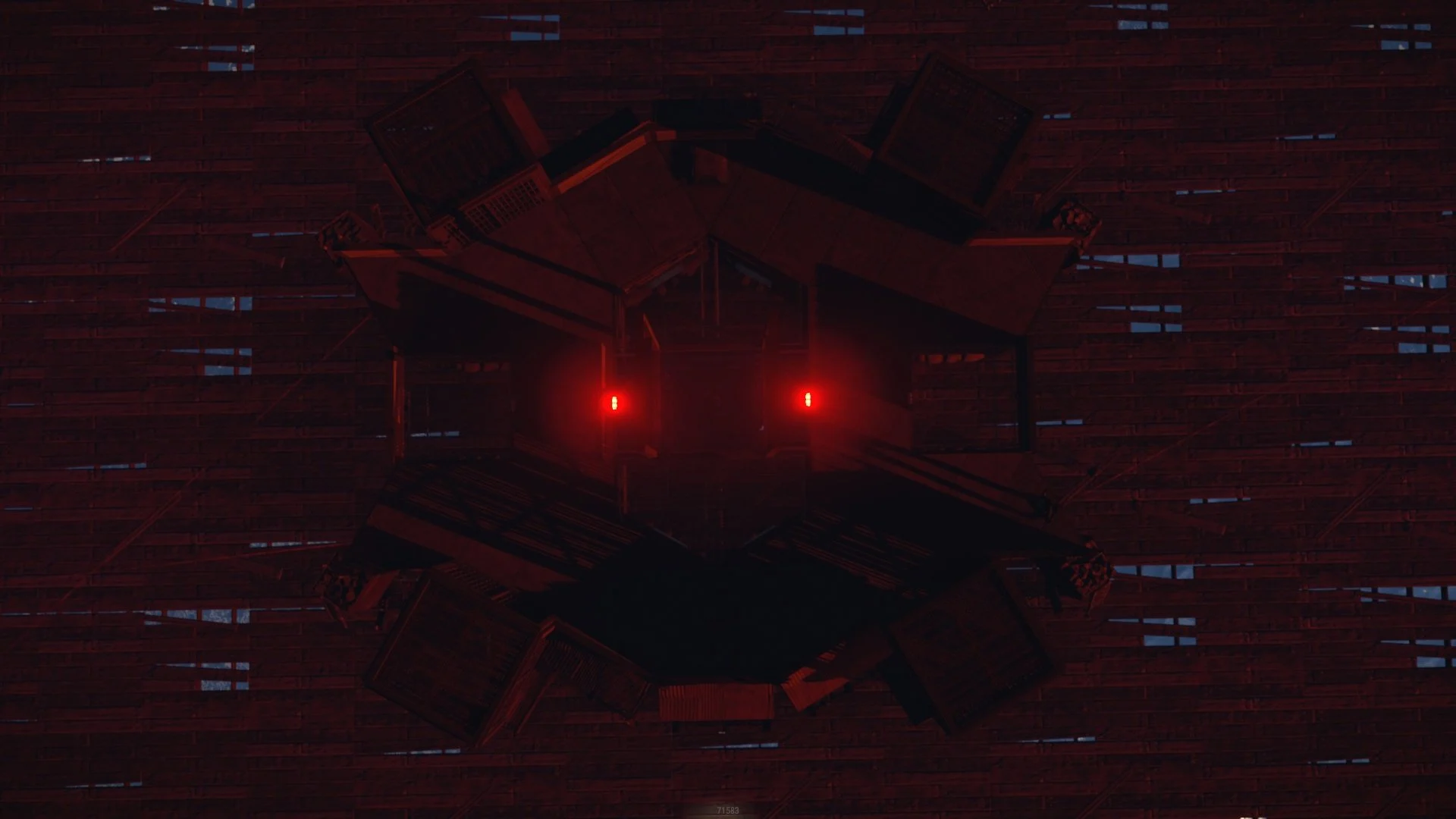
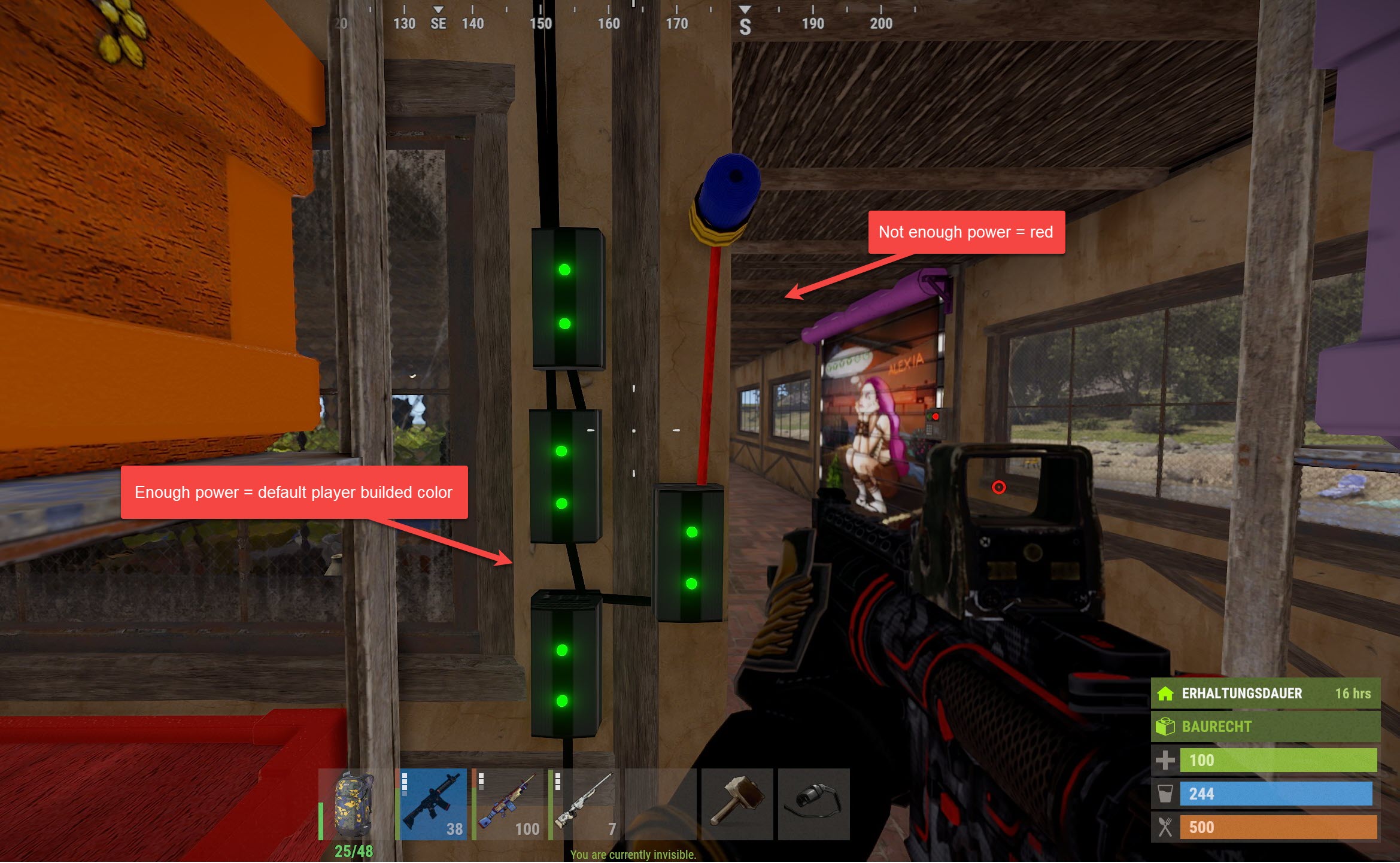
- Changes the color of electrical wires while they are providing 0 or insufficient power (default: red)
- Changes the color of hoses while they are providing 0 fluid (default: red)
- Restores the original wire or hose color when sufficient power or fluid starts flowing
Makes supply drops float instead of sinking to the bottom of the ocean. Say bye to lost supply drops at sea.

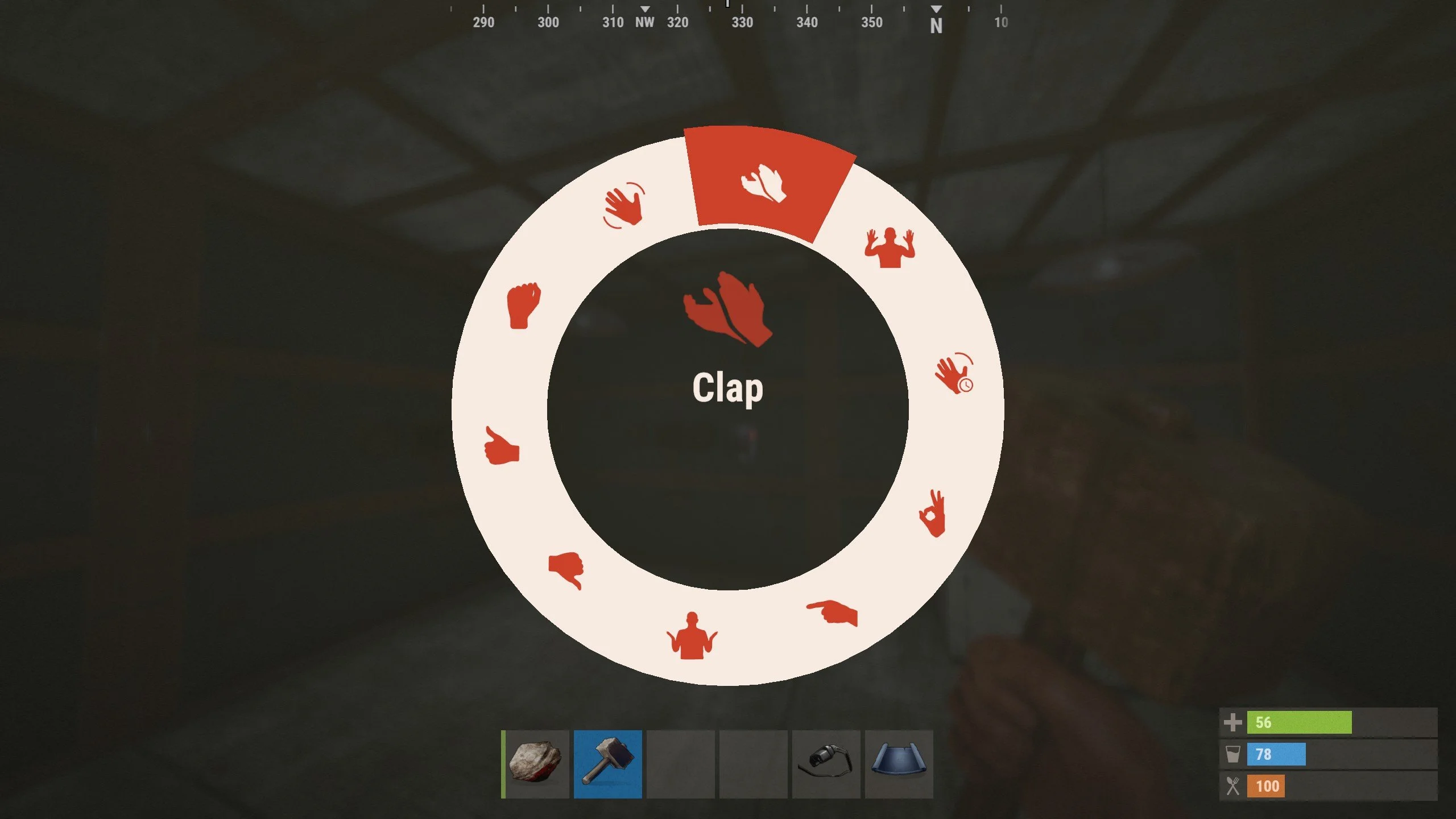
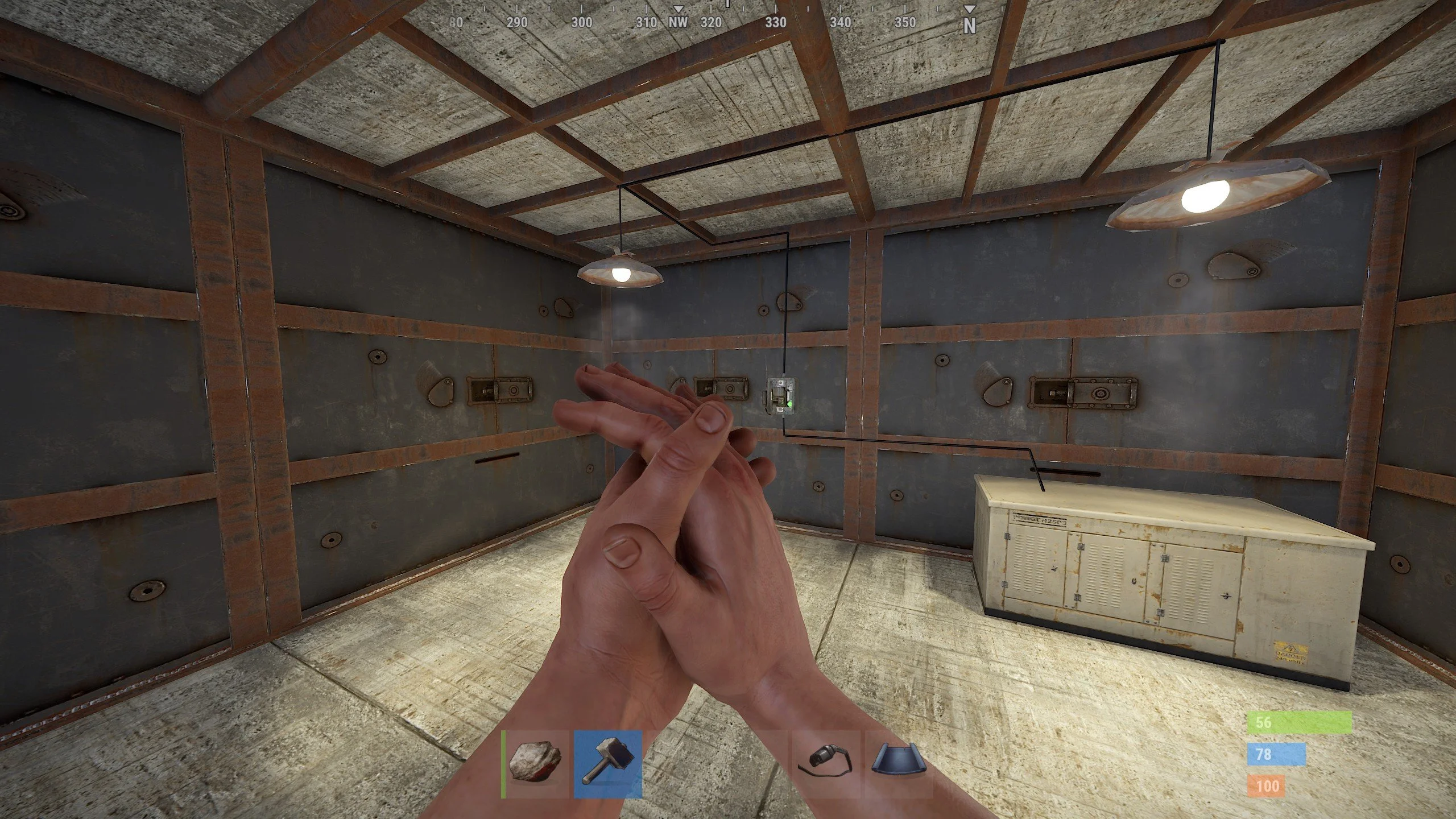
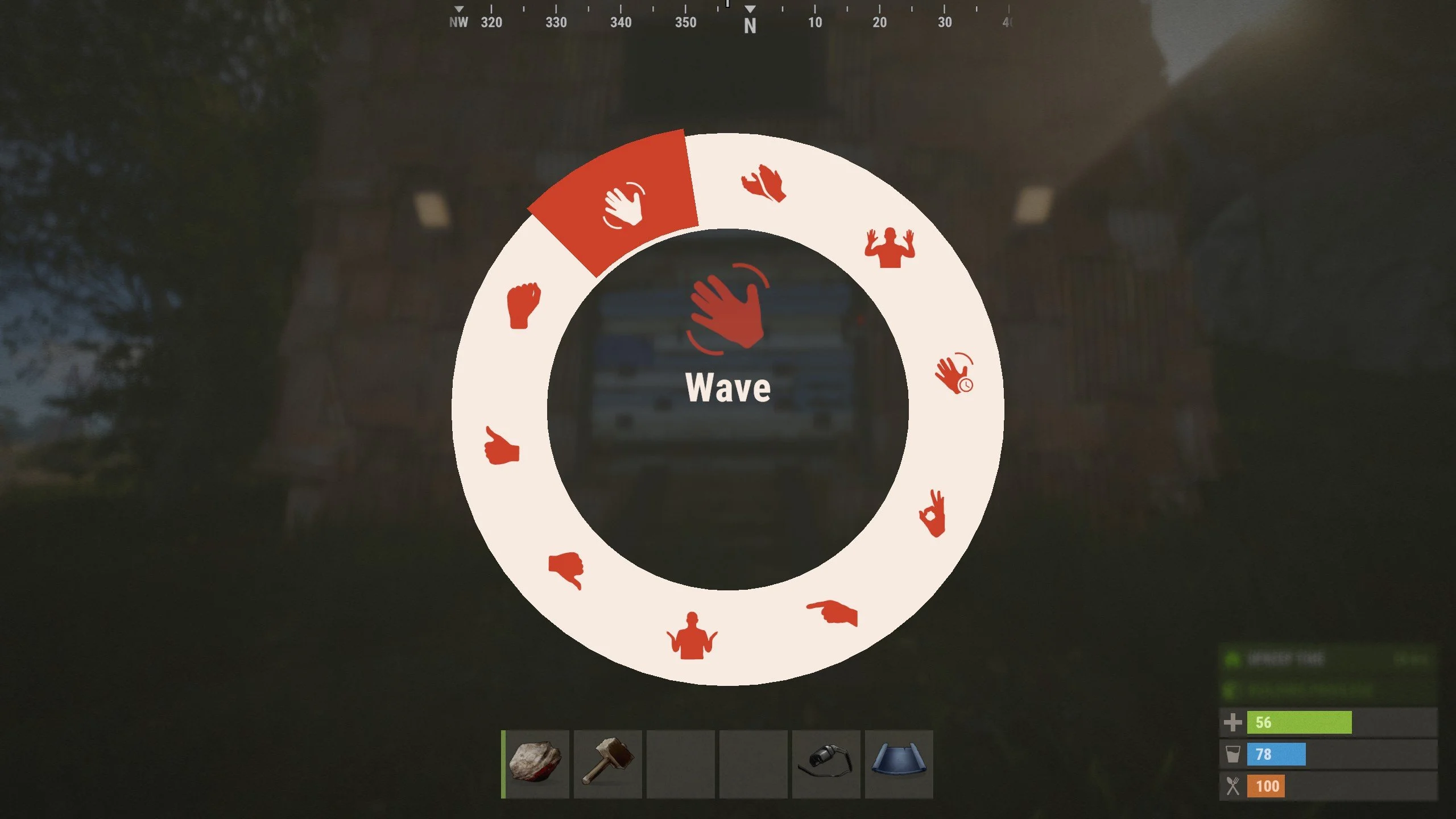
- Clap to turn the lights on
- Wave to open a gate
- Turn on a turret unless you are surrendering!
- Whatever else you can think of!
How to Use
It's very simple and intuitive to use. No clunky commands or complicated setup. However, it does require that you have a basic understanding of how to use electricity in Rust.
-
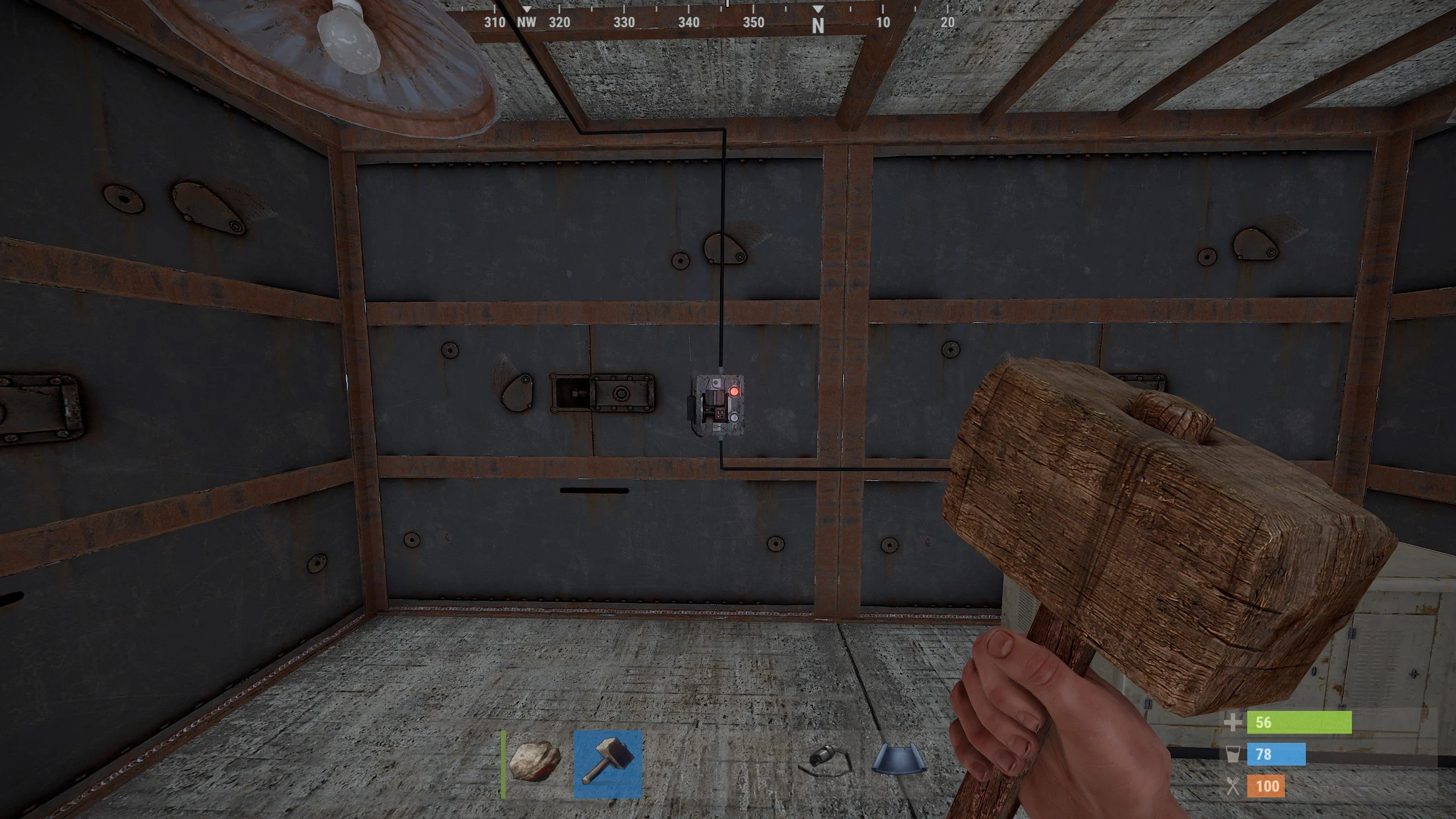
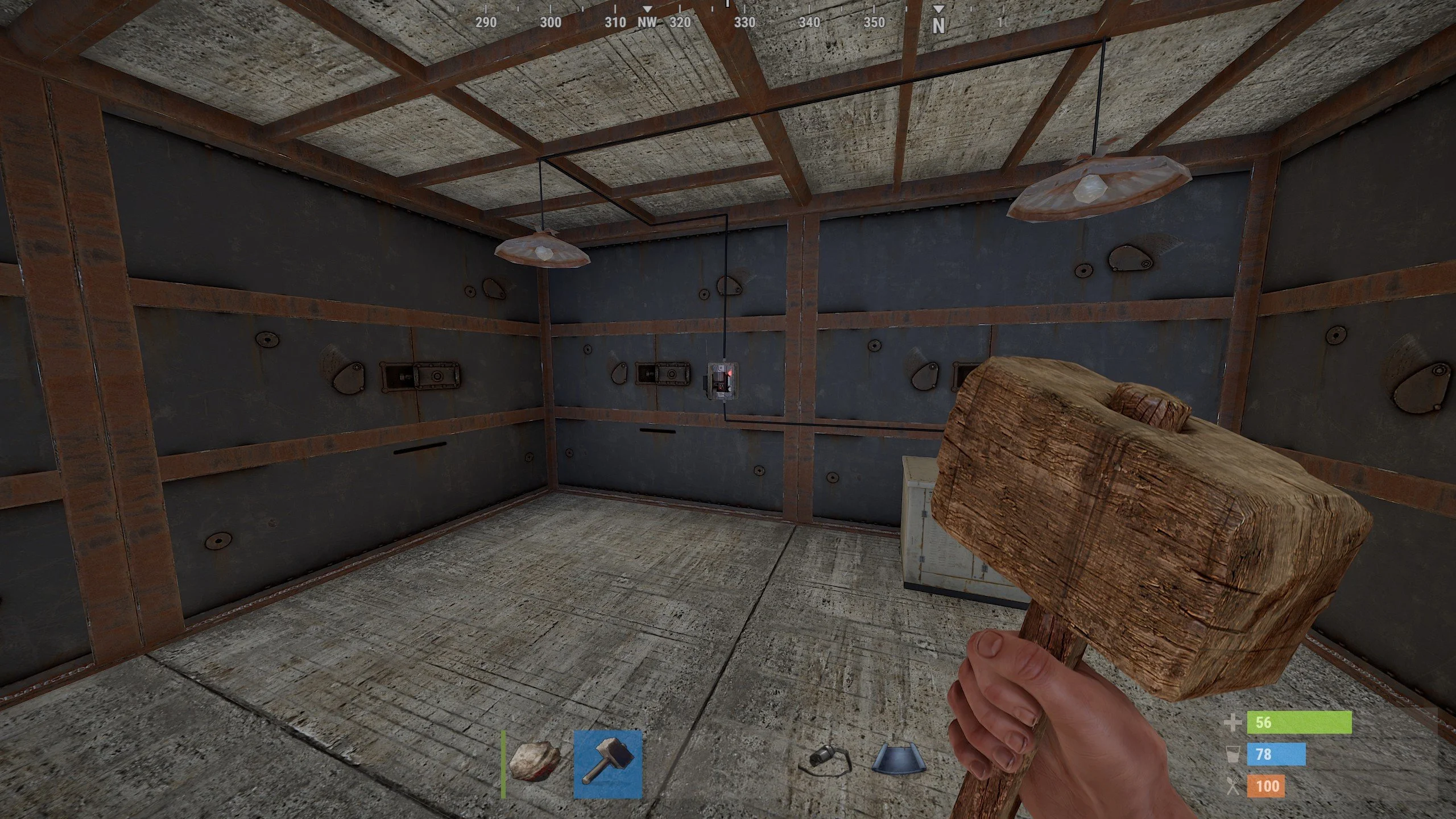
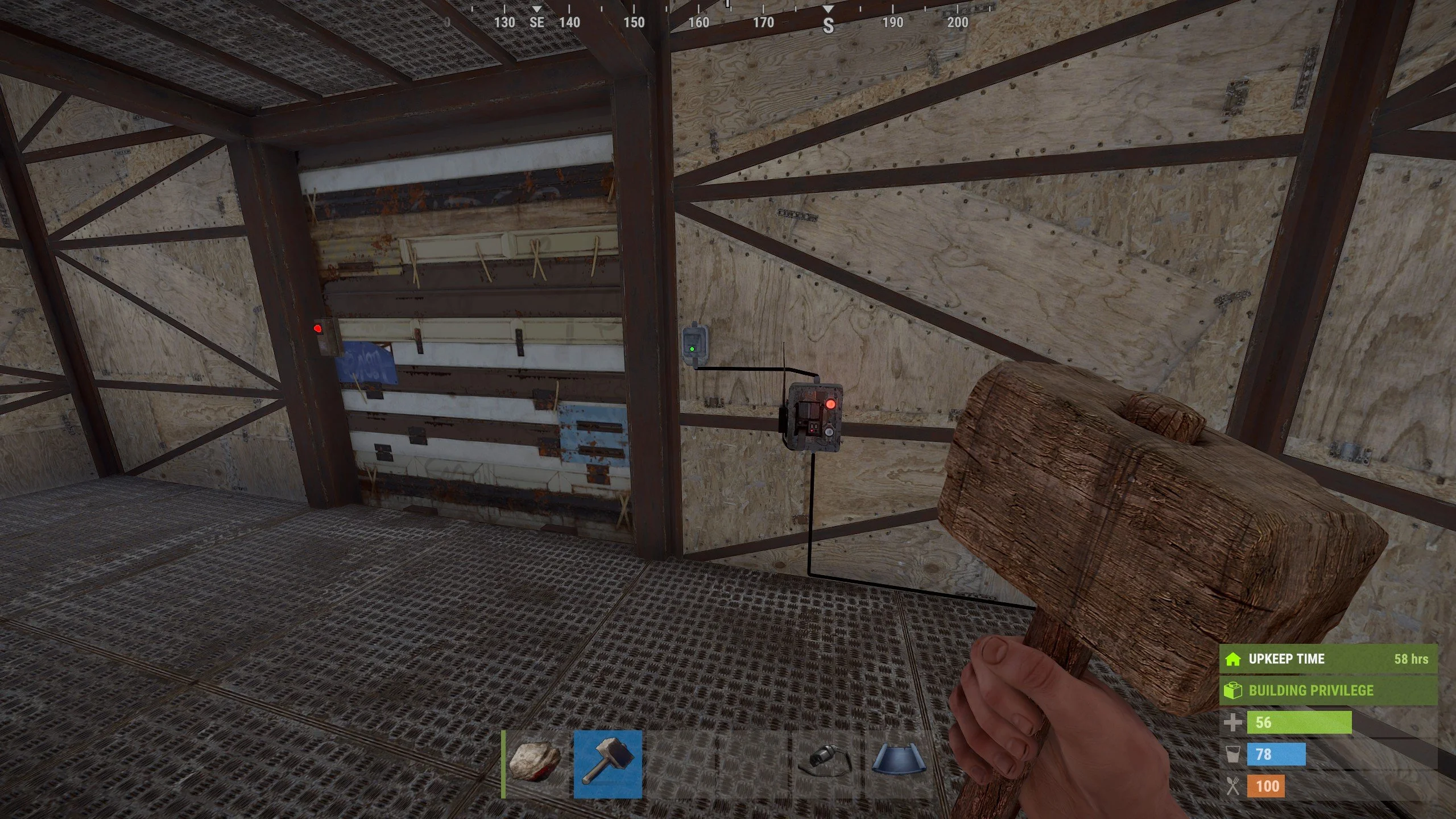
Place a Smart Switch, hook it up with a power source, and an output. You can make the output whatever you like. I recommend a light for an easy example.
-
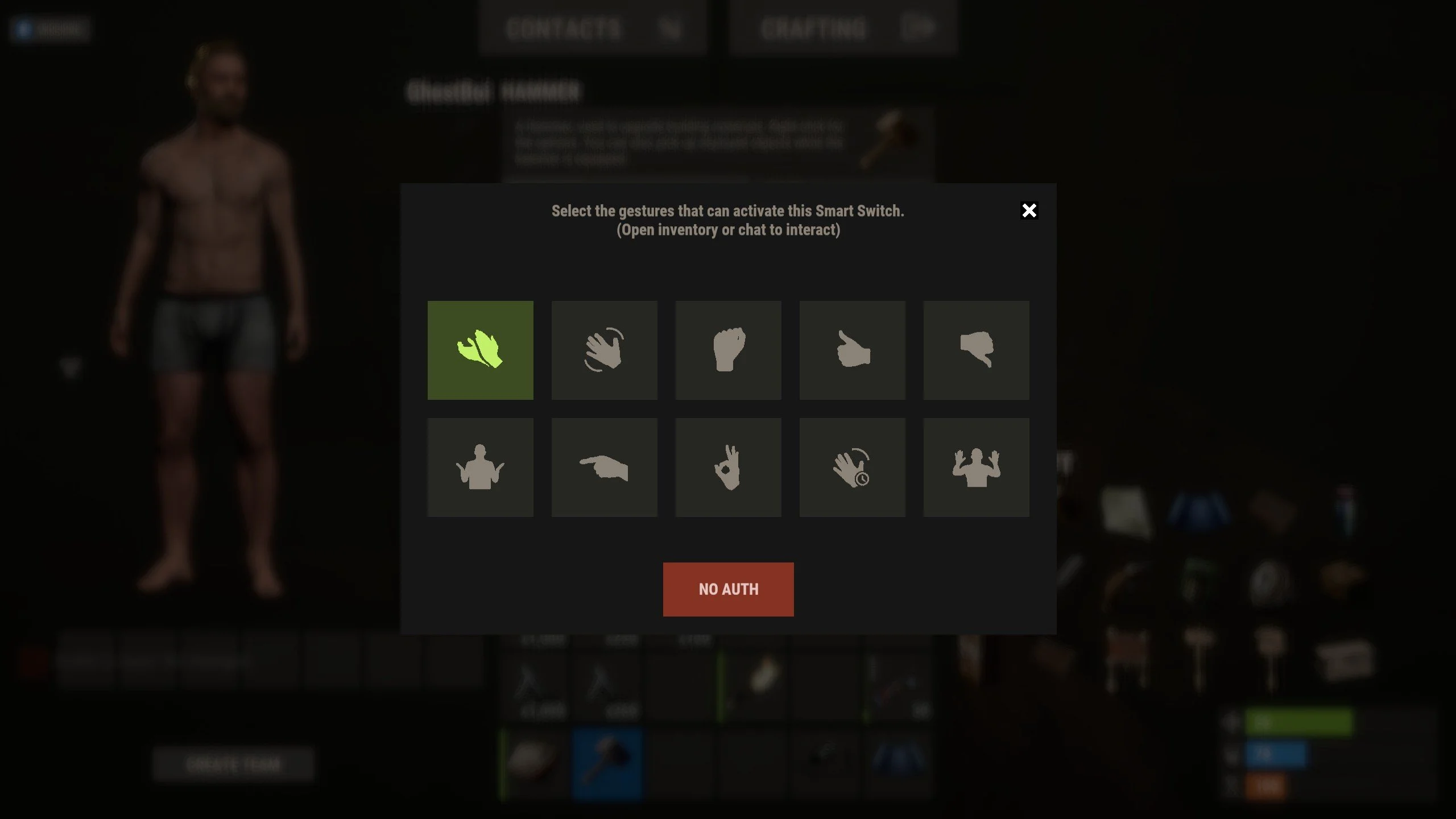
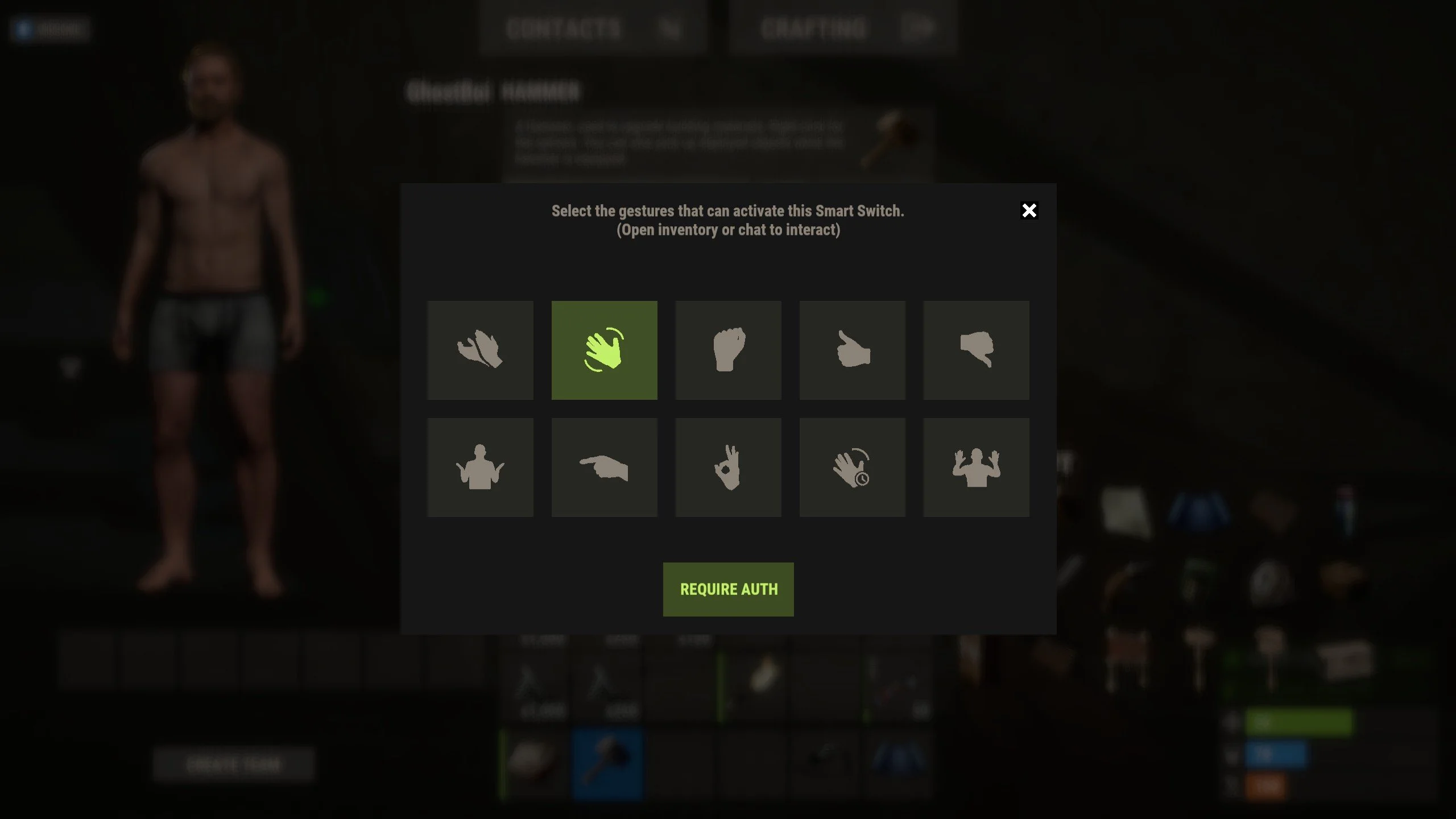
Hit the newly placed Smart Switch with a hammer. This will open up the new gesture configuration menu.
-
Select whatever gesture(s) you want this switch to activate with. Then, at the bottom of the menu, hit the button so that it reads "NO AUTH" (text may differ depending on your localization configuration). This is to ensure that you will not need building rights in order to activate this switch. If you have building rights, then you can leave it on "REQUIRE AUTH".
-
Close the menu using the X button in the top right.
-
Open the gesture wheel and perform one of the gestures you configured to activate this switch. If it is properly wired up, it should turn on!
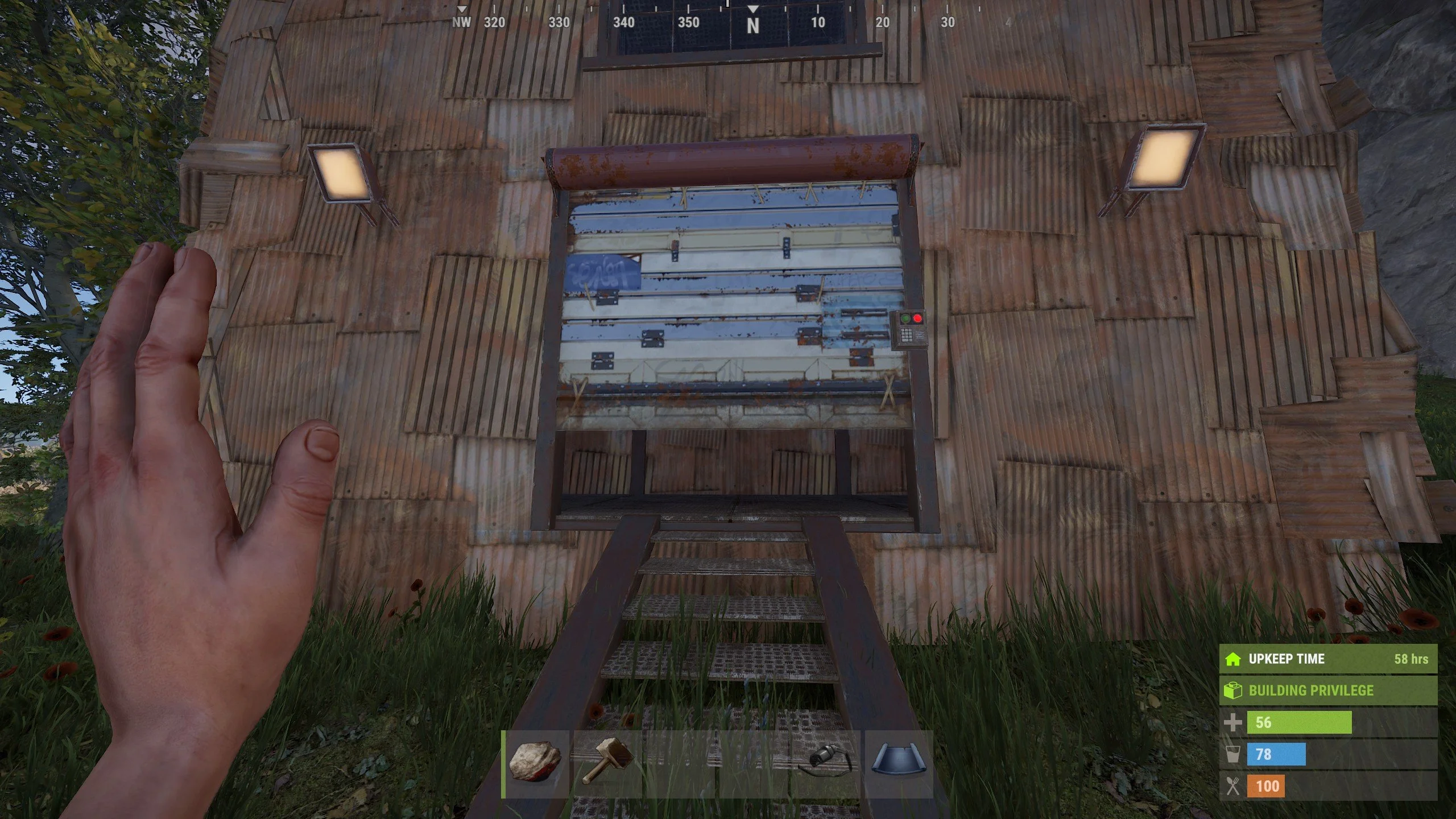
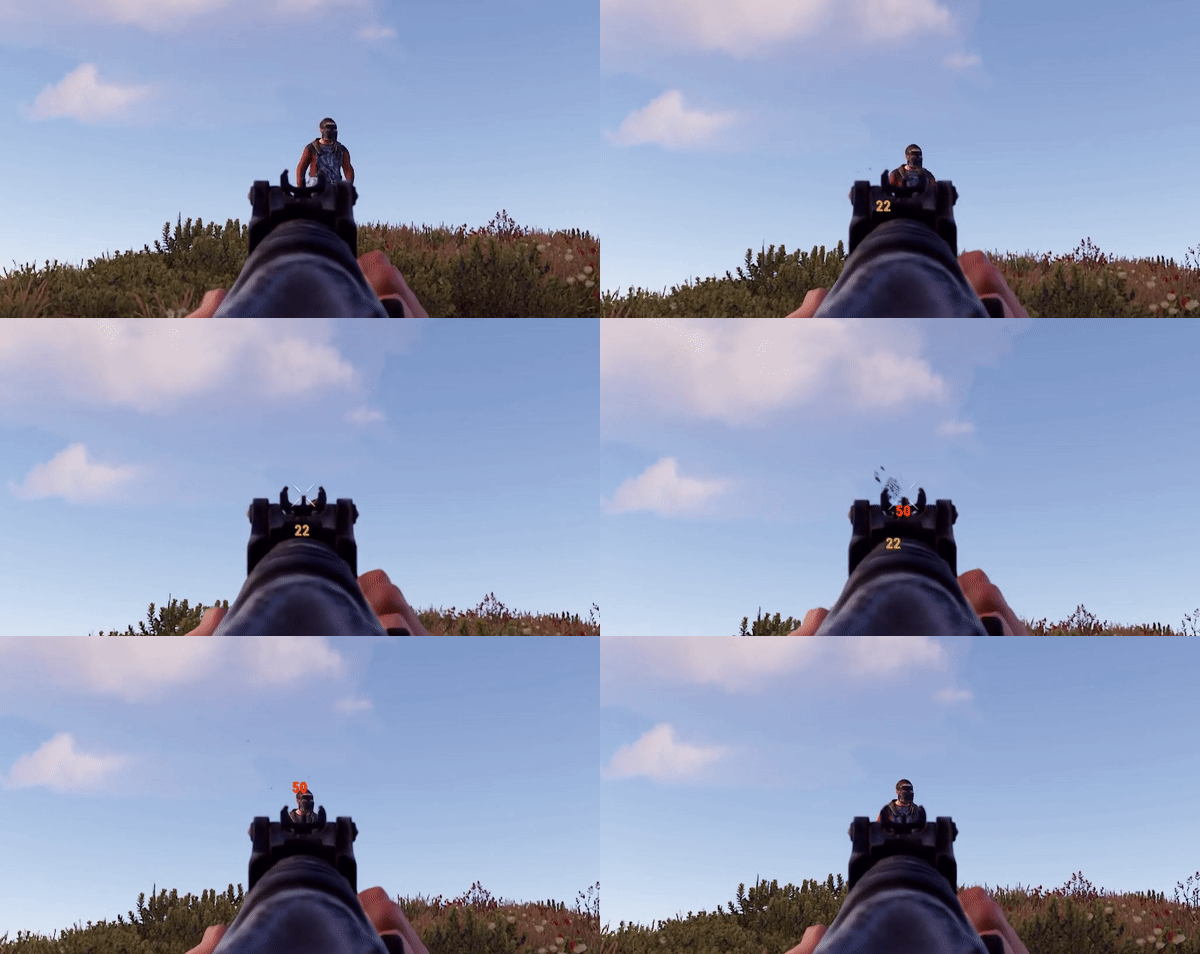
This plugin displays damage numbers for your hits, whether it's melee or guns. The damage numbers are shown in different colors based on the amount of damage dealt. When shooting at players, the plugin takes into account the armor they are wearing, so the displayed numbers reflect the actual damage received by the victim.
Chat Command: /hit - Enable or disable Hit Damage
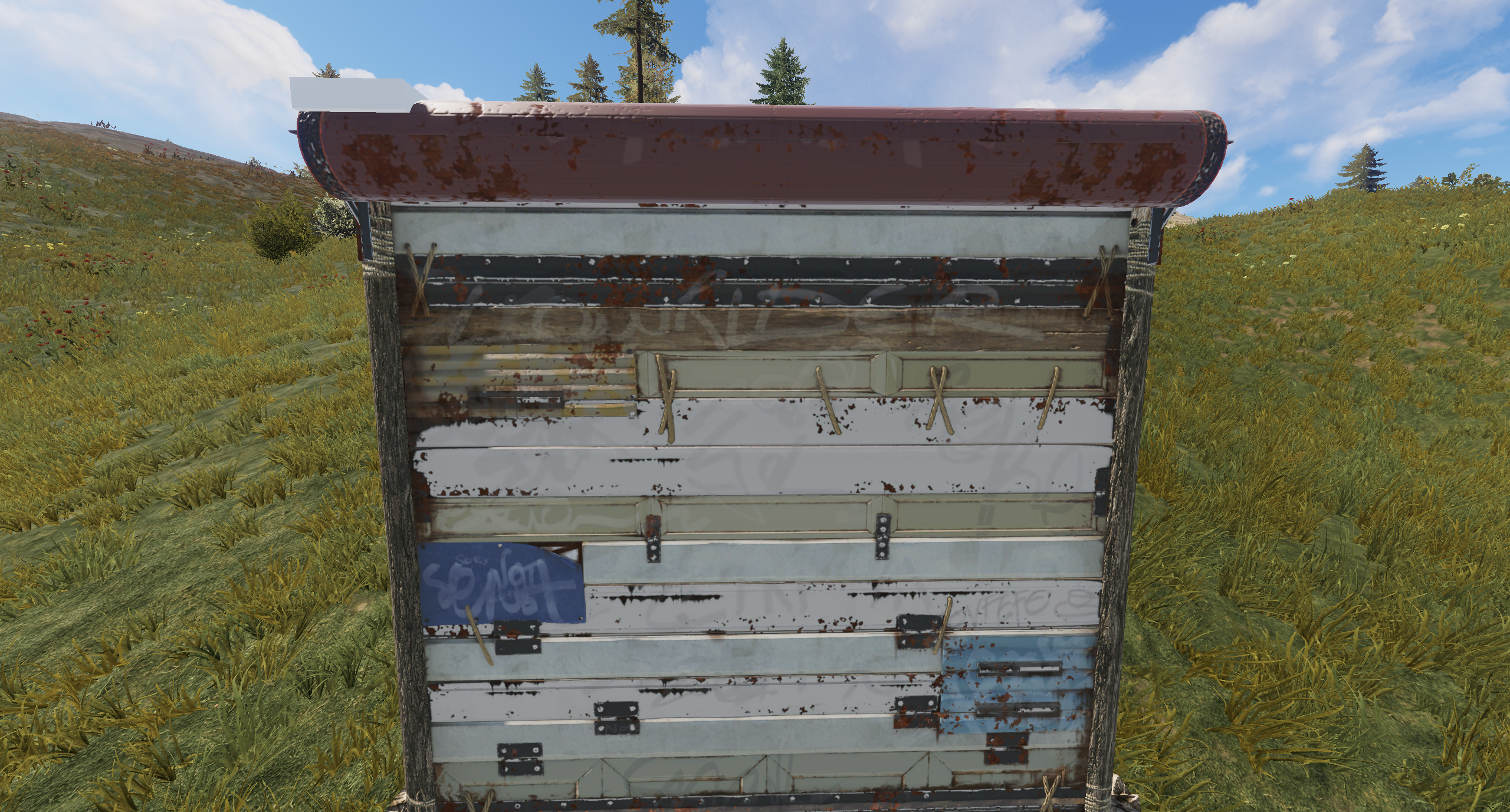
Configure the placement and close delay of door closers on doors, hatches, gates, and garage doors. By default, this plugin fixes the placement of door closers on hatches, gates, and garage doors and increases their shut delay so they don't close instantly after being opened. It also makes the door closers visible.
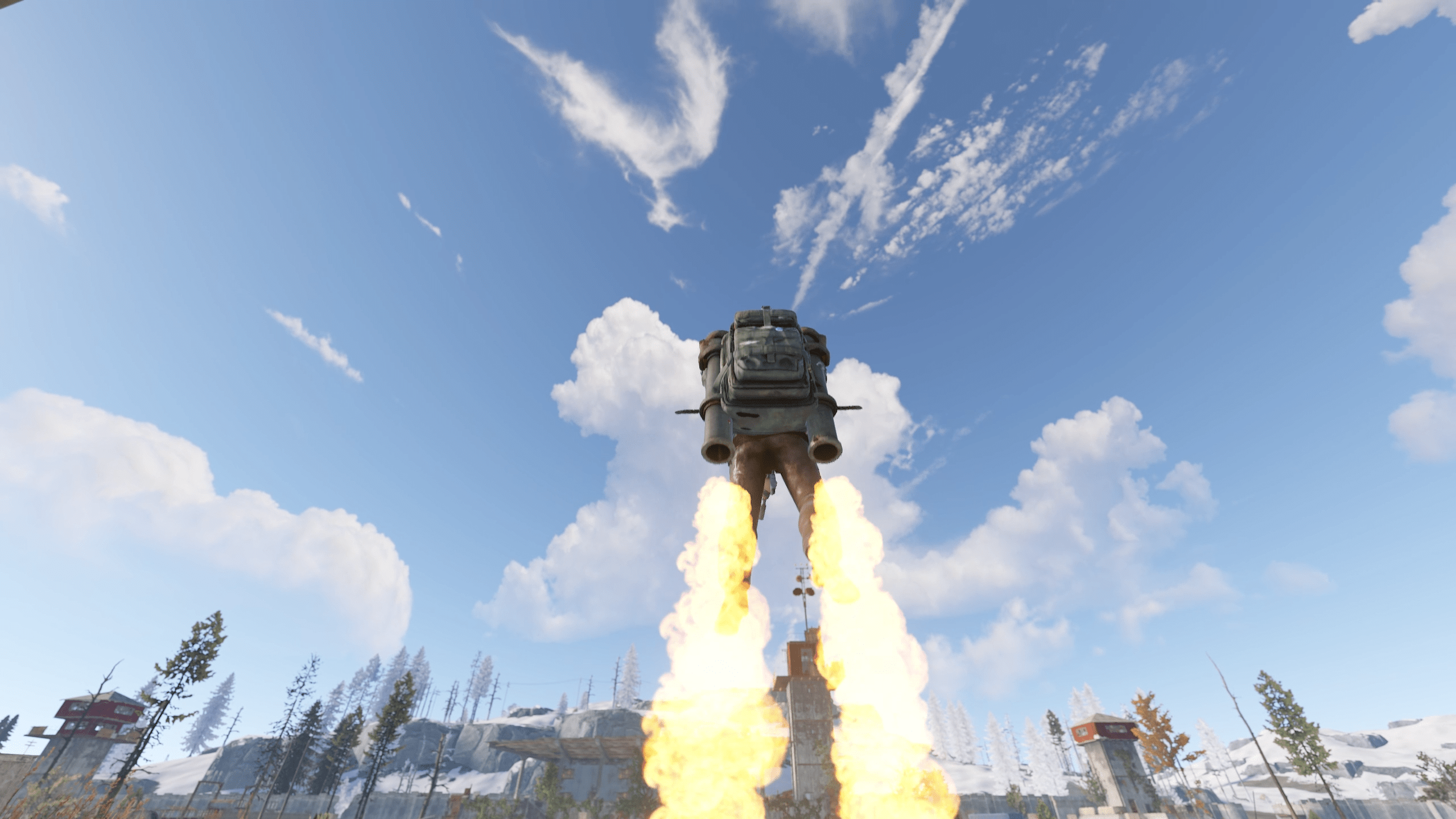
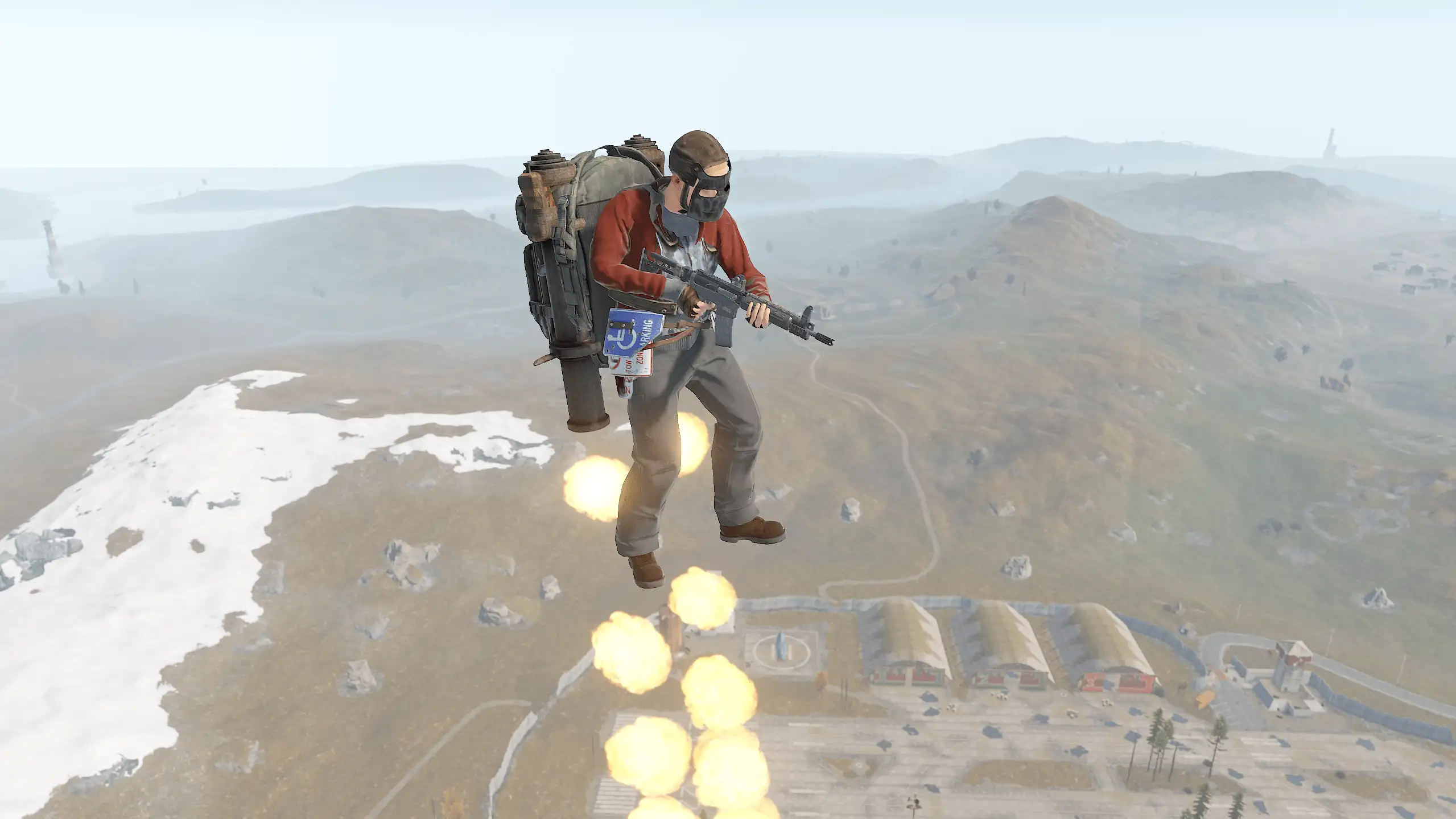
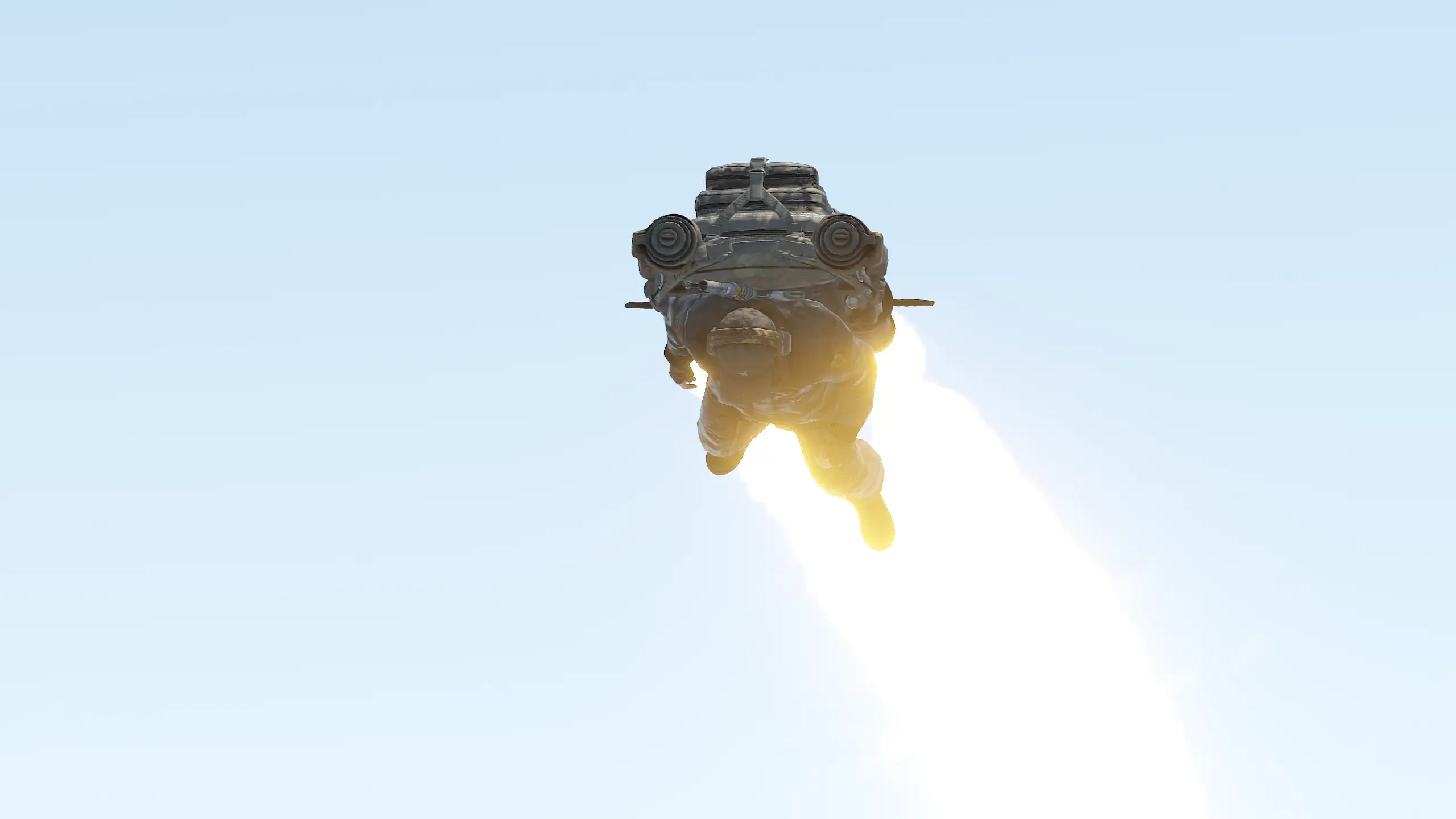
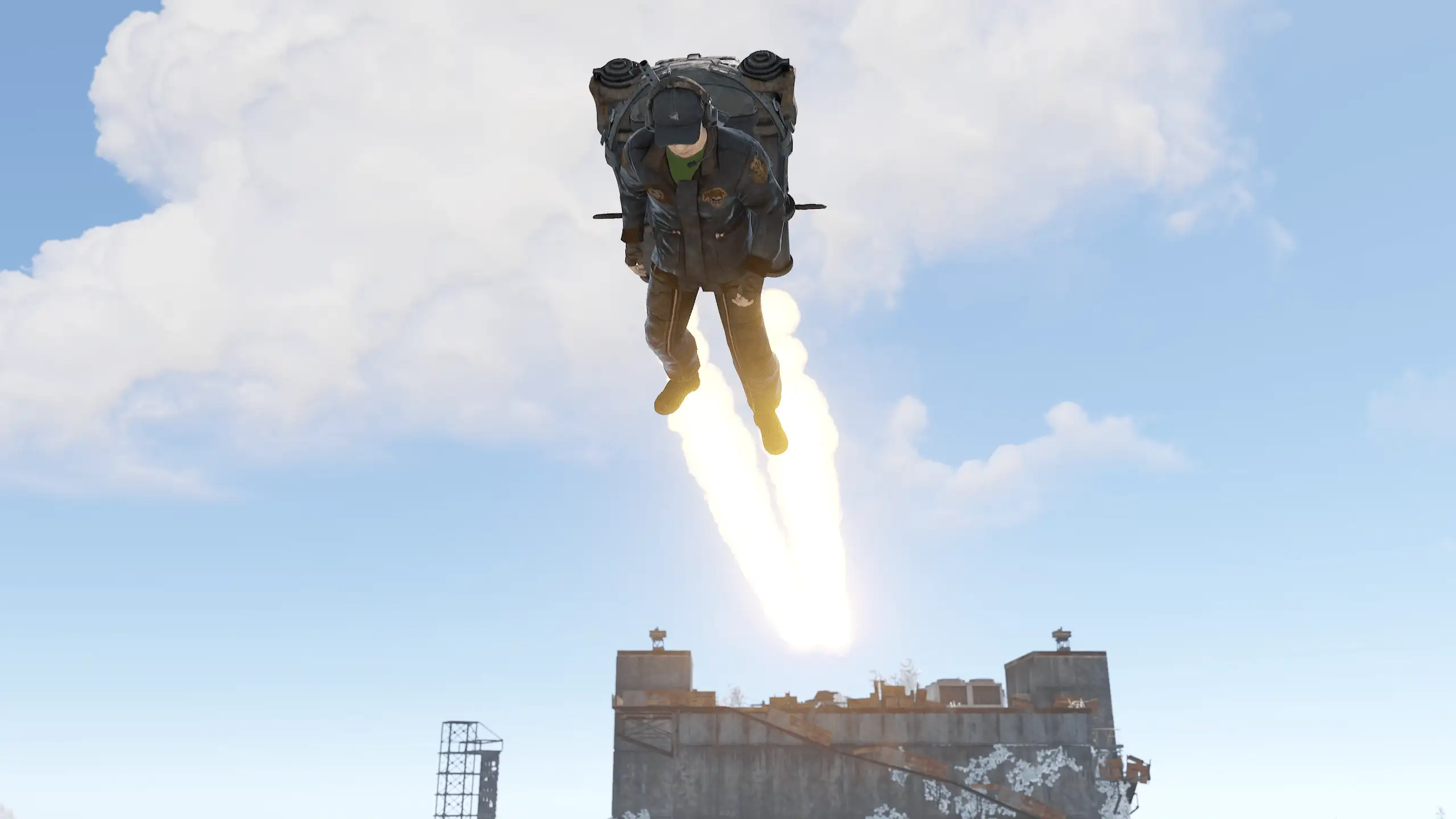
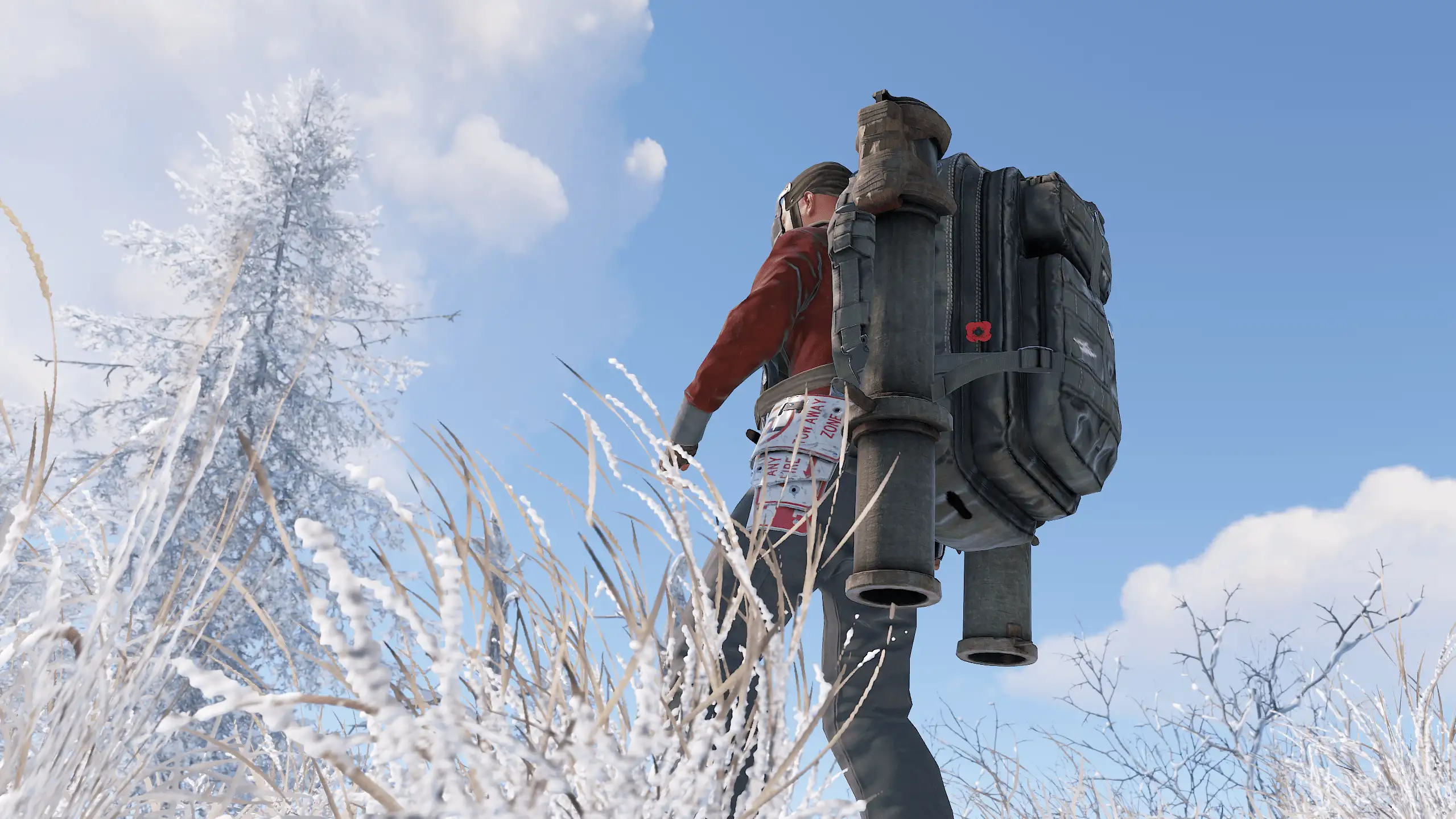
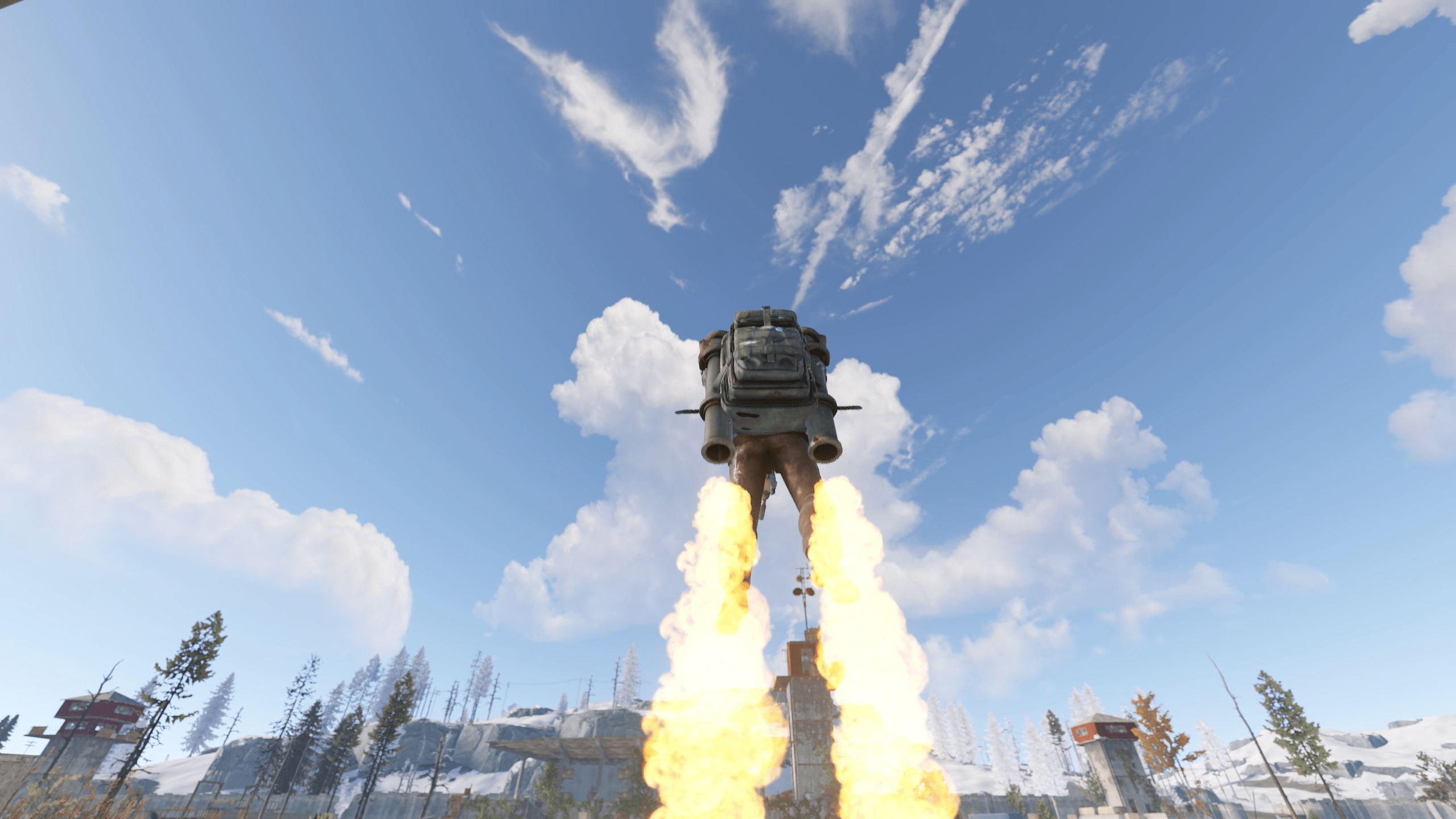
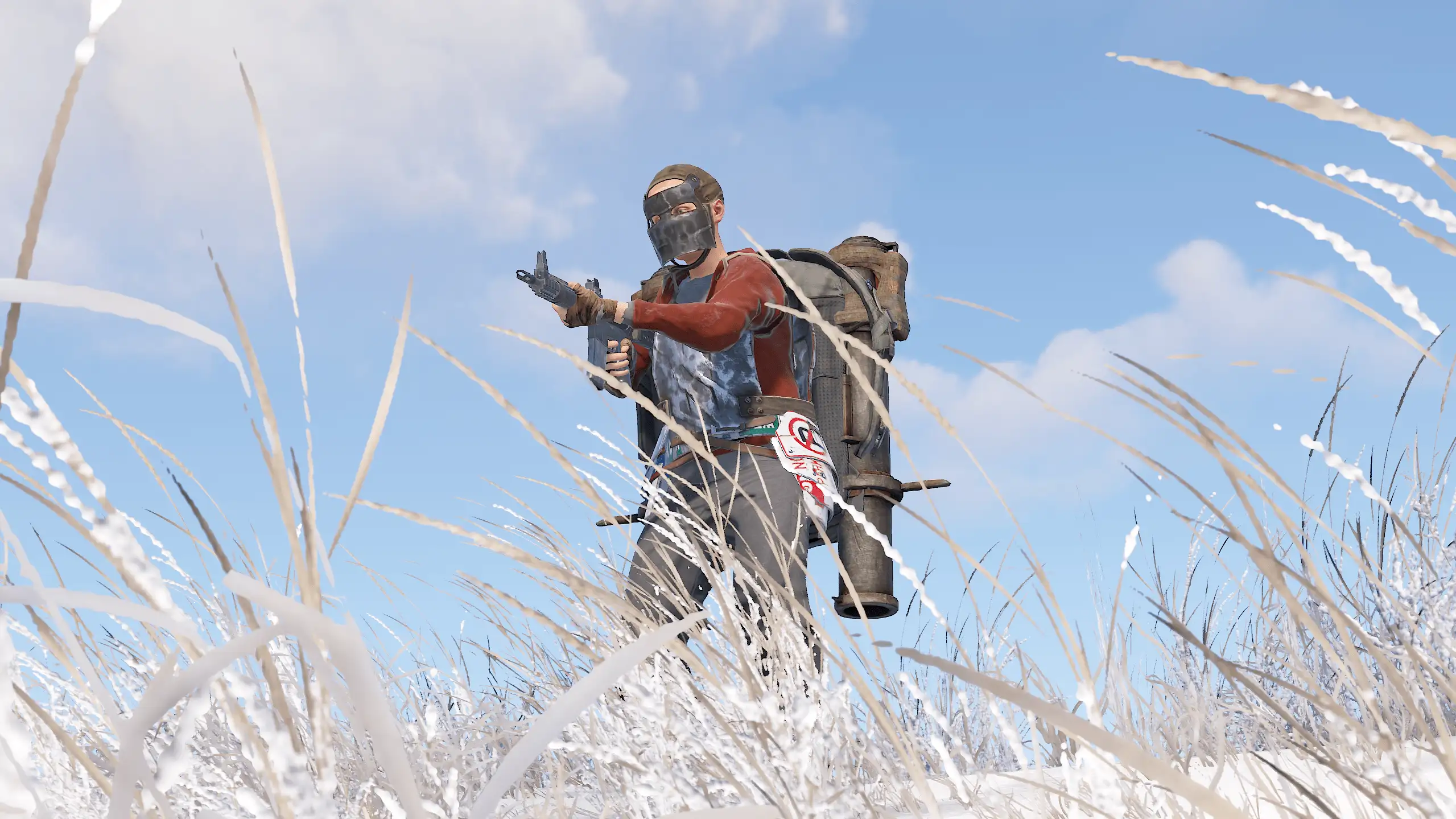
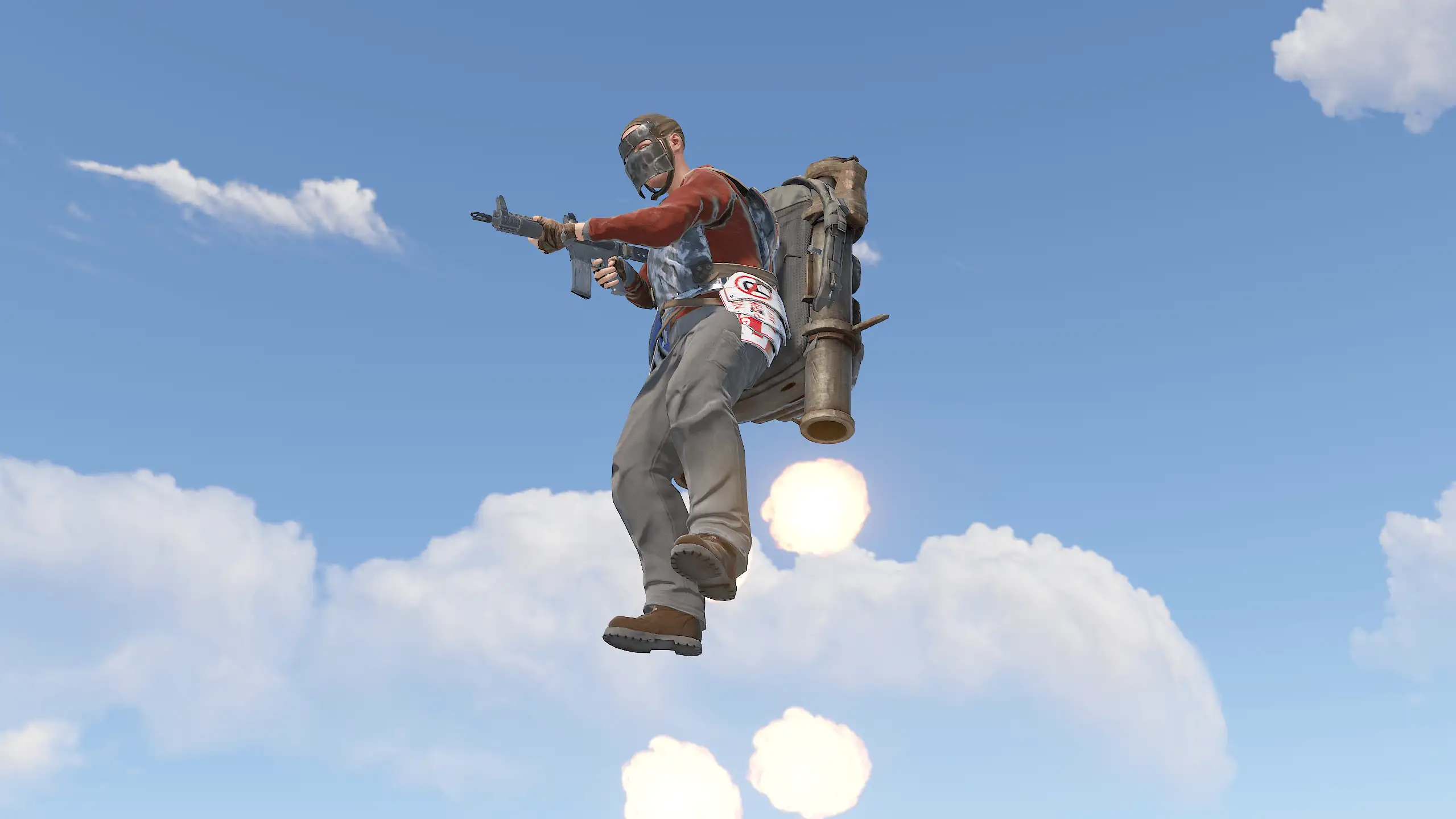
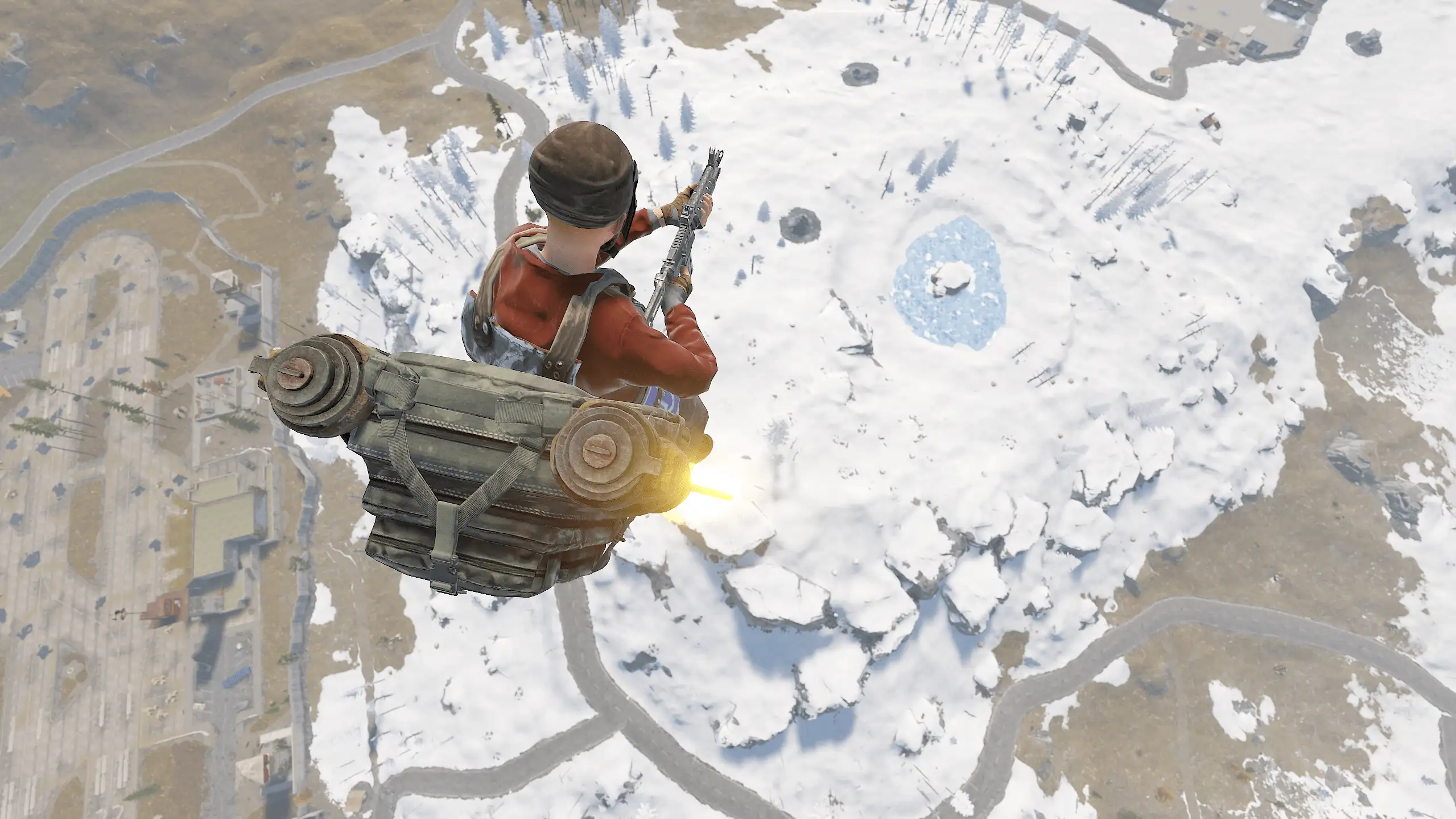
Jet packs can be found in Elite Crates. They consume Low Grade Fuel, which must be placed in the belt. Crashing while using the jet pack will cause damage. It's not easy to fly, but it's a lot of fun!
Controls:
Space- thrustw/s- pitch axisa/d- yaw axisShift/Ctrl- cren axisMiddle mouse button- put on/take off the jetpack (optional)



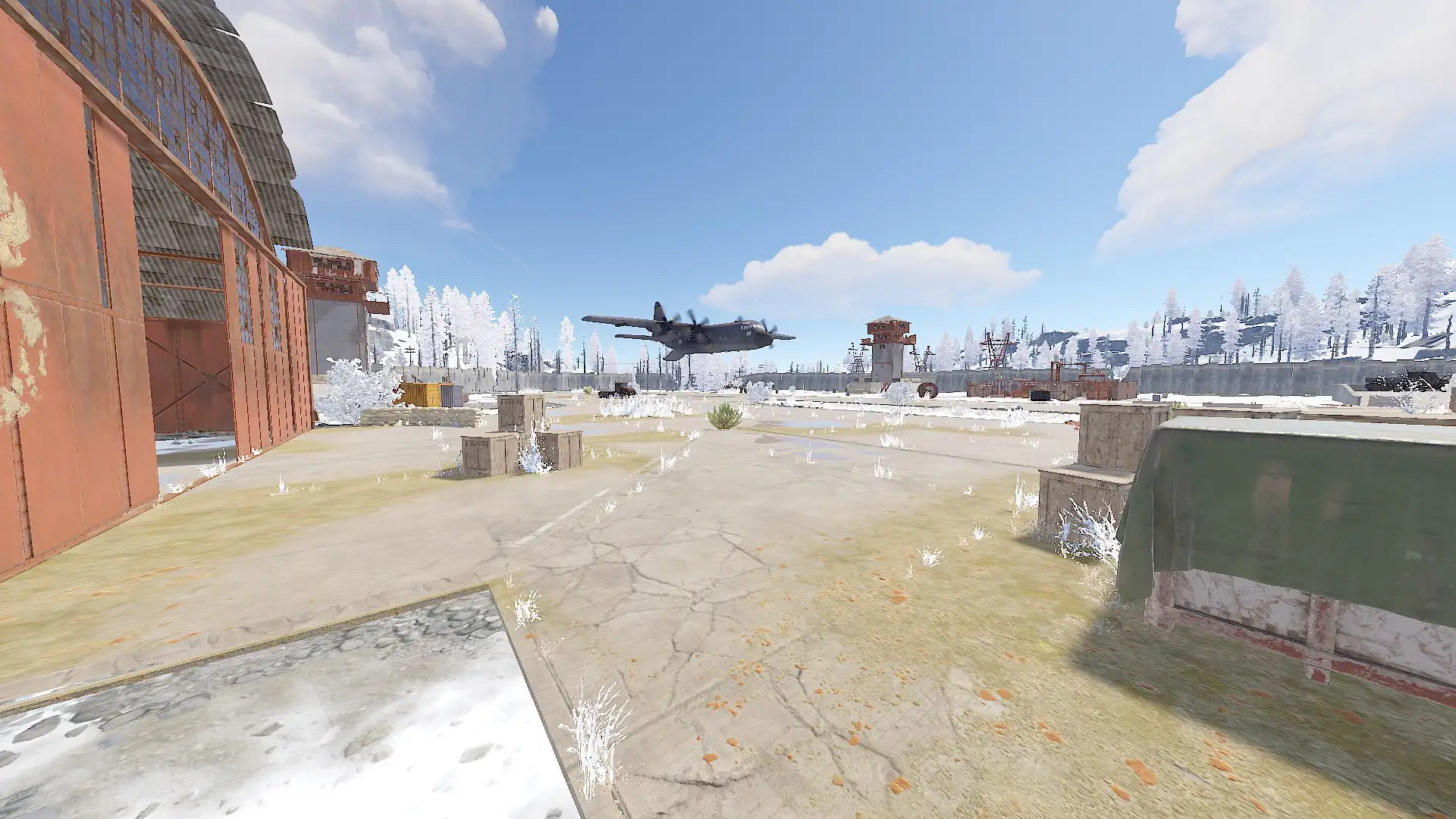
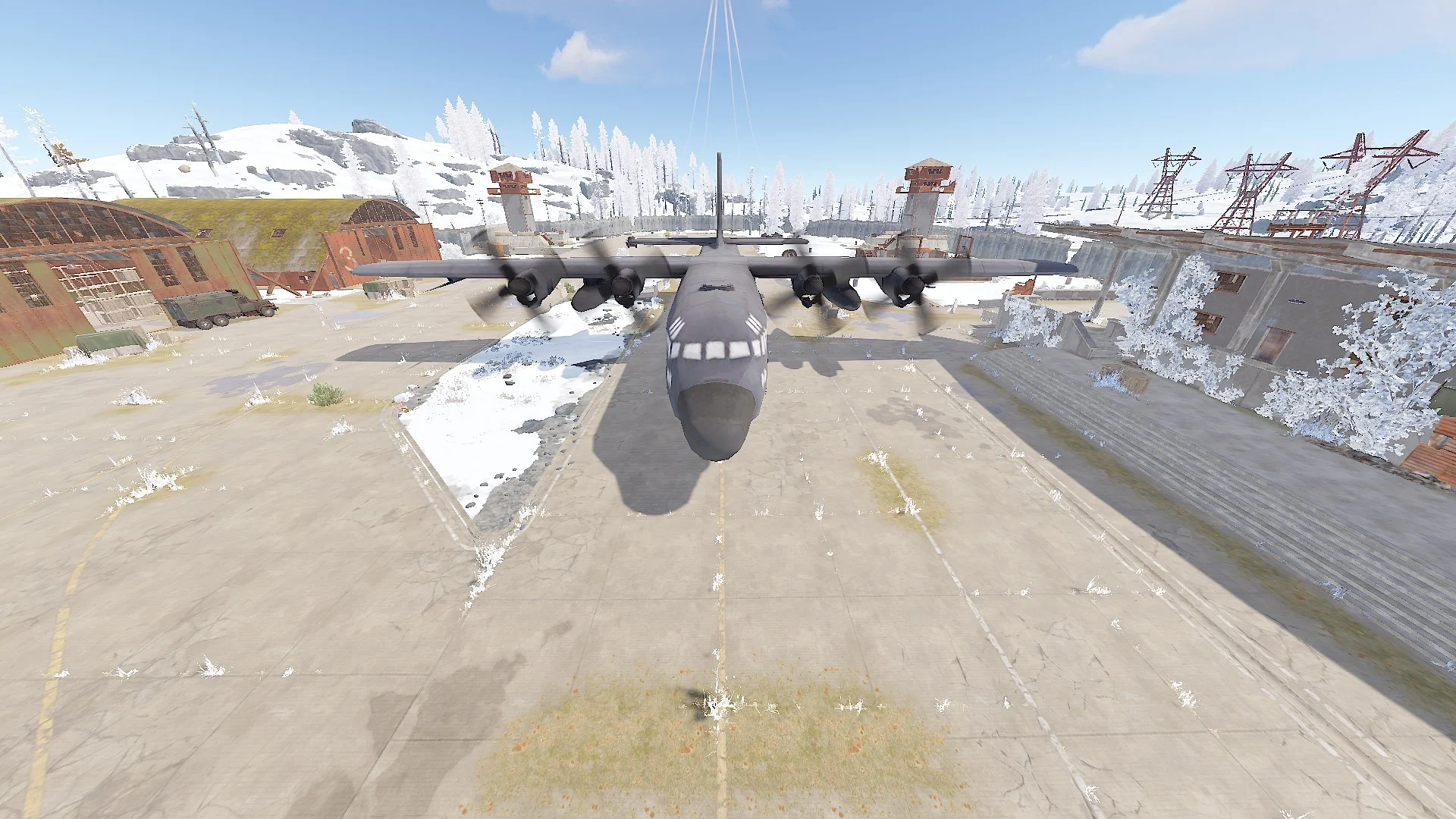
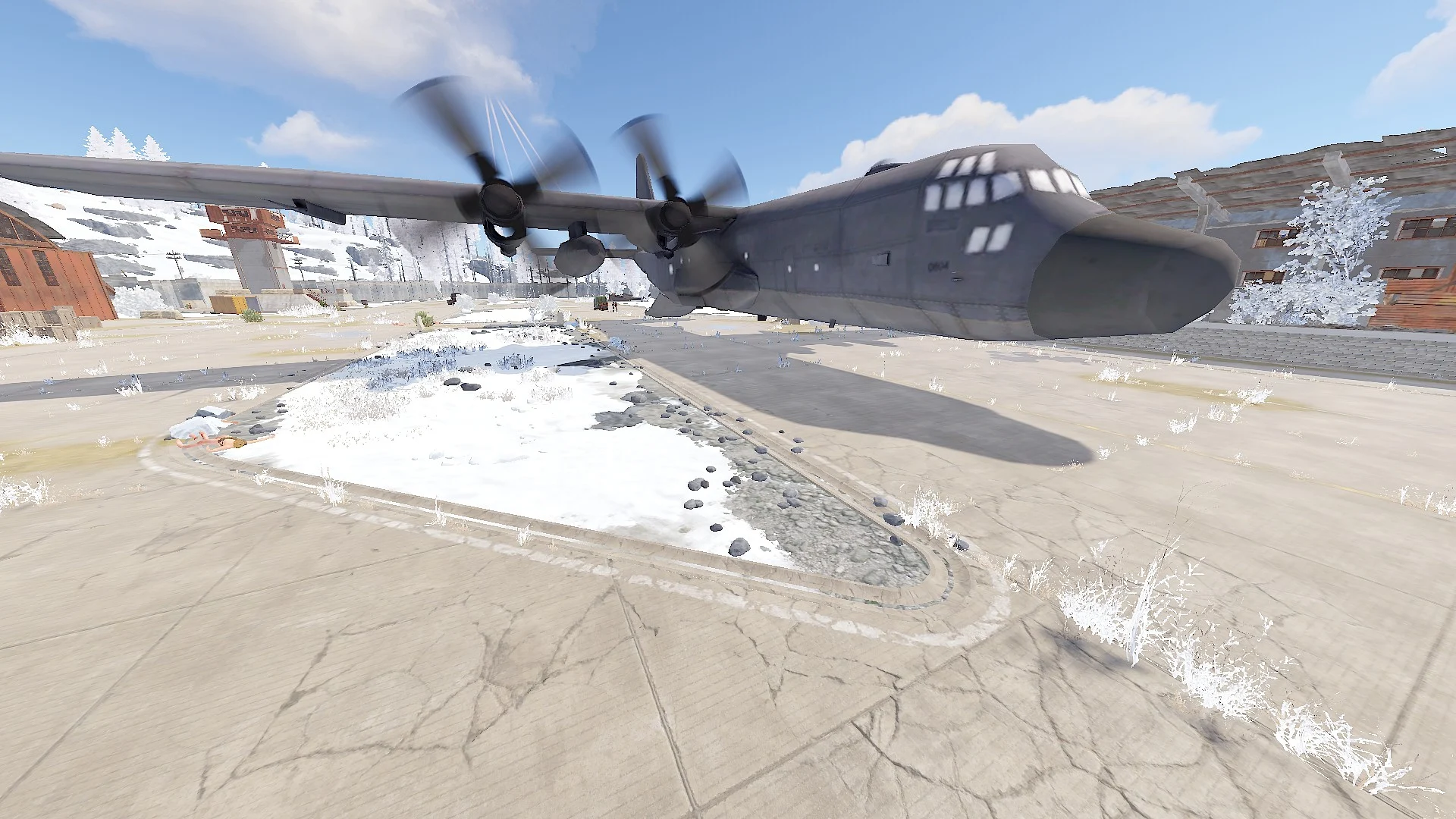
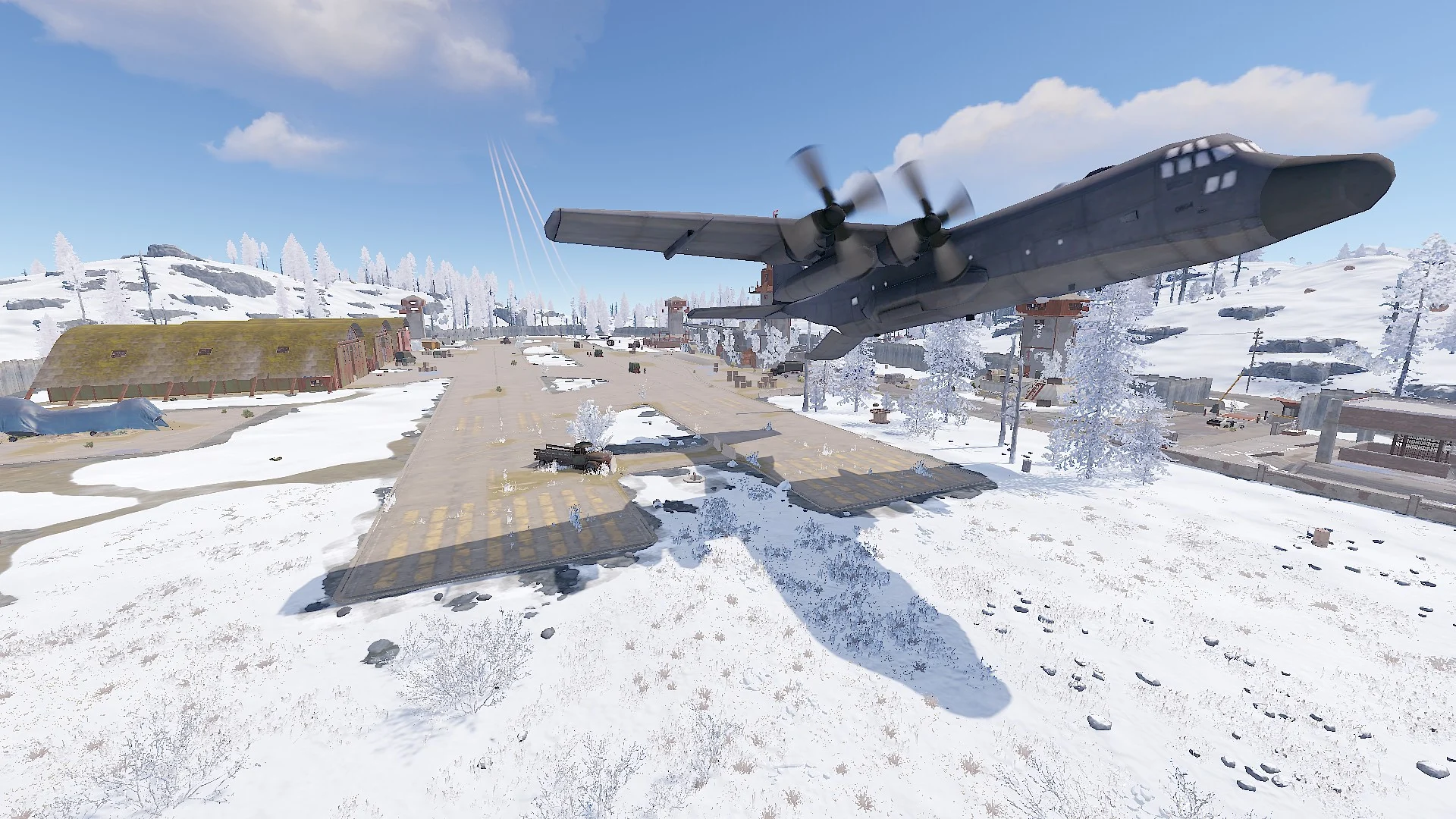
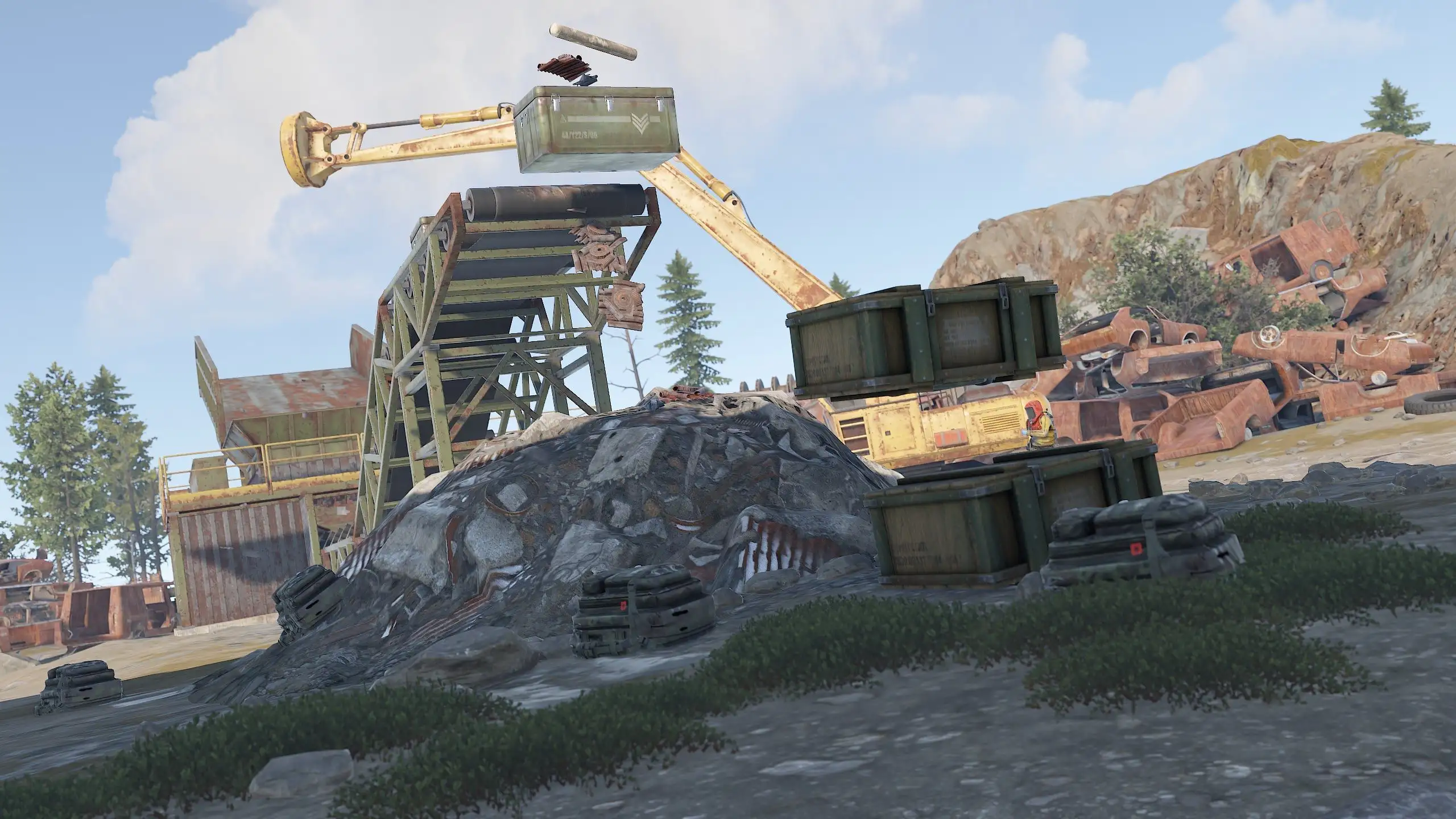
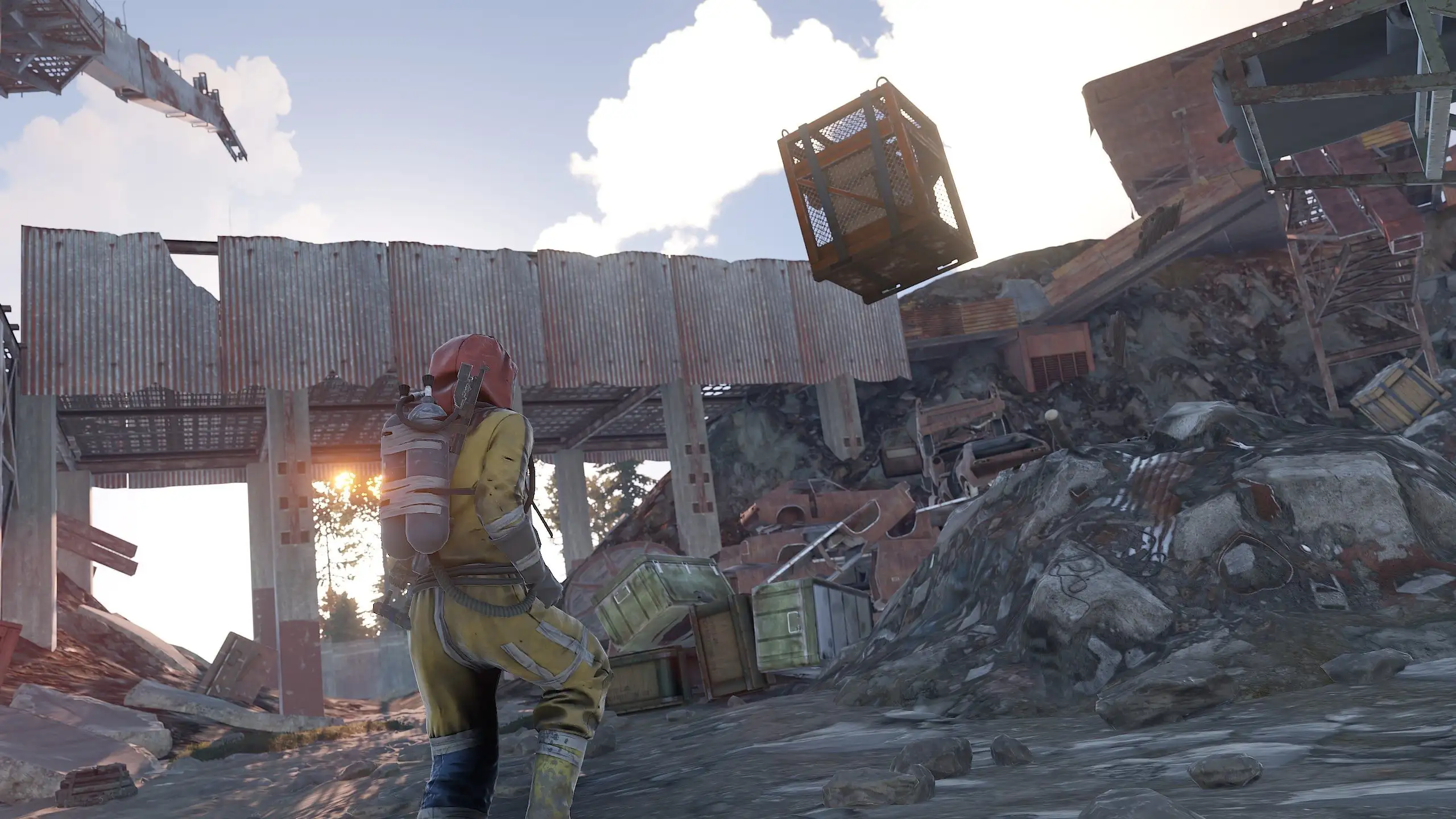
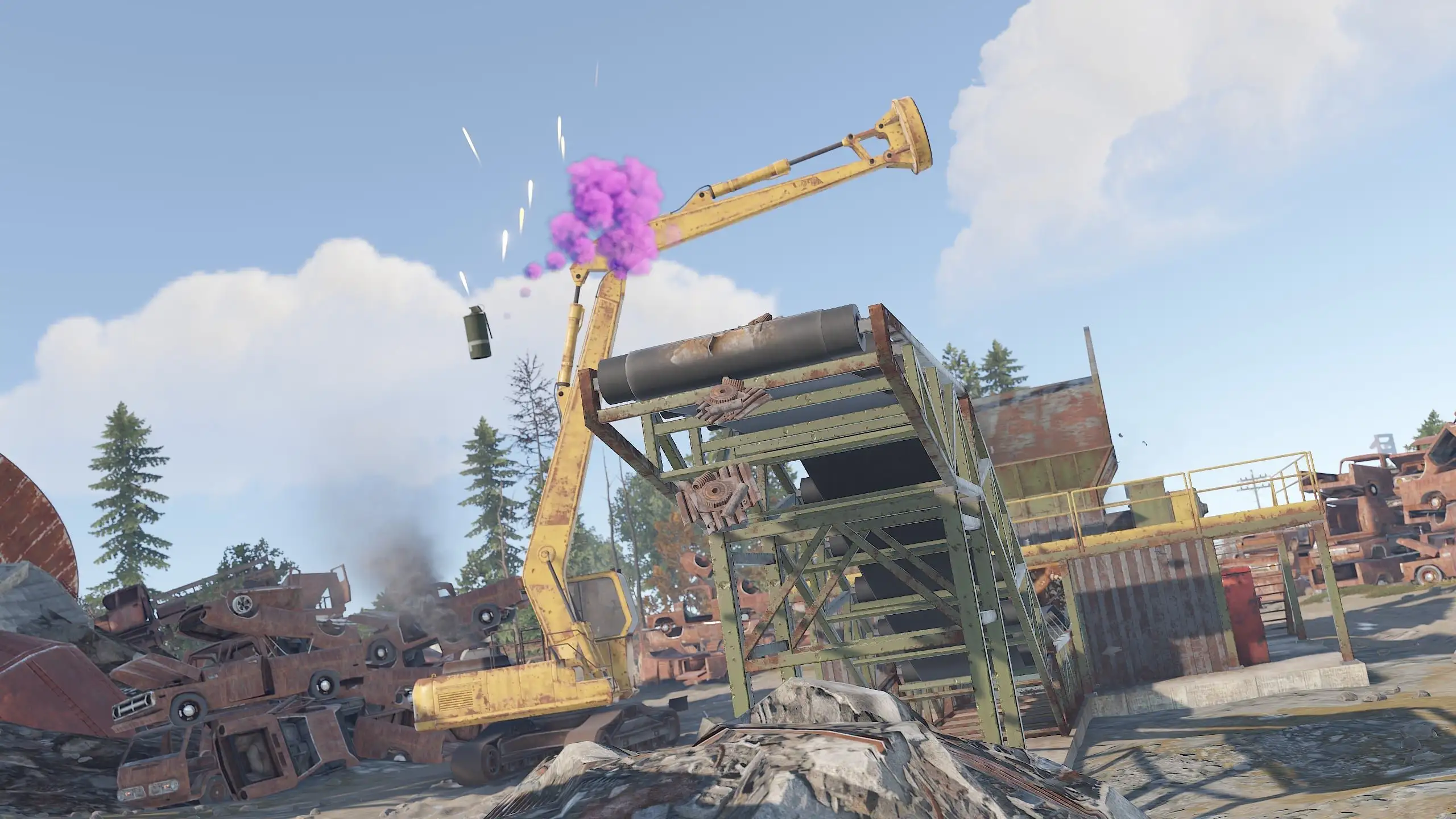
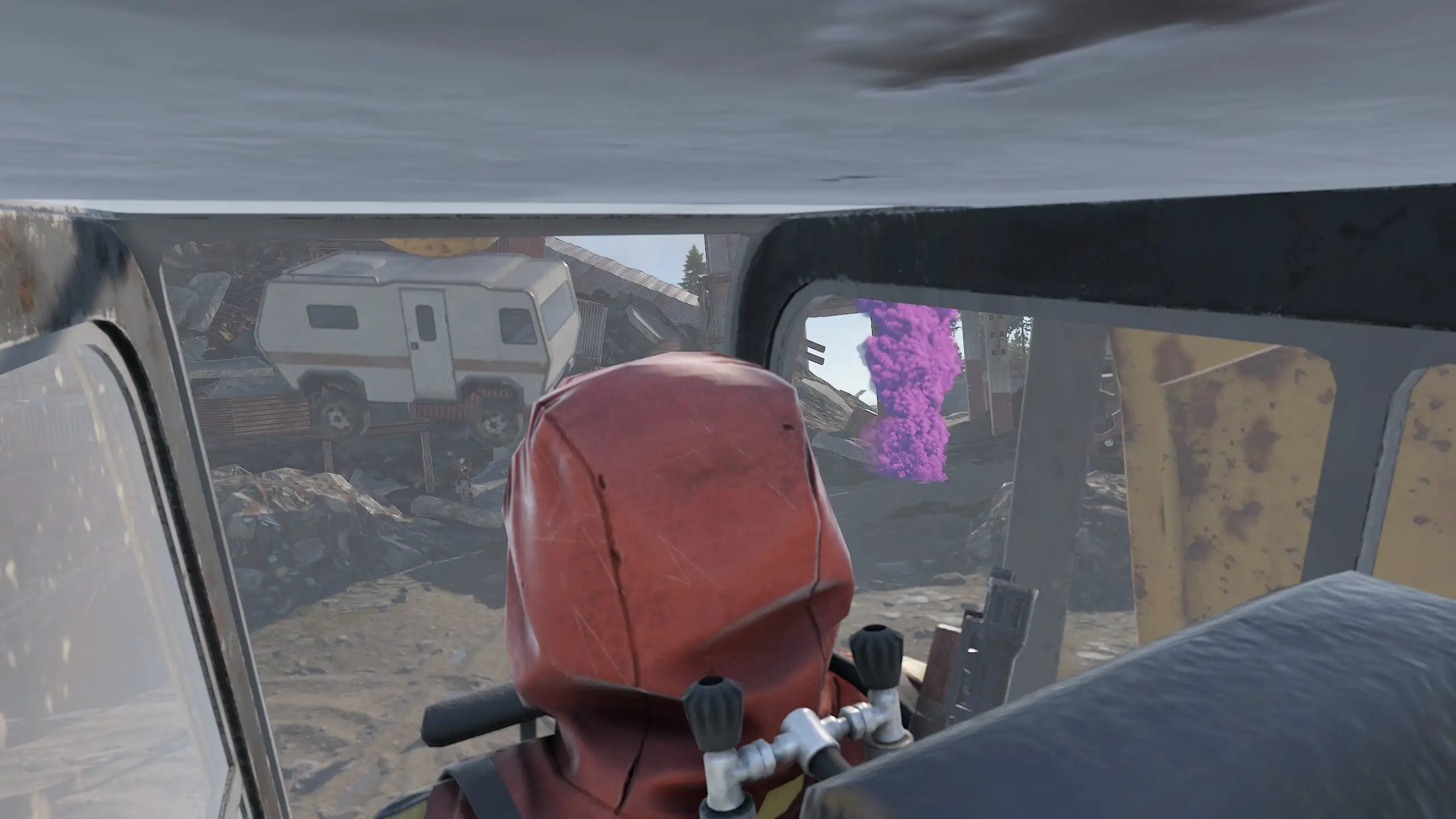
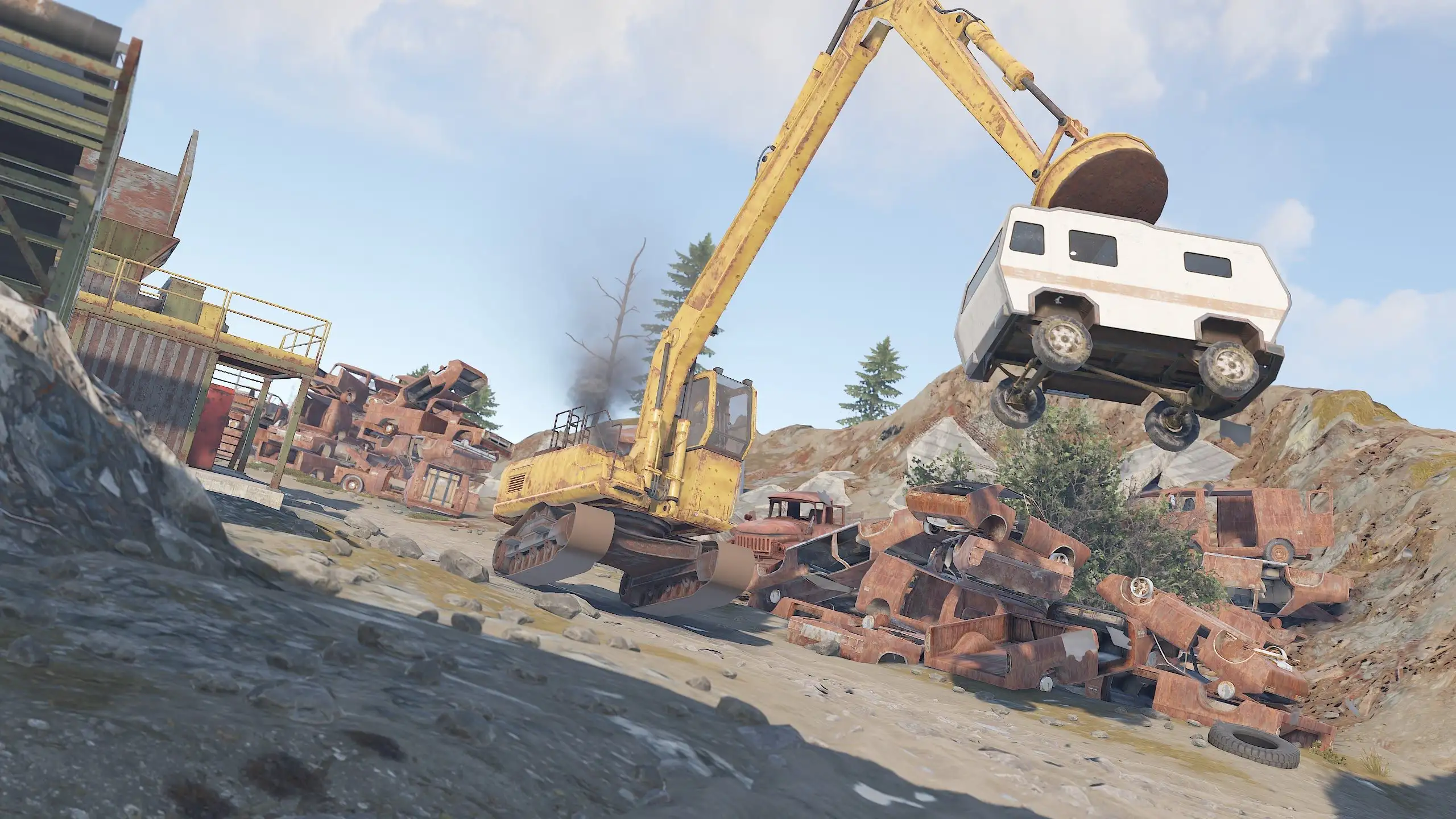
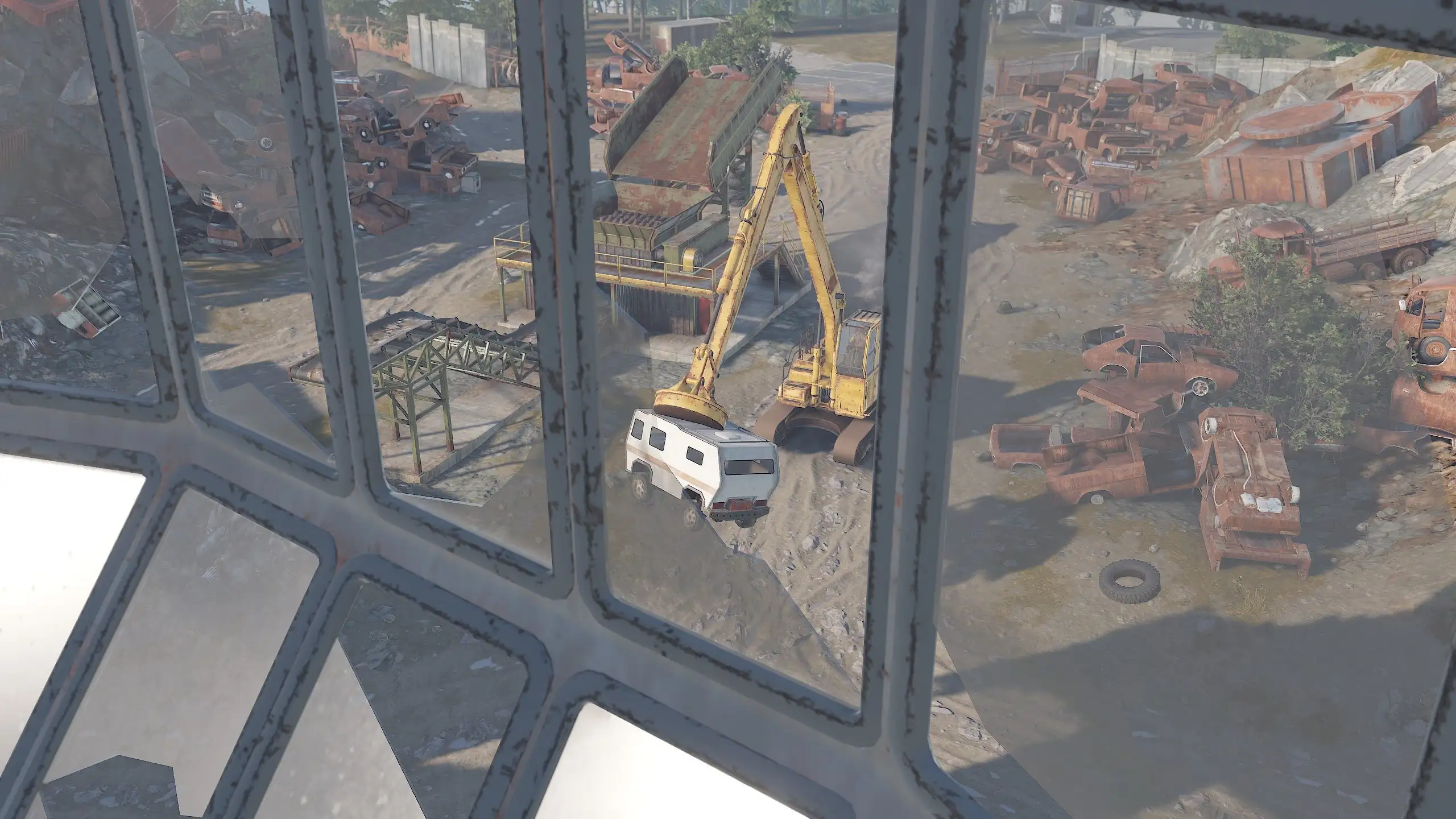
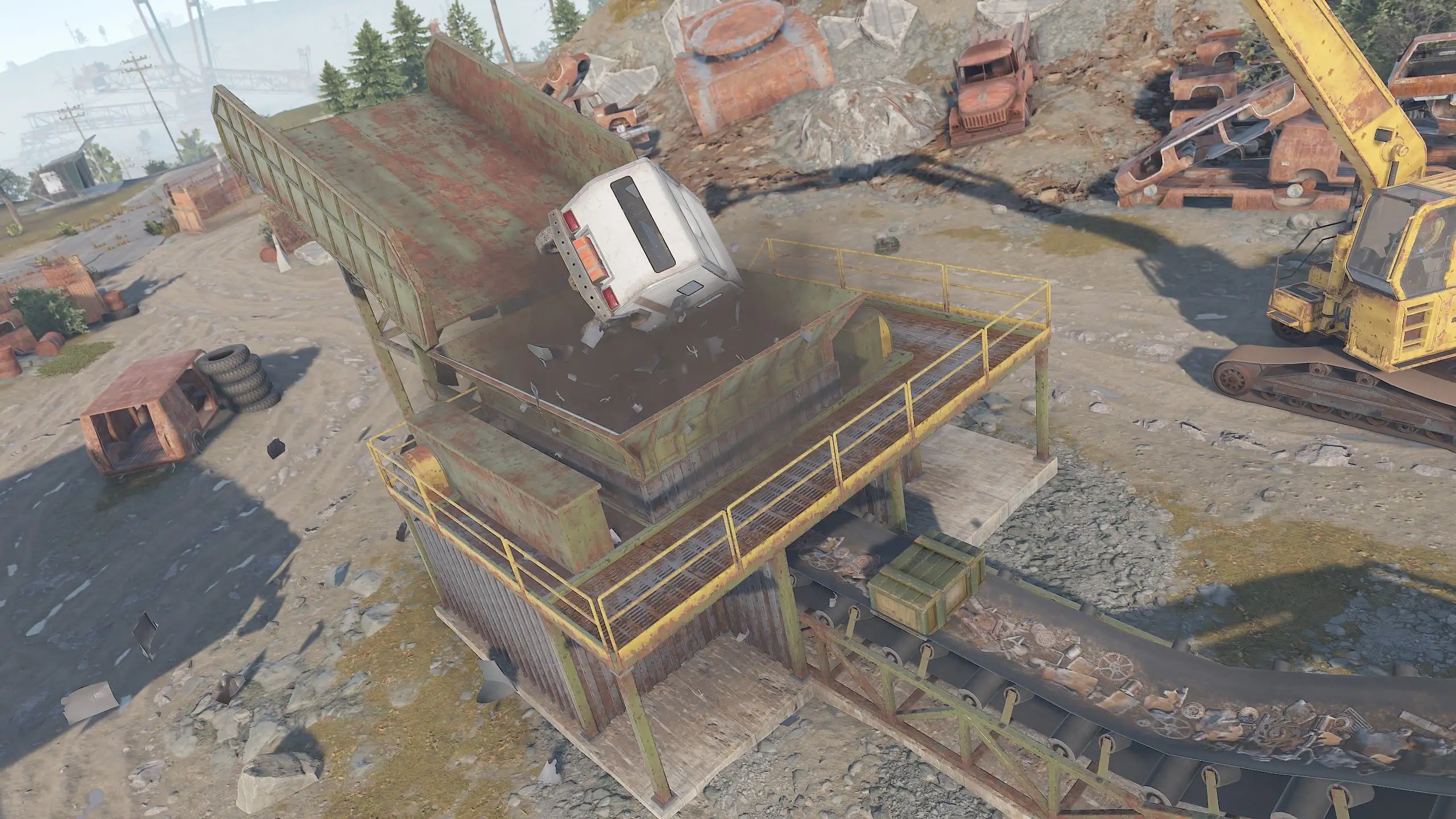
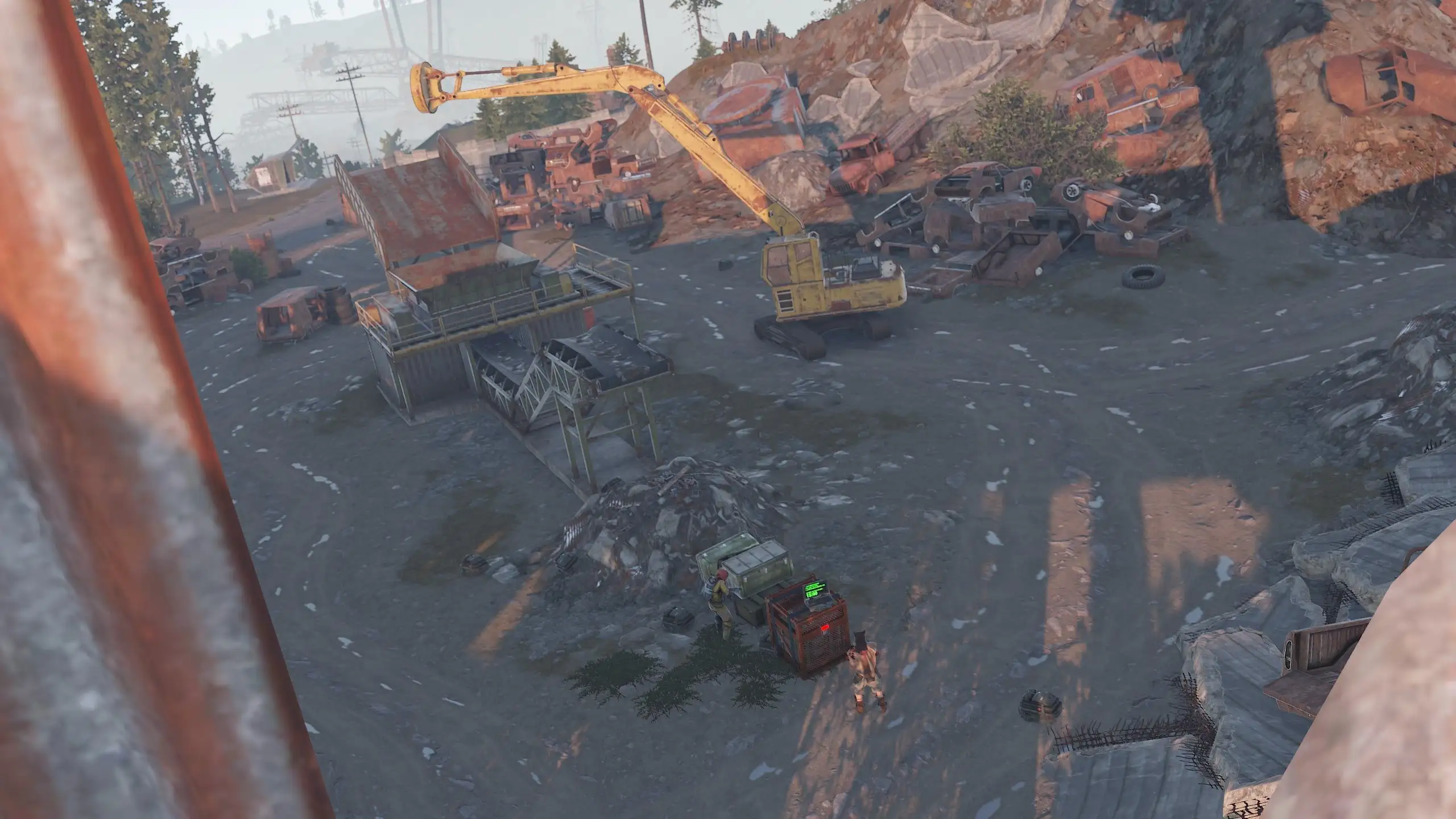
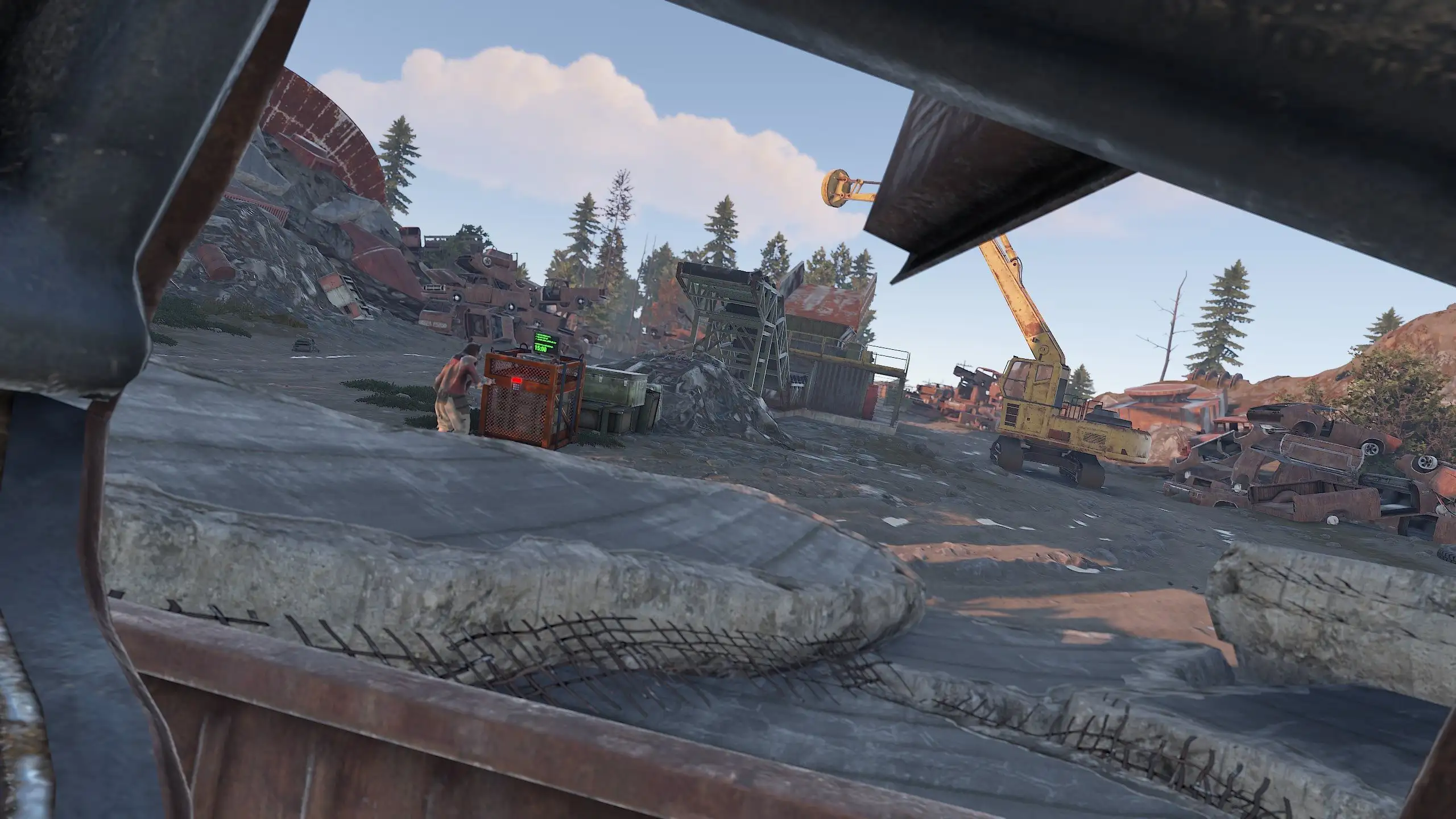
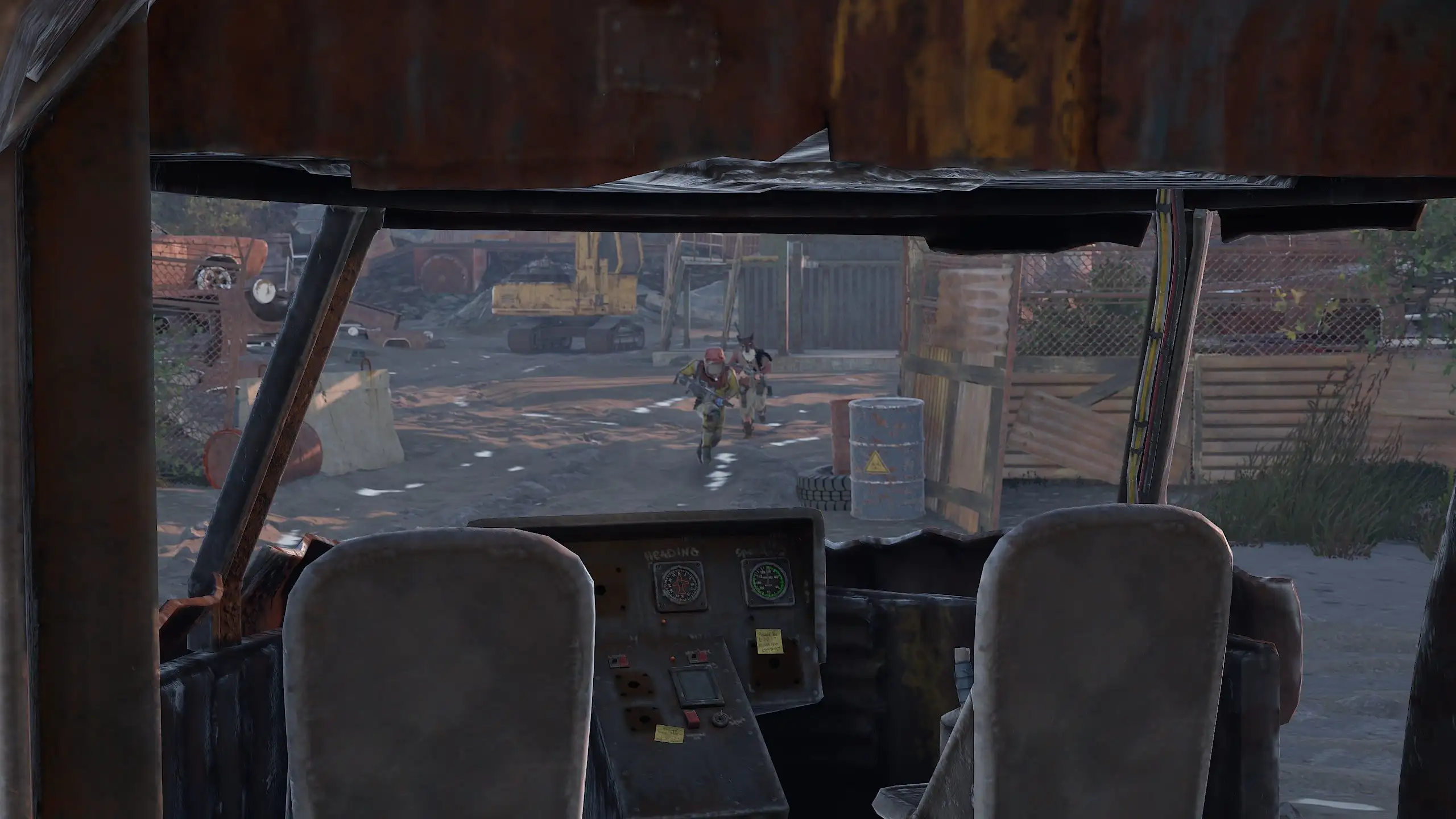
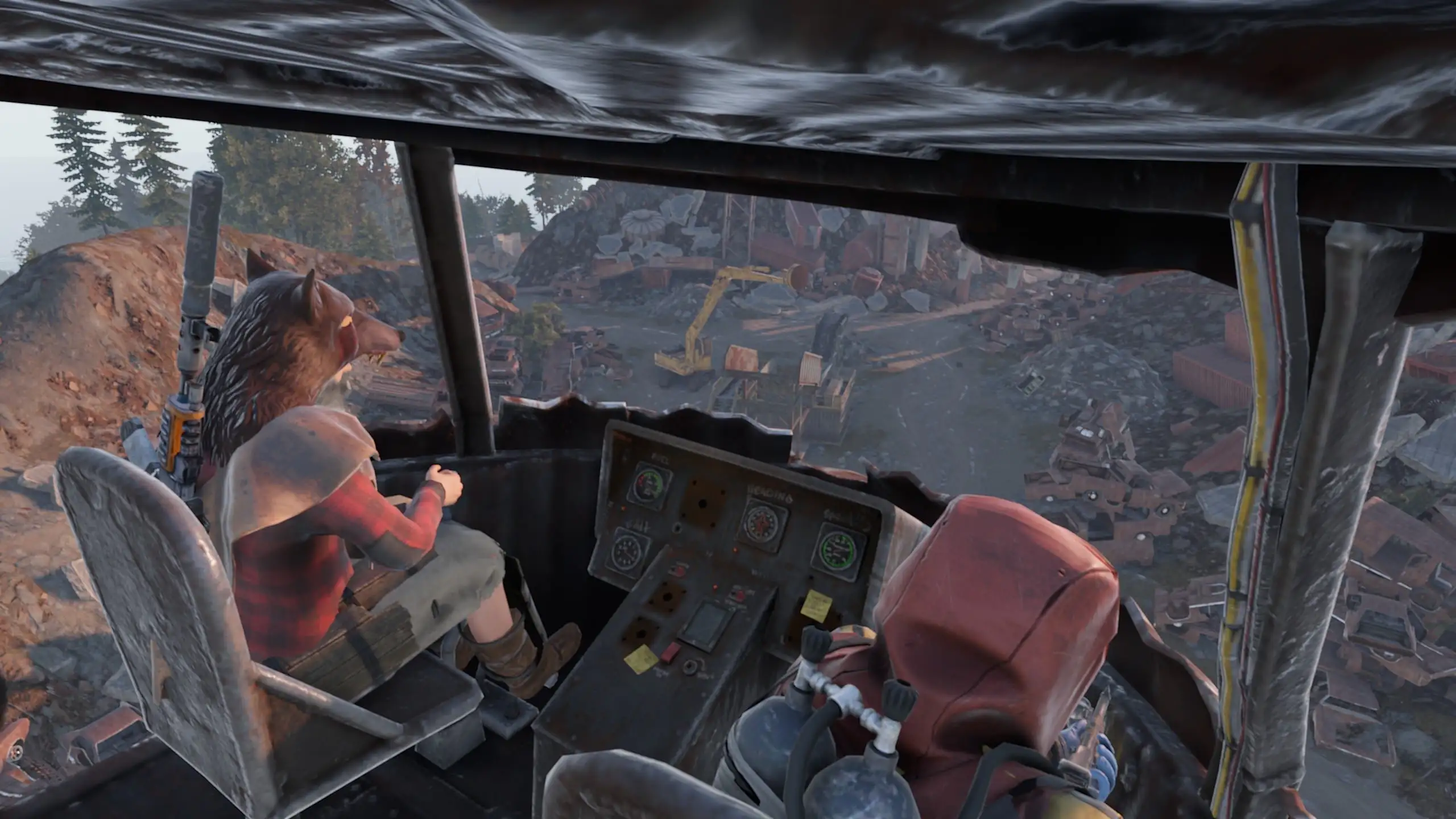
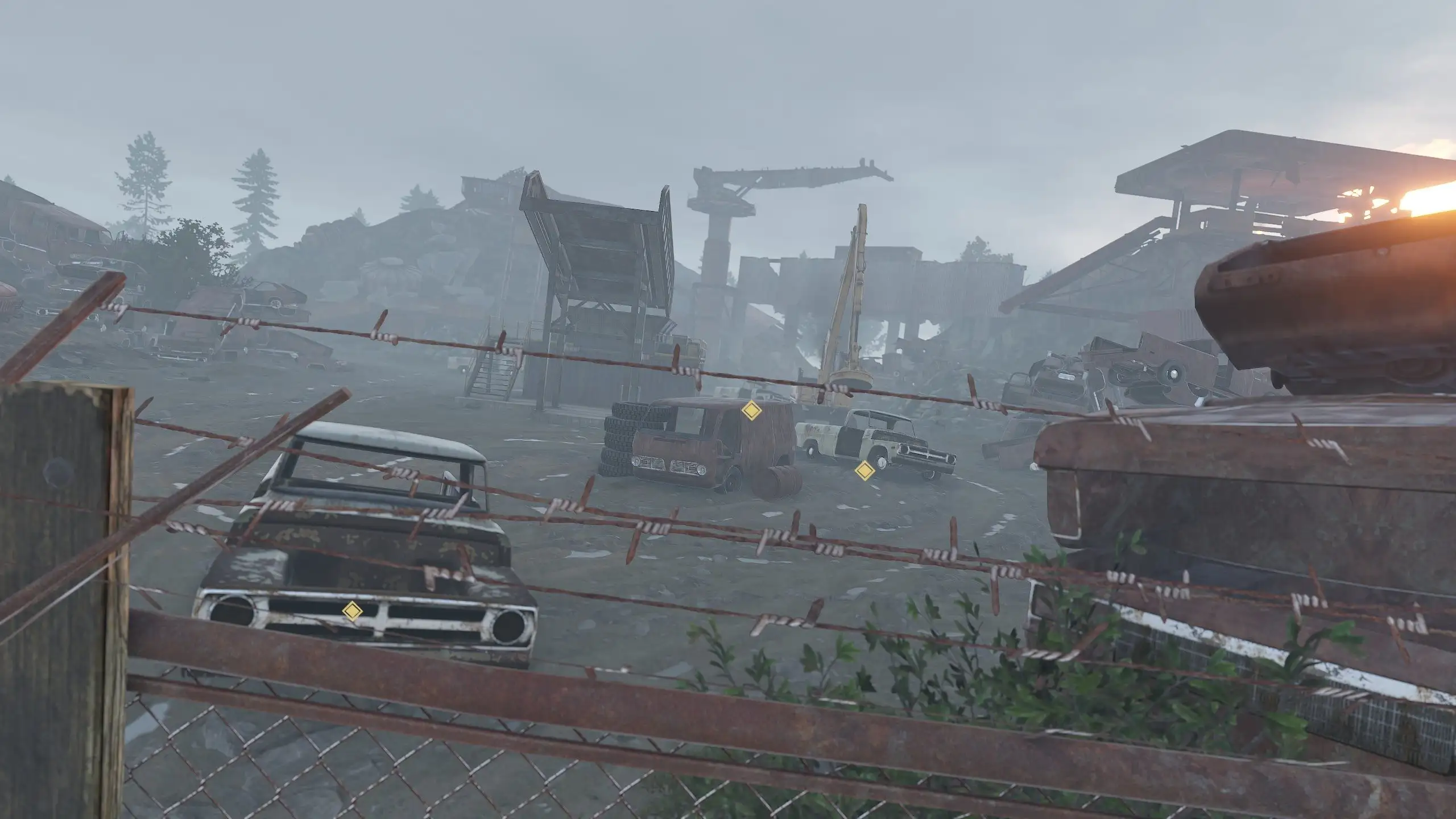
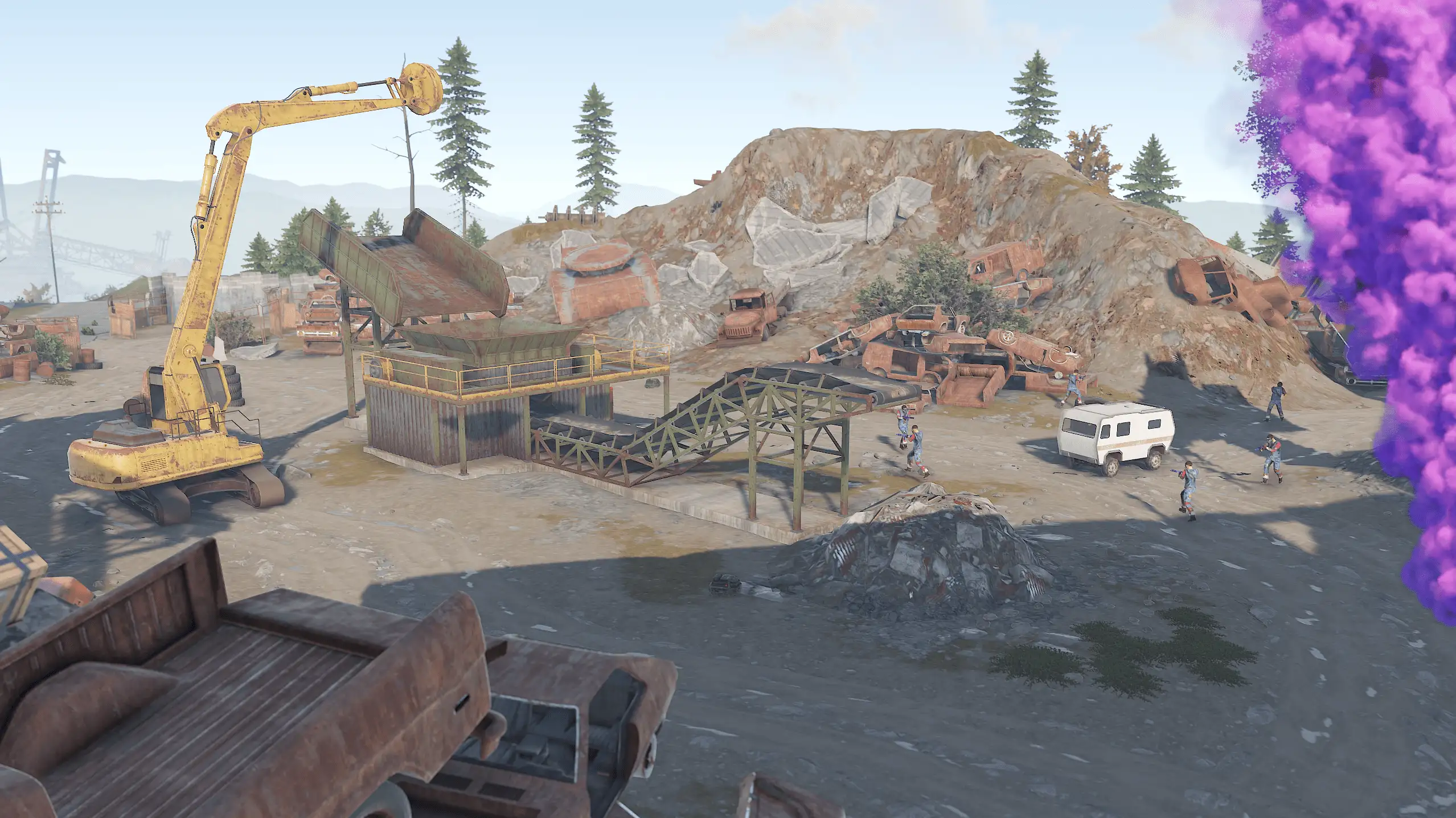
- Get ready for an exciting event! Soon, scavengers will arrive at the Junkyard and take a break there.
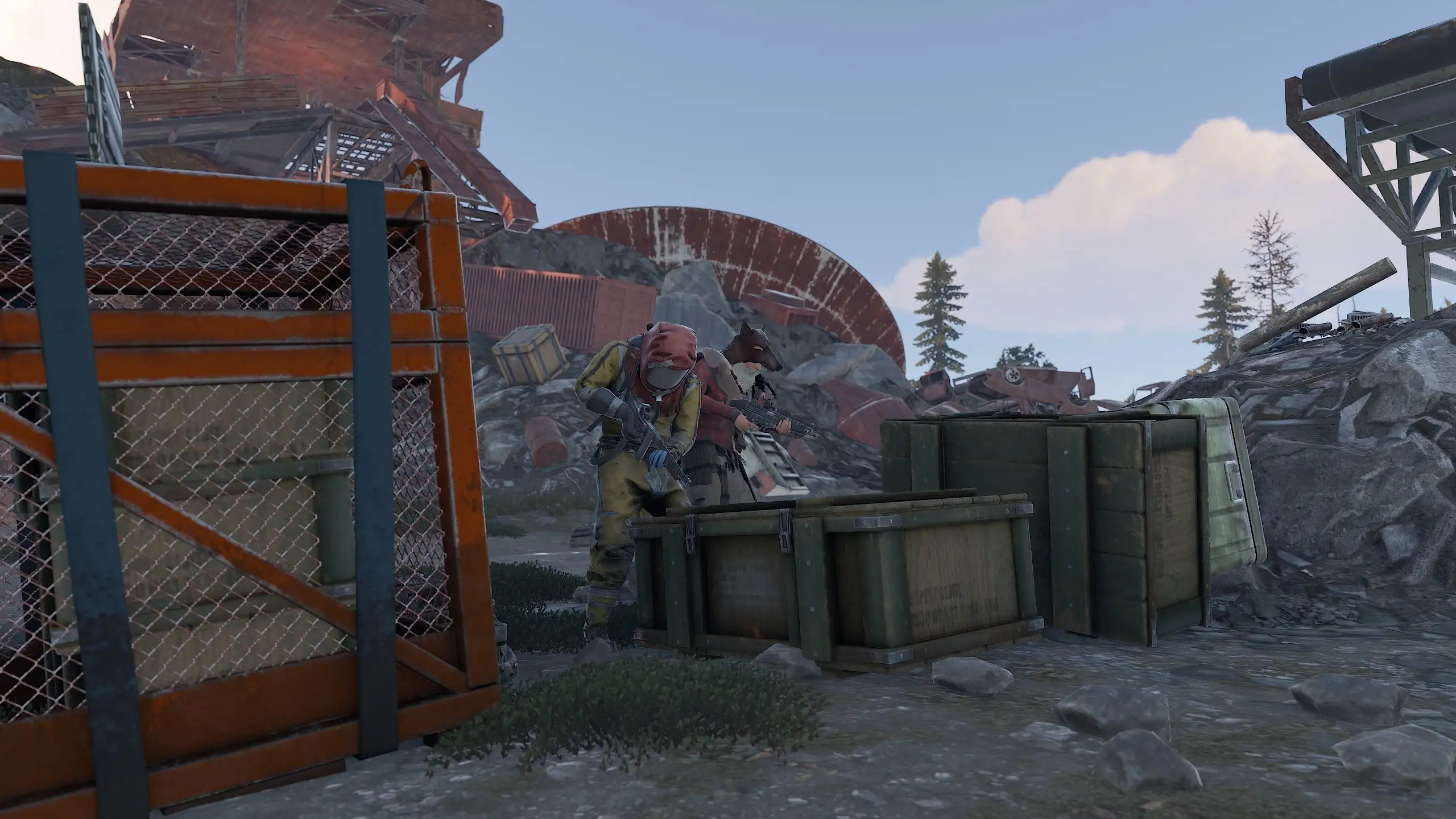
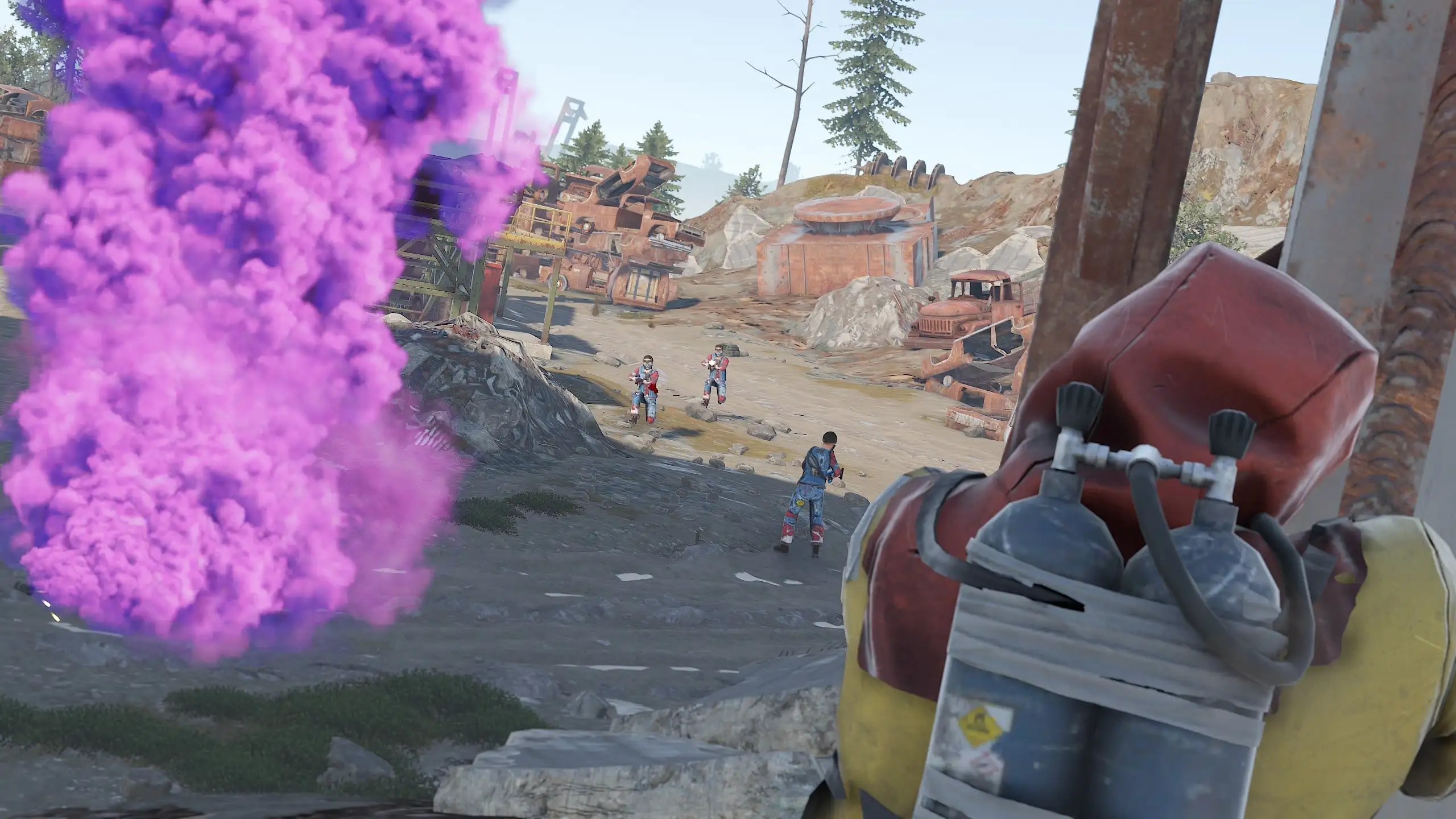
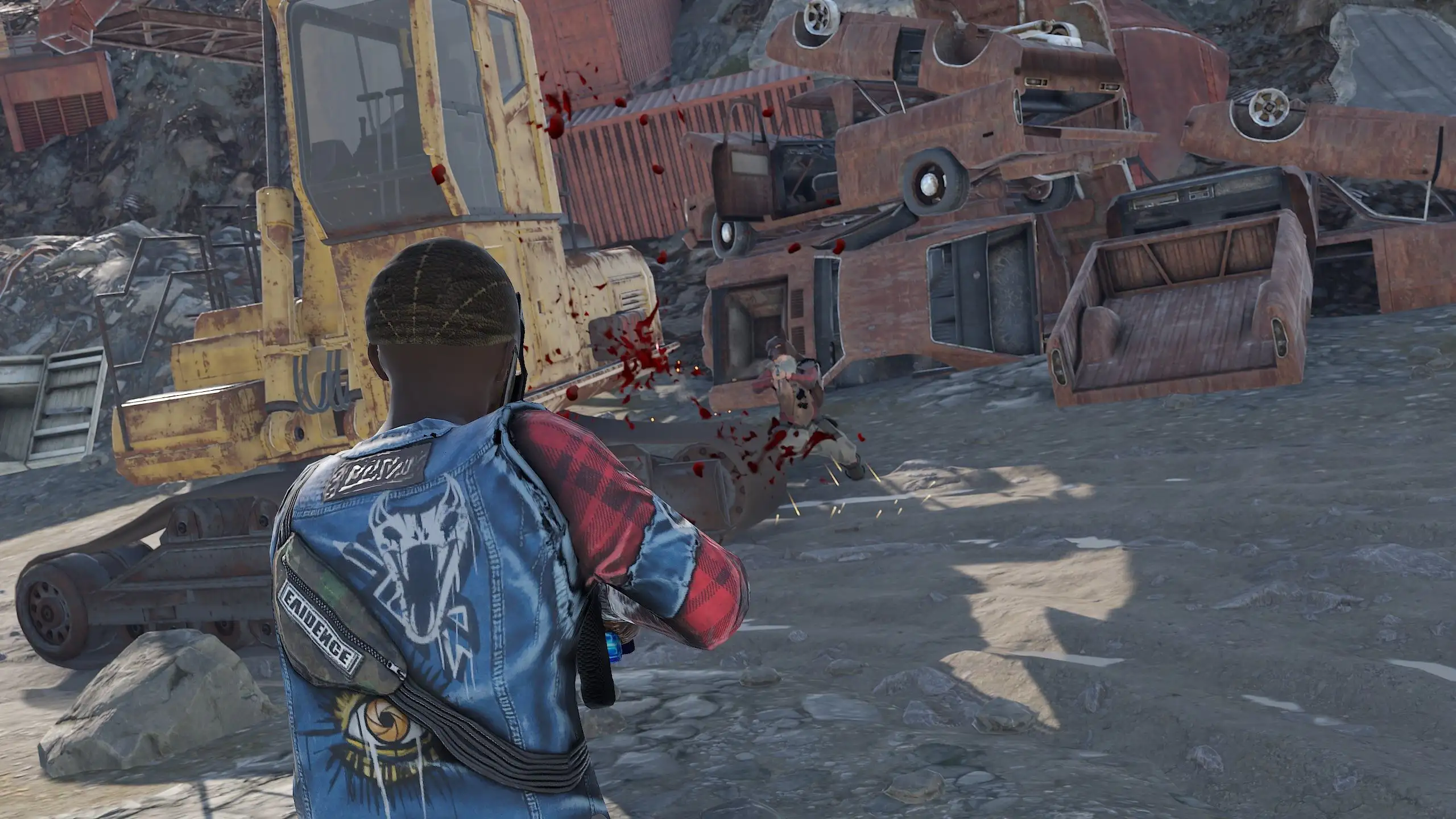
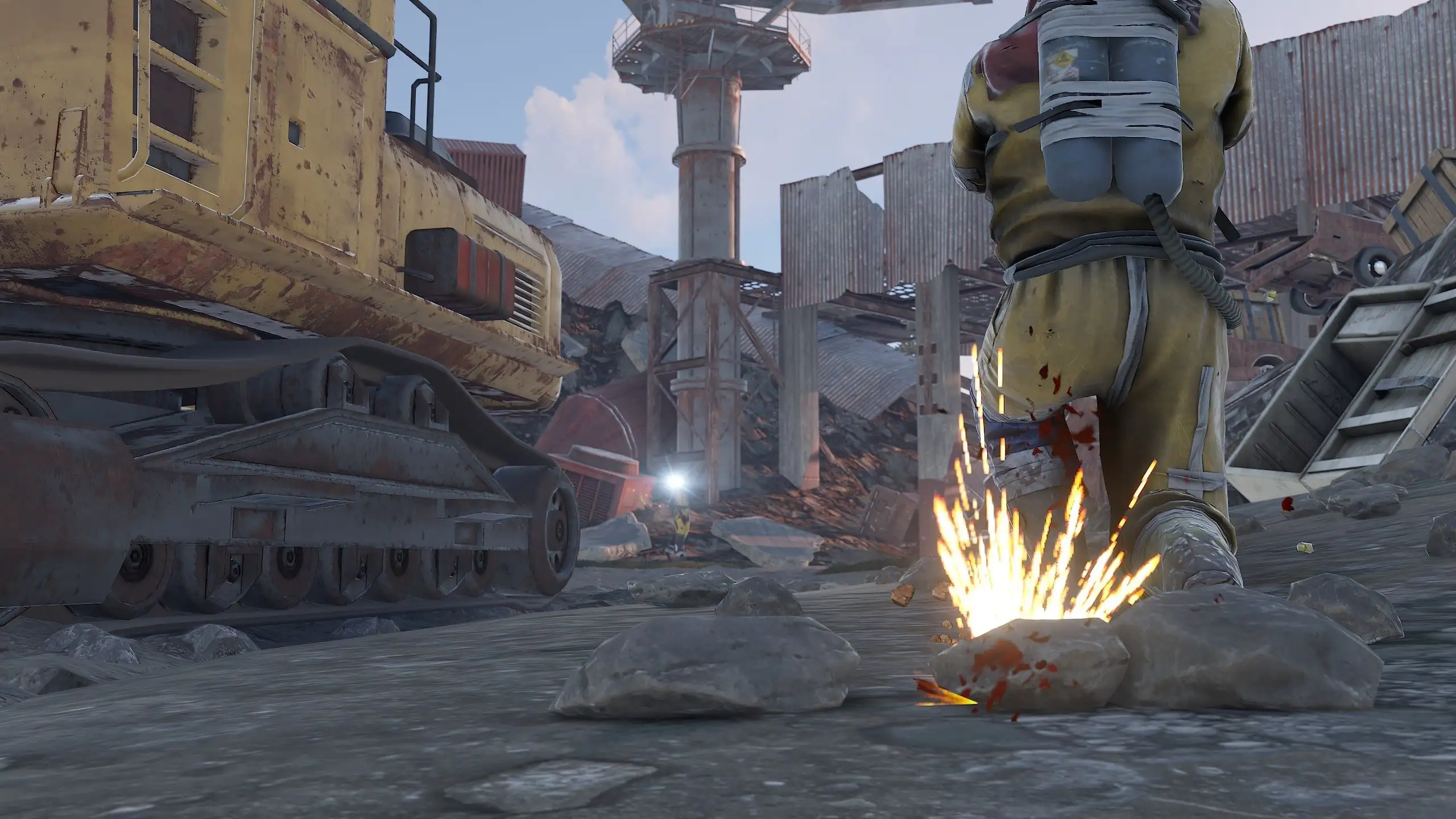
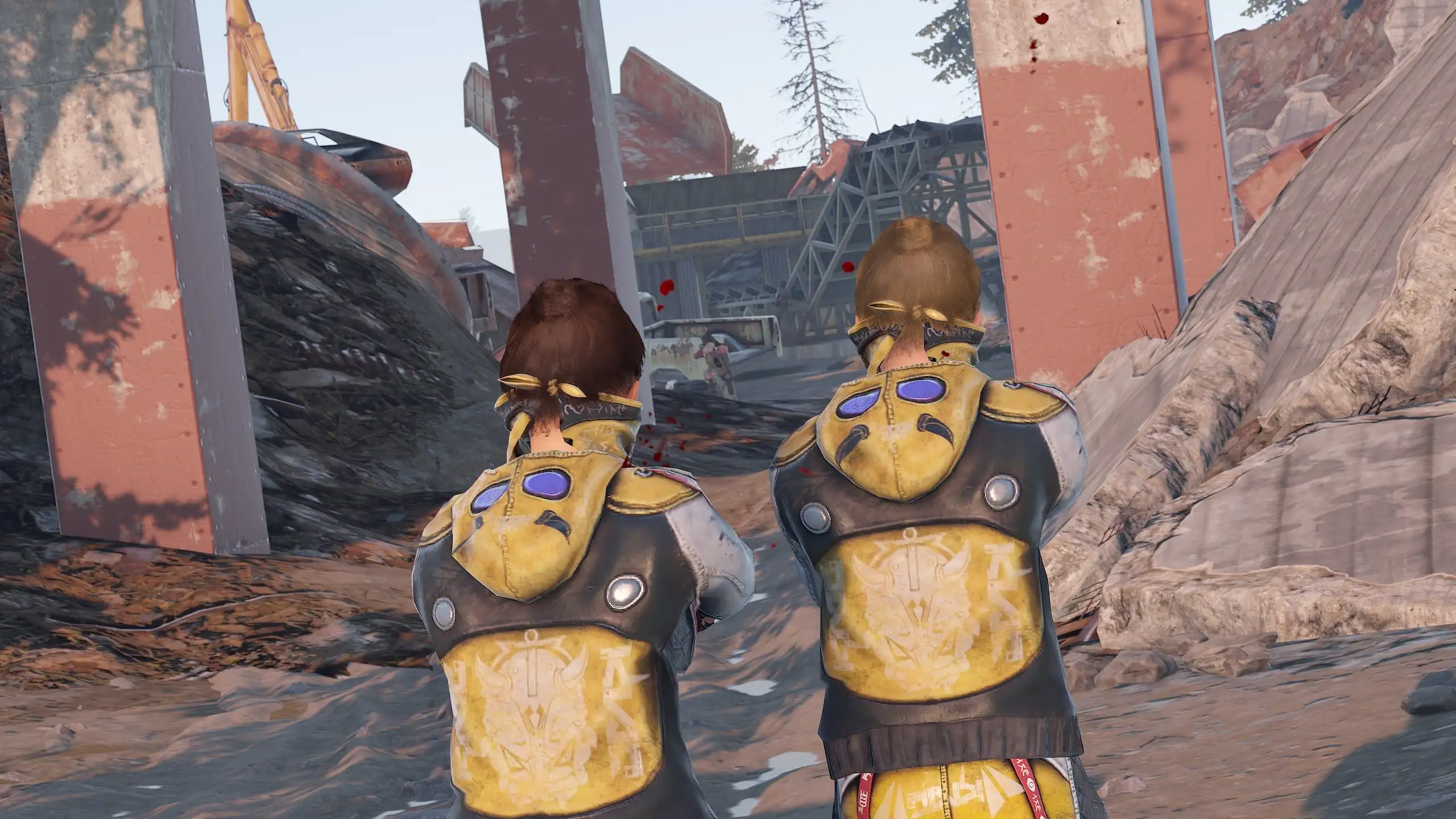
- NPCs will appear at the location.
- The scavengers have hidden a signal grenade in one of the broken cars at the landfill to call for supplies.
- Your task is to eliminate all the NPCs and find the rusted car containing the hidden grenade.
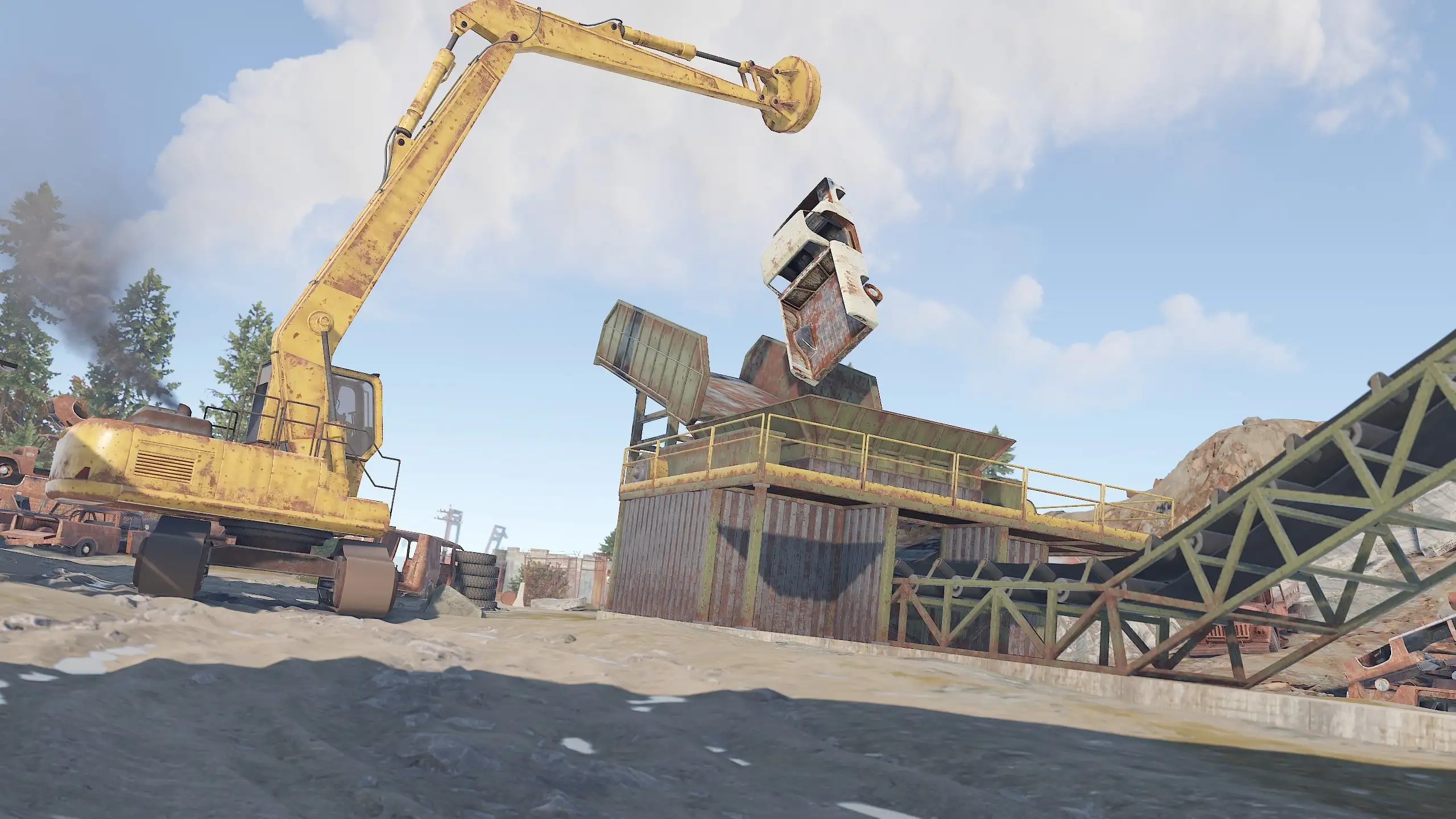
- Use a crane to load the rusted cars into a shredder for recycling. The grenade is bound to be in one of them!
- Once you recycle the broken car, a plane will fly to the Junkyard location, dropping a supply truck via parachute.
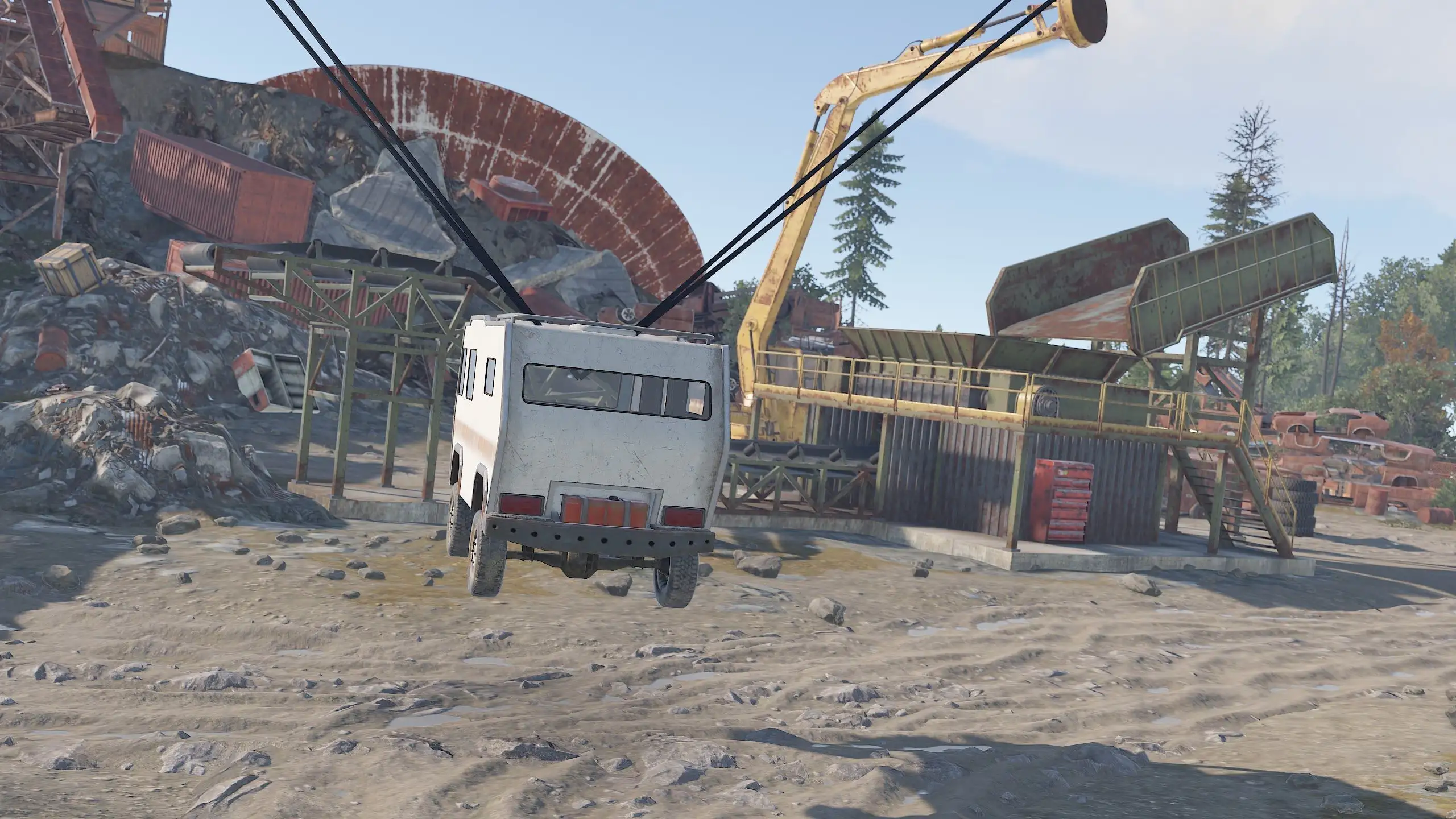
- Guards will emerge from the truck and protect it, but the truck is locked and cannot be opened.
- Eliminate the guards to gain access to the truck.
- Use the crane to grab the truck and place it into the shredder to access the crates and loot inside.
- The crates will travel along the conveyor belt of the shredder, and you can open them to collect the loot.





- Loot Bouncer drops all items from the containers onto the ground if players do not pick up everything within 60 seconds after their last interaction.
- This rule only applies to containers from which items have been taken out.
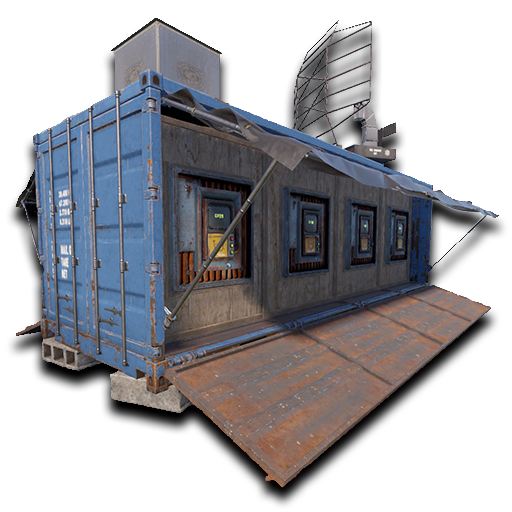
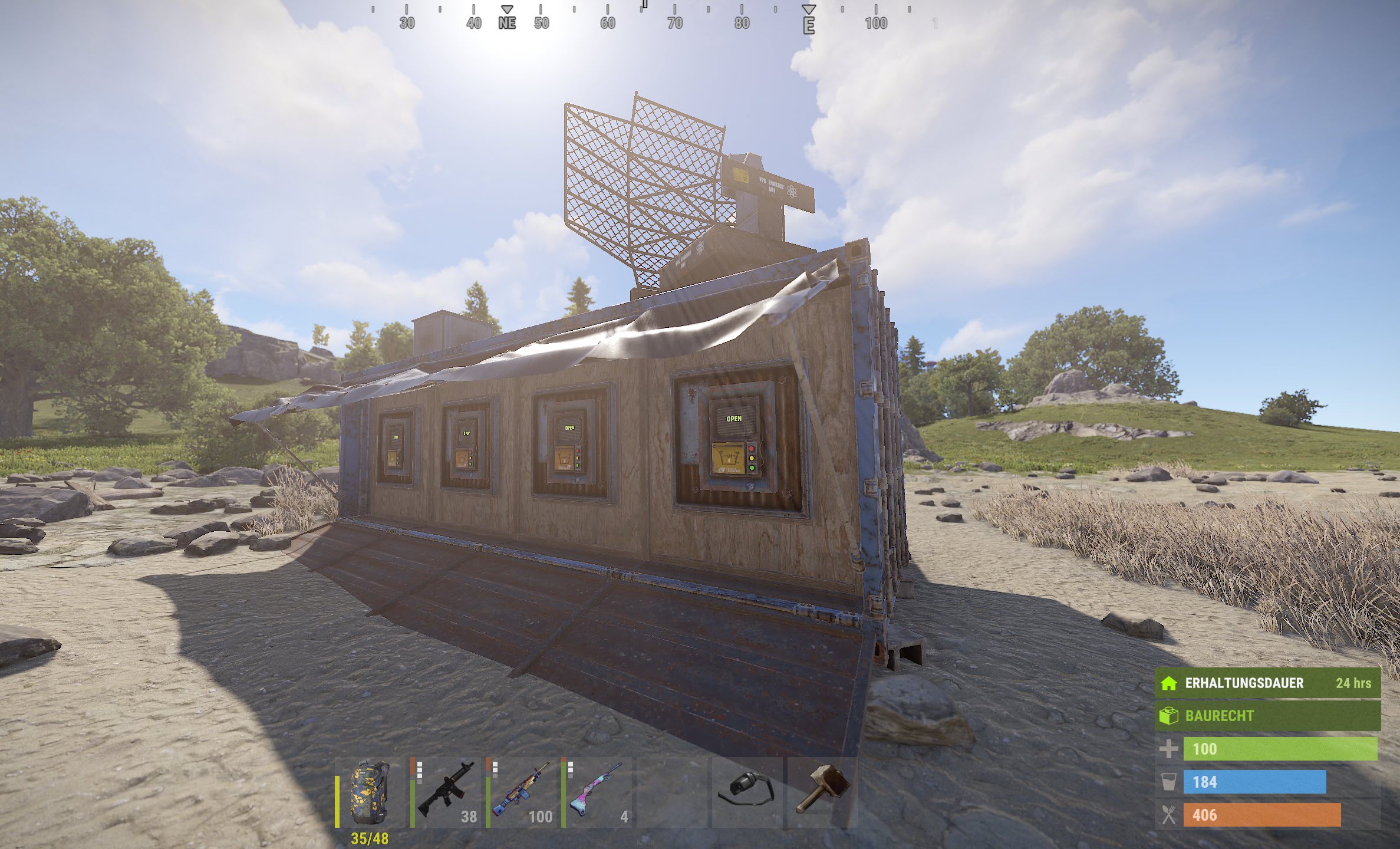
- Let you shop from the safety of your own bases.
- Give you the ability to place & pickup your own drone Marketplaces, plus they look cool!
- Support for Friends, Clans, Teams
- Pickup by hitting a terminal with a hammer
- Only one Personal Marketplace per person
- Researchable and craftable at Workbench Tier 3
Private Messages allows players to send private messages to other players.
Chat Commands:
/pm <name> <message>- Send a private message to a player/r <message>- Reply to your most recent private message/pmhistory <name>- Show the previous 5 messages of the private conversation with that player
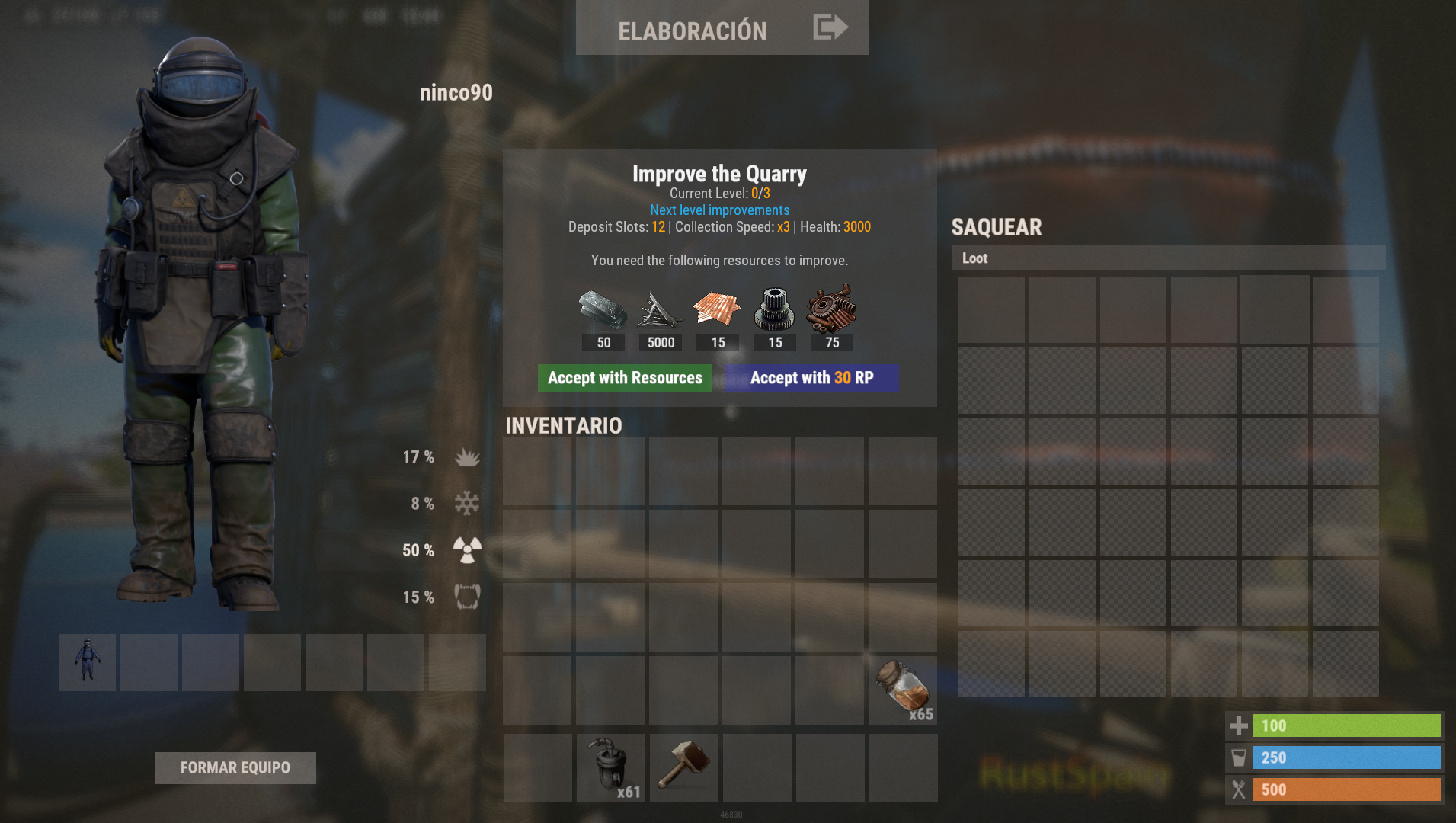
This mod will allow to use an exclusive system of levels for the quarries on the map.
All with a beautiful interface.
Now compatible with Pump Jacks!
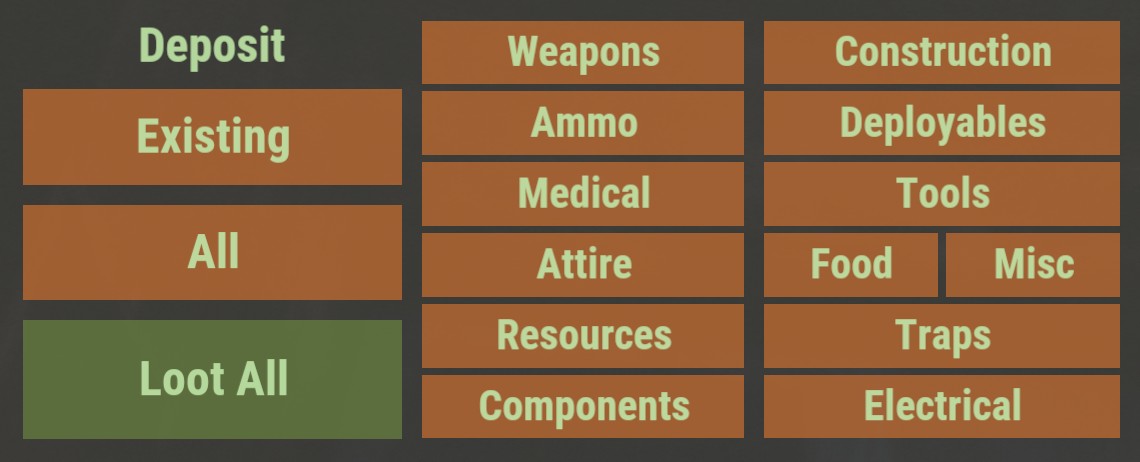
Quick Sort adds a new GUI menu when looting containers and players. Players can choose what type of items they want to put in the container, or even loot all items from the container. Also supports automated looting containers that isn't accepting players items.
Chat Commands:
/qs on- Enable GUI/qs off- Disable GUI/qs <s | style> <center | lite | right | custom>- Change GUI style/qs <c | container> <main | wear | belt>- Add/remove container type from the sort (if they are enabled in the configuration)
Receive raid notifications through the official Rust companion mobile app and never get offlined again! Everyone who's on the TC list of authorized players will receive a notification when someone else (who's not on the list) destroys a wall, door, etc.
Make sure you're paired with the server to receive notifications. Raid alarm is enabled by default but can be disabled per user with /raidalarm disable.
Chat Commands:
/raidalarm- Display some help information/raidalarm test- Send a test raid alarm notification/raidalarm status- Get the status of the raid alarm/raidalarm enable/disable- Enable/disable the raid alarm
New Challenges: Raidable Bases adds new dynamic bases to the Rust game that are guarded by AI-controlled NPC enemies. This introduces players to entirely new challenges and adventures in the rustic game world.
- Exciting Raids: Players have the opportunity to explore these bases and overcome their defenses. This requires tactical thinking, skill, and cooperation to obtain valuable loot and rewards.
- Customizable Experience: The plugin offers various difficulty levels and settings, allowing players to customize the experience according to their preferences. From easier bases for beginners to extremely challenging bases for experienced players, there are options for every play style.
- More Variety: Raidable Bases expands the Rust game world with new locations to be explored. Each base is uniquely designed and presents a different challenge, keeping the game exciting and diverse as players discover and conquer new bases.
- Cooperative Gameplay: The plugin also promotes cooperative gameplay. Players can team up to explore and raid the bases together, fostering teamwork and collaboration that enhance the overall gaming experience.
Chat Command: /rb - see the ladder of happened raids
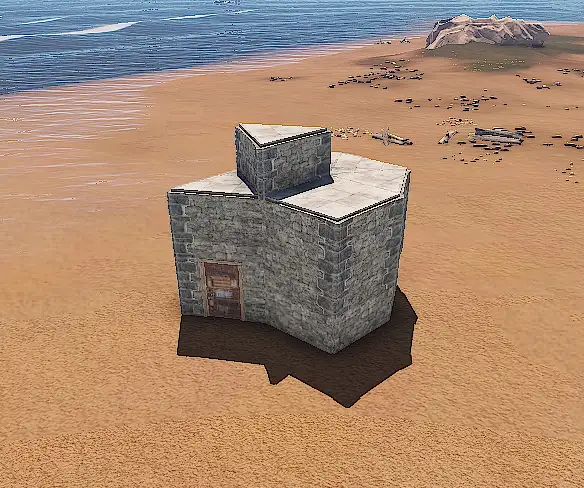
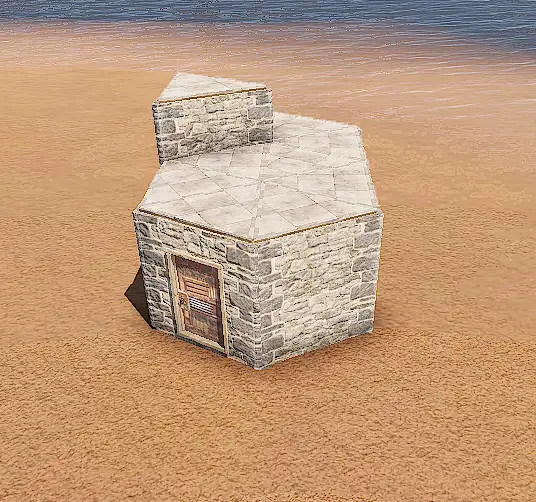
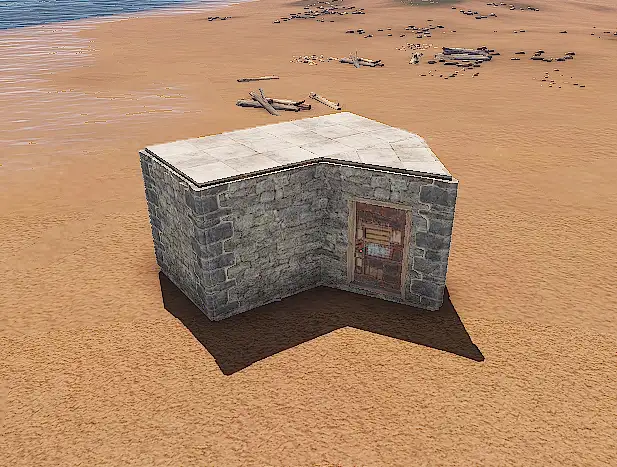
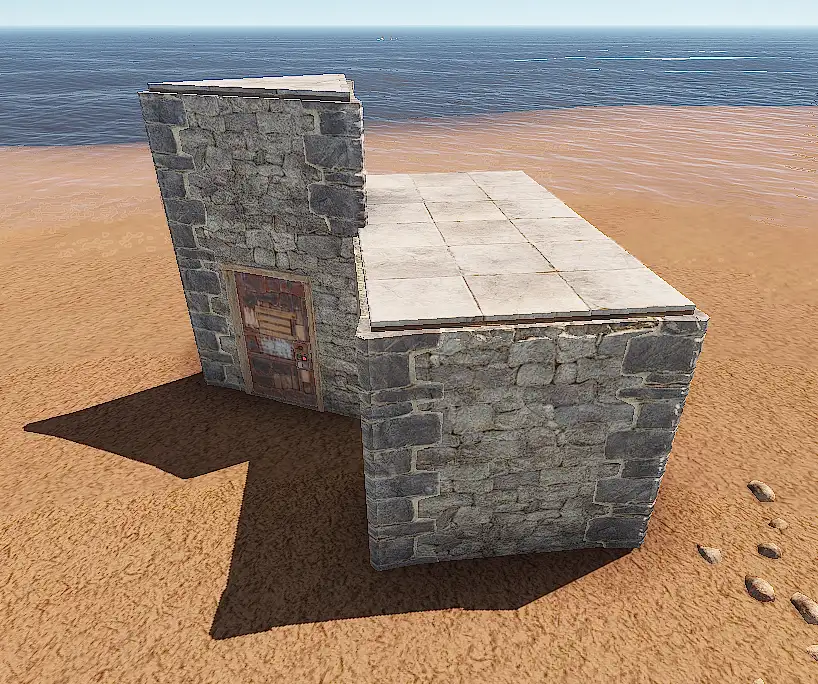
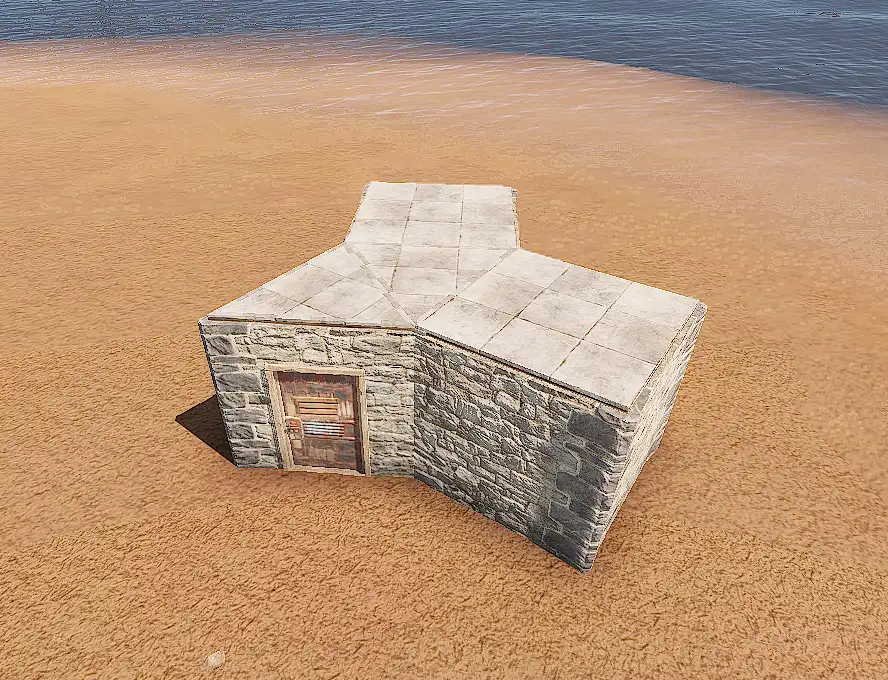

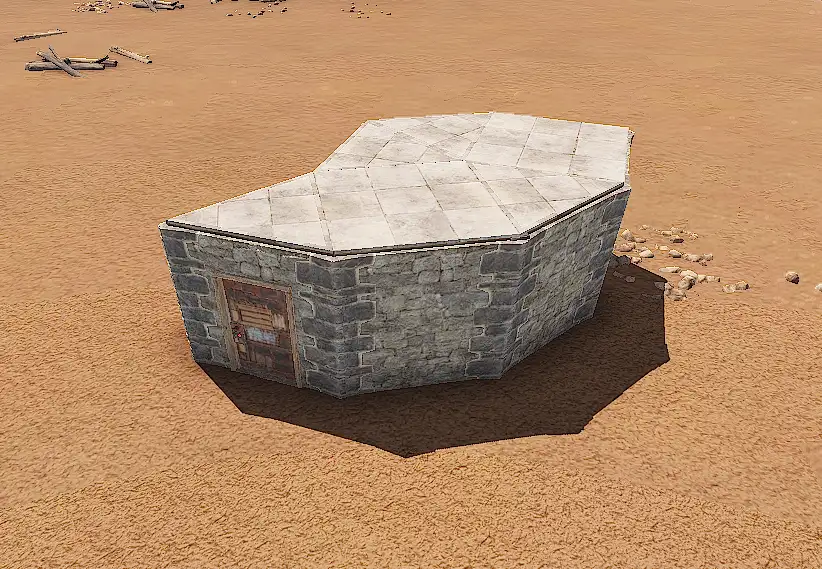
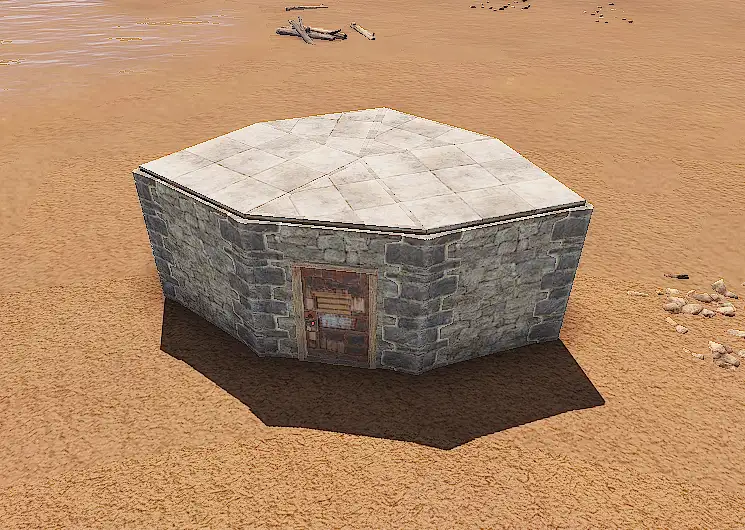


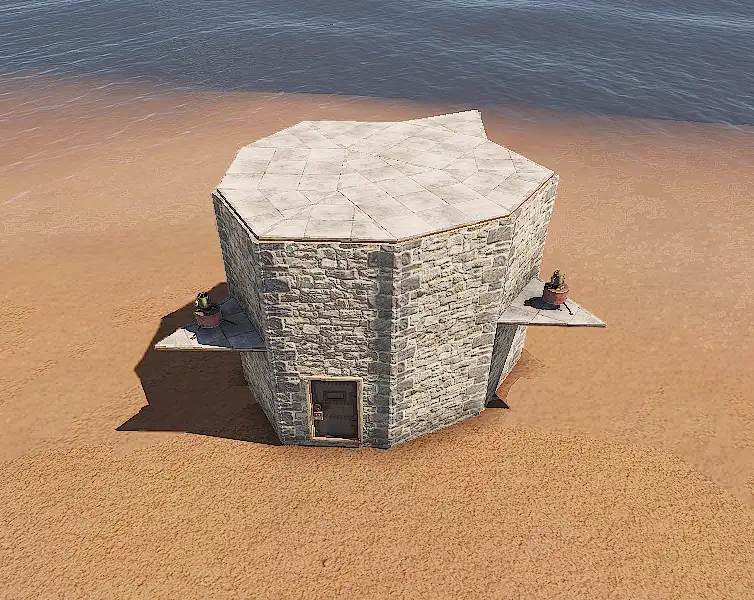
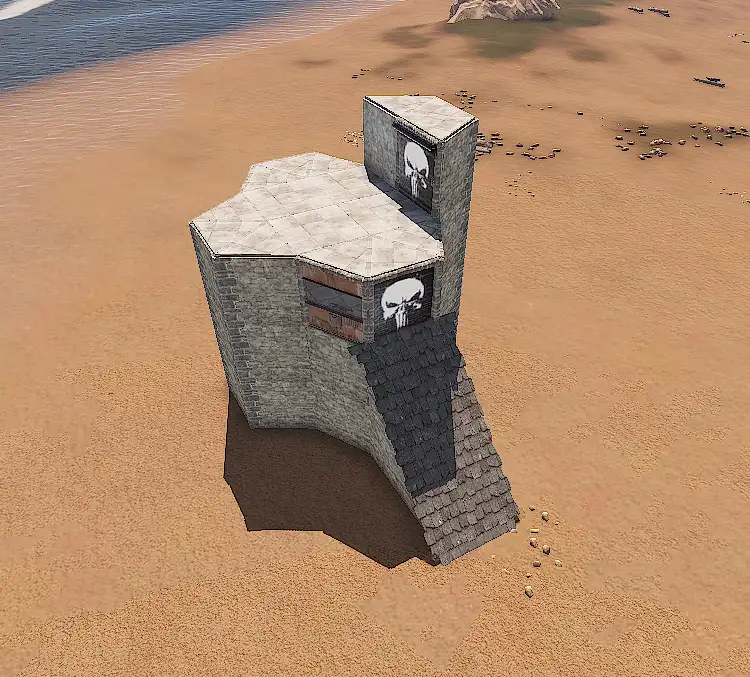
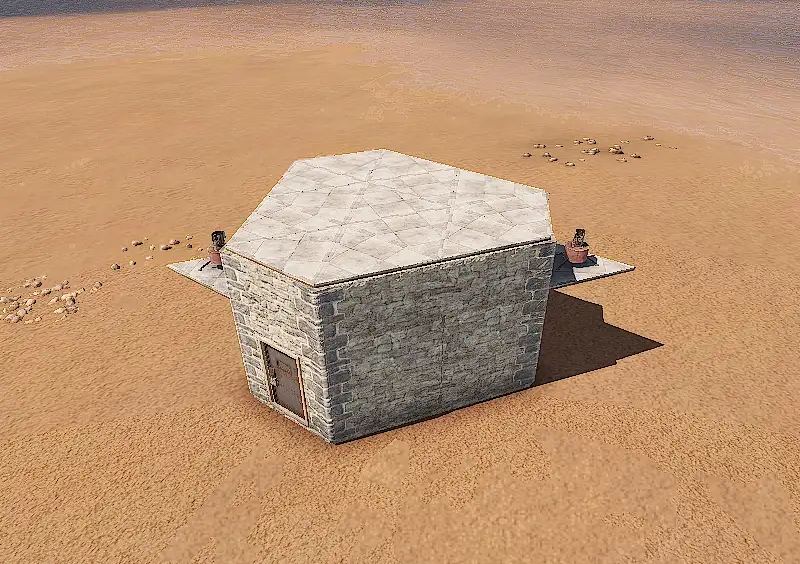
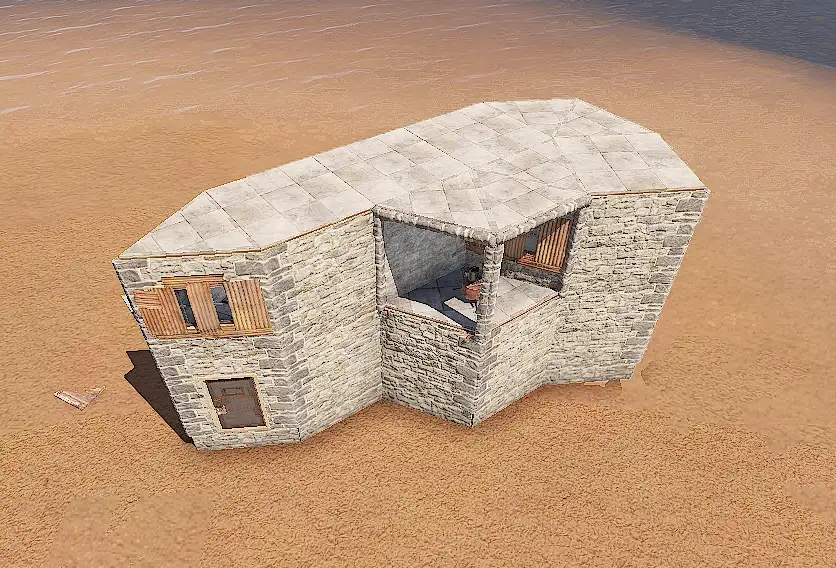
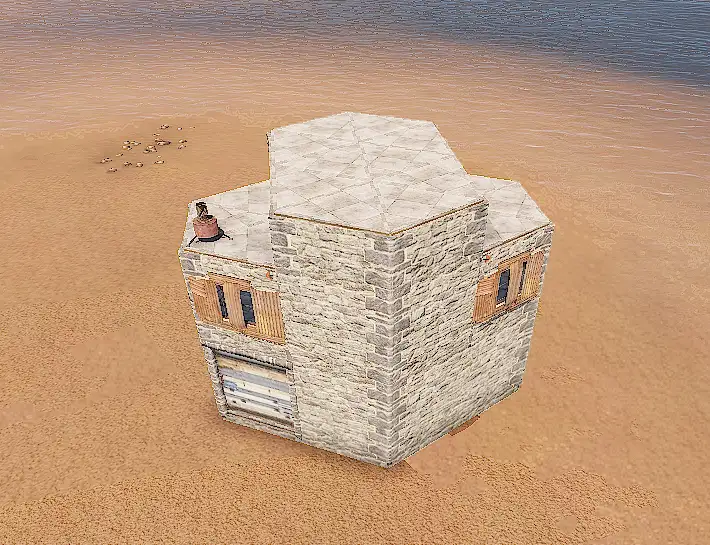
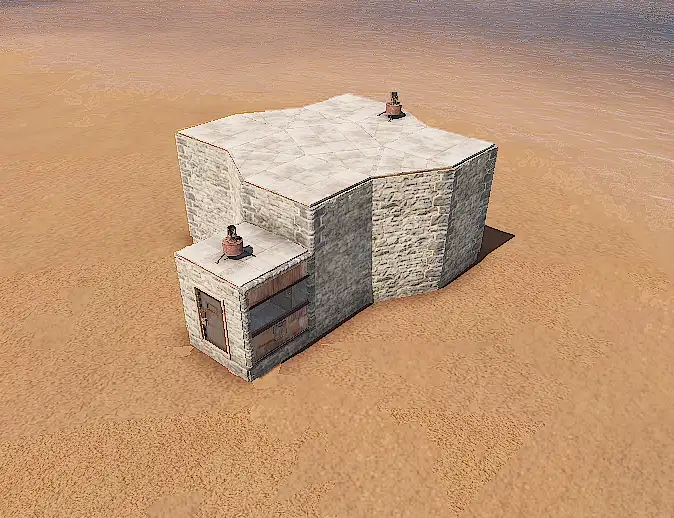
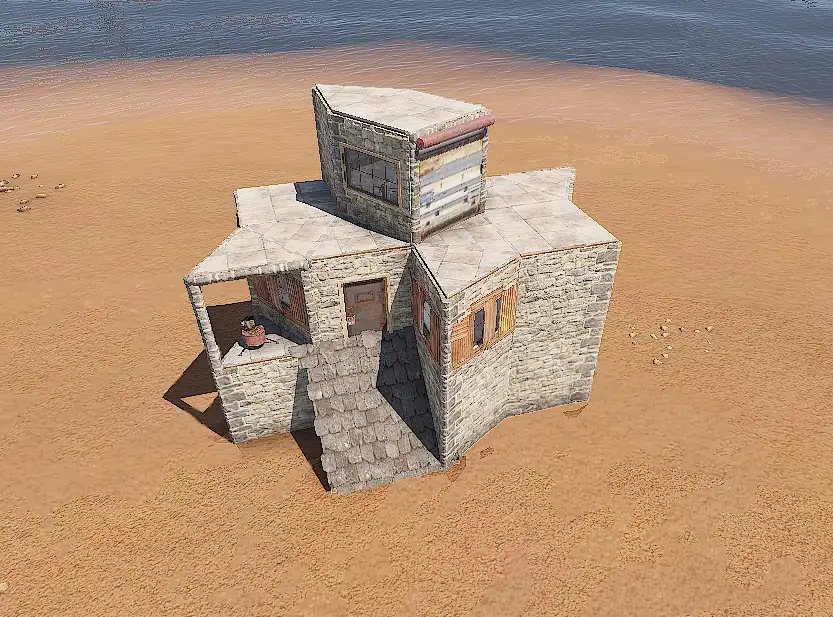


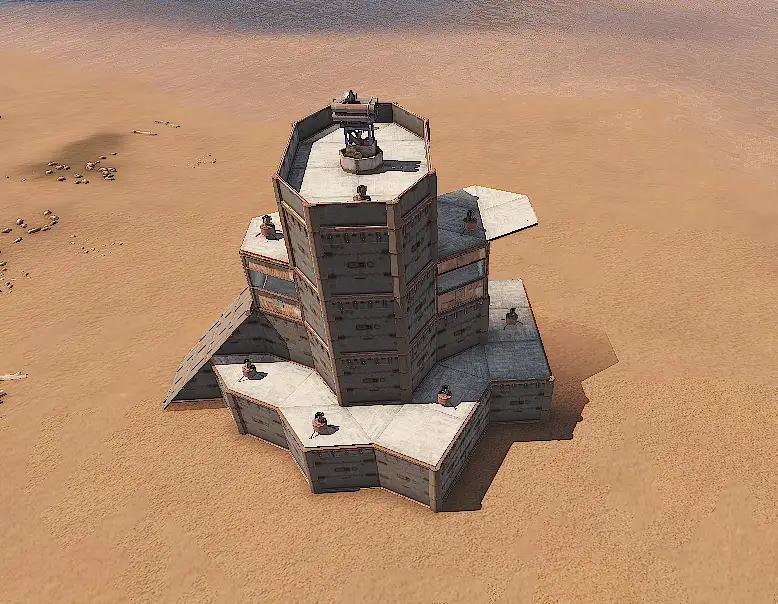

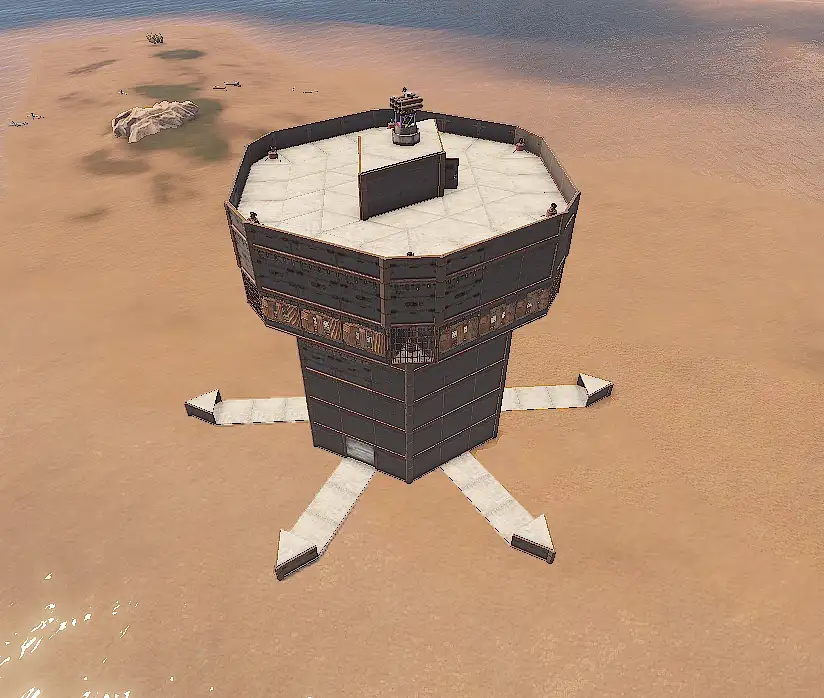
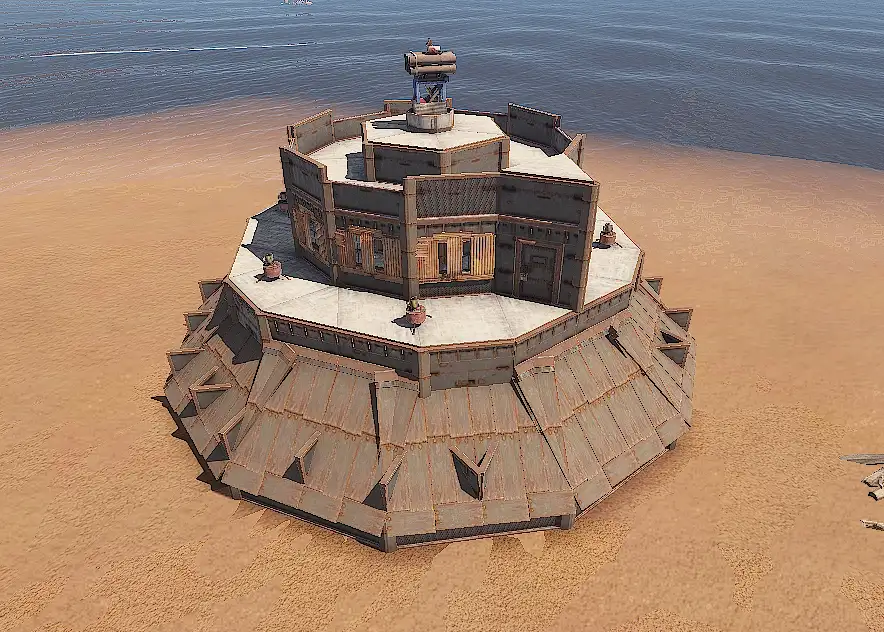

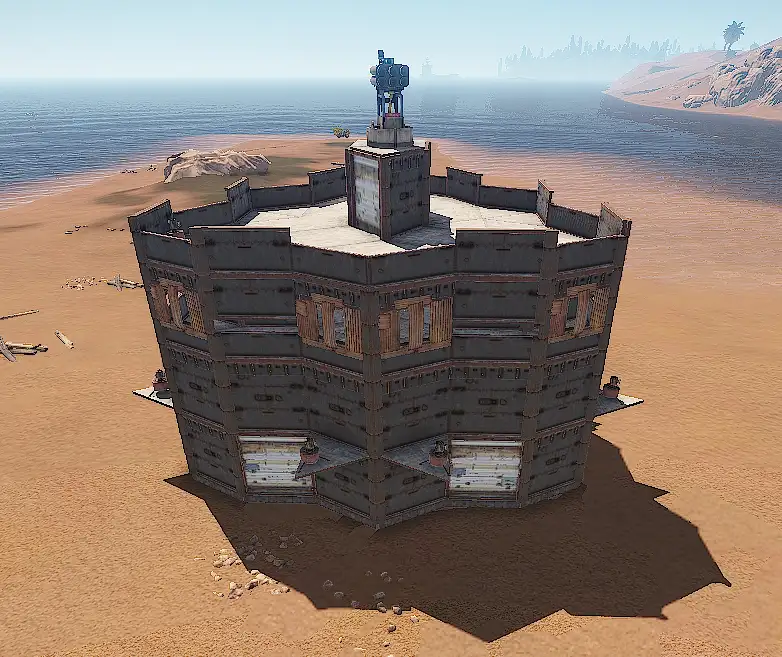

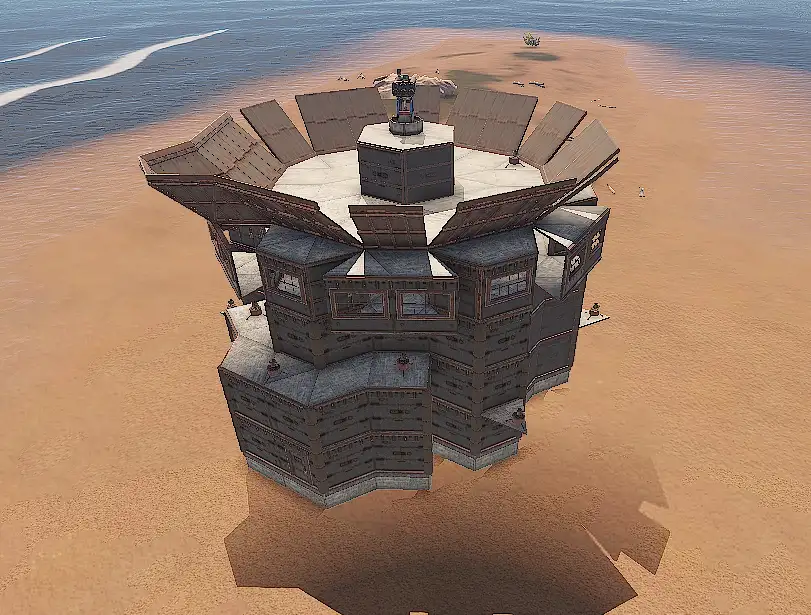
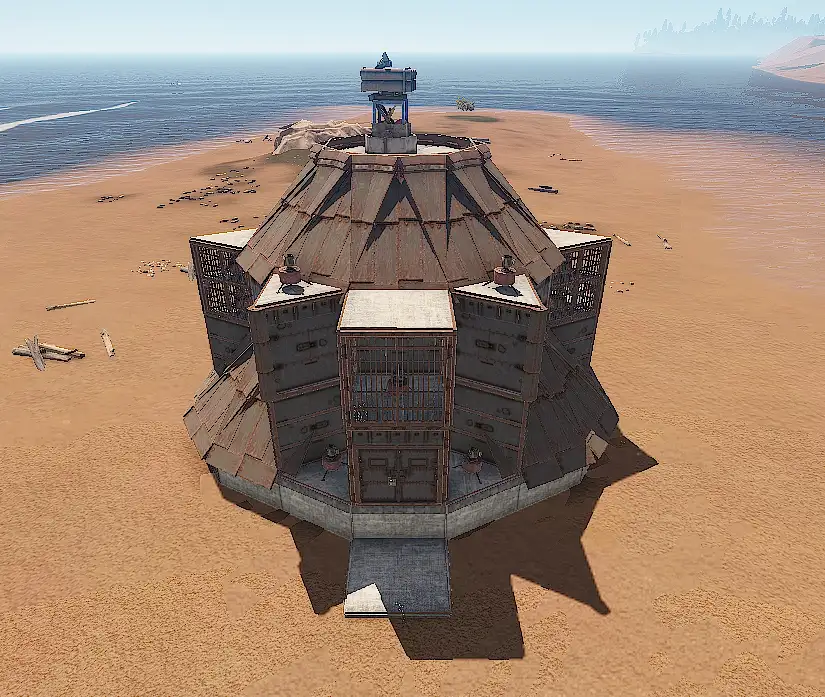
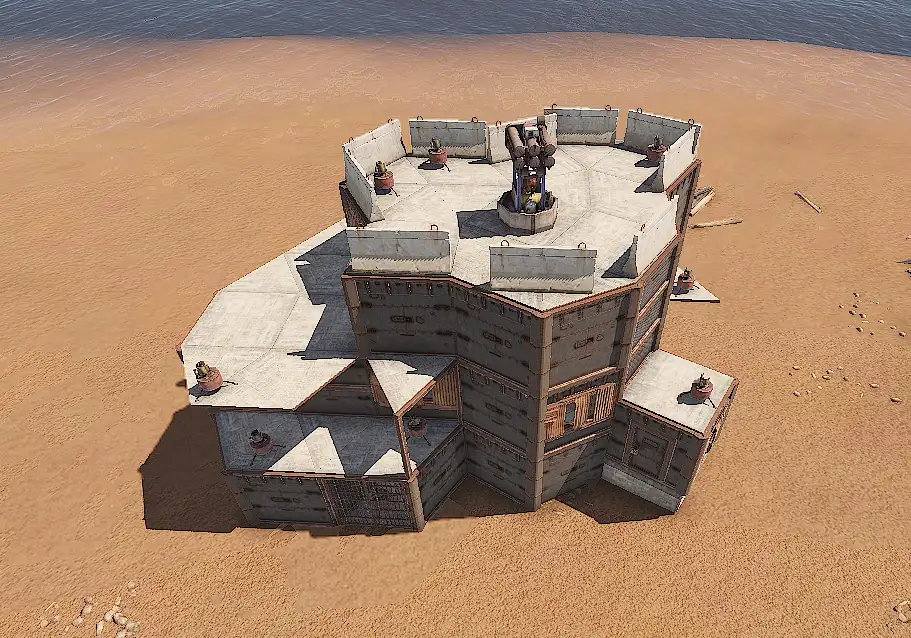

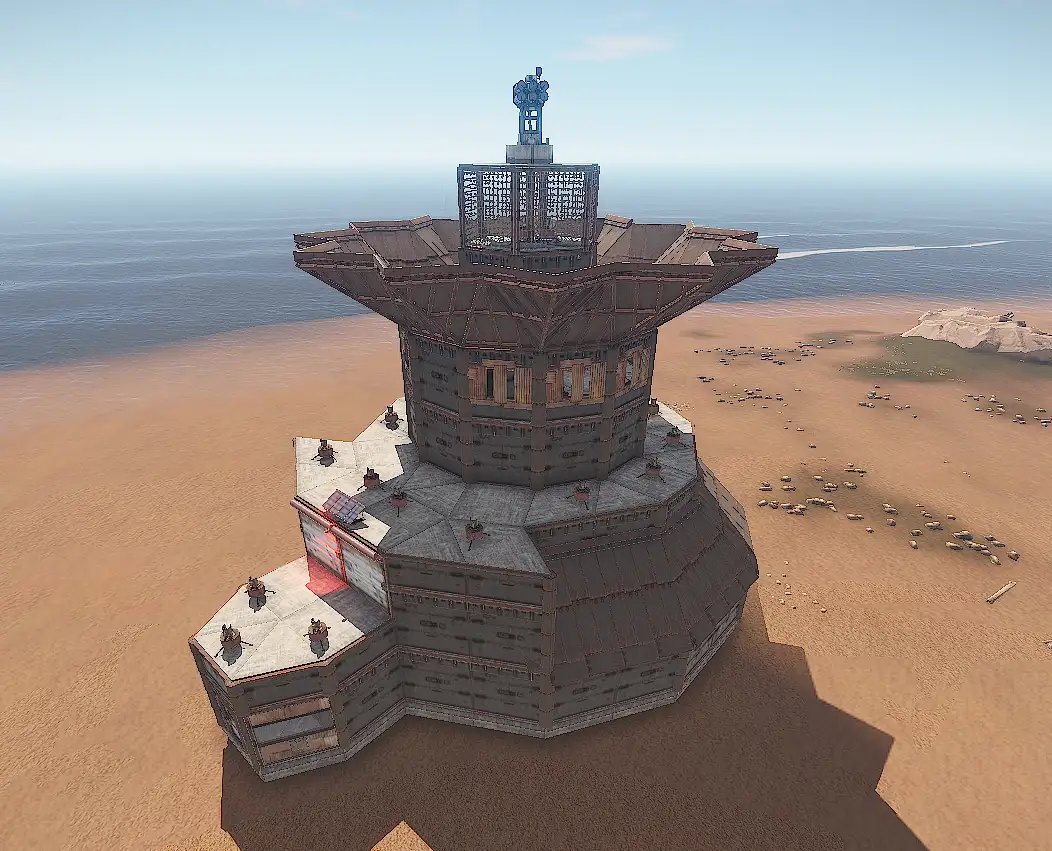
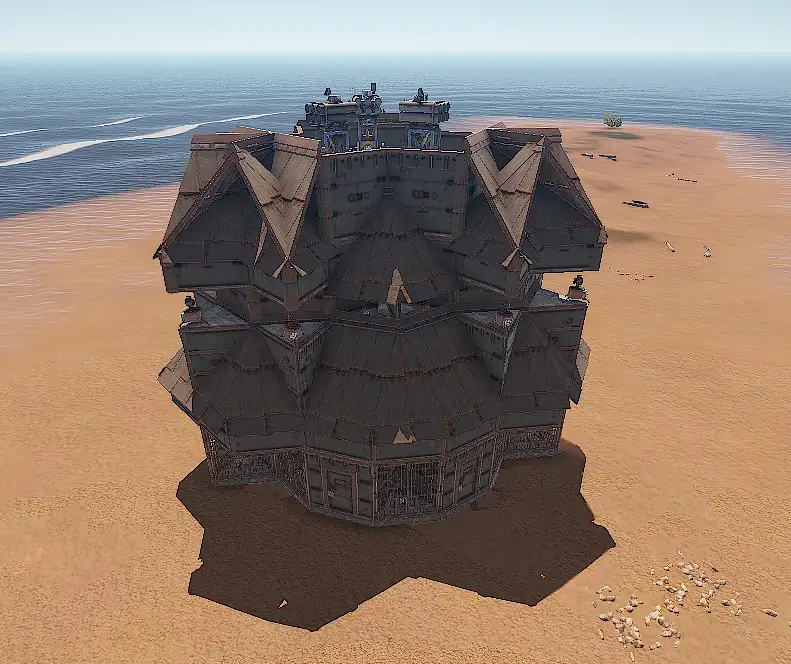
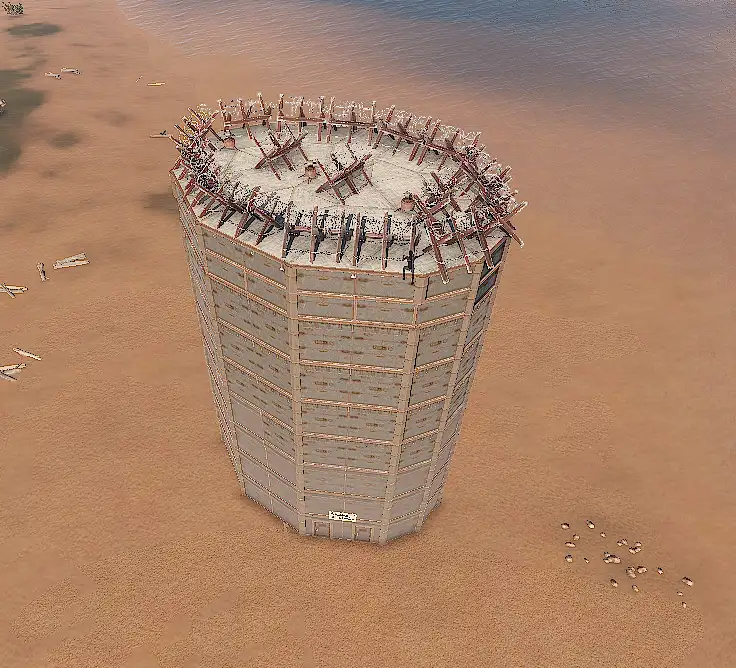
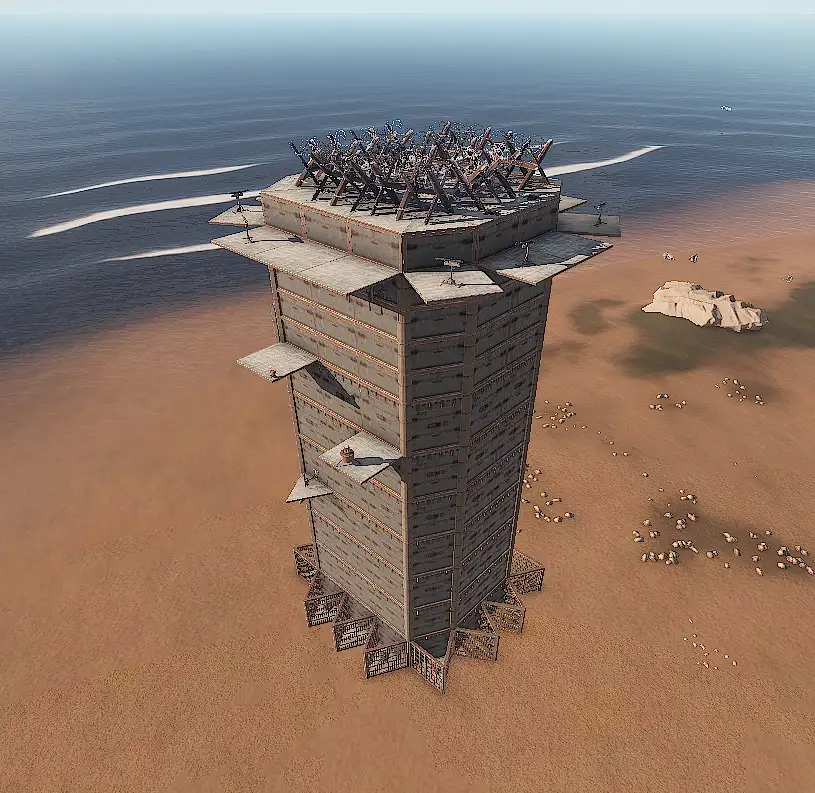
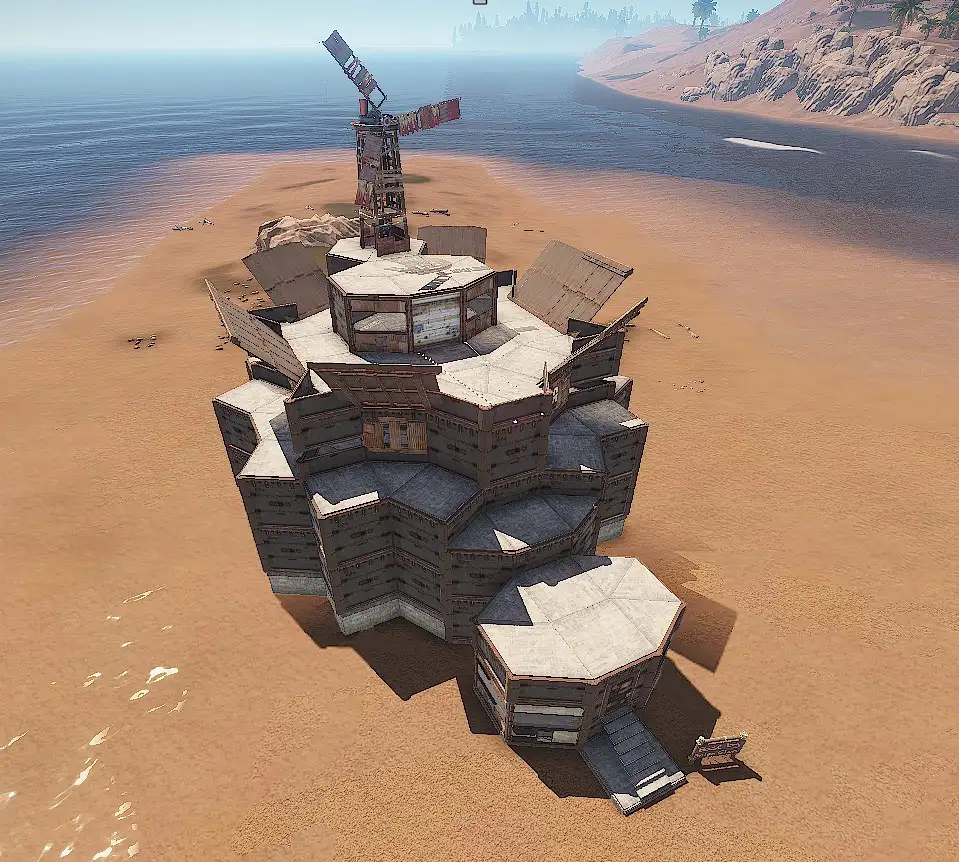
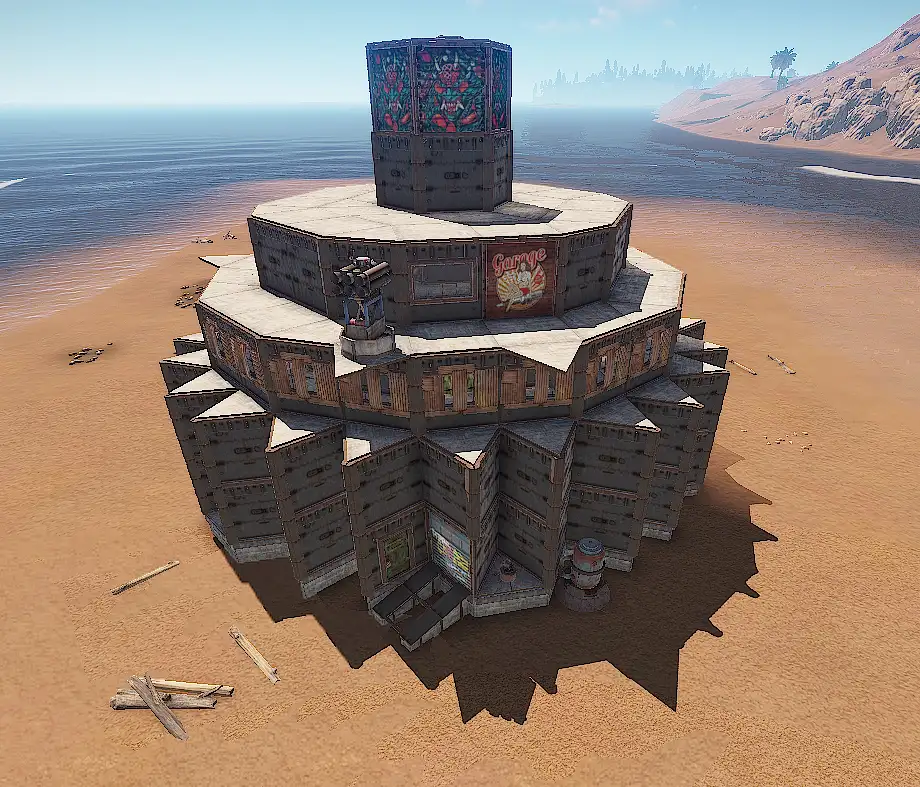
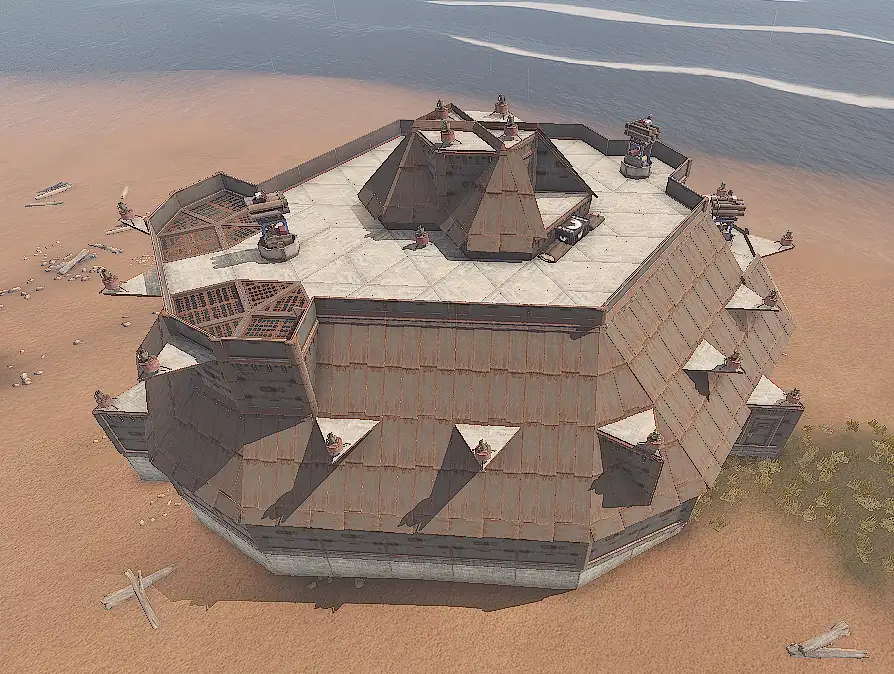

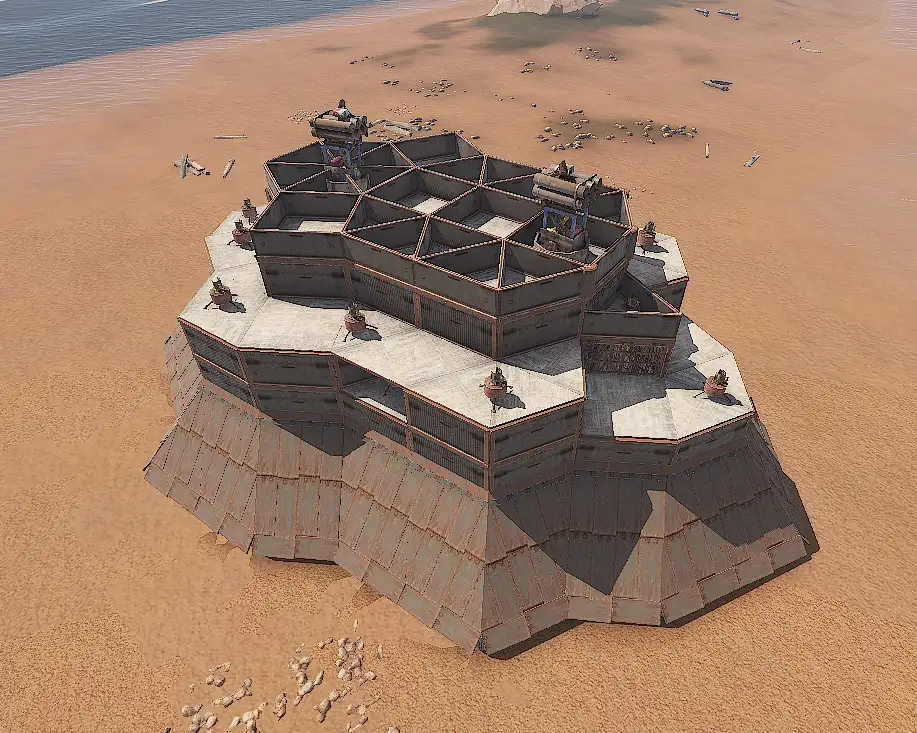
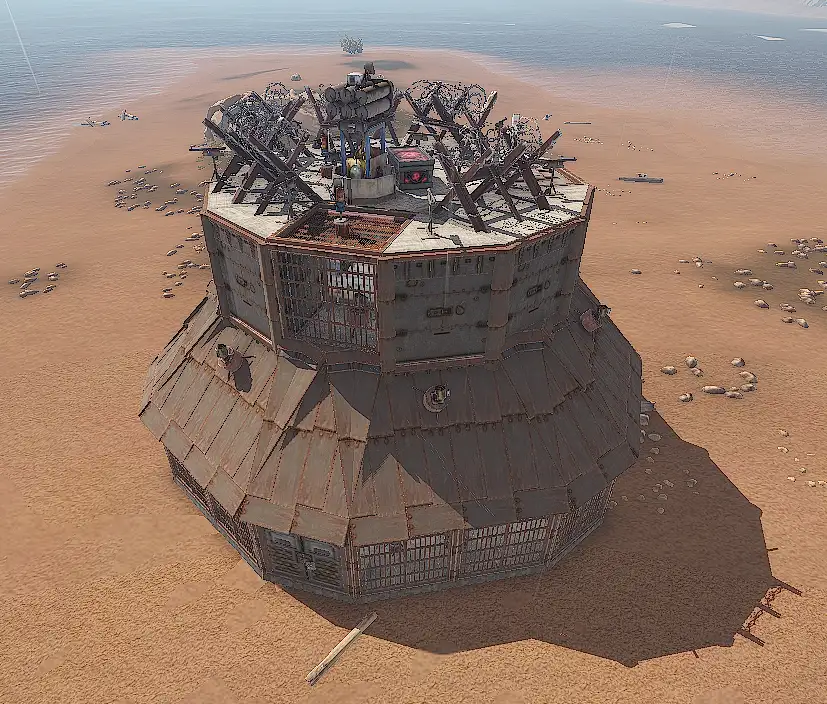

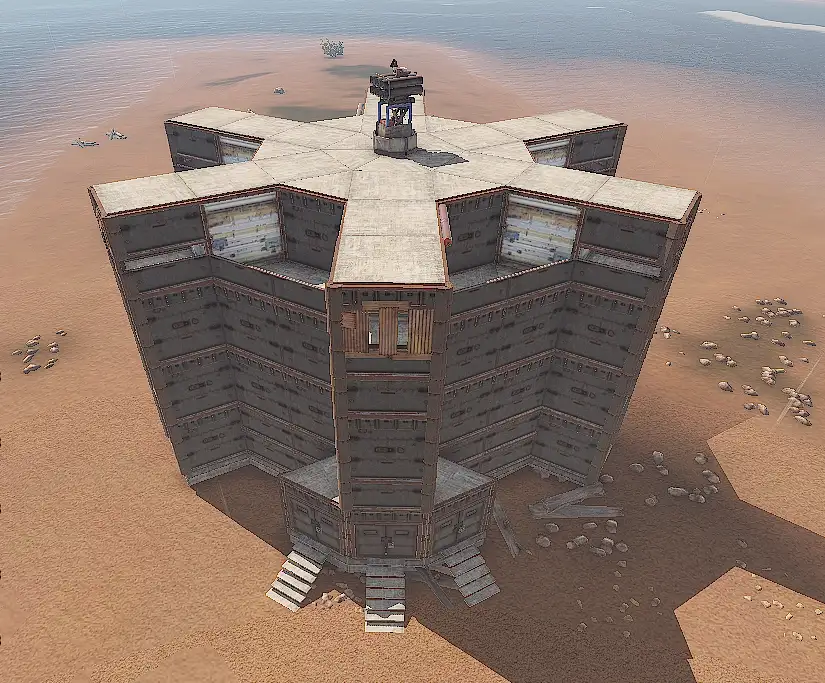
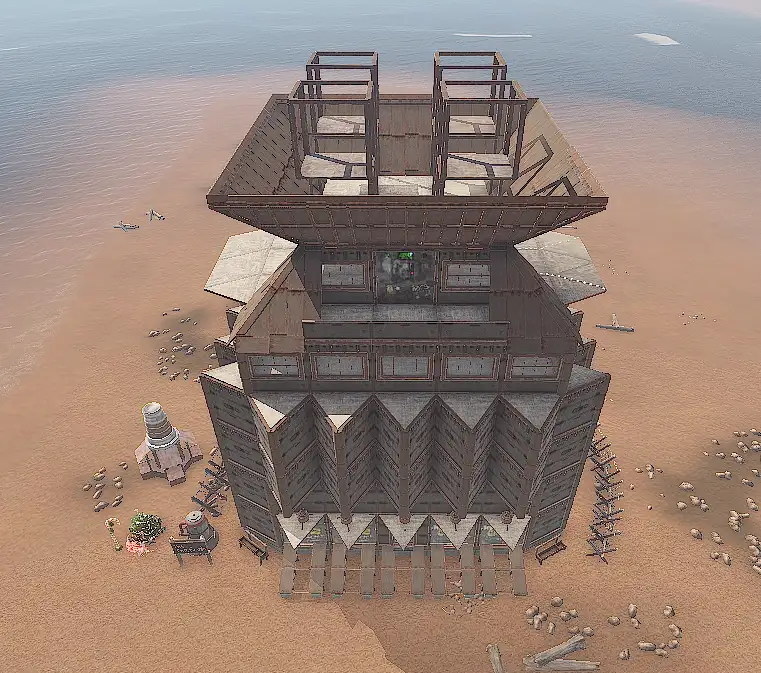
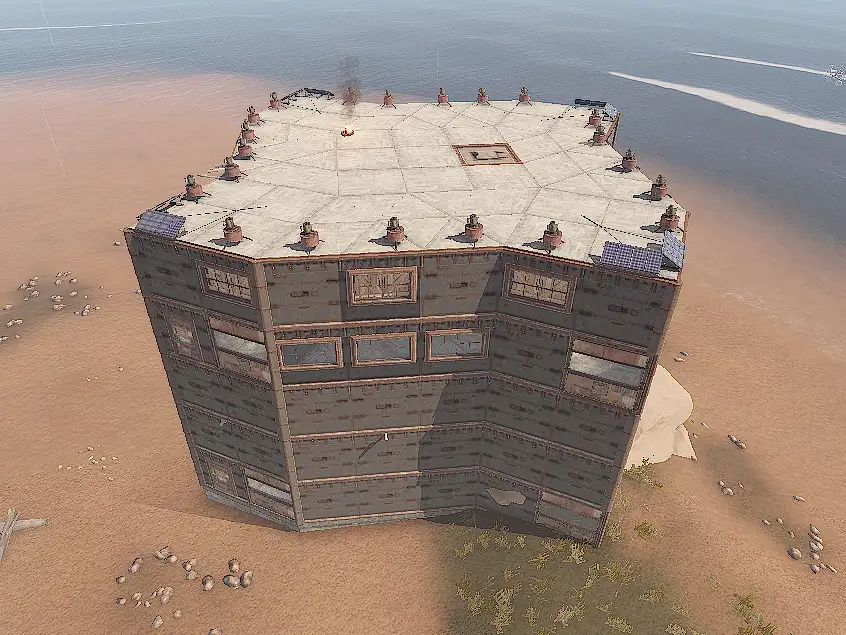
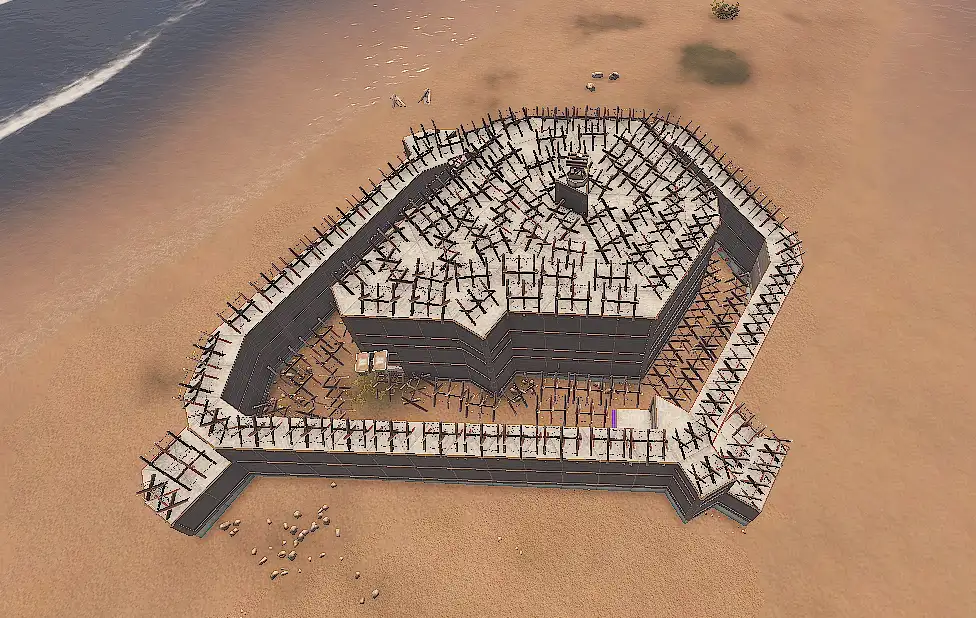


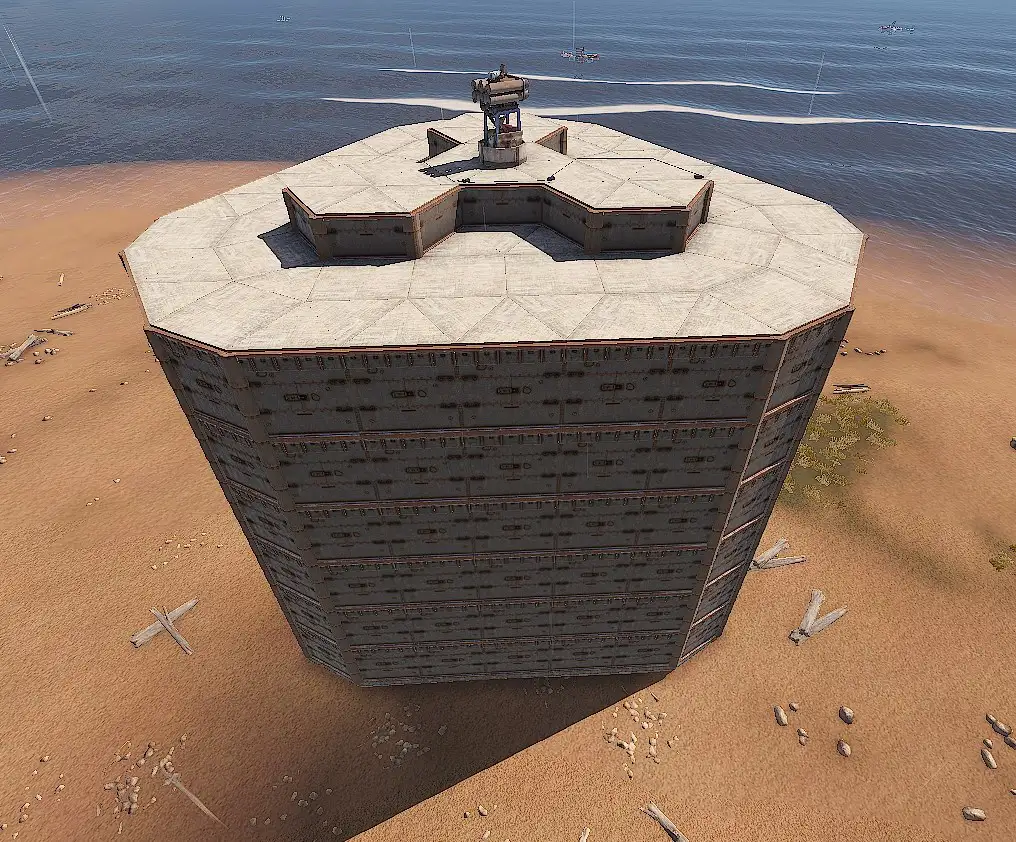
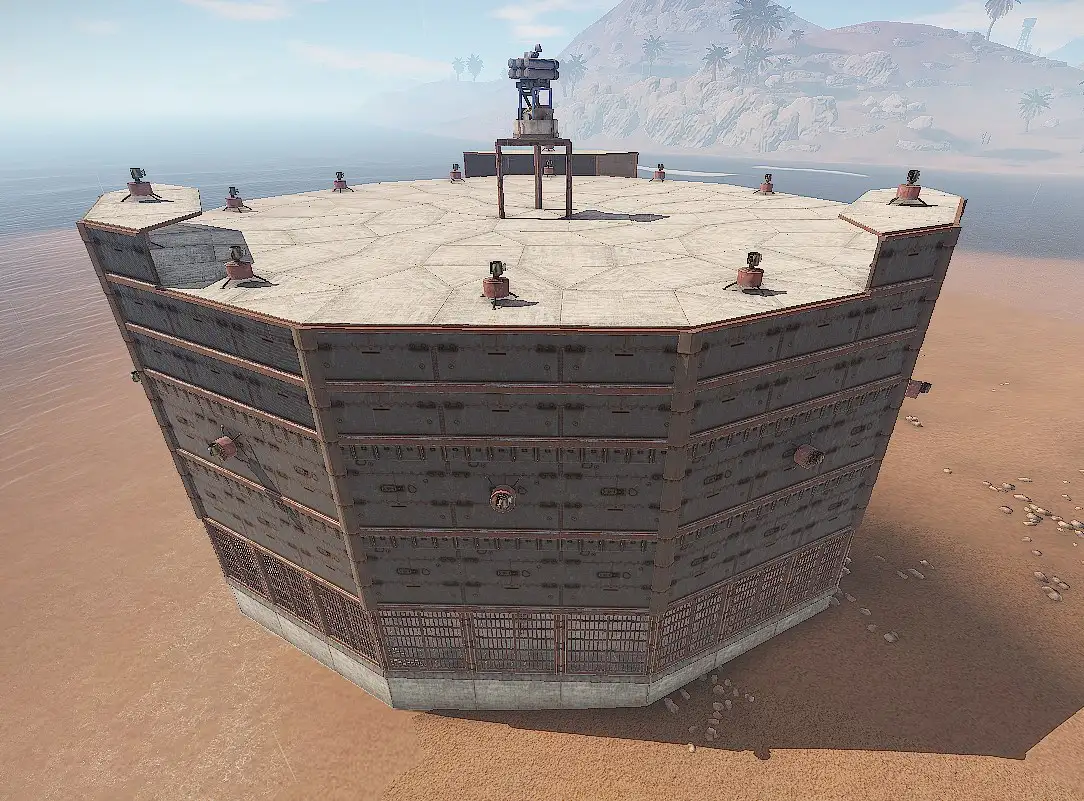
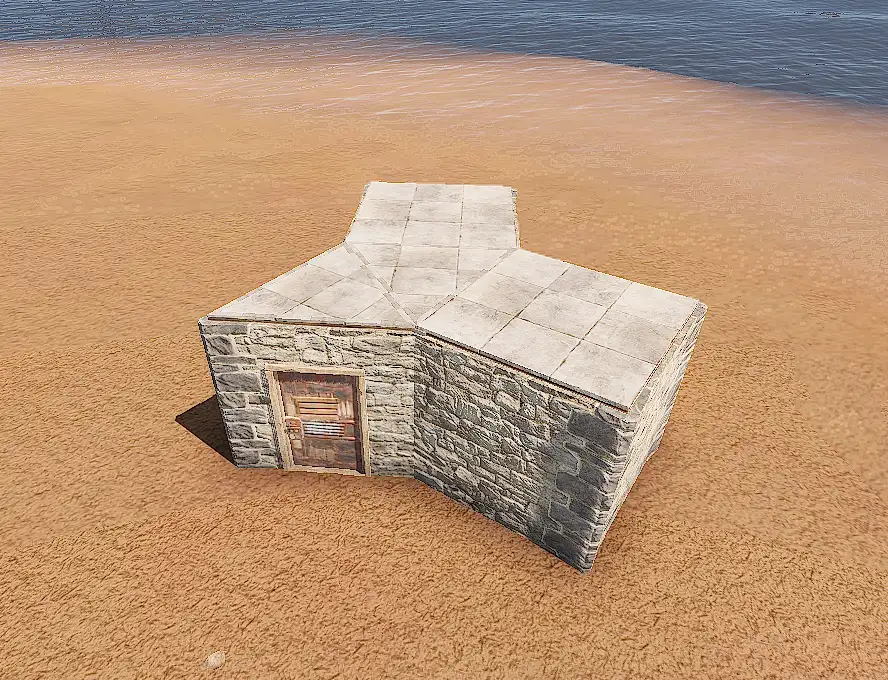
The Remover Tool is a well-known Rust plugin that allows players to remove objects from their base. It provides convenience and flexibility in base building and modification.
Chat Commands:
/remove [time (seconds)]- Enable/Disable Remover Tool/remove <help | h>- View help
The Sign Artist is a well-known Rust plugin that allows players to download and display images from URLs on in-game signs. It provides a creative way to personalize signs and showcase artwork within the game world.
Chat Commands:
/sil <url> [raw]- Download the image from the URL to the server and display it on the sign you are currently looking at.
Example:
Load from URL: /sil https://assets.umod.org/images/umod-gray-nomargin.png
The Simple Splitter is a popular Rust plugin used for furnaces, refineries, and other similar devices. It emphasizes the proper ratio of fuel to maximize efficiency and productivity.
The mod ensures that the correct amount of fuel is allocated, preventing waste and ensuring optimal resource utilization. This simplifies the management of fuel and allows players to focus on other aspects of gameplay.
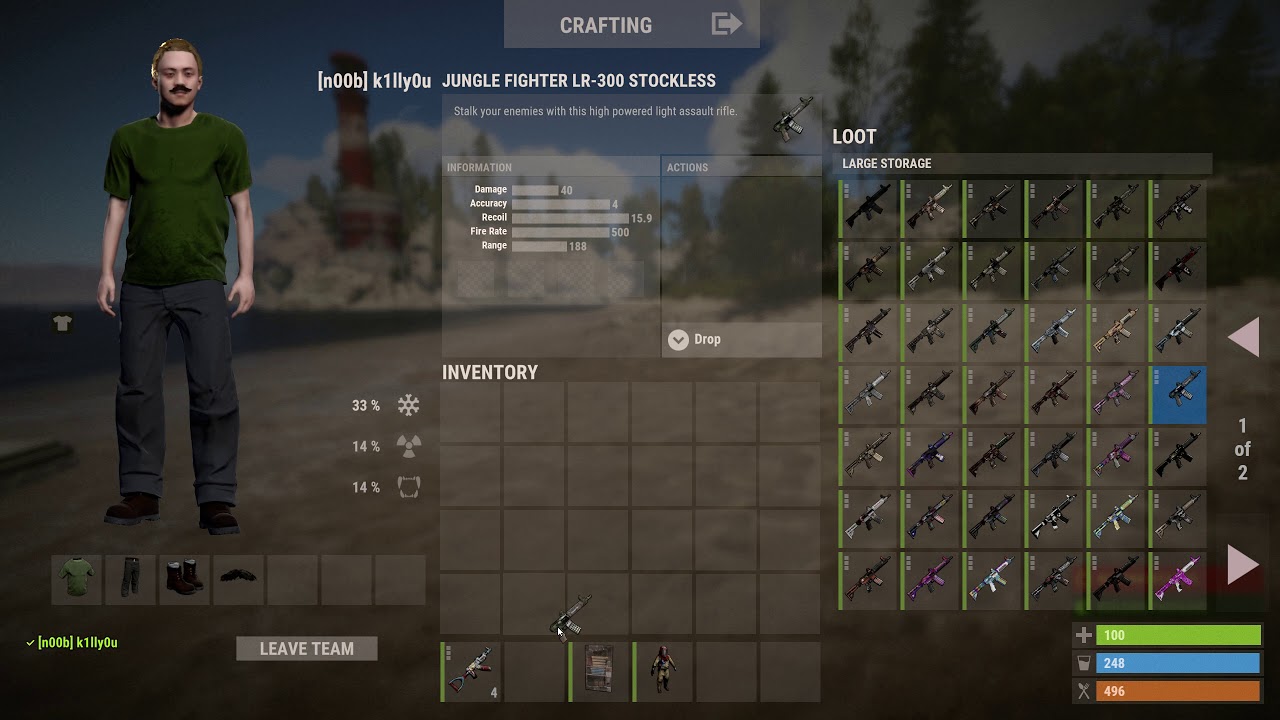
Skinbox is a comprehensive Rust plugin that allows players to easily customize the appearance of in-game items and equipment, enhancing the overall gameplay experience.
- Personalization: Change the appearance of weapons, armor, and other items to reflect your unique style.
- Vast Skin Collection: Choose from a wide range of skins, including rare and exclusive options.
- Instant Application: Apply skins instantly without additional purchases or trading with other players.
- Easy Management: Browse and apply skins with an intuitive interface and simple commands.
- You can craft a spray can at the workbench.
Chat Commands:
/sbor/skinbox- Open the Skinbox menu
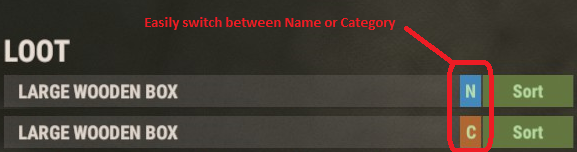
- Enhances storage management in Rust with a sorting button for storage boxes.
- Sort items by name or category, improving organization and efficiency.
- Automatically consolidates separate stacks of the same item for easier inventory management.
- Sorting functionality limited to container owner, teammates, friends, and clanmates.
Chat Commands:
/sortbutton- Enable/Disable Sort Button./sortbutton <sort | type>- Change sort type.
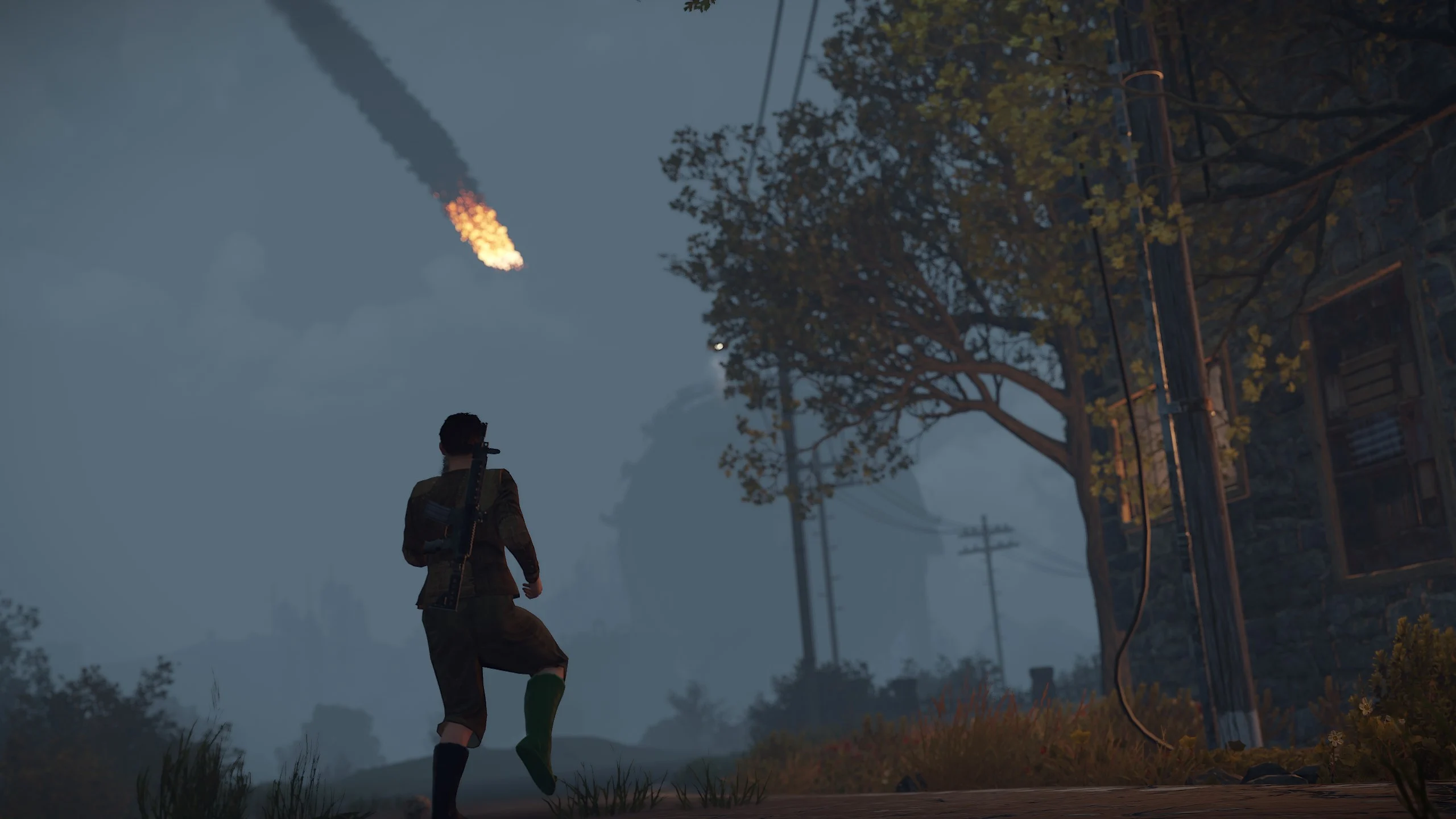
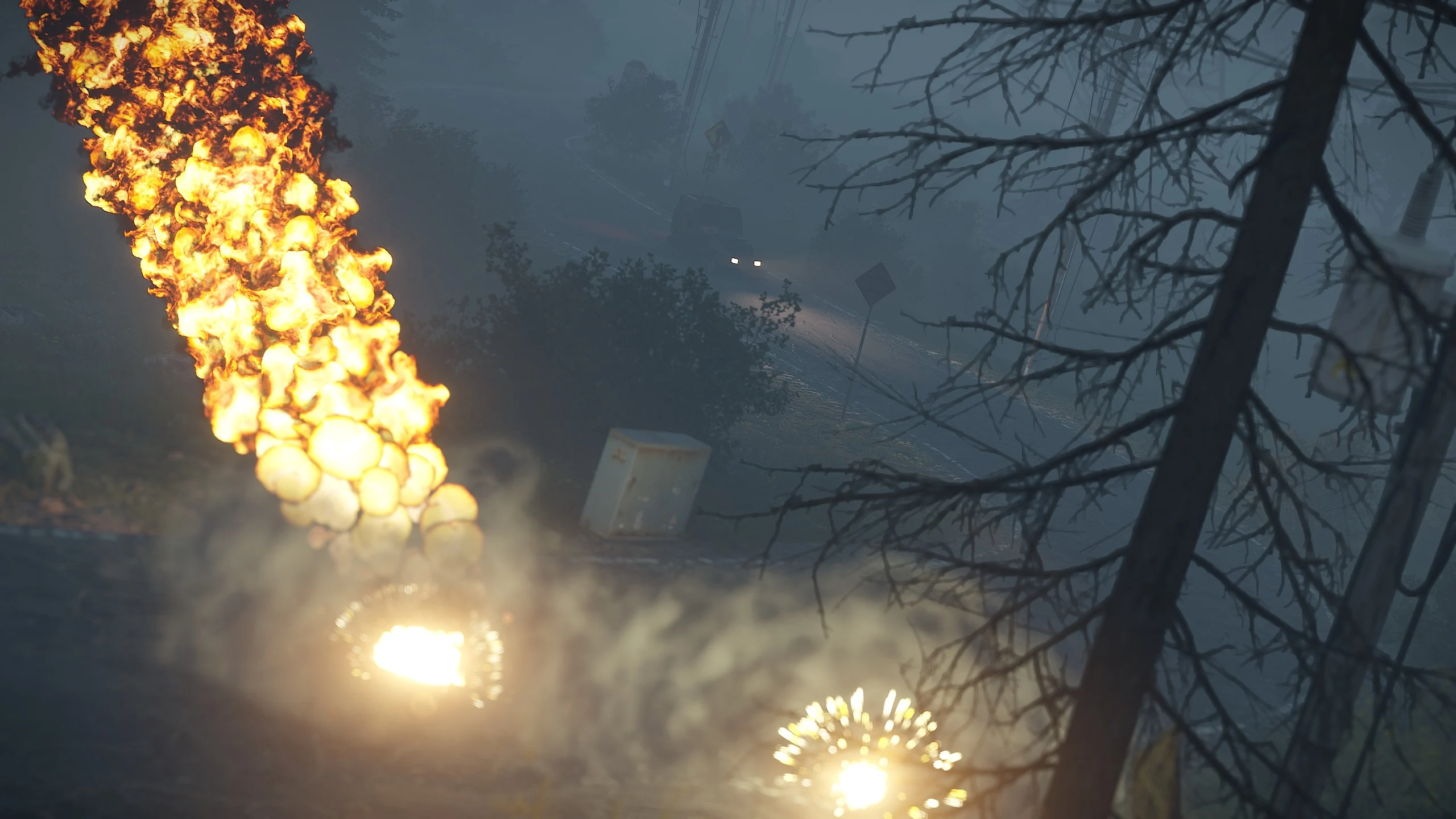
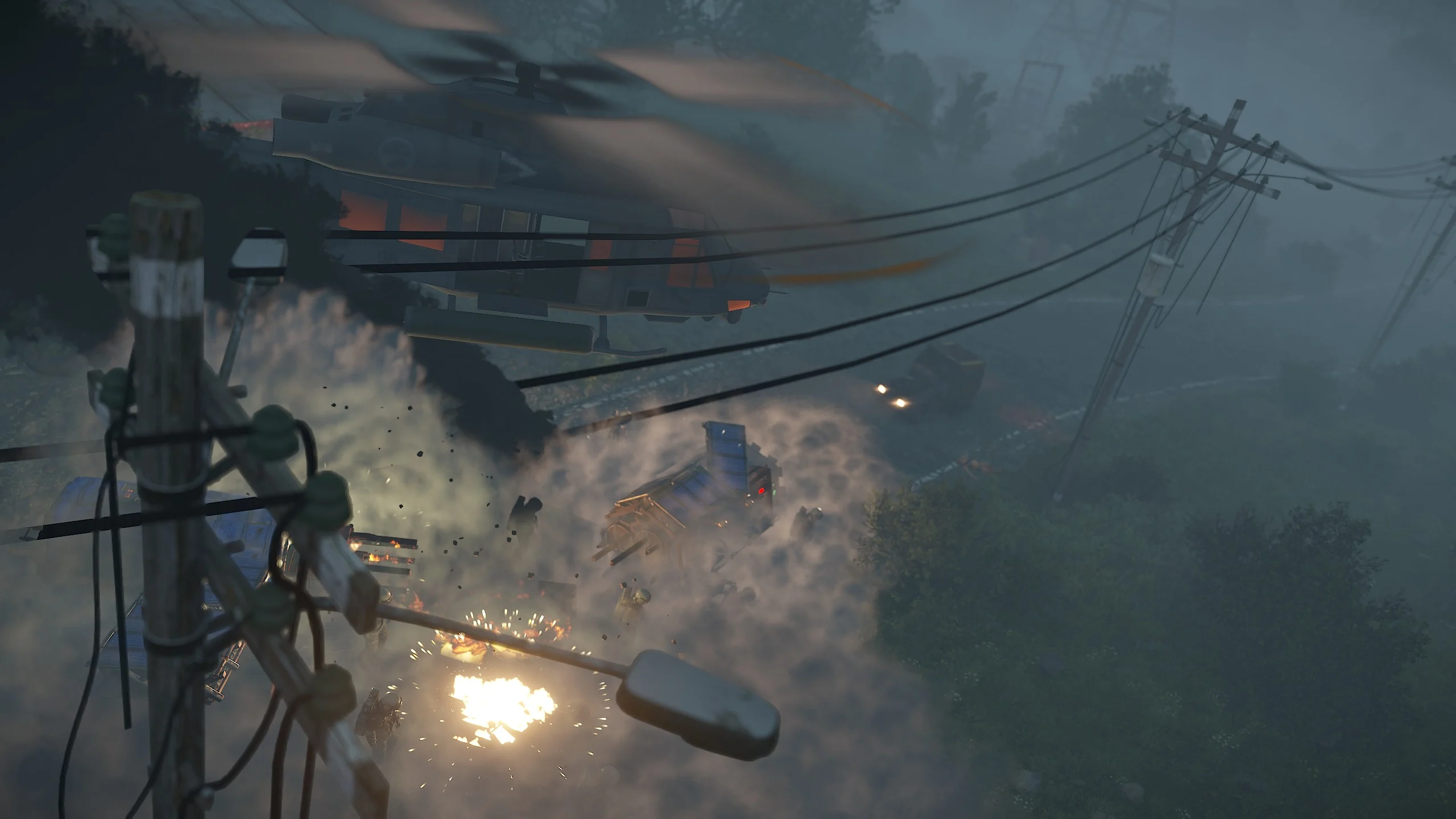
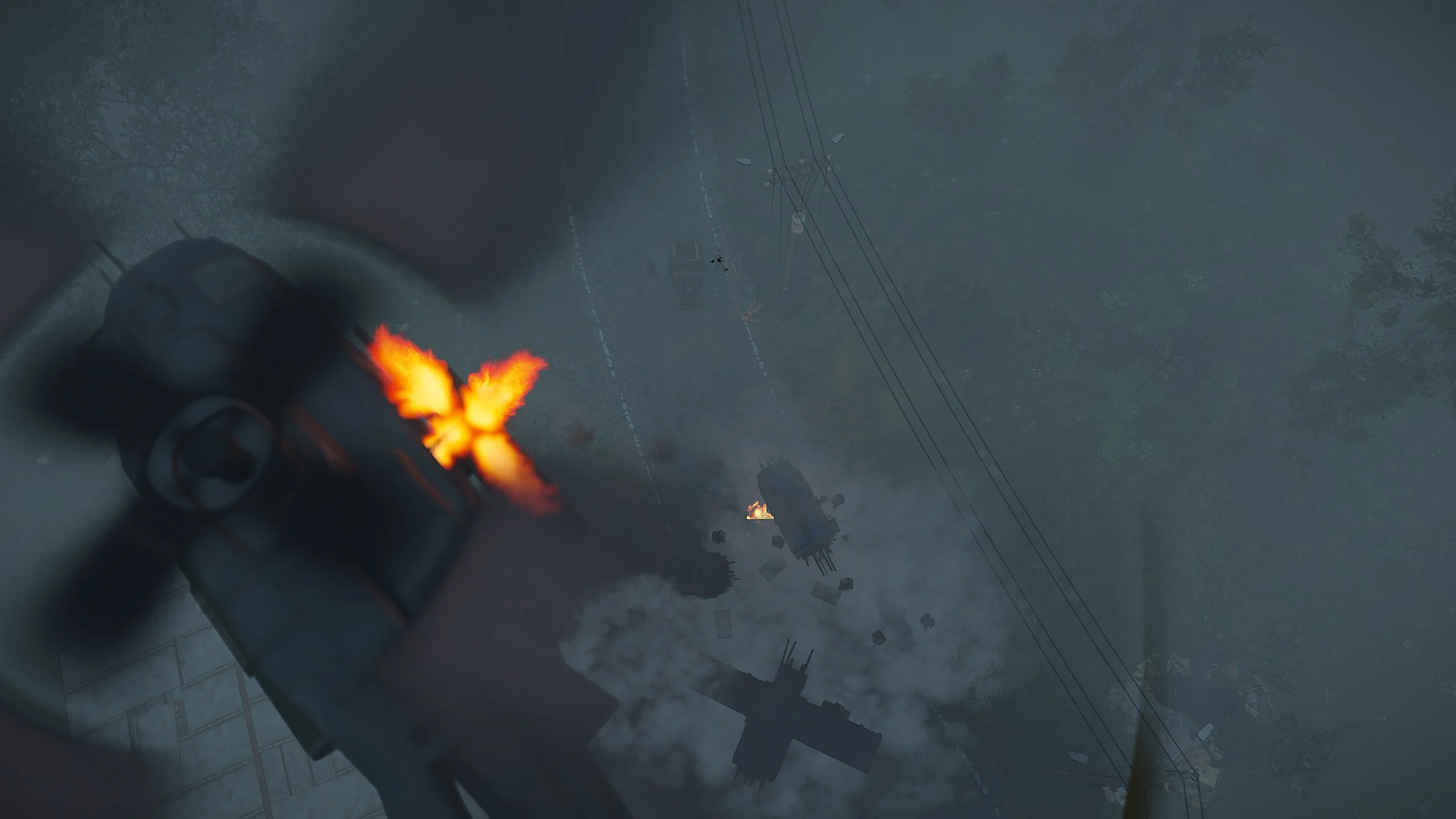
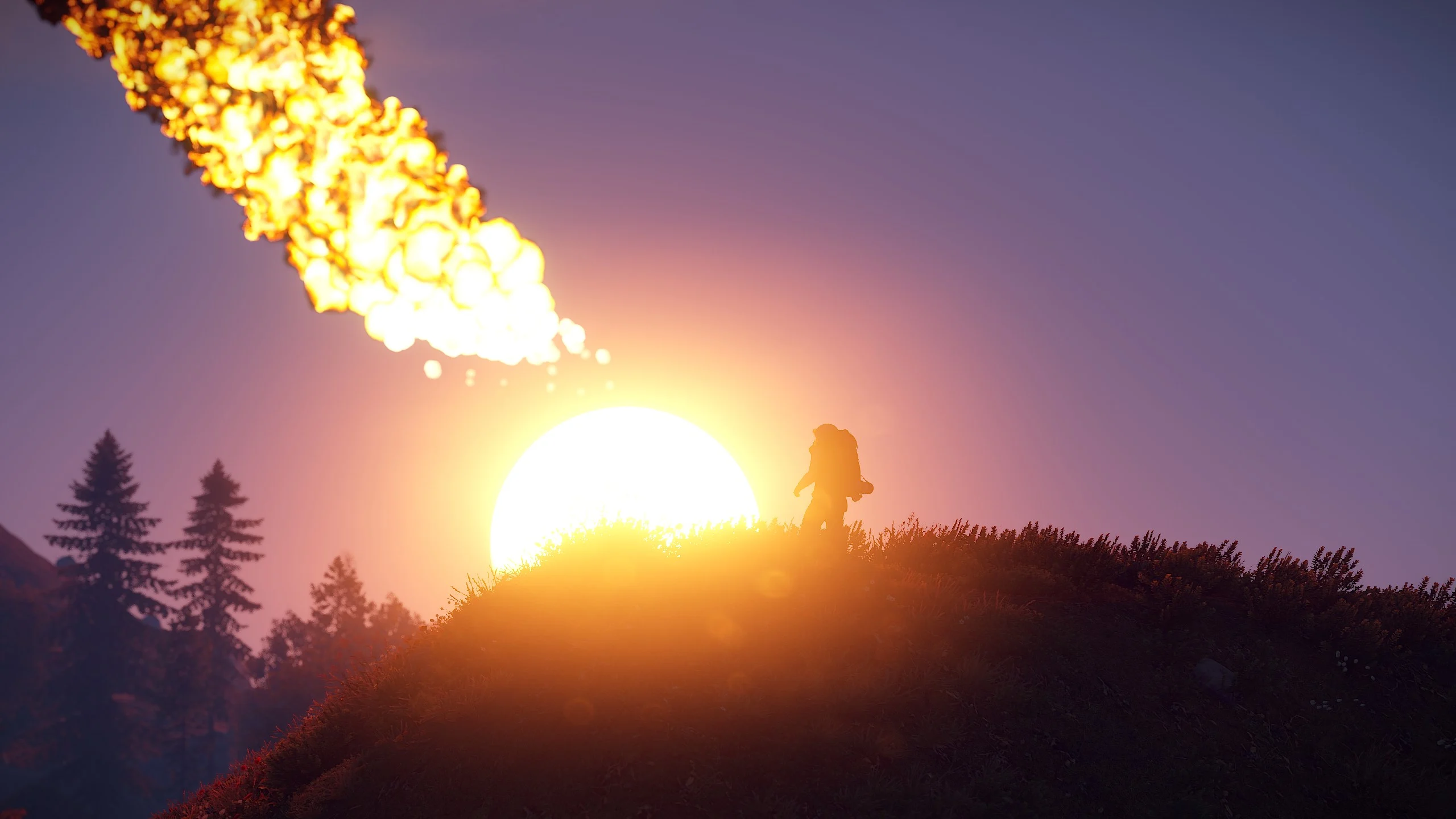
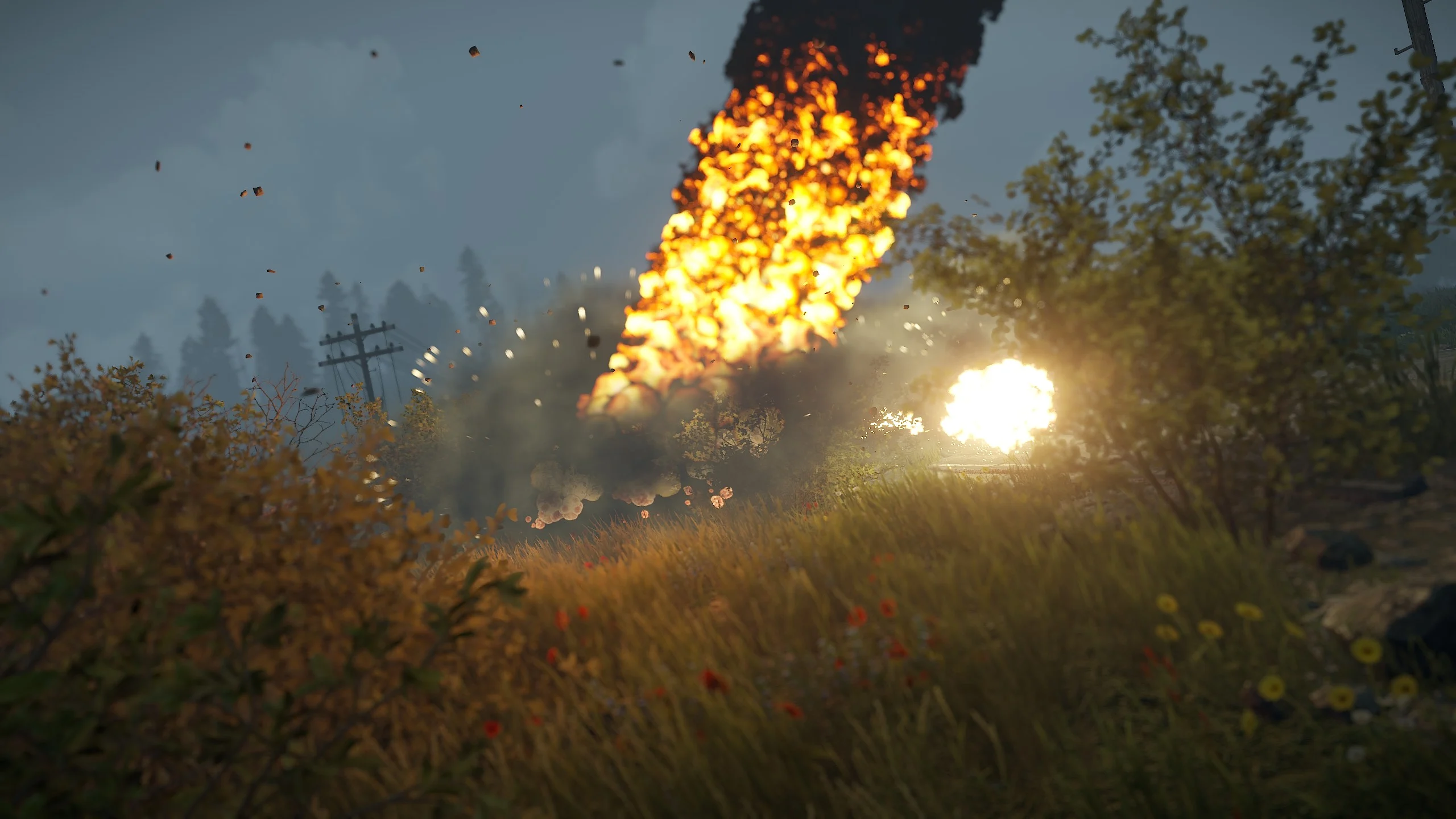
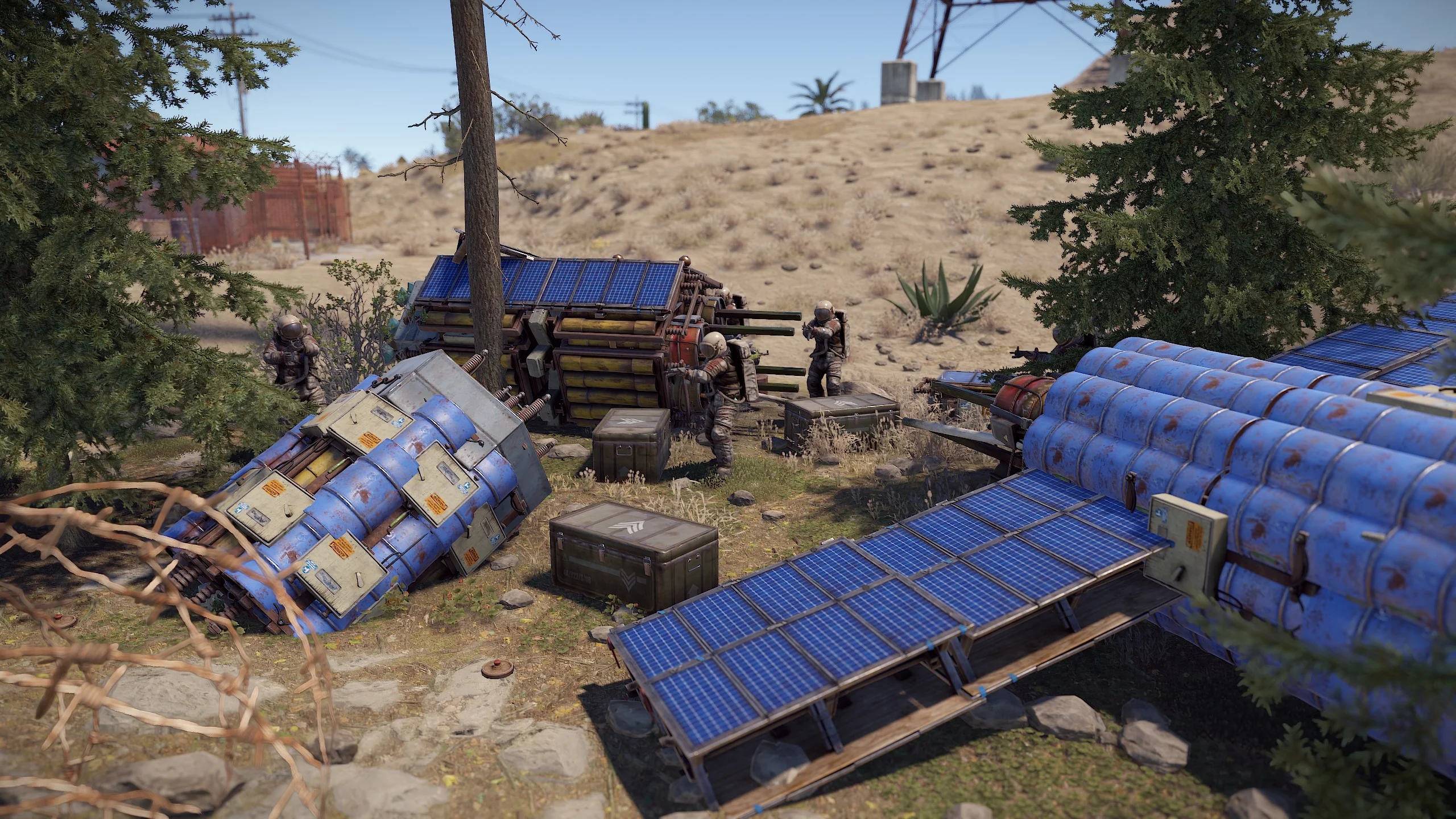
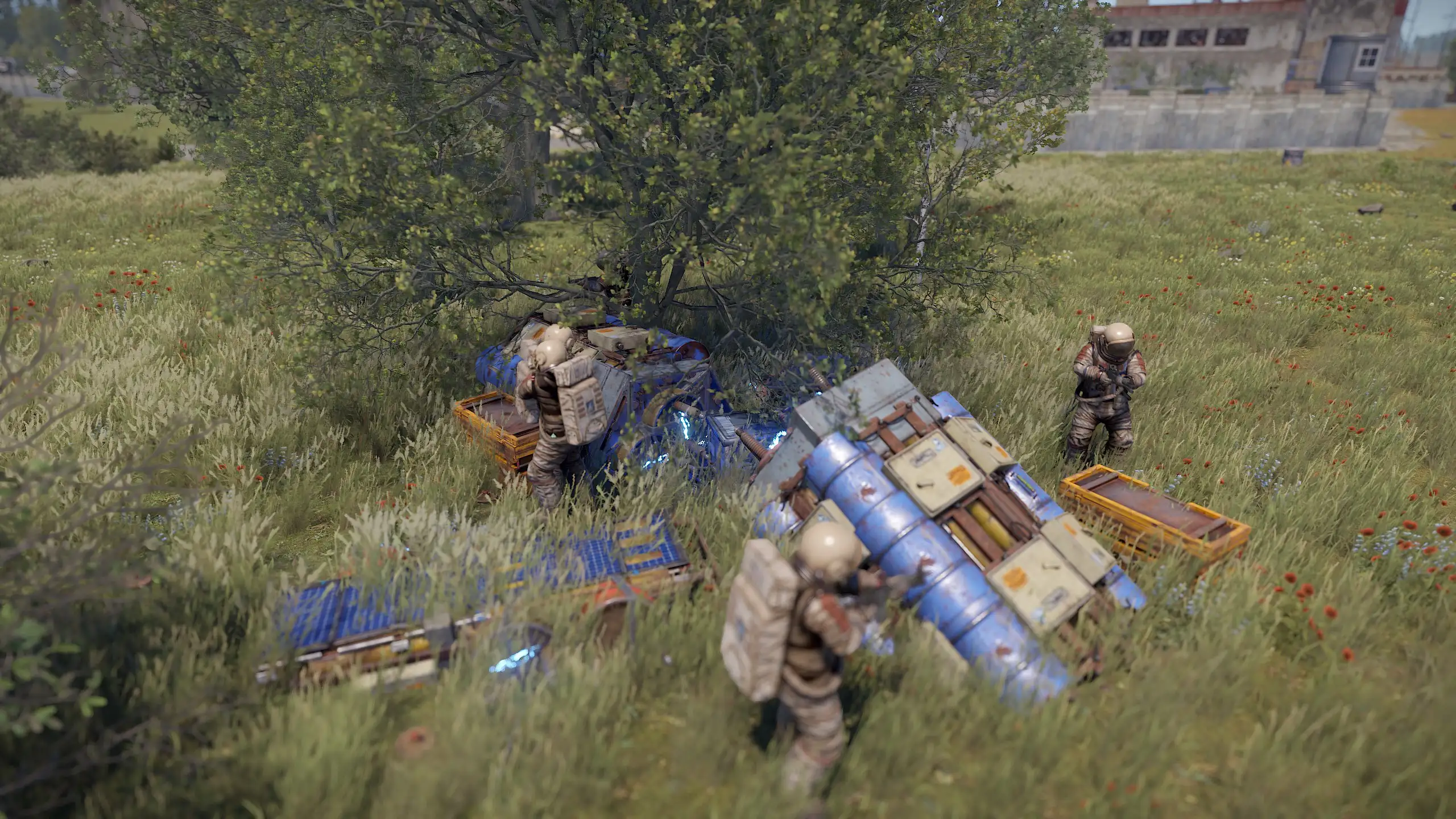
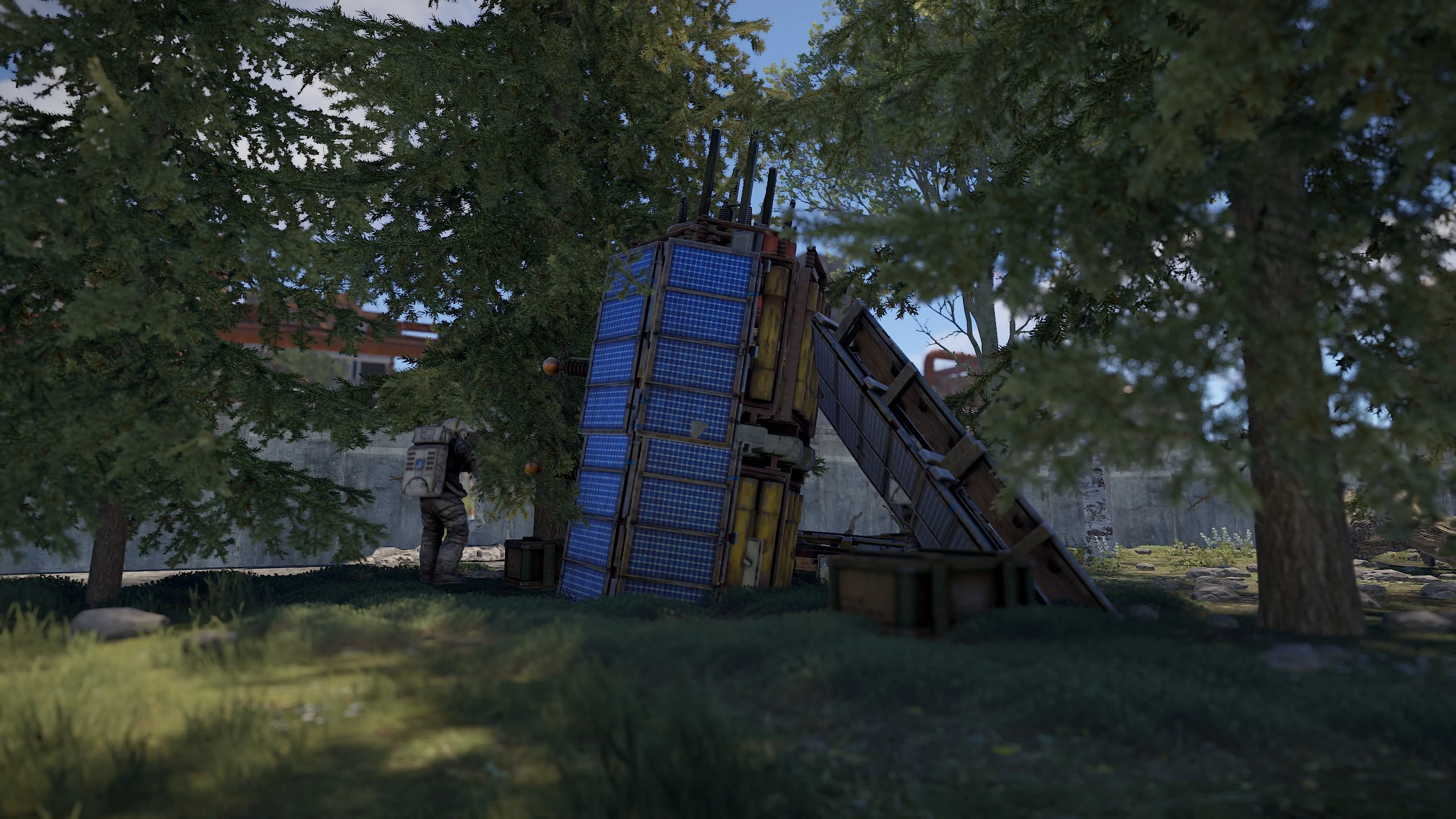
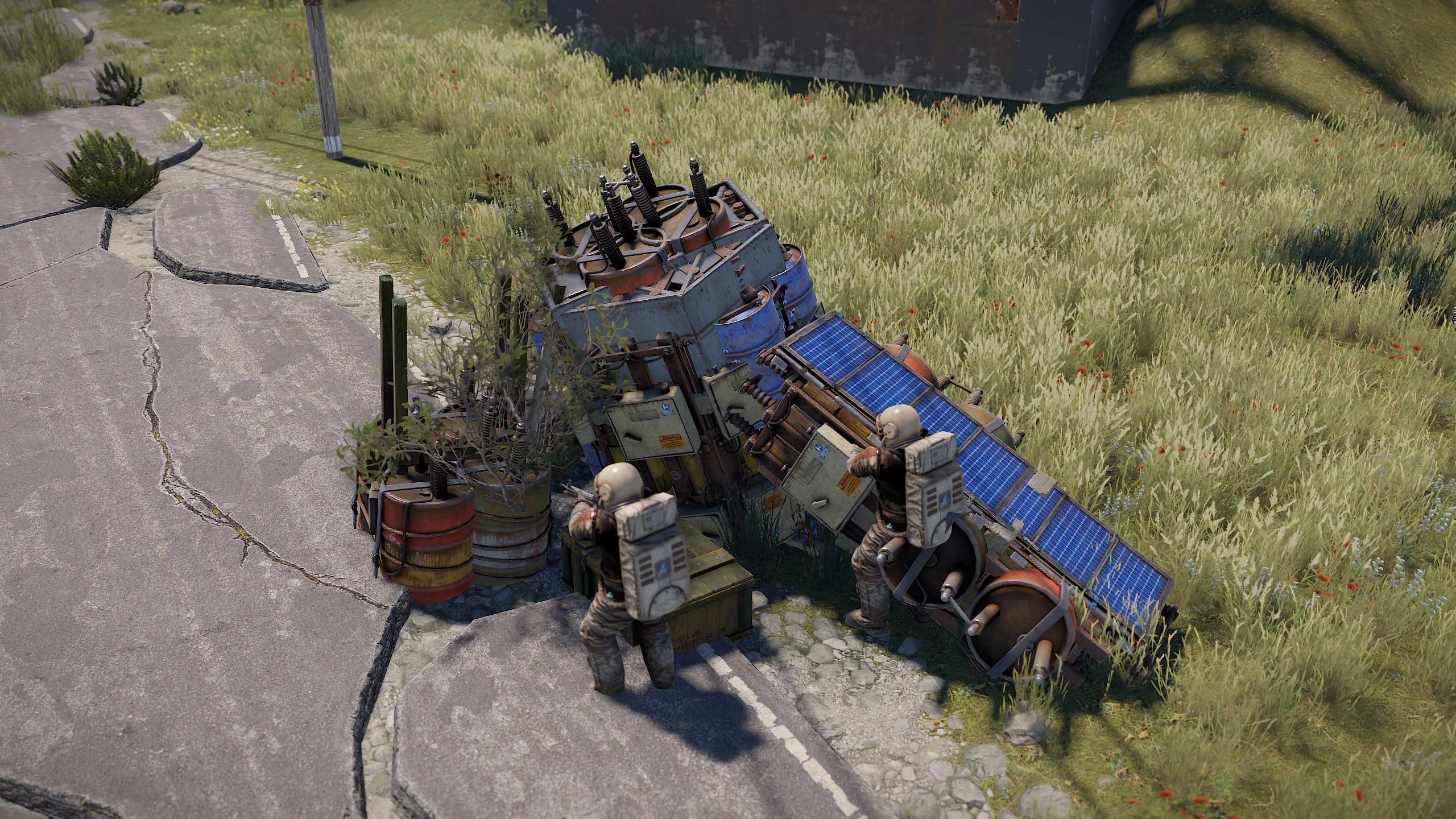
- Outer Space: Encounter meteorites, crates, NPCs, balloons, and spaceships in the depths of outer space.
- Spacesuit: Survive in outer space with a spacesuit.
- Space Station: Explore the space station, comprising compartments with loot, NPCs, turrets, and fire turrets. Raid locked doors and unravel the secrets within.
- Spaceship: Embark on a thrilling journey in spaceships that spawn near roads or in space. Customize flying settings, engage in combat with torpedoes, and capture the space station.
- Balloon: Ride into outer space with a balloon, which can spawn near roads or in space. Use it as an escape capsule in zero gravity.
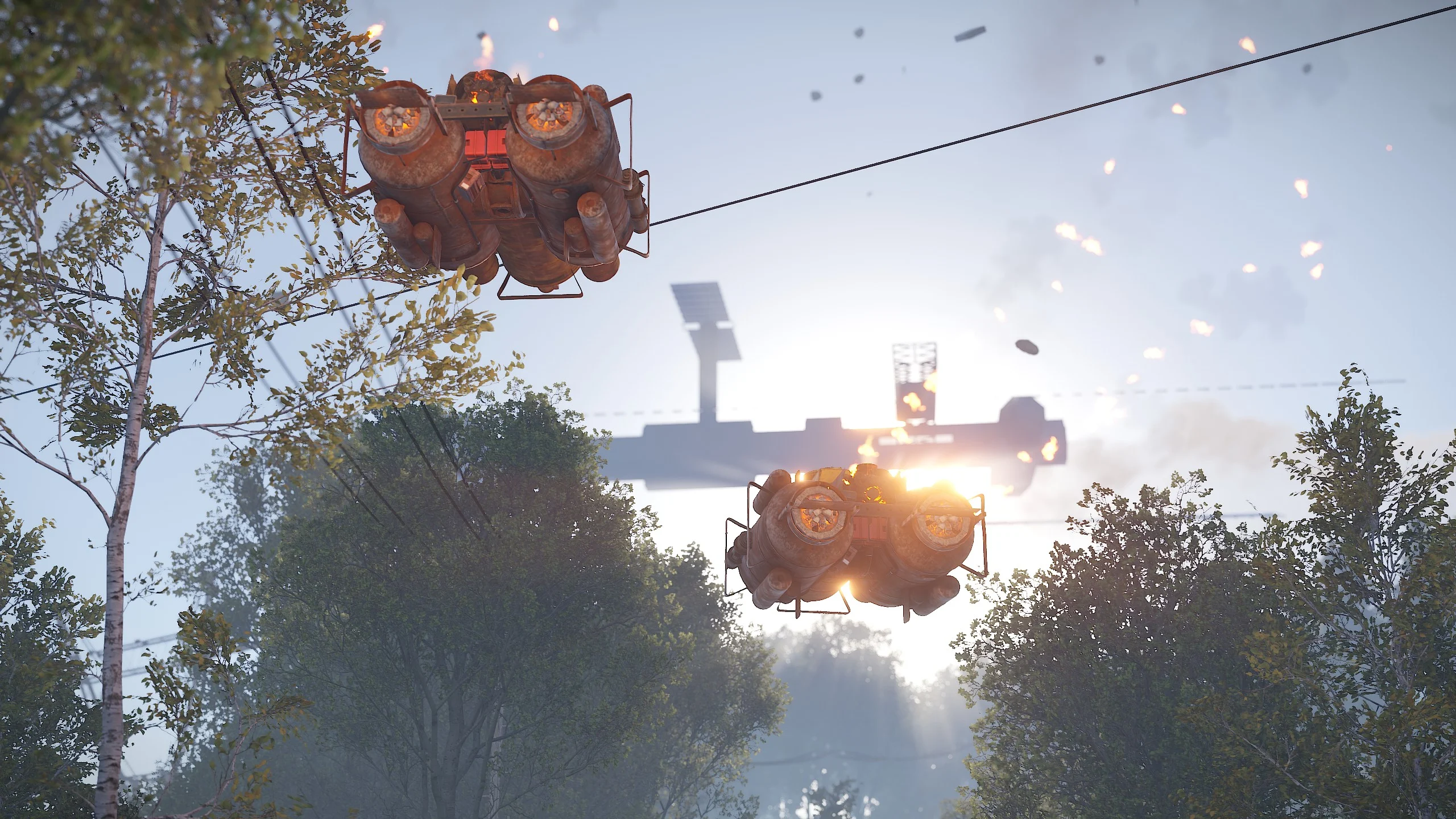
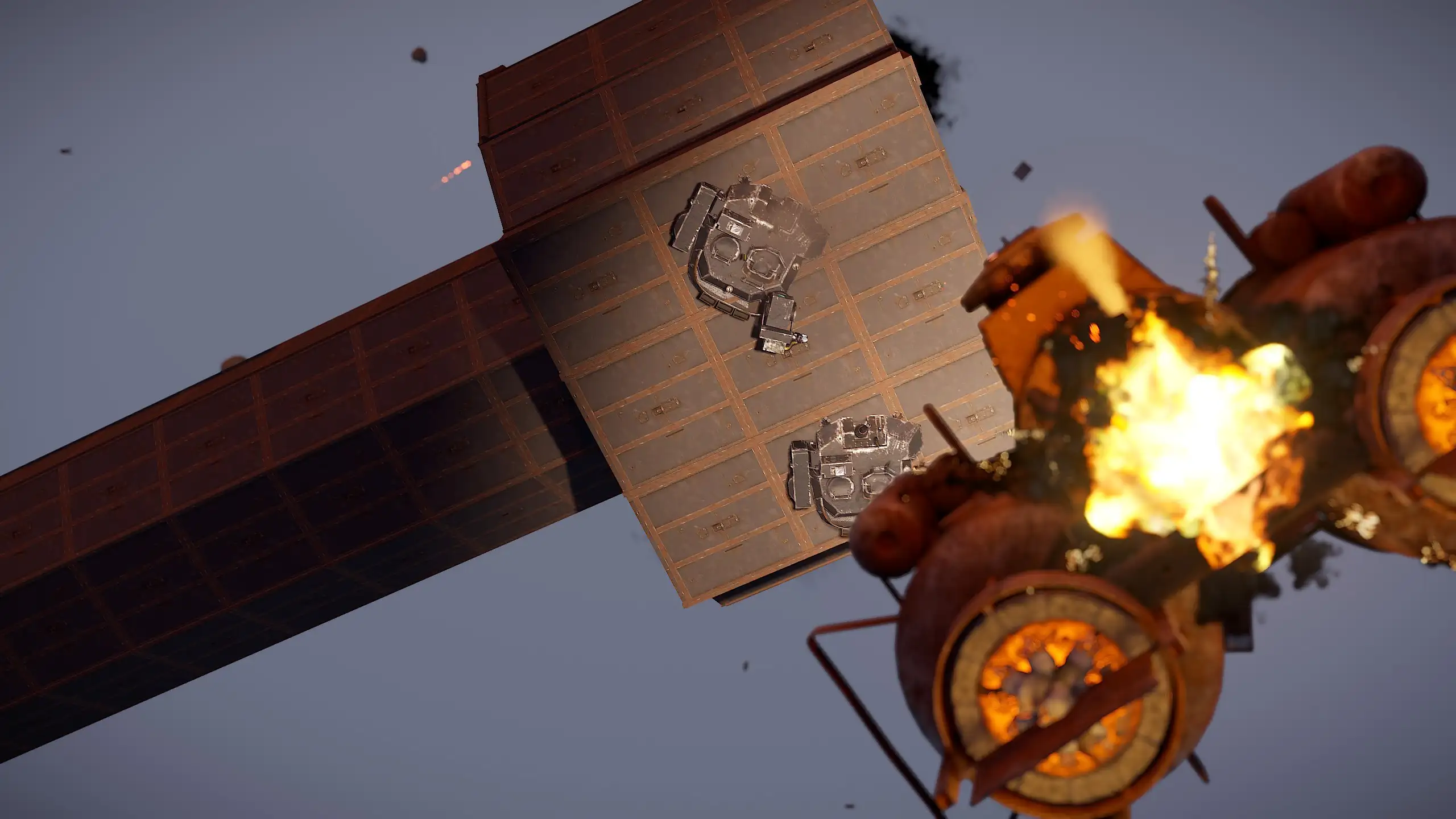
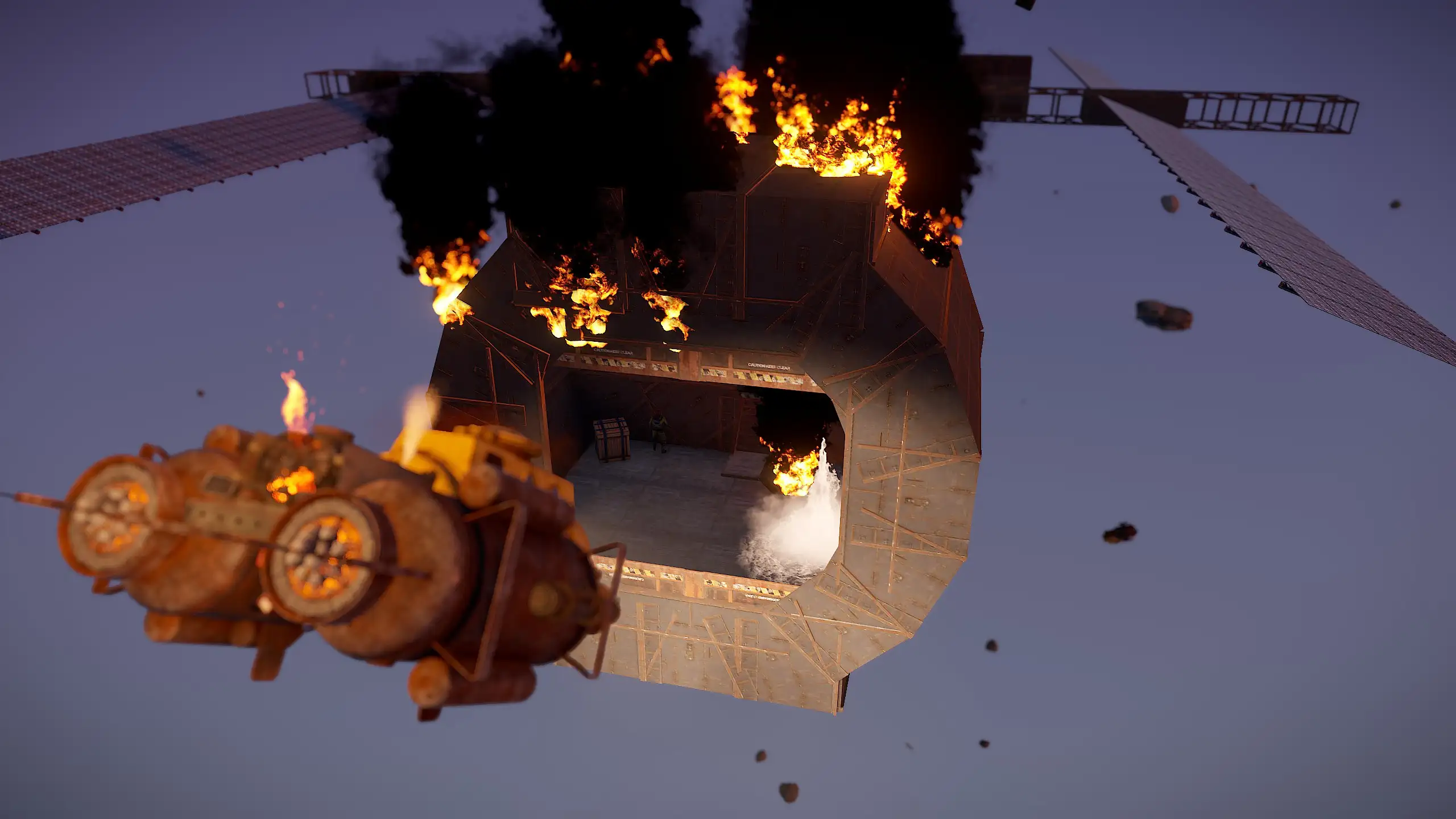
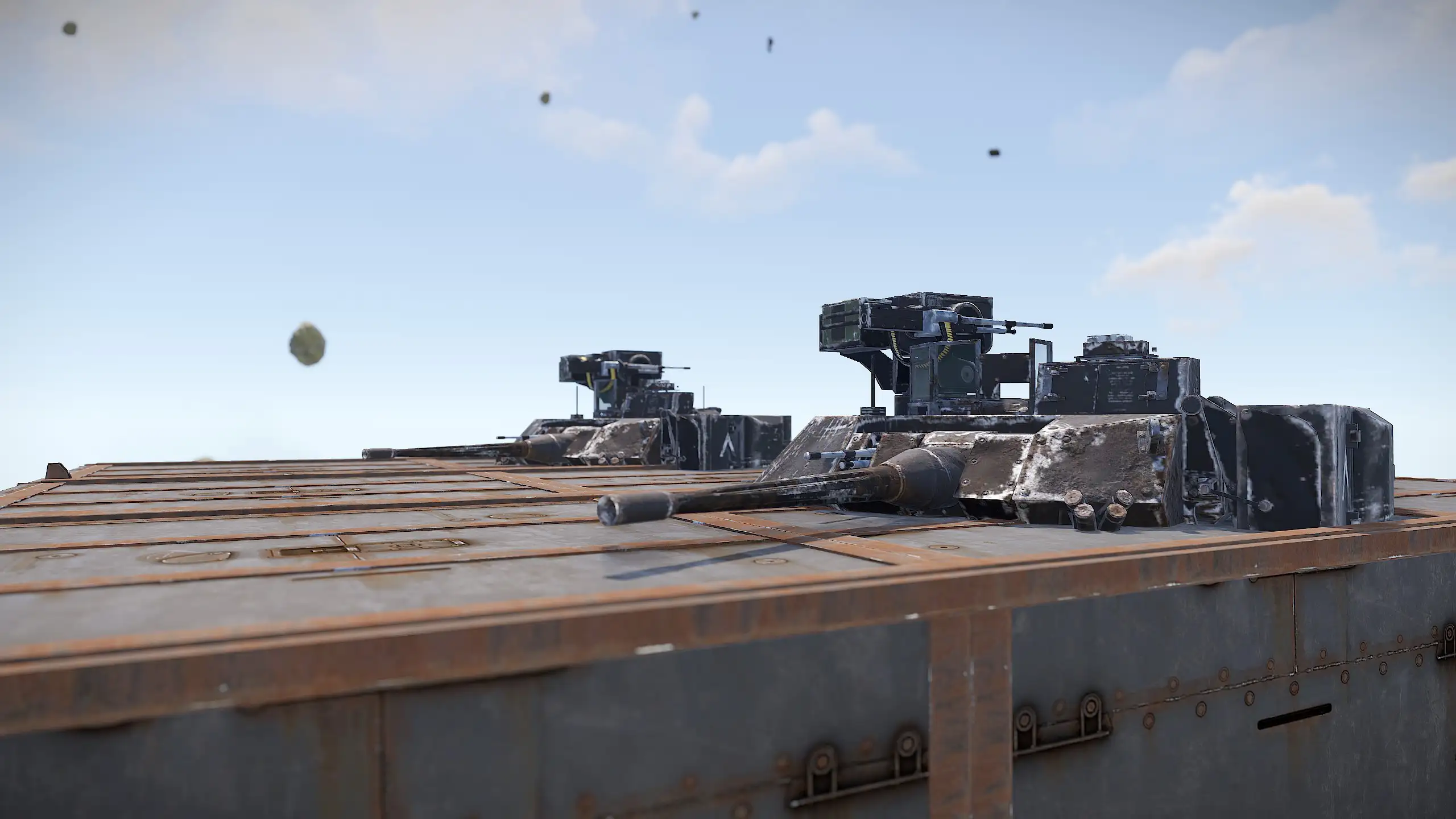
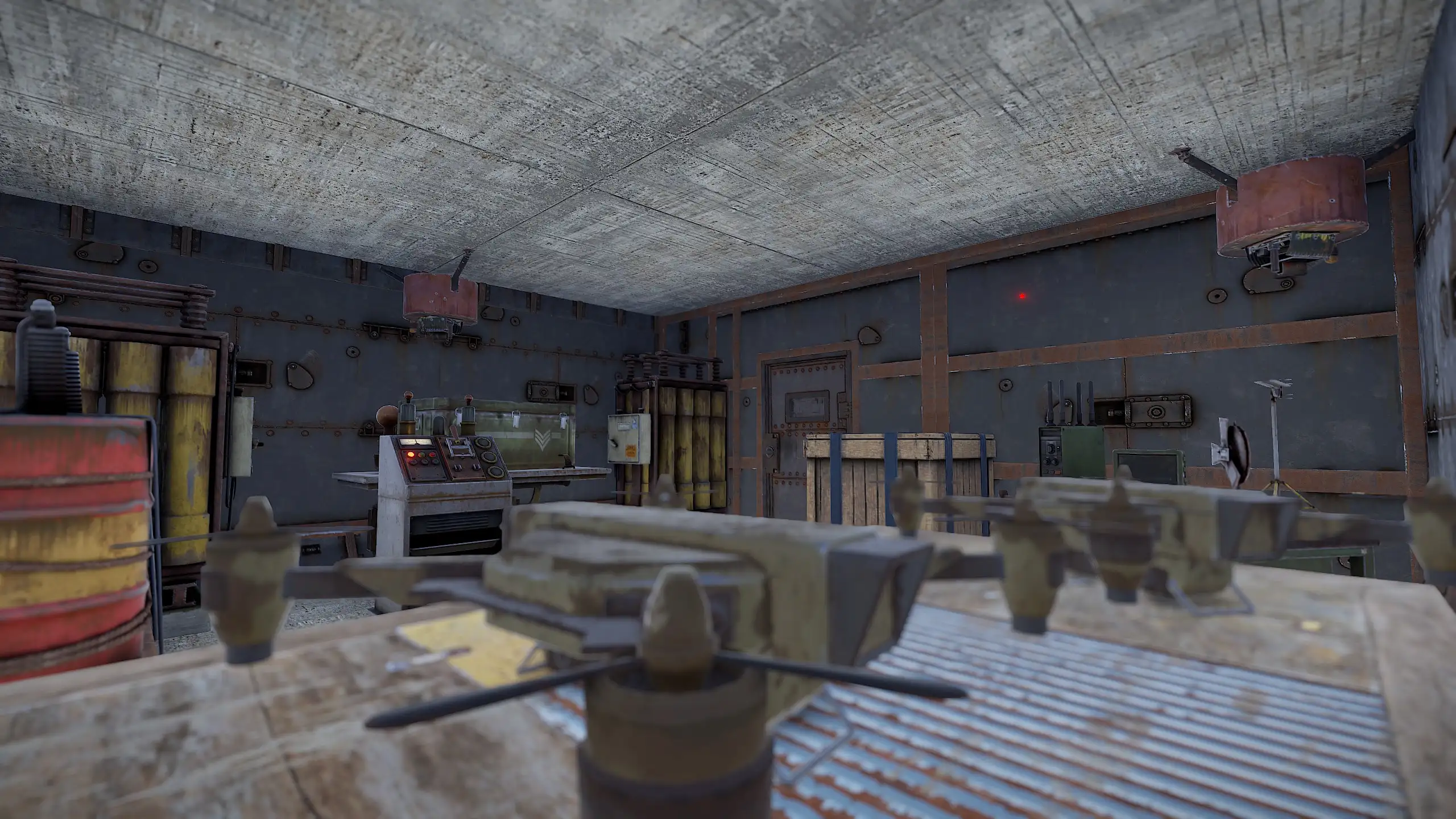
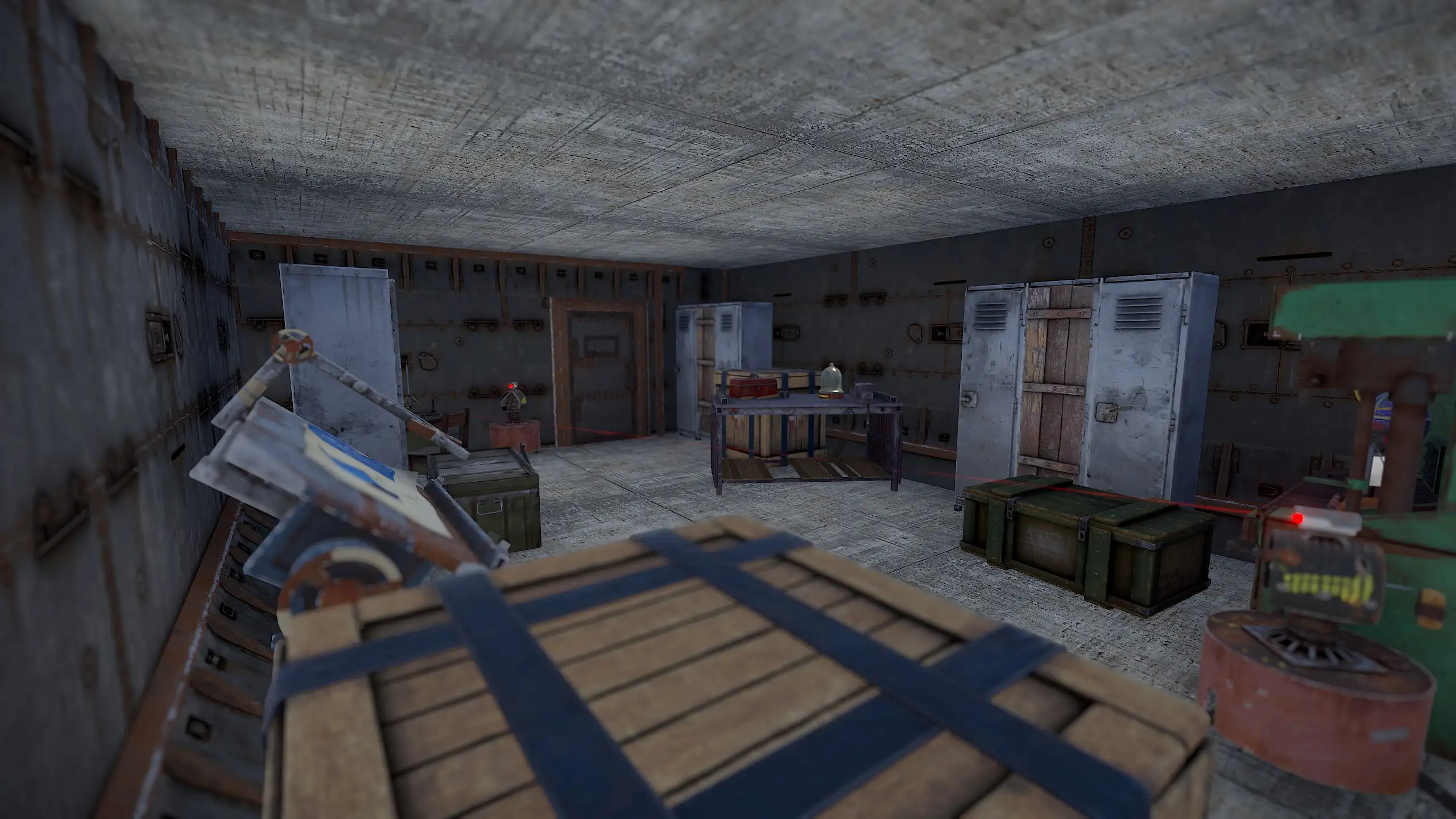
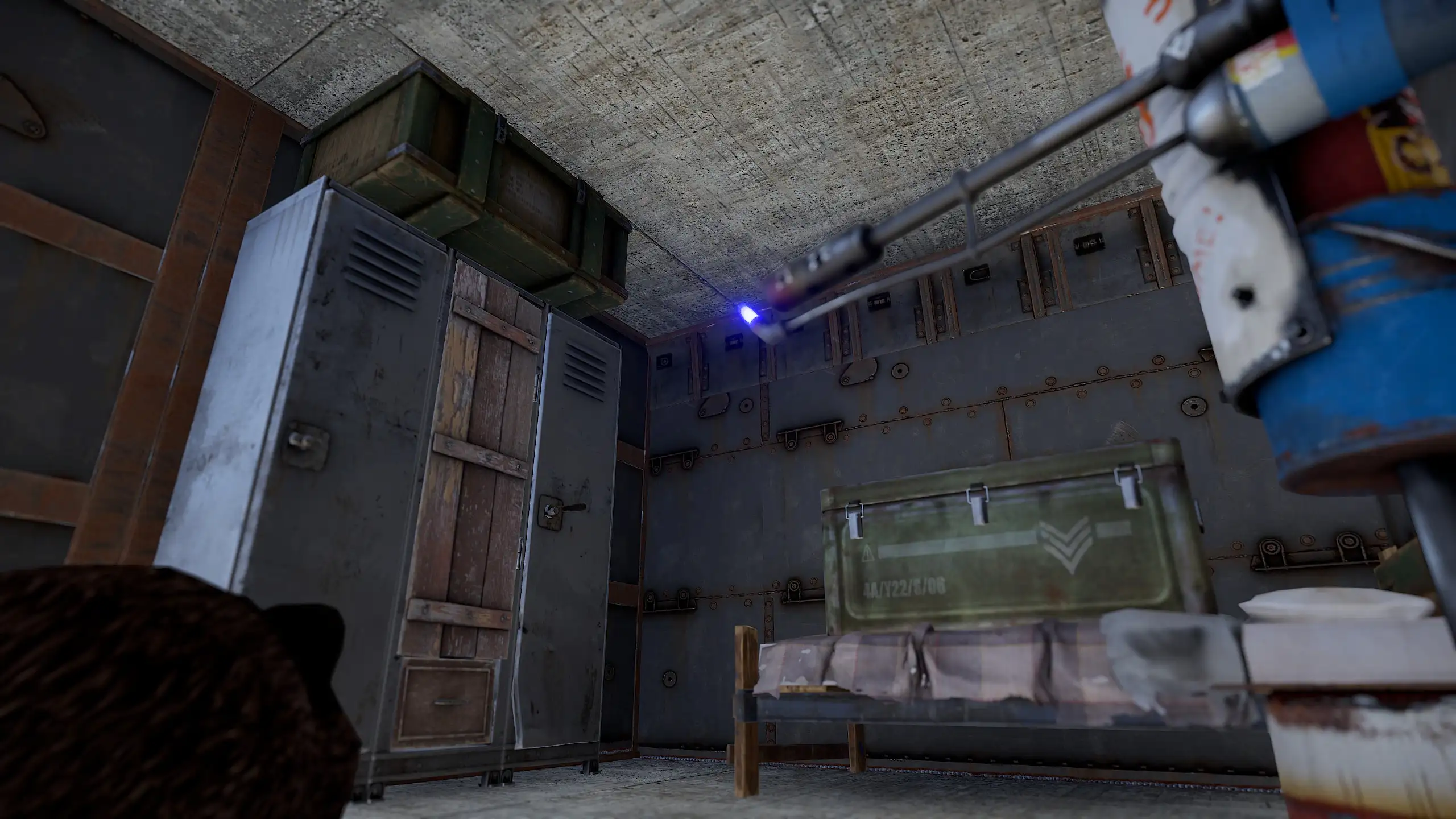
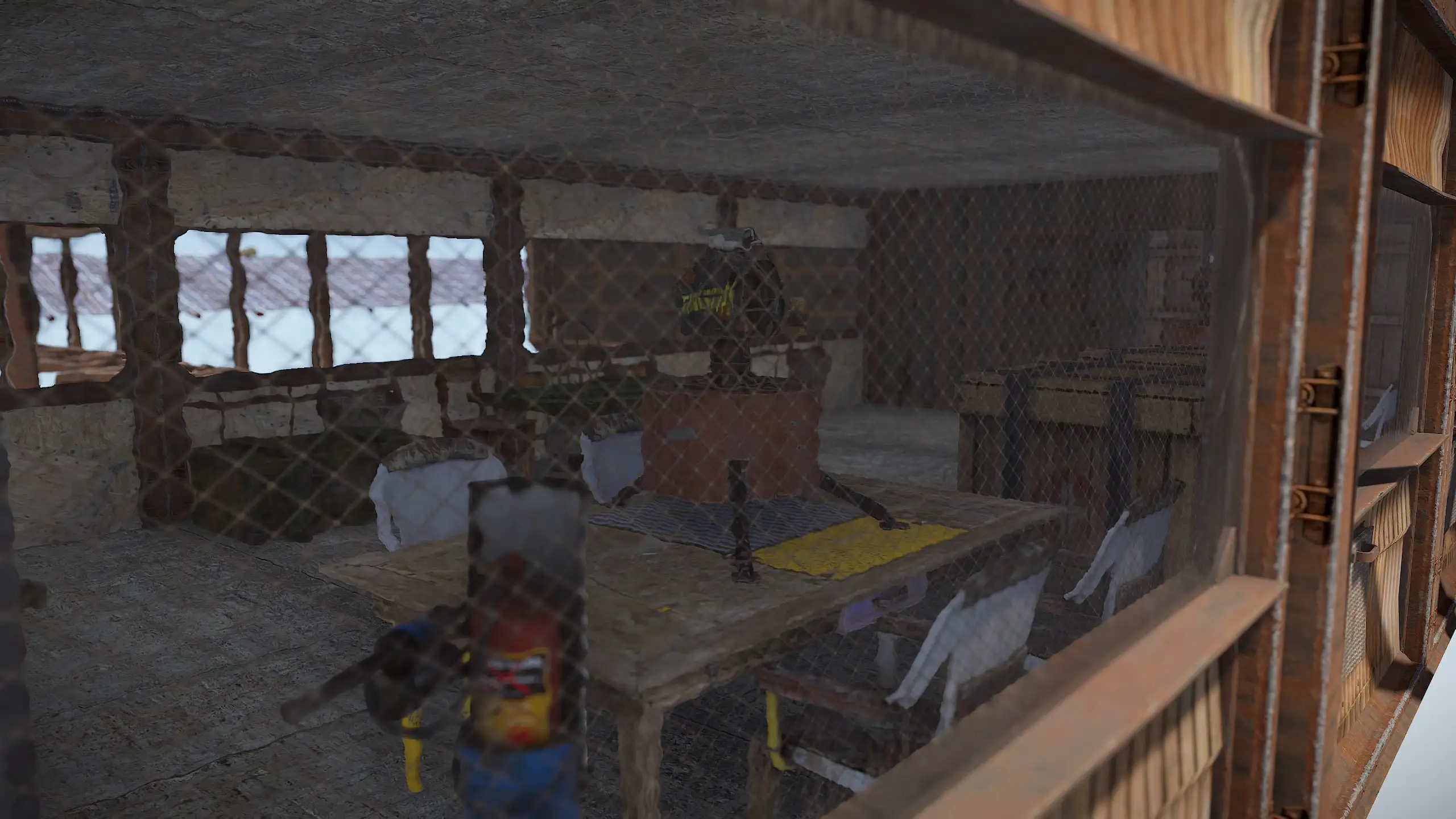

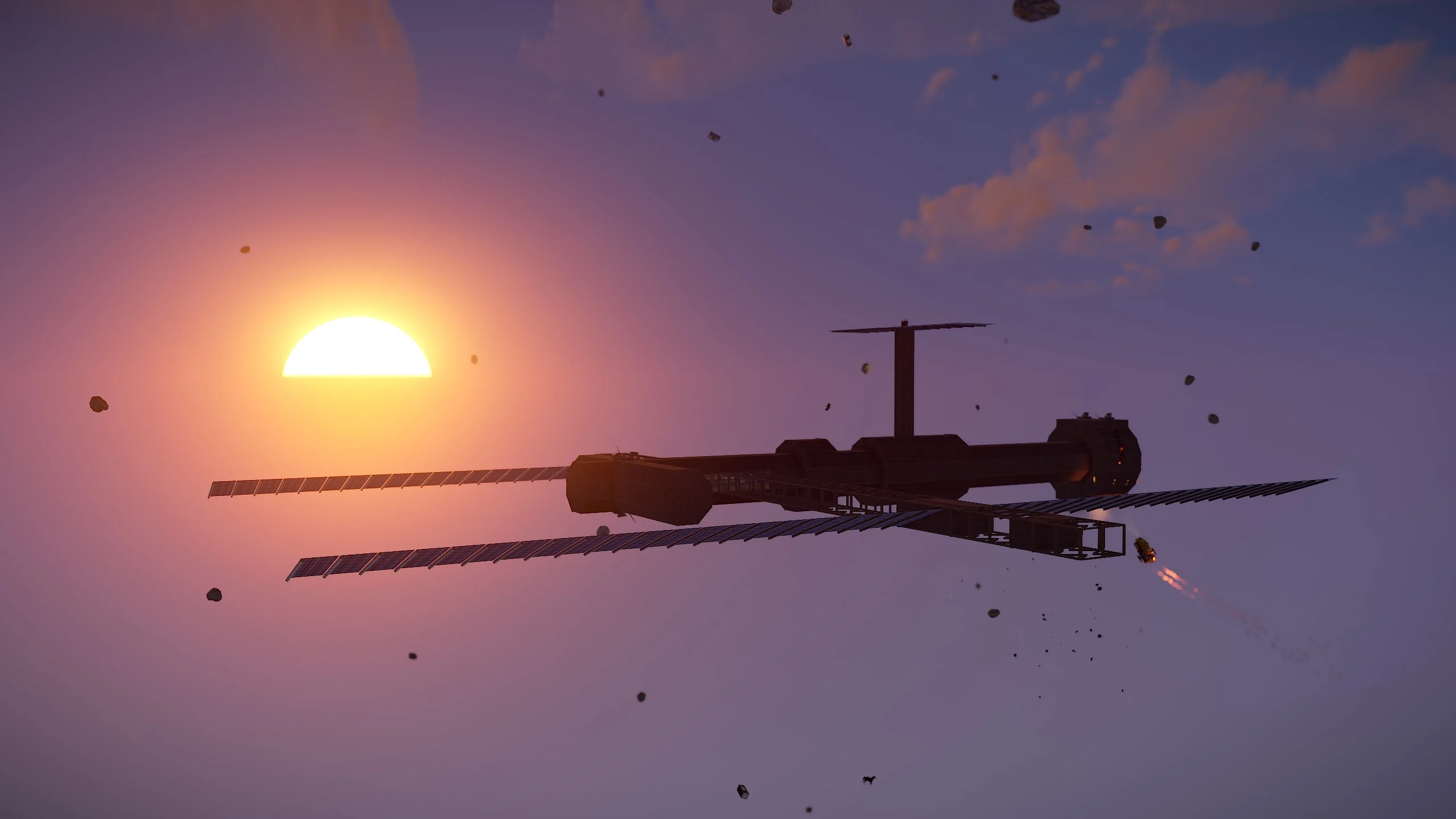
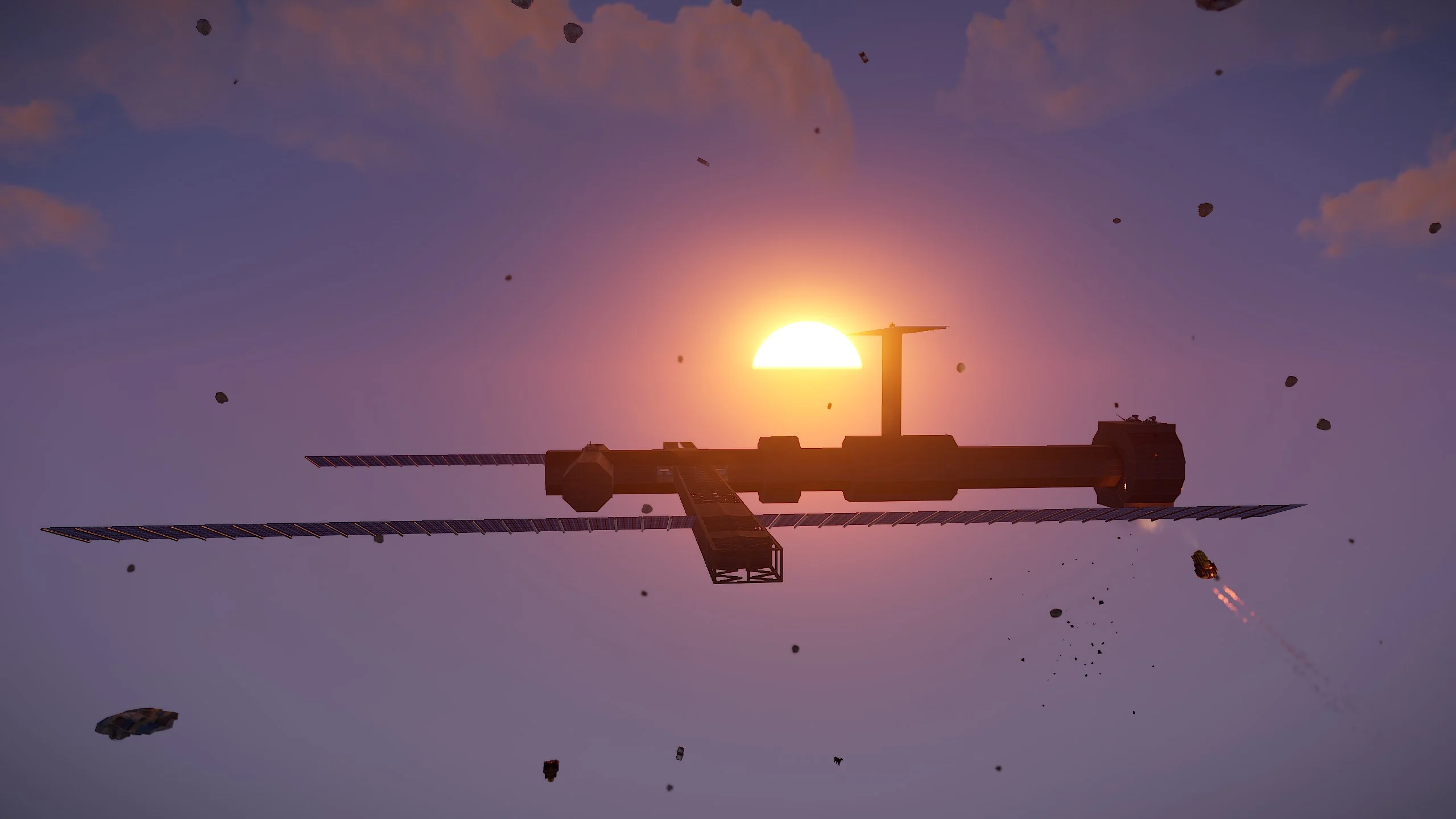
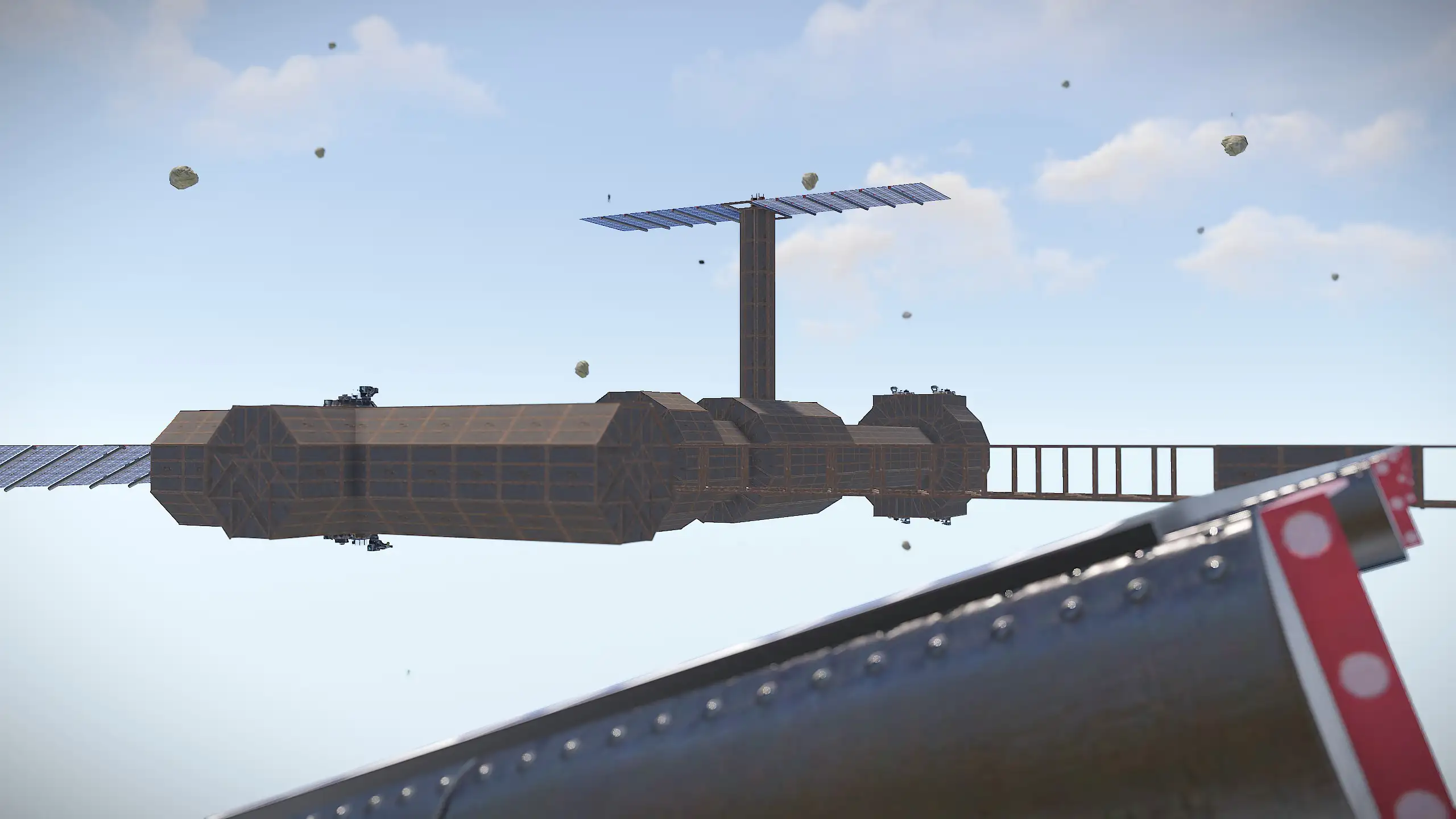

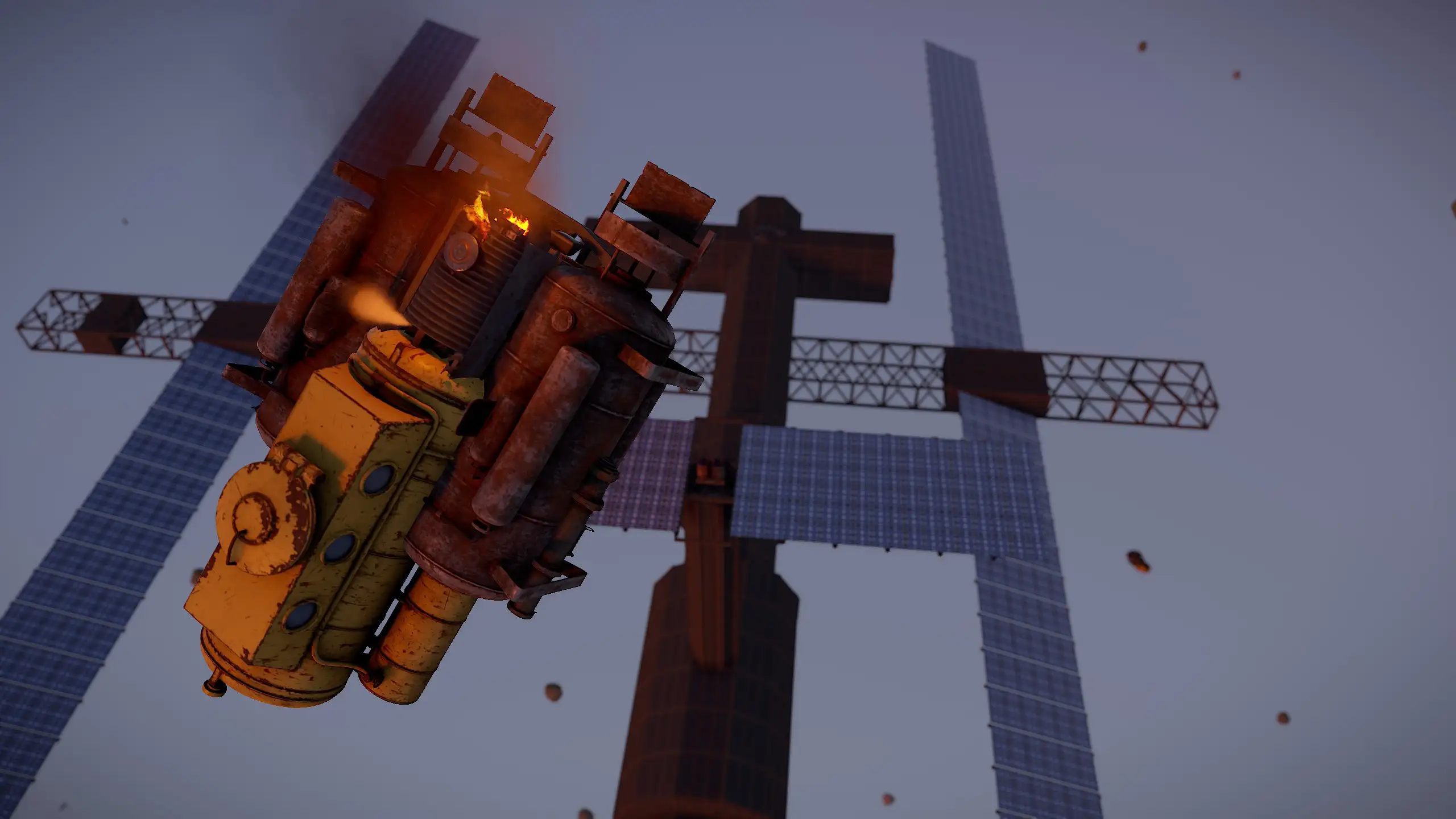

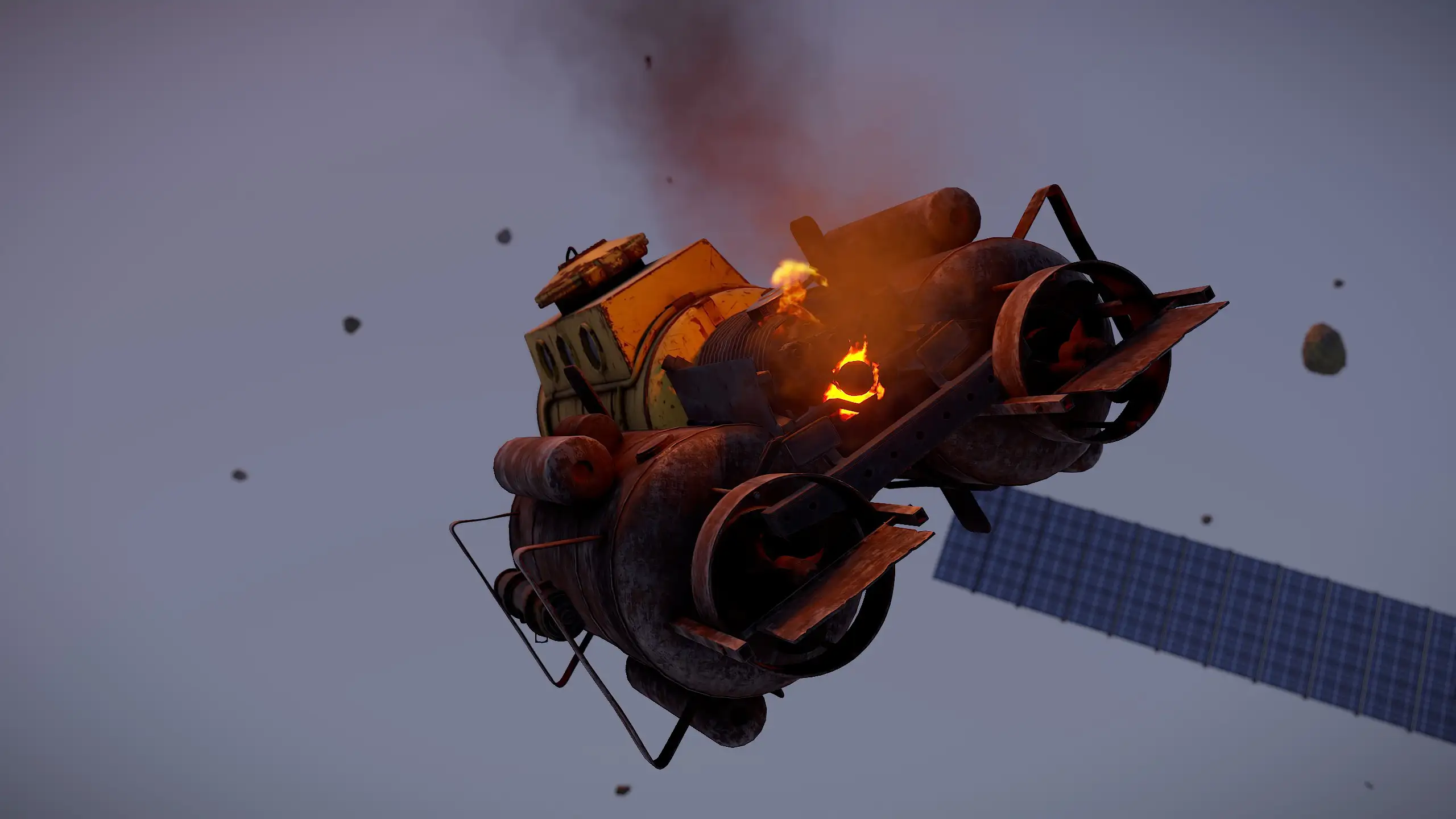
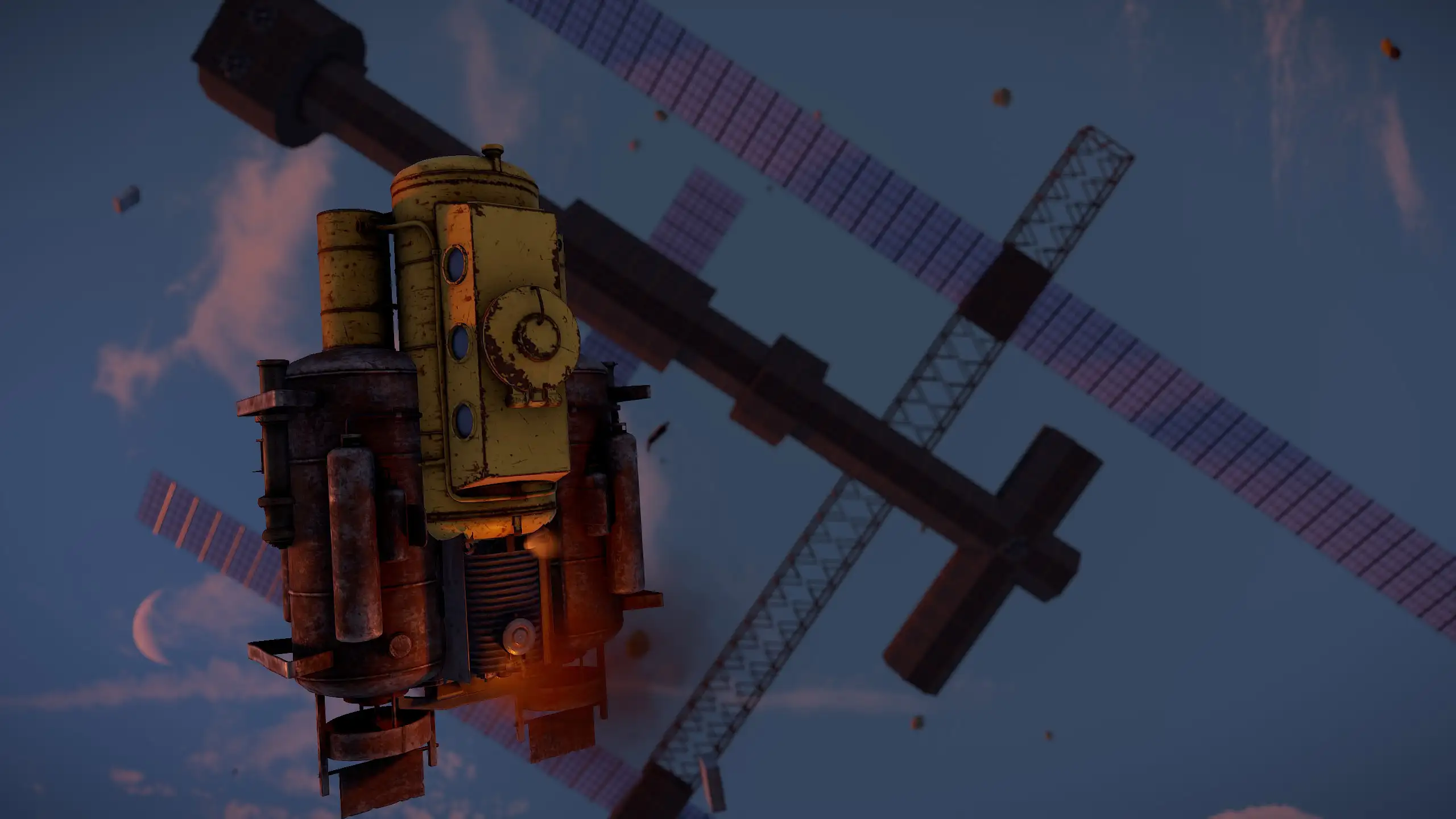
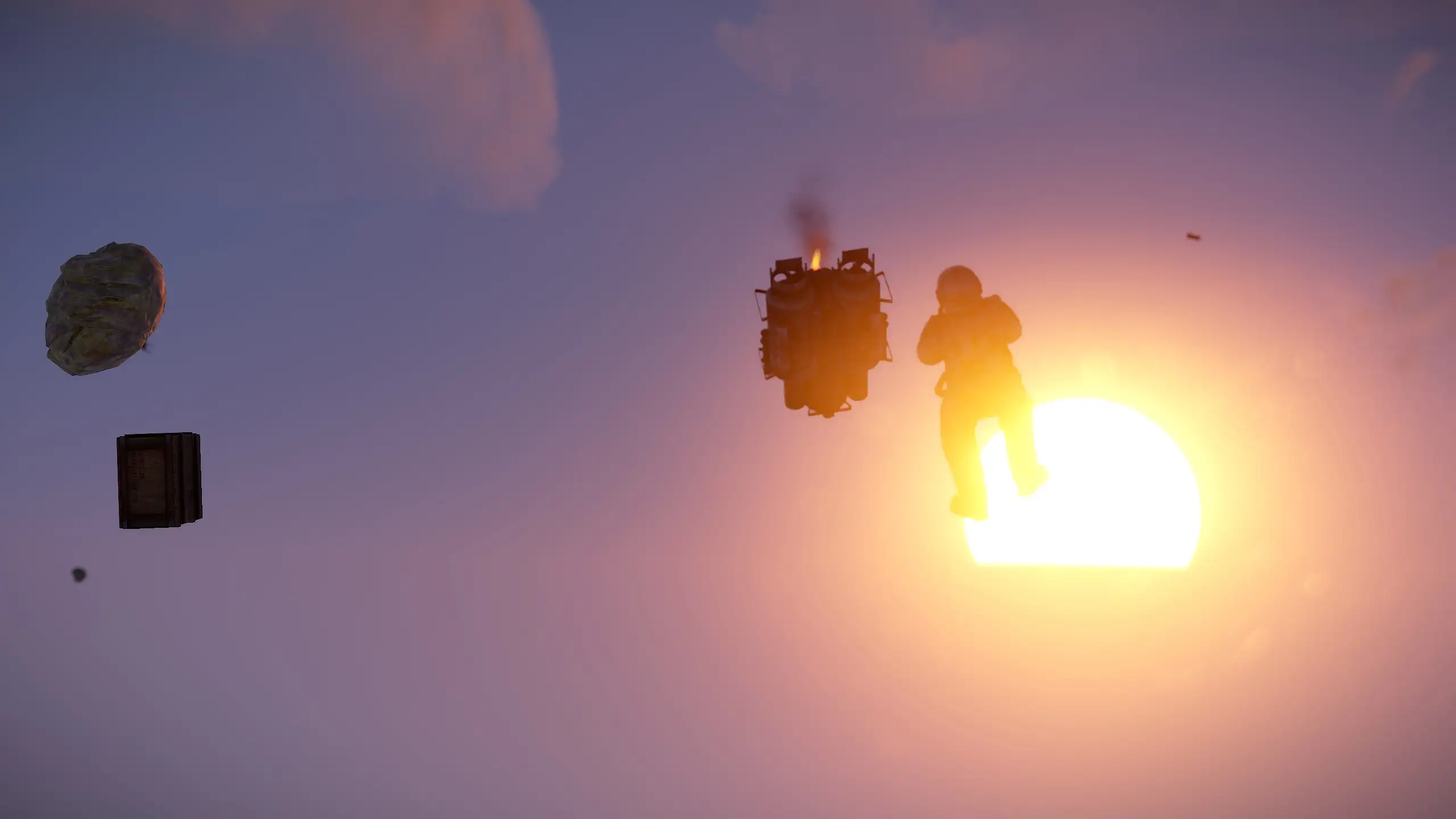

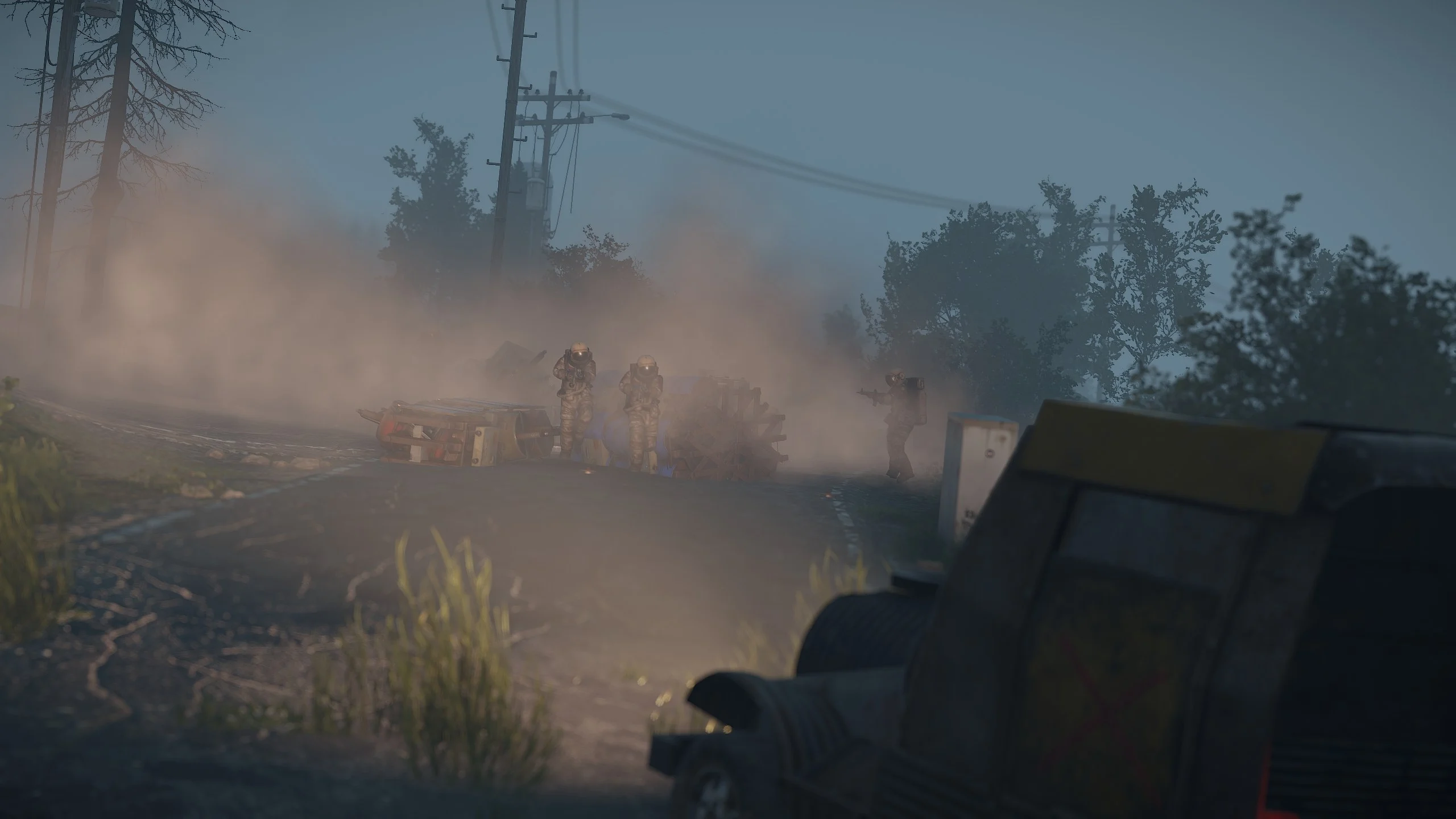
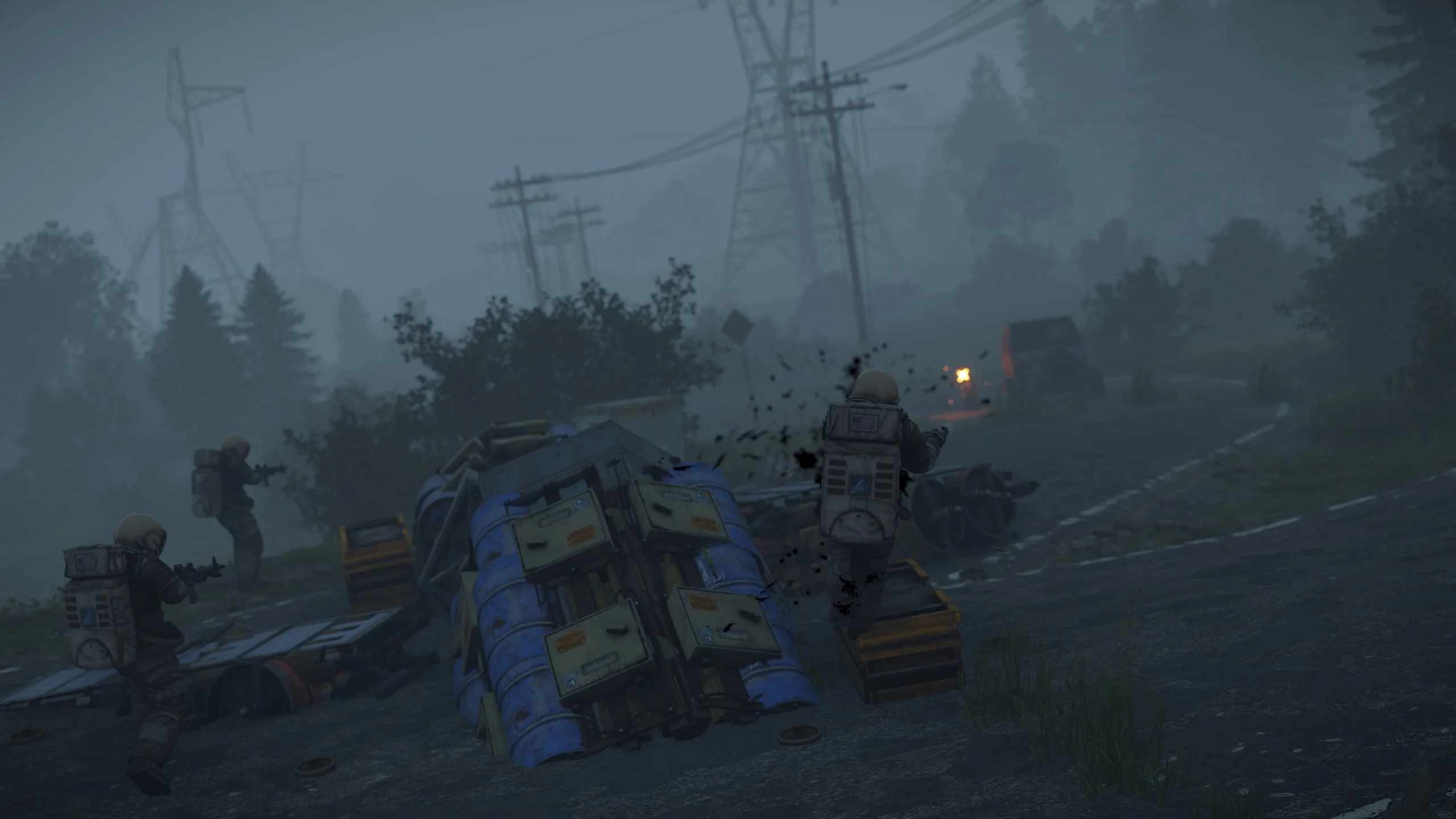
- Debris: Encounter different types of debris guarded by helicopters, NPCs, turrets, and mines. Configure the location, quantity, and loot crates.
- Radiation Zone: Create a radiation zone around the debris for added challenge and immersion.
- Space Card: Use a purple "Space Card" to activate the card reader on the debris. It opens specified crates with unique loot.

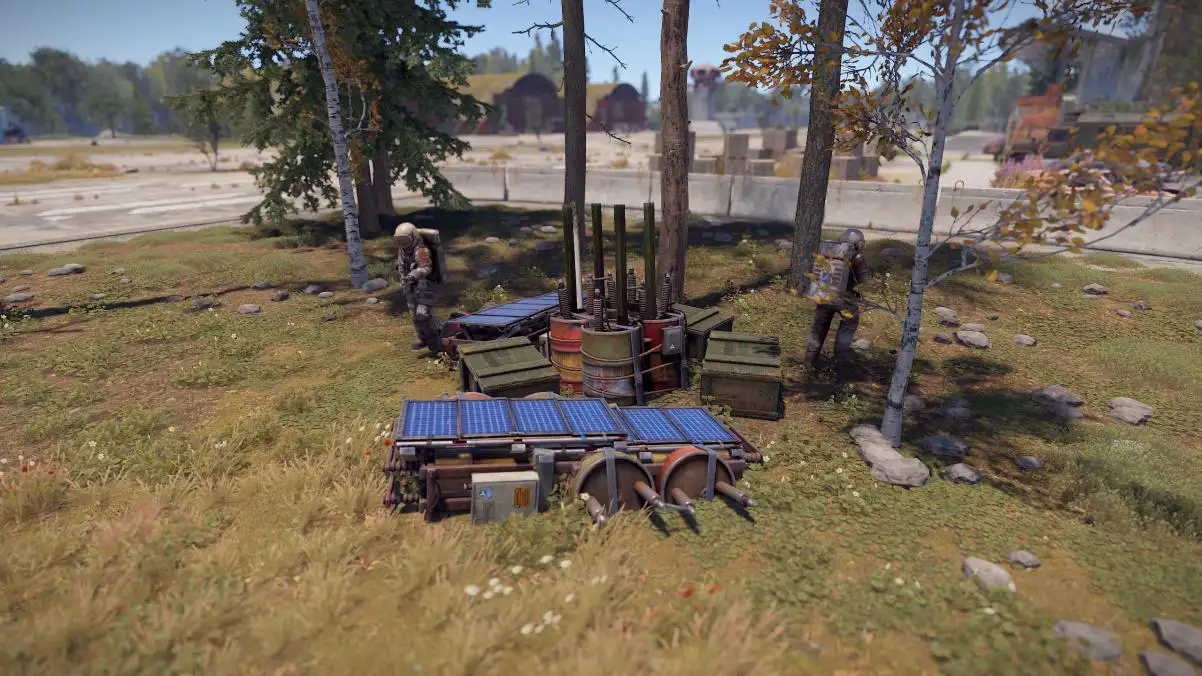
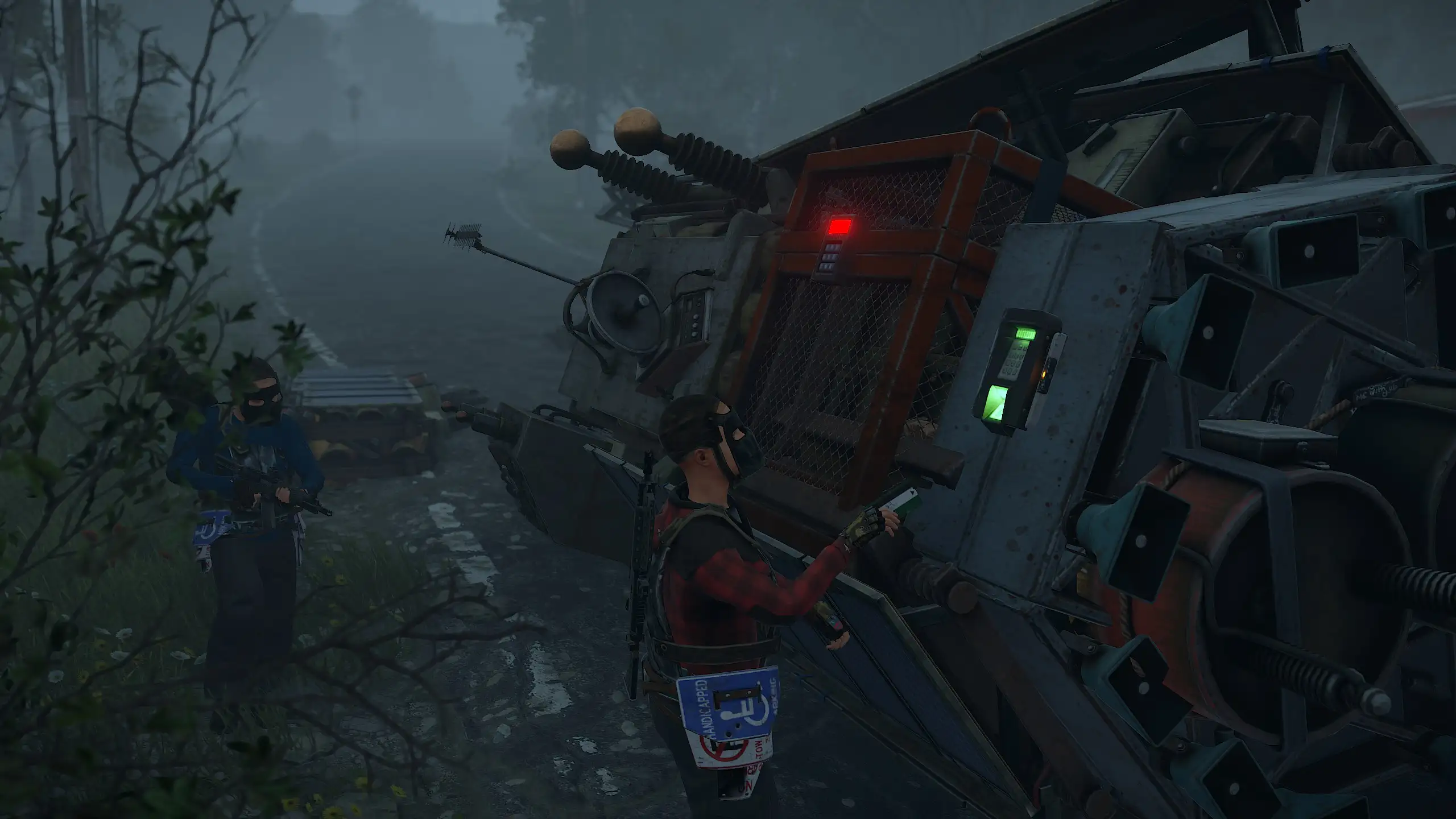
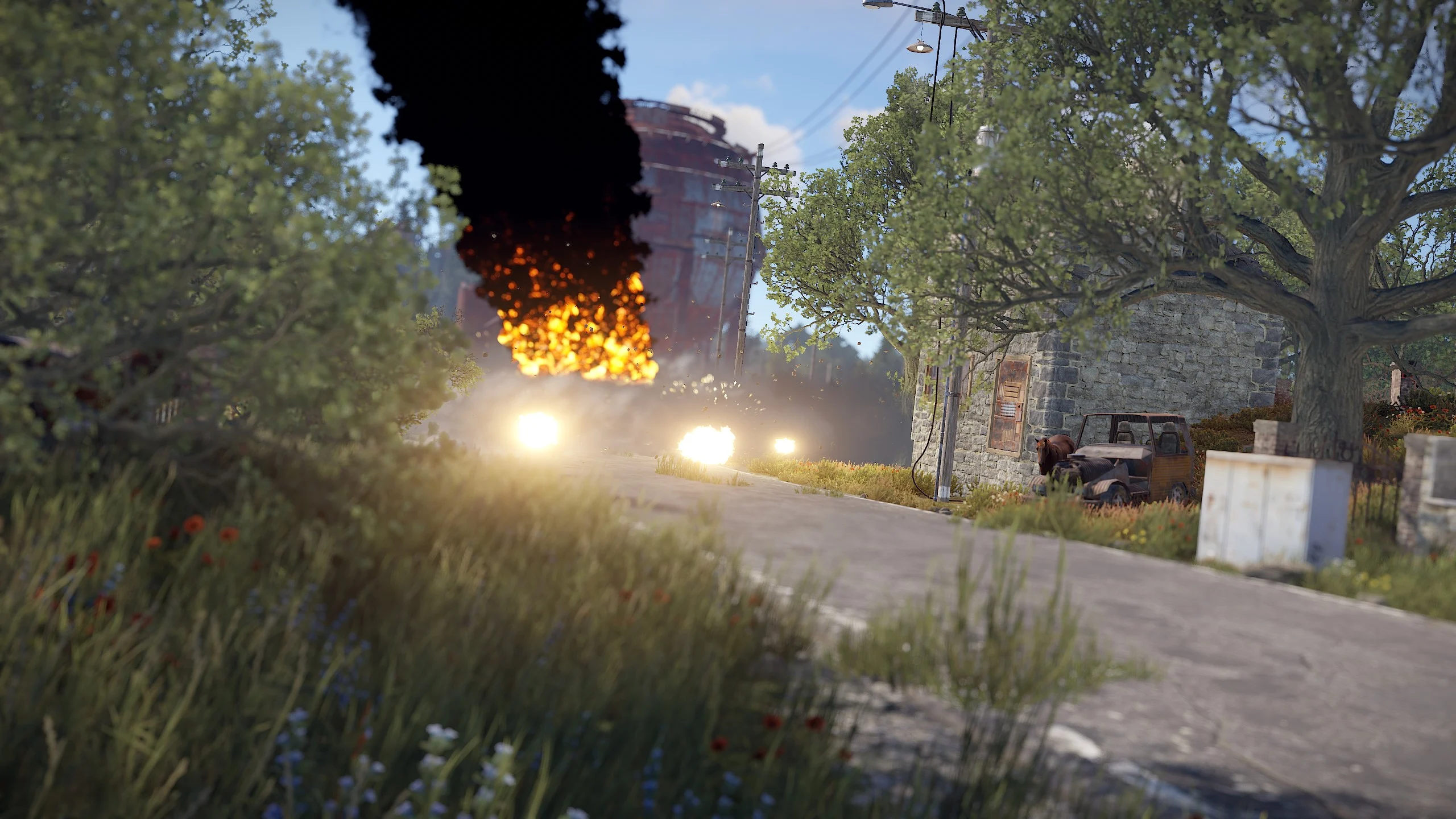
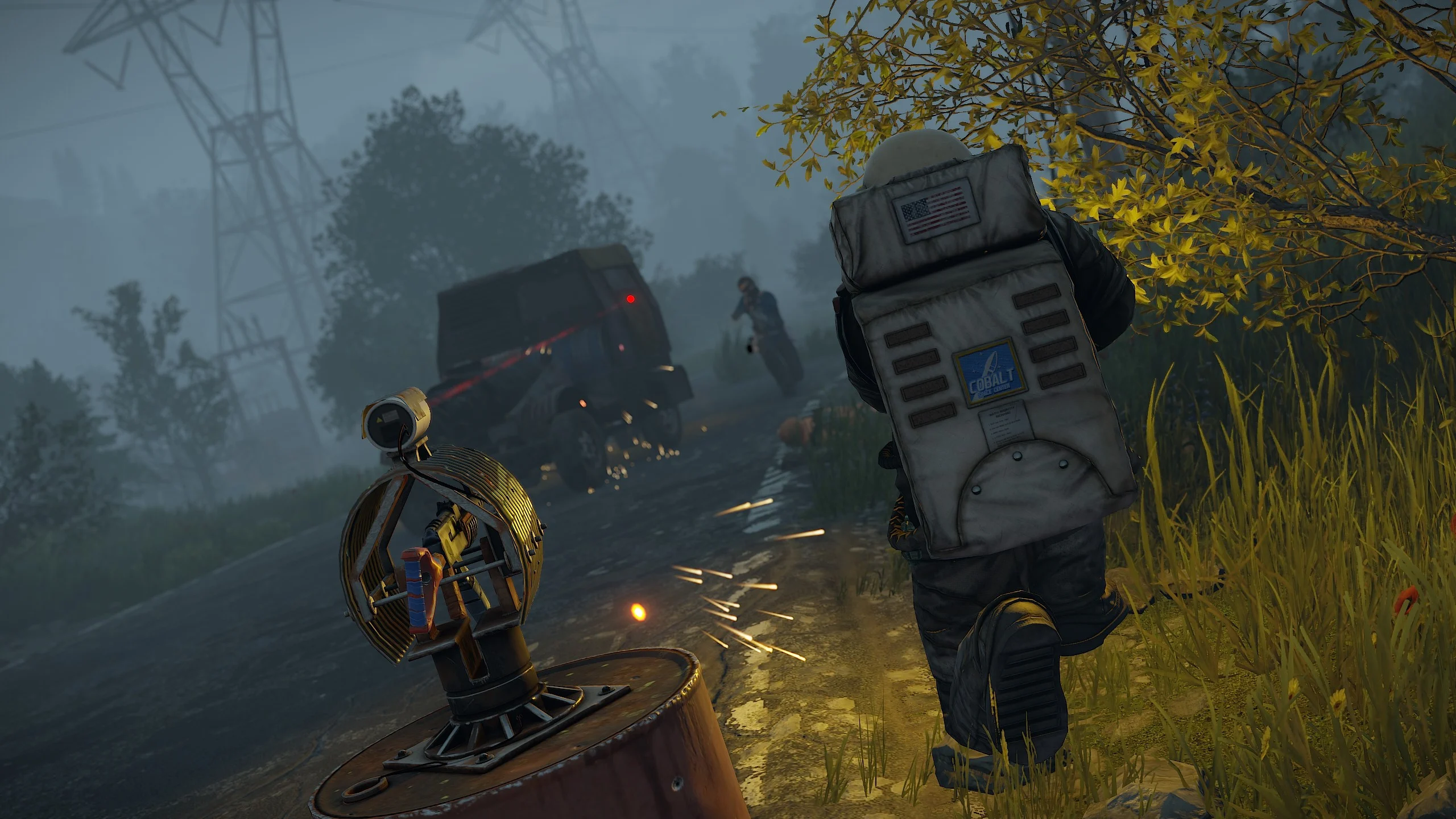
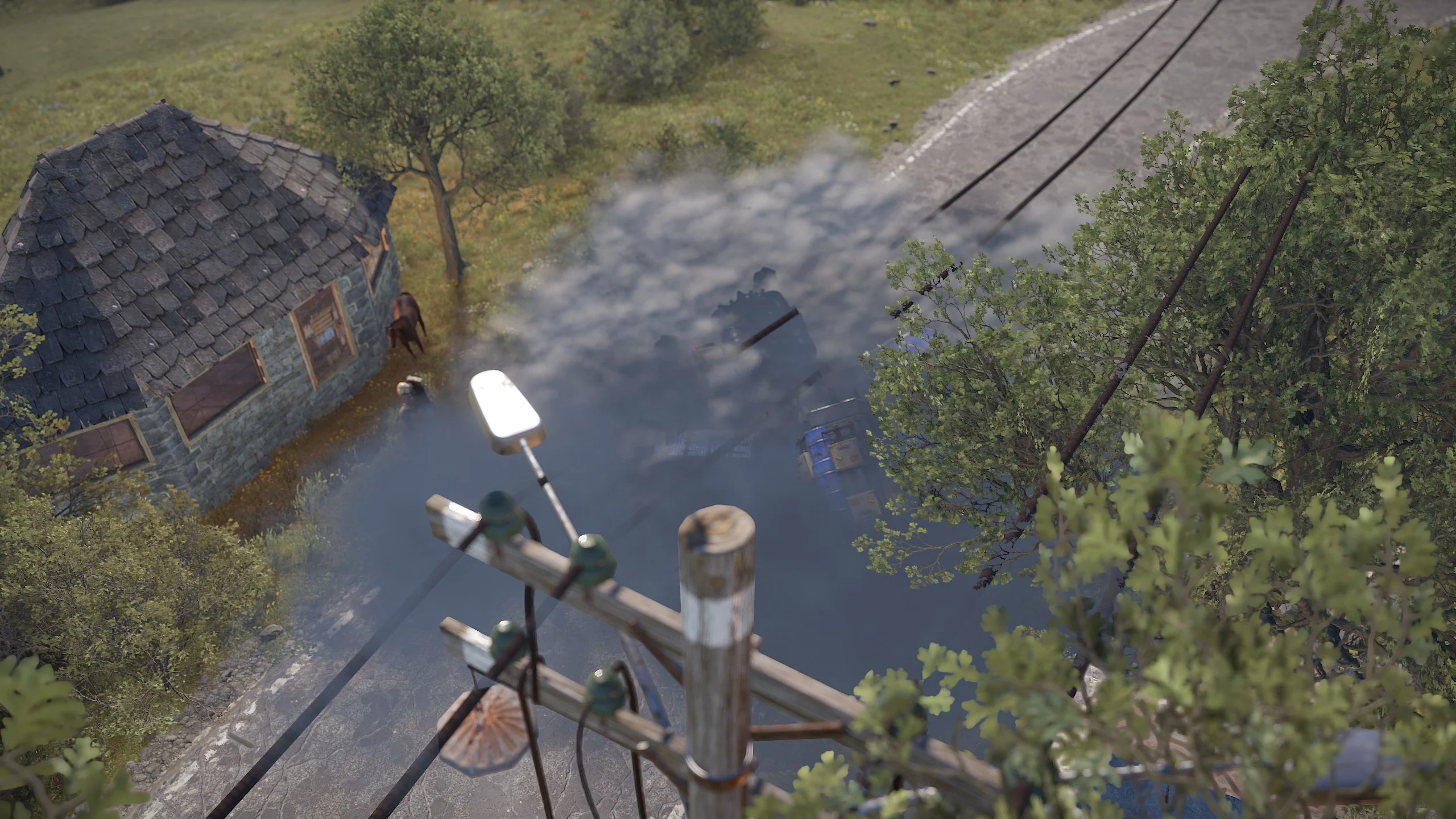
Static Lootables
Ever wondered why Rust has so many desks, toilets, boxes, and even washing machines but you've never been able to see the hidden secrets inside? Now you can!
With Static Lootables, you can turn those boring props into loot containers filled with all sorts of goodies. Loot containers that aren't normally supposed to be looted.

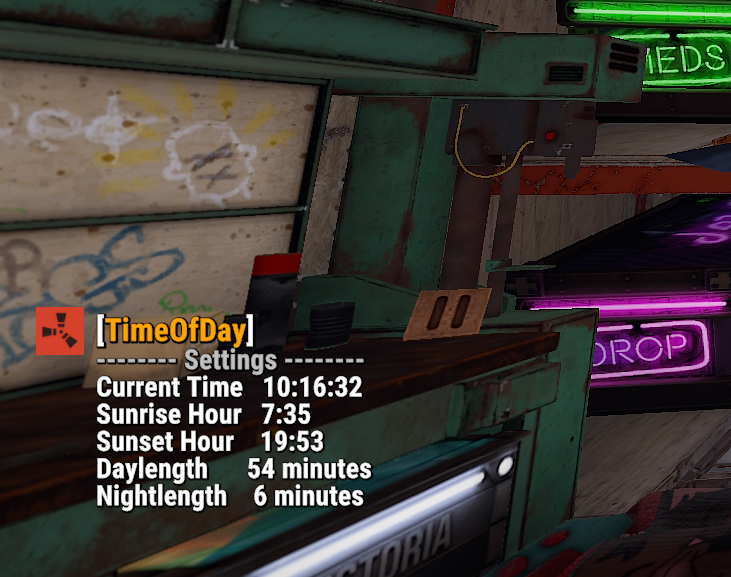
Check which time ingame currently is.
Chat Commands:
/tod- Show current time/day settings
Tree Planter is a convenient mod in Rust that allows players to add more greenery to their surroundings. With Tree Planter, you have the ability to buy and plant different types of trees in the game world.
Chat Commands:
/tree- List available trees/tree <type>- Buy and plant a tree
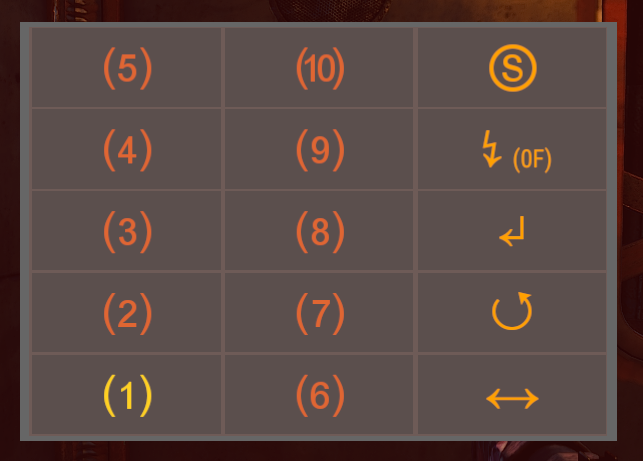
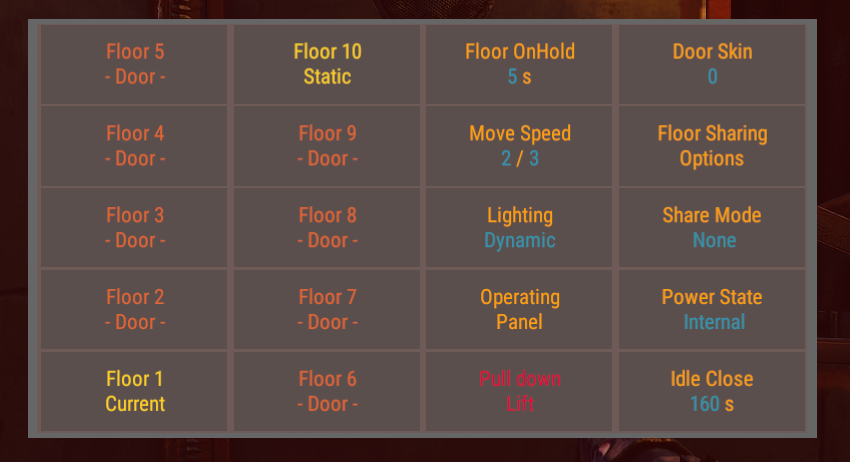
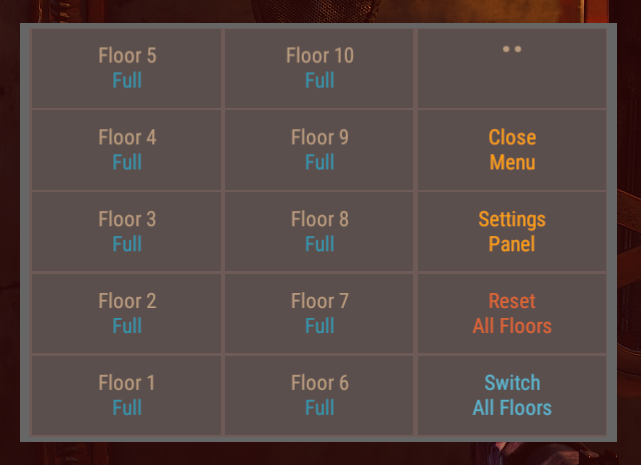
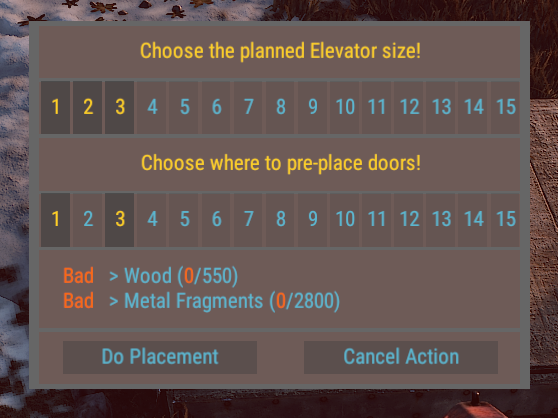
- Elevator Construction: Use the plugin to construct impressive elevators and expand your buildings vertically.
- Simple Installation: Installing NewLift is as easy as executing a single command.
- Effortless Staircase Creation: With NewLift, you can instantly generate fully functional staircases with just a few clicks.
- Easy Maintenance: Need to make changes to your staircase? No problem! NewLift makes it simple to modify or remove your staircases with ease.
Say goodbye to the frustration of building stairs in Rust. With NewLift, you can effortlessly create and customize stunning staircases that elevate your gameplay experience. Try NewLift today and take your Rust adventures to new heights!
Chat Commands:
/newlift- Default chatcommand to place a new lift; Needs to view onto a foundation/liftaid <type>- Default chatcommand (owner) to reset a lift in case of the panel does not re-act; Needs to view onto a door or the cabin
Finally, enjoy increased loot from the wagons.
- Coal Wagons (Loot Range: 10000 - 14000)
- Metal Ore Wagons (Loot Range: 14000 - 16000)
- Sulfur Ore Wagons (Loot Range: 10000 - 14000)
- Low Grade Fuel Wagons (Loot Range: 2000 - 6000)